Creating a presentation from a long document is often one of the most time consuming tasks in academic, business, and creative work. Manually extracting key points, rearranging them into a logical structure, designing layouts, and adjusting formatting can easily take hours. Fortunately, document to PPT tools have evolved dramatically. Modern solutions now use AI to analyze text structure, summarize key ideas, and automatically generate polished slide decks with professional templates.
The entries below cover different parts of a document-to-presentation workflow: drafting, document preparation, brainstorming, and slide design. ChatBCG is retained only as historical context, not as a current recommendation. This overview does not report hands-on tests. For the AI drafting option, see how Word-to-presentation conversion uses a document as the starting point for slides.
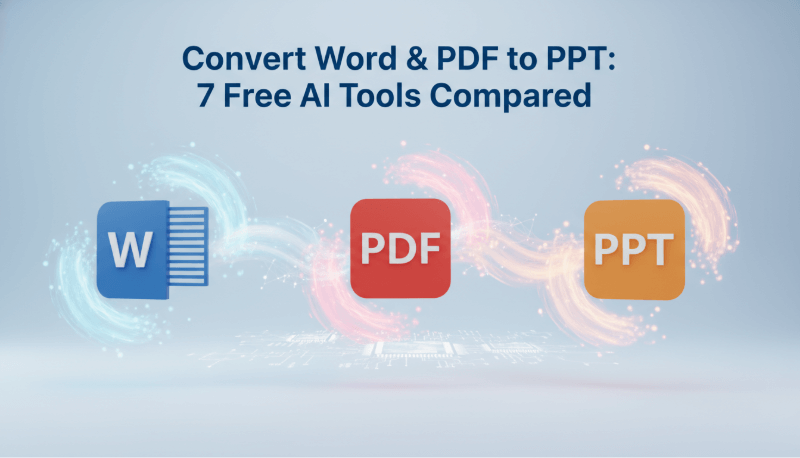
1. Presenti AI — Document Drafting
Workflow overview
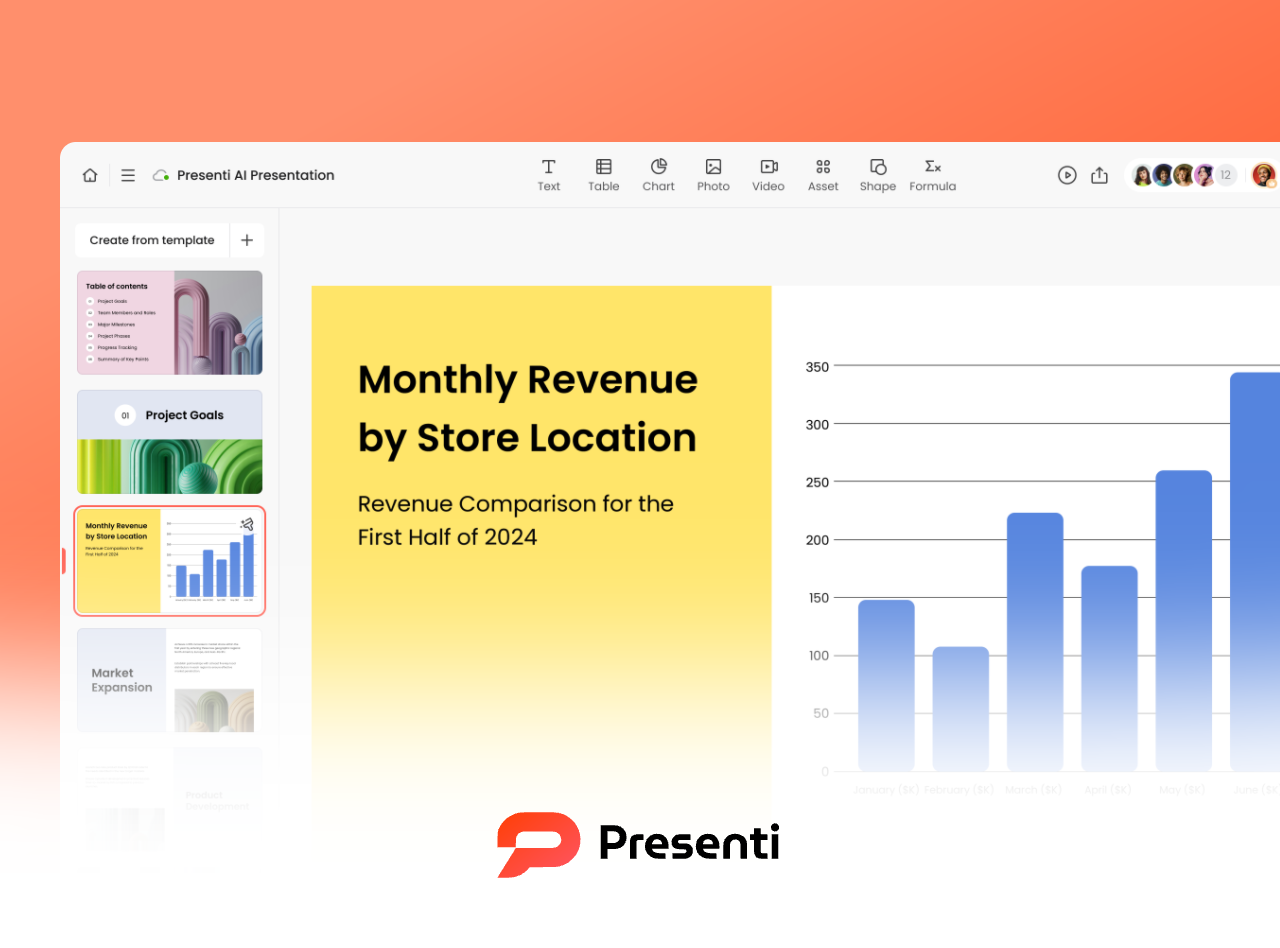
Presenti AI can draft slides from supported documents. For a market-analysis report, review how headings, tables, figures, and conclusions appear in the generated outline before refining the design.
Key Features
- Supported inputs: Works with Word, PDF, Markdown, XMind, and mixed text image documents.
- AI powered optimization: Automatically extracts key ideas, builds a logical outline, and applies modern templates and color schemes.
- Cloud collaboration: Workspace invitations and real-time collaboration; confirm the controls available to your account.
Conversion Quality
Slides include a title page, table of contents, structured content pages, and intelligently formatted tables.
Workflow
Upload → choose a template → generate PPT → refine layouts/images/text → export PPTX.
Ideal for: enterprise training, academic presentations, business reports.
2. Boardmix — Collaborative Planning
Workflow overview
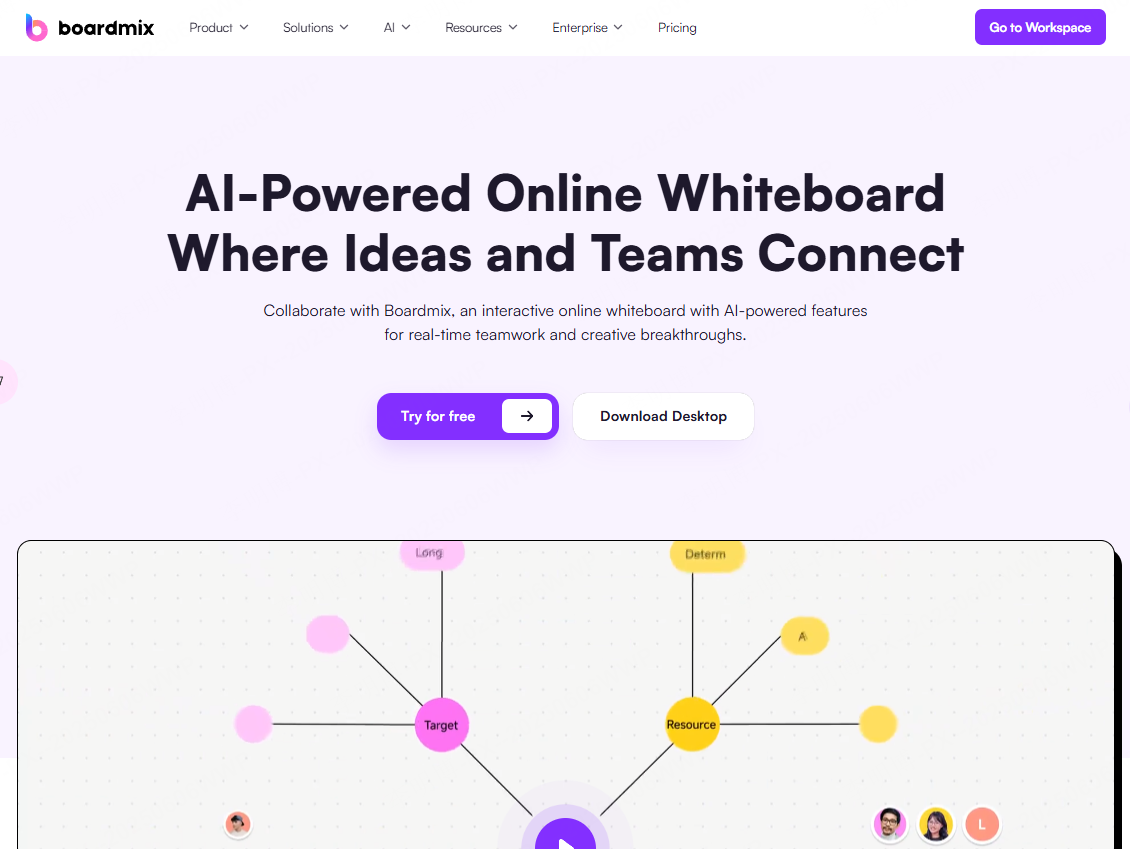
Boardmix is a collaborative whiteboard option for teams that begin by organizing ideas and diagrams. Check how your board content can be transferred into the presentation format you need.
Key Features
- Flexible content import: Supports PDF, PPT, images, links, and local uploads.
- Smooth collaboration: Real time editing, @mentions, version history.
- Large template library: Education, business, workflow, and more.
Conversion Quality
Check the available board-export formats and whether the output preserves editable text, diagrams, and slide structure.
Ideal for: team brainstorming, education, remote workshops.
3. MagicSlides — Google Slides Workflow
Workflow overview
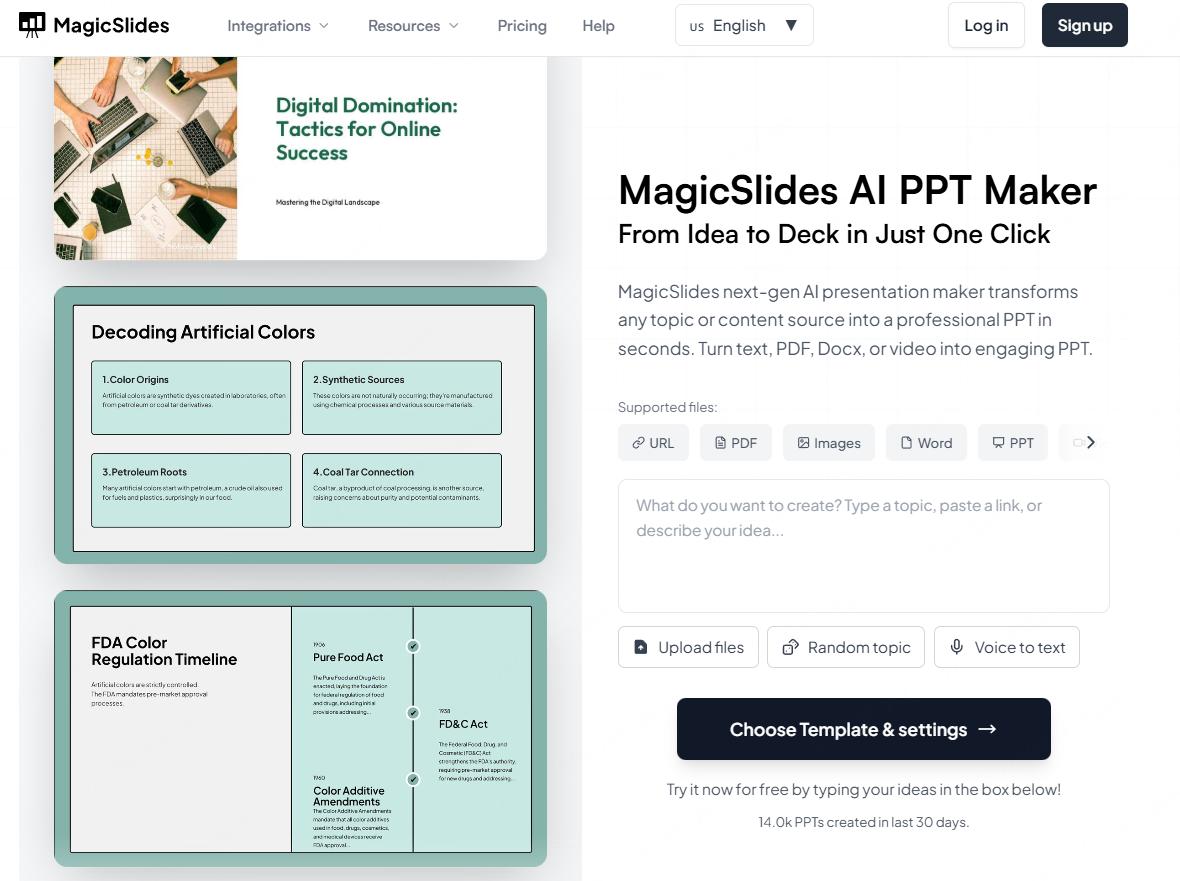
MagicSlides offers a Google Slides-based generation workflow. For teaching material, check whether the input is supported and whether the resulting deck preserves the source’s explanation and references.
Key Features
- Multi source input: Use YouTube links, PDFs, or simple topic keywords.
- Global language support: Check language support and review the terminology in your output.
- Native Google Slides collaboration.
Conversion Quality
Check slide structure, images, and any interactive elements before using the deck.
Ideal for: teachers, marketers, and Google Workspace teams.
4. DocHub — Document Preparation
Workflow overview
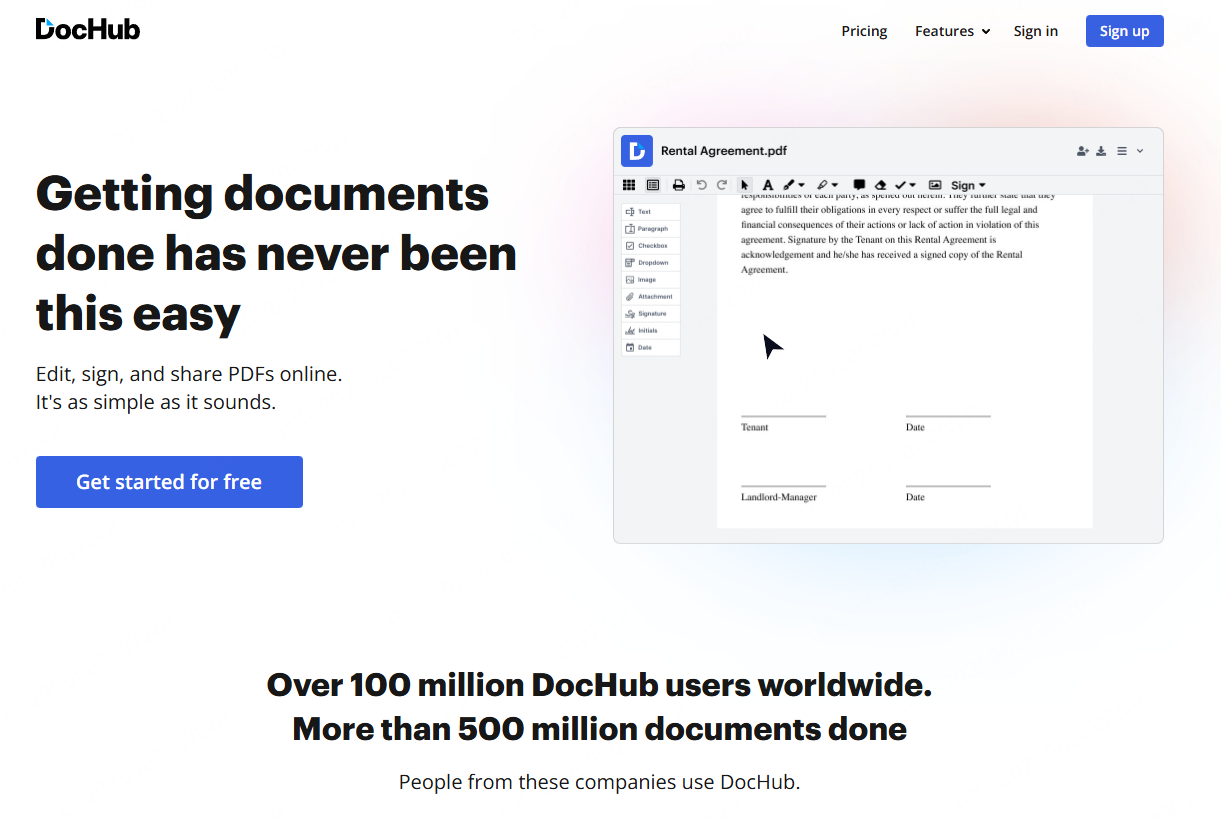
DocHub is primarily a PDF editing and document-management option. Treat it as a possible document-preparation step, not as an assumed AI PowerPoint generator. Confirm a supported PPTX conversion route before using it for that purpose.
Key Features
- Zero learning curve: Minimal interface; works like classic office tools.
- Document workflow: Confirm supported import and export formats.
- Check current free access and paid features.
Conversion Quality
If your conversion route produces slides, inspect fonts, paragraphs, and complex layouts before sharing.
Ideal for: quick conversions, meeting notes, basic reports.
5. SlidesPilot — Document-Based Drafting
Workflow overview
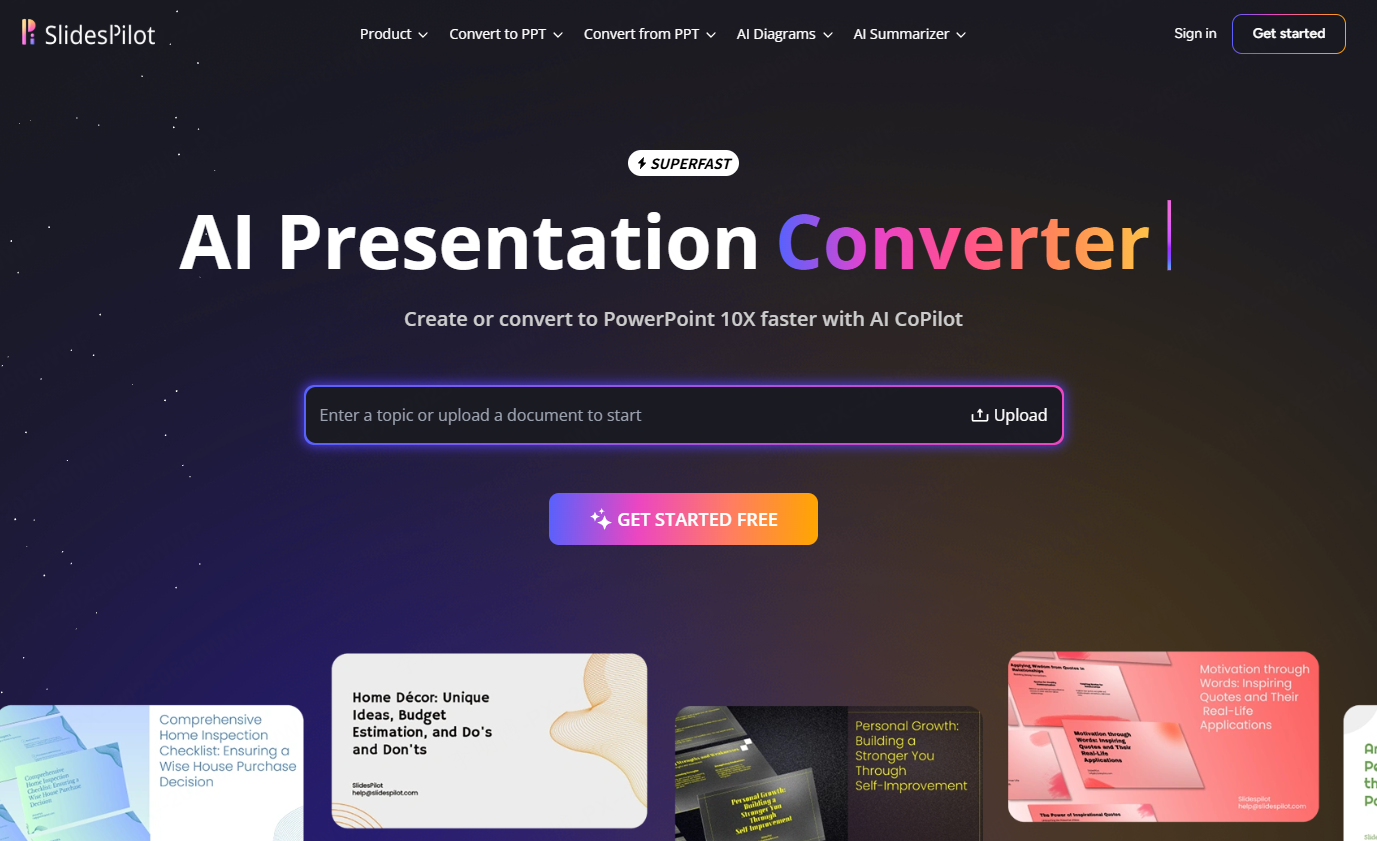
SlidesPilot is an option to evaluate for drafting presentations from documents. For a research paper, compare the outline with the abstract, methods, findings, and references. Check the input language and document format you need rather than assuming universal support or exclusion.
Key Features
- Academic oriented parsing: Recognizes charts, citations, and section hierarchy.
- Multiple output languages.
- Professional color schemes and chart templates.
Ideal for: international conferences, research labs, graduate students.
6. ChatBCG — Historical Context
Workflow overview
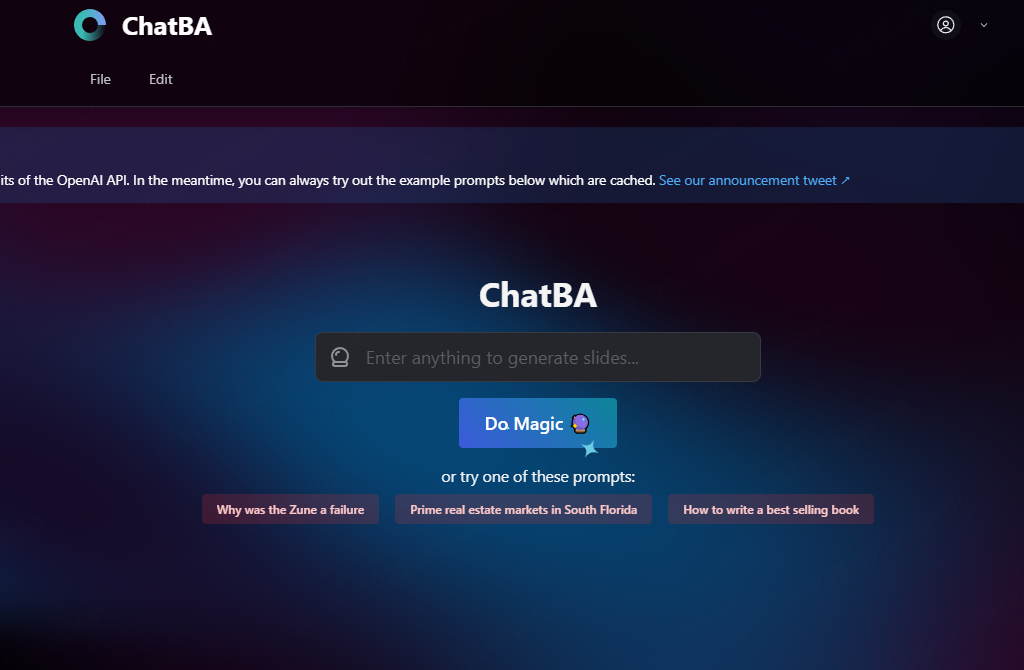
This ChatBCG section and its screenshot are retained as historical context from an earlier comparison. Current service availability has not been established, so this article does not recommend it for a new project. The earlier entry focused on business-plan outlines; no historical test result is asserted here.
Key Features
- Historical focus: business-plan structure and outline drafting.
- The earlier entry described an editor; this is not a claim about a currently available service.
- No current plan or free-access offer is recommended here.
Conversion Quality
The earlier description of output quality is not a verified benchmark.
Historical use cases discussed: startup pitches, course assignments, and early business planning.
7. Figma Slides — Slide Design
Workflow overview
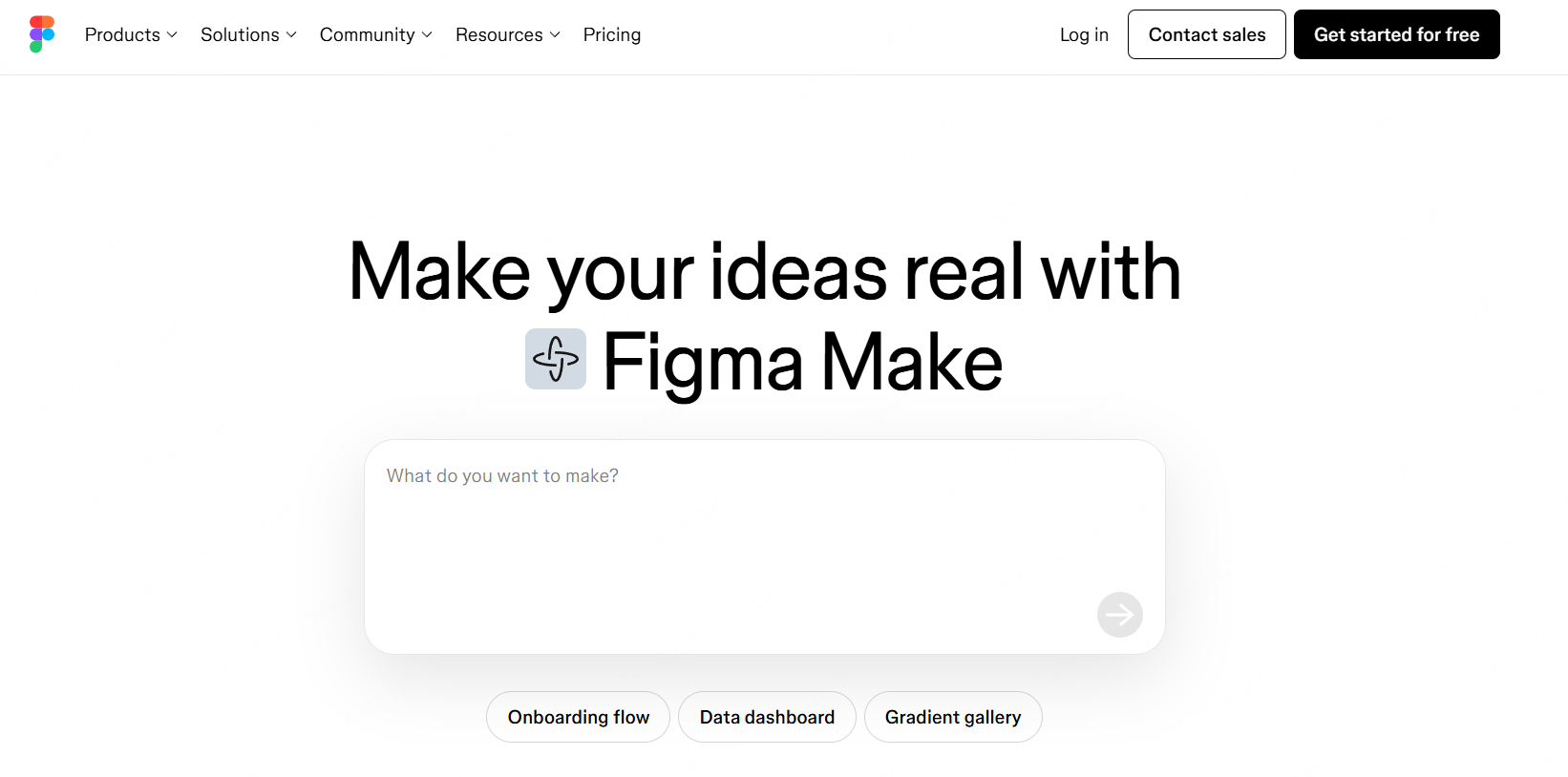
Figma Slides is a slide-design option for teams already working in Figma. It supports PowerPoint export, but that does not make it a direct Word/PDF-to-slide summarizer. Plan how you will prepare and transfer the document content.
Key Features
- Design flexibility: Auto layout, advanced attributes, interactions, prototype embedding.
- Real time collaboration across design teams.
- Figma ecosystem integration with design systems and icon libraries.
Ideal for: advertising agencies, UI/UX teams, high fidelity product demos.
Conclusion
A good generator should offer:
- Format compatibility (Word, PDF, Markdown, images)
- Accurate content parsing with AI summarization
- Design optimization with themes, layouts, and styling
- Collaboration features for team workflows
For document drafting, compare source fidelity, editable output, and the amount of revision required. For team ideation or design, assess collaboration and layout controls separately.
Match each tool to the part of the process it supports: document preparation, outlining, visual planning, slide editing, or delivery.
Before committing to a workflow, use a representative document and inspect both the draft and the exported presentation. Include cost, licensing, and manual revision in the decision.