A paid AI presentation tool is worth considering when it removes a specific obstacle in your teaching workflow: a missing export format, an allowance that runs out, or a classroom activity you need regularly. Free access may already be enough, especially if your school provides an education plan.
This guide compares free and paid options by how you prepare and deliver lessons. Product details below were checked against official information on October 1, 2026.
The Quick Comparison: Free vs. Paid AI Presentation Tools
There is no single rule that free plans only produce text or that paid plans include unlimited AI. Compare the specific plan and the final lesson format you need.
| Need | What to establish before paying |
|---|---|
| AI allowance | Is access measured in credits, generated decks, or live teaching sessions? Does it renew? |
| Classroom delivery | Can you present offline, share a link, or run the required student activity? |
| File output | Can you download the format you need, and does the export include a badge? |
| School access | Does an education plan or existing school license already cover the features? |
| Student participation | Are the account settings and data use approved by your school? |
AI Presentation Tools for Educators
Presenti AI: From Teaching Material to a Draft
Presenti can help organize a topic, outline, or supported document into an editable presentation draft. It is most relevant when you already have lesson notes or source material and want a starting structure for your slides.
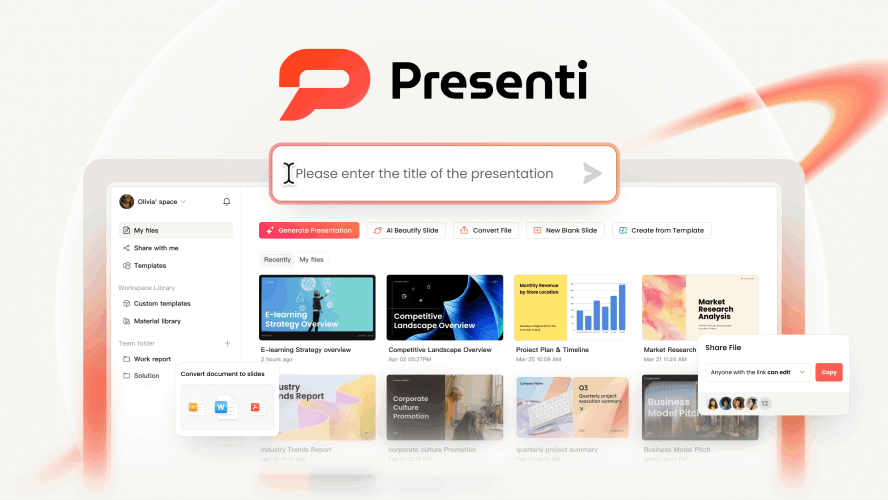
Free and paid access: Presenti pricing describes basic free features with limited AI credits. Paid plans include the listed document imports and editable PPTX/PDF exports, with different slide-per-file and advanced AI allowances. Check the required output before building a full lesson around the free workflow.
When an upgrade may help: You repeatedly need a supported document import or downloadable slide file that your current access does not include. Review scientific facts, diagrams, reading level, and curriculum fit yourself; a paid AI feature does not guarantee subject accuracy.
Canva for Education
Canva Education is free for eligible K–12 educators and their students after the relevant verification or invitation process. It includes education-focused features and access to many premium tools. Higher-education access follows different arrangements.
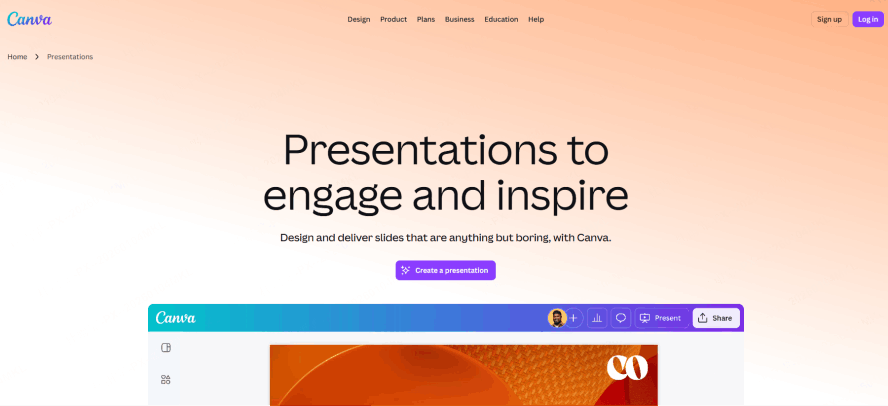
When it may be enough: You need editable lesson slides, classroom templates, and other teaching materials in one design workspace. Check your eligibility and the school-provided account before buying an individual subscription.
When to consider another plan: You are not eligible for Education or need an institutional feature outside your current access. Canva Education is an education offering, not simply a paid Pro subscription with a new name.
Gamma
Gamma can draft a presentation from a topic or source material and is useful for lessons shared as an online deck.
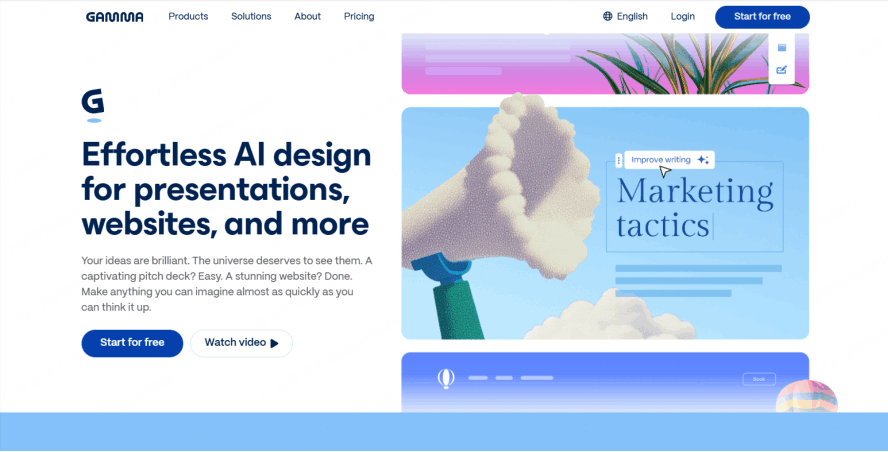
Free access: Gamma gives new Free users 400 credits. These credits do not refresh; additional free credits can come through referrals. Costs vary by the AI action and generation, so a fixed “40 credits per presentation” is not a dependable rule.
Paid access: Paid plans provide monthly AI allowances and additional features; they do not mean every AI action is unlimited. PDF and PPTX exports from Free workspaces carry a Gamma badge. A paid plan may make sense when the allowance or branding requirement is the actual obstacle.
Curipod
Curipod is oriented toward live classroom activities and student responses. Consider it when participation and feedback matter more than a downloadable slide deck.
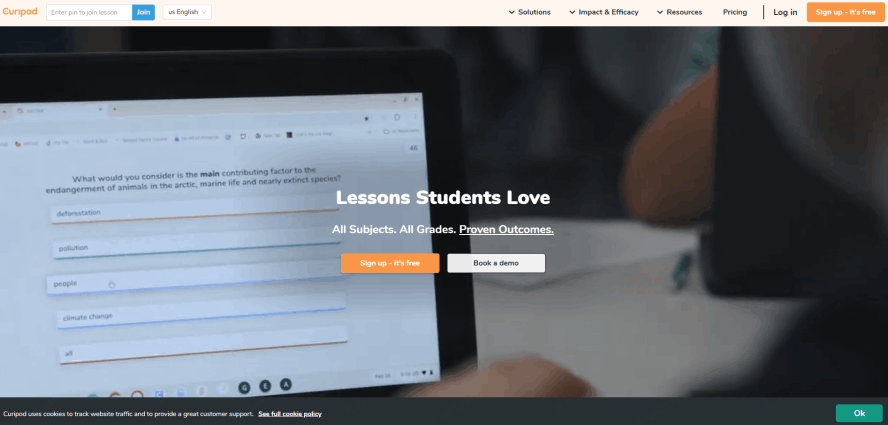
Free access: The current Free vs School Plan guide allows lesson creation and editing without a creation cap, but limits classroom use to two teaching sessions each week. Reusing the same lesson across classes within the week counts as one session. School Plan trials have separate limits.
Paid access: School and district plans provide broader teaching access and plan-specific features. For frequent classroom use, compare your weekly teaching needs with the available sessions and any school license.
Slidesgo and SlidesAI: Different Workflows
Slidesgo supplies presentation templates, while SlidesAI helps generate slides from text or other supported inputs. Compare them separately rather than treating them as one subscription.
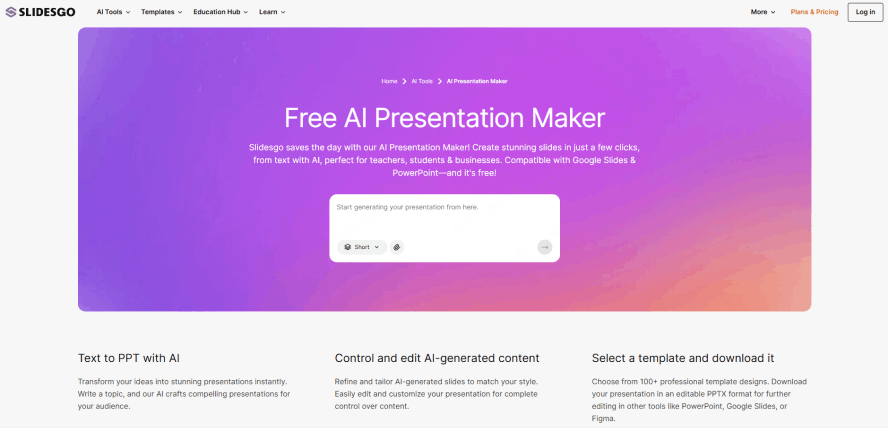
Slidesgo: The official FAQ explains how to copy templates into Google Slides or download them for PowerPoint. Free use requires the credits slide; paid licensing changes attribution and template access. Check the allowance shown for your account, since template download limits are not the same as AI-generation limits.
SlidesAI: Its presentation maker supports a limited free allowance and paid options. Consider it when you want generation within a slide-based workflow, and confirm the supported editor, input length, and file types for the plan you choose.
When Is an Upgrade Worth It?
- You hit a real limit: Record the task that your current plan cannot complete, such as exporting a PPTX or running enough live sessions.
- You use the feature regularly: Try it on a normal lesson, including the time spent checking and editing the result.
- Your school does not already provide access: Review existing education licenses and ask about approved purchasing arrangements.
- The workflow is approved for the data involved: Use school-approved accounts and settings for student work. Paying for a plan alone does not establish permission to upload student information.
If the free or school-provided option already meets those needs, there is no reason to upgrade simply because a tool calls its paid plan “Pro.”
Conclusion
Choose the plan around the lesson you need to deliver. Canva Education may cover eligible K–12 teaching needs at no cost; Presenti offers a source-to-slides workflow for teachers; Gamma supports online presentation workflows; Curipod focuses on live participation. Template access, generated slides, and classroom sessions are different benefits. Pay for a feature you have verified you need, rather than an assumed time saving.