Creating a professional PowerPoint presentation does not have to be time consuming or expensive. Nowadays, a growing number of free AI powered PowerPoint generators allow users to create complete slide decks with just a few keywords or documents. Whether you are a student preparing assignments, a professional building reports, an educator designing course materials, or a team working on collaborative presentations, these tools help you move from idea to slides without design experience.
In this guide, we review nine presentation-related tools, focusing on their workflows and the access conditions to check.
1. Presenti AI
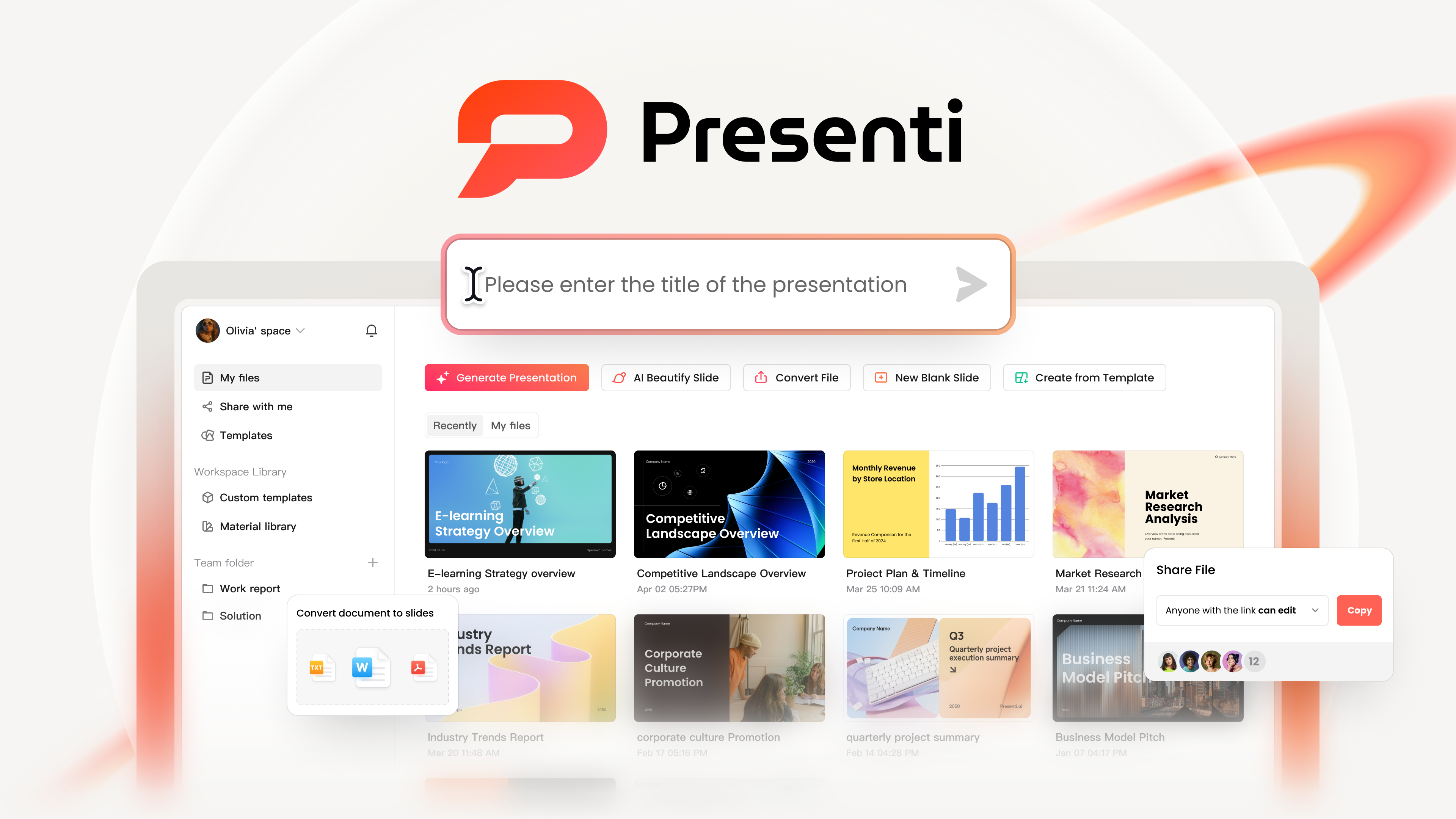
Presenti AI is a powerful free AI PowerPoint generator designed for students, professionals, educators, and enterprise teams. By entering keywords or uploading documents, users can generate a structured and visually polished presentation in about five minutes.
It removes common pain points such as unclear structure, lack of design skills, and inefficient collaboration.
Key Features
End to end intelligent generation
From outline creation to slide layout and visual style, Presenti AI automates the entire workflow. Even first time users can produce clear, logically organized presentations. Industry specific templates help avoid common design mistakes.
Advanced collaboration and compatibility
Presenti supports workspace invitations and real-time collaboration. Eligible paid plans offer PPTX/PDF export; inspect the downloaded file in the app your team will use.
AI powered optimization and multilingual support
Built in text refinement and grammar checking improve clarity and professionalism. Review translated wording and specialist terms before presenting to an international audience.
Custom branding and visual control
Users can import existing slides, adjust colors and fonts, and add company logos to maintain consistent branding across presentations.
Free Plan Review
The free plan provides a limited AI allowance; no fixed presentation-count cap does not mean unlimited generation. Core templates and collaboration features are included, making it ideal for students and daily work presentations. Exporting files and accessing premium templates require an upgrade.
Best Use Cases
Corporate presentations, team updates, and training materials.
2. Boardmix
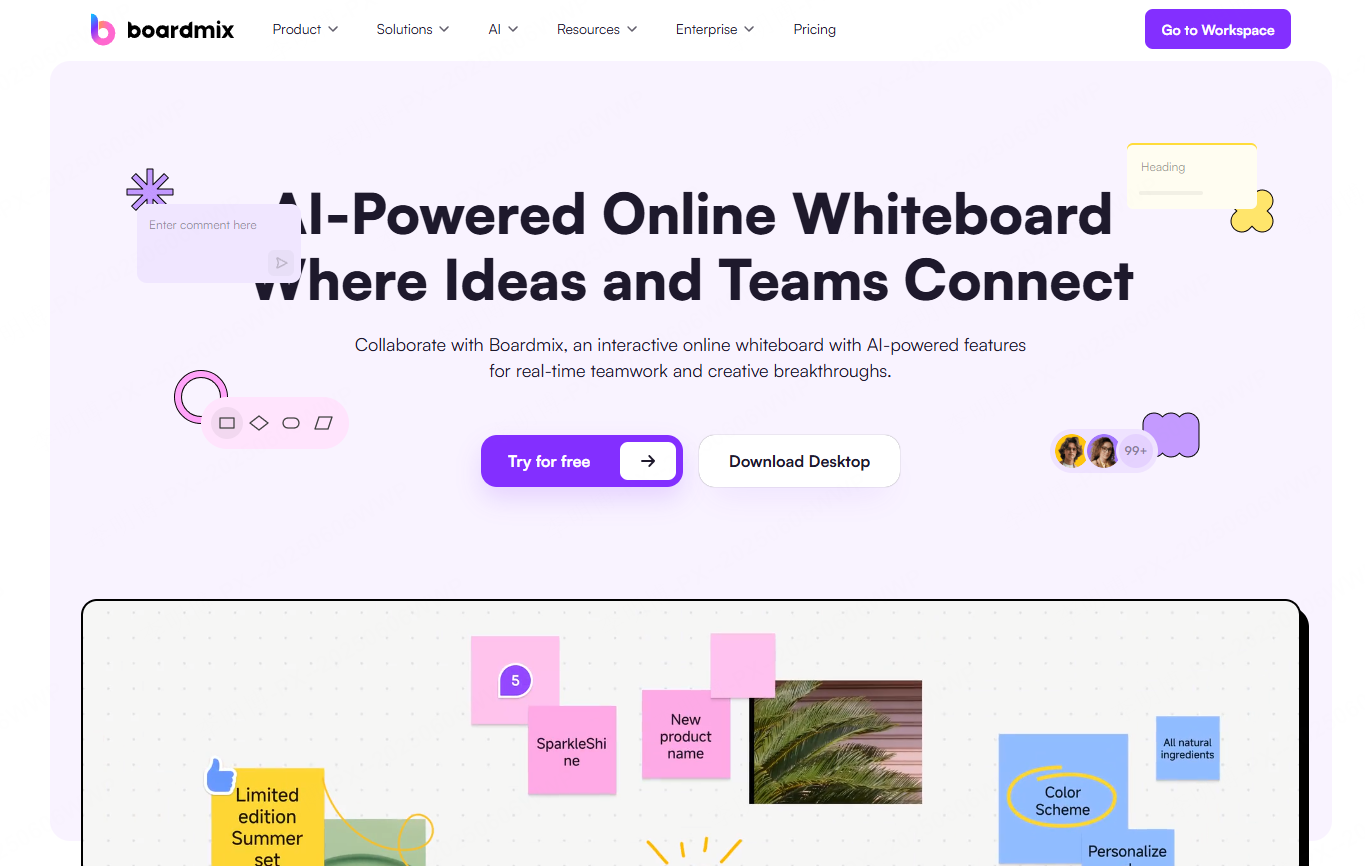
Boardmix combines whiteboard collaboration with AI powered slide generation, making it ideal for designers, creative teams, and educators. Users can brainstorm freely on a digital whiteboard and convert ideas into structured PowerPoint slides instantly.
Key Features
Seamless whiteboard to PPT workflow
Sketch ideas, add sticky notes, and organize concepts visually, then generate clean slides with one click.
Rich creative assets included
Icons, illustrations, and flowchart templates are available for free, allowing visually engaging presentations without external design tools.
Real time team collaboration
Multiple users can brainstorm simultaneously and finalize slides together, making it perfect for workshops and ideation sessions.
Free Plan Review
Check the current limits on free boards, AI use, storage, and export. Storage limits and advanced templates require payment, but it is sufficient for small creative teams.
Best Use Cases
Creative proposals, course design, and brainstorming sessions that need a clear transition from ideas to deliverables.
3. Manus
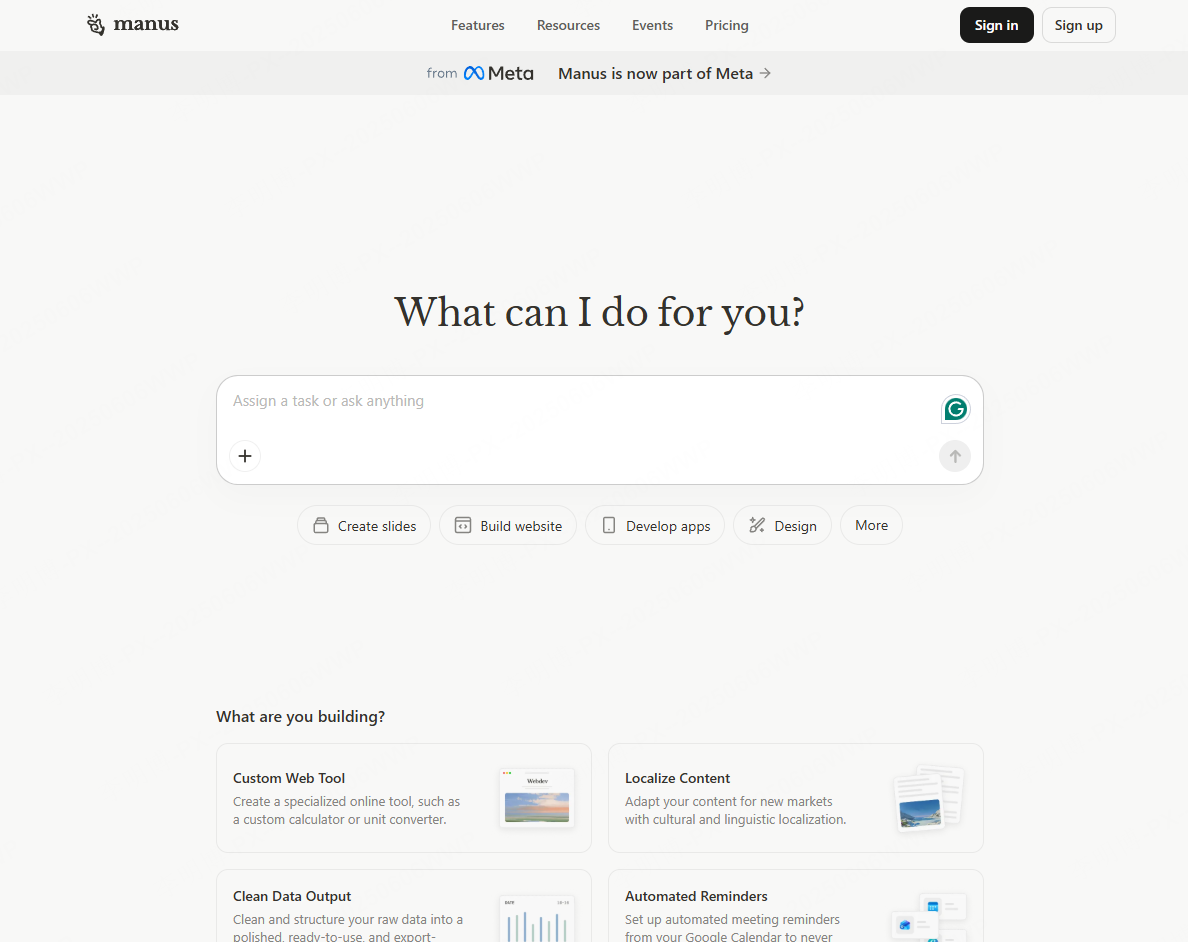
Manus is a lightweight AI PowerPoint generator focused on speed and simplicity. It is especially suitable for students, freelancers, and small teams who need fast results.
Key Features
Fast slide generation
Upload text or documents and receive a structured presentation in under ten minutes.
Google Workspace integration
Uses Google Docs outlines and Sheets data to generate charts, ideal for users embedded in the Google ecosystem.
Easy editing for non-designers
Drag and drop slide reordering and quick image replacement make visual refinement effortless.
Free Plan Review
Confirm Manus’s current slide-generation allowance and supported export formats before choosing it for a Google Slides handoff.
Best Use Cases
Class presentations, freelance proposals, and quick internal briefings.
4. Simplified
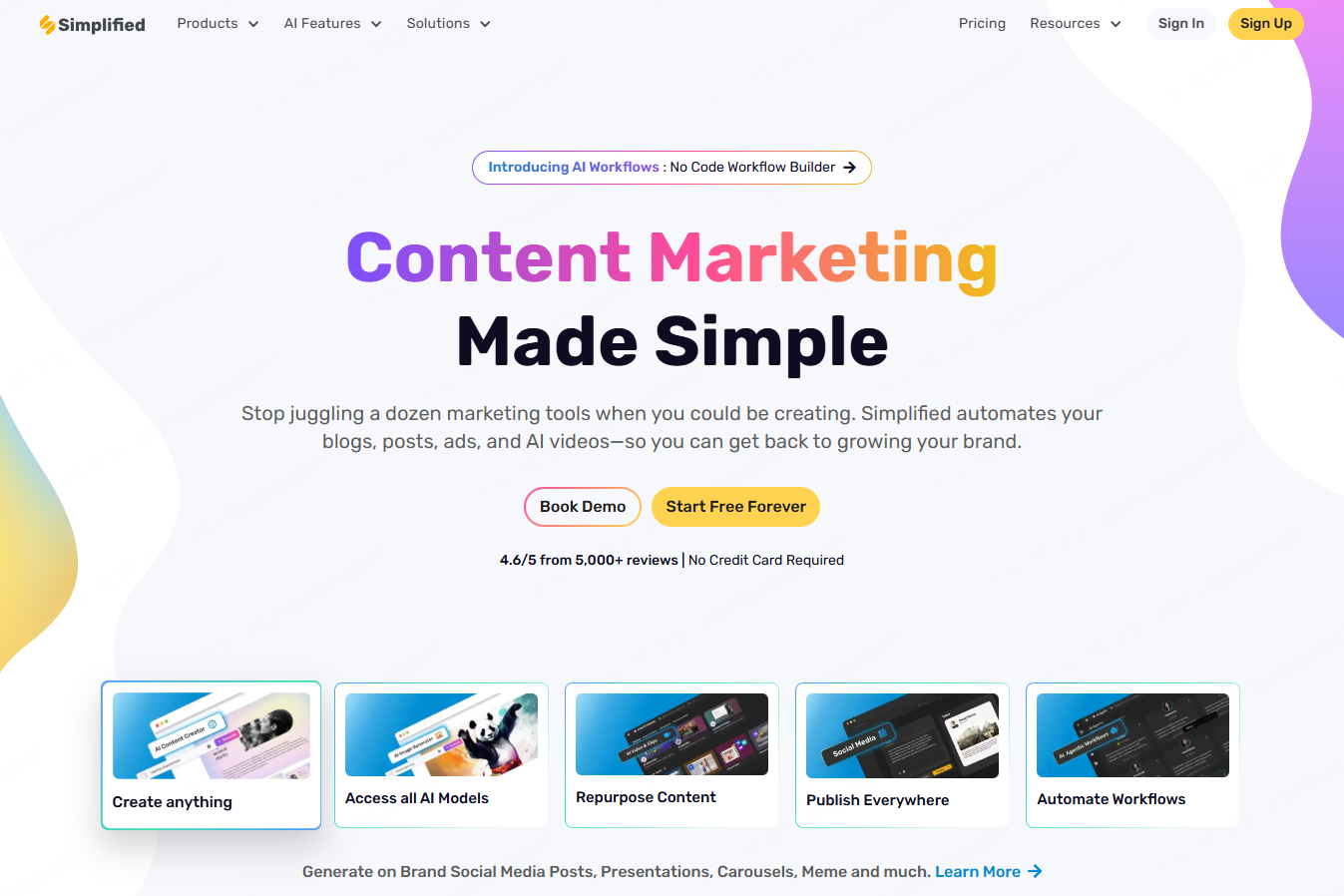
Simplified is an easy to use free AI presentation tool for professionals, students, and startups who want quick results without design complexity.
Key Features
Rapid content to slides conversion
Import text or documents and let AI handle content segmentation and layout.
Google ecosystem compatibility
Integrates with Google Docs and Sheets for structured content and data driven slides.
Simple visual editing
Includes free stock images from Unsplash and intuitive layout controls.
Free Plan Review
Check the current free allowance and required export options for your presentation.
Best Use Cases
Business reports, academic assignments, and startup pitch decks.
5. Decktopus
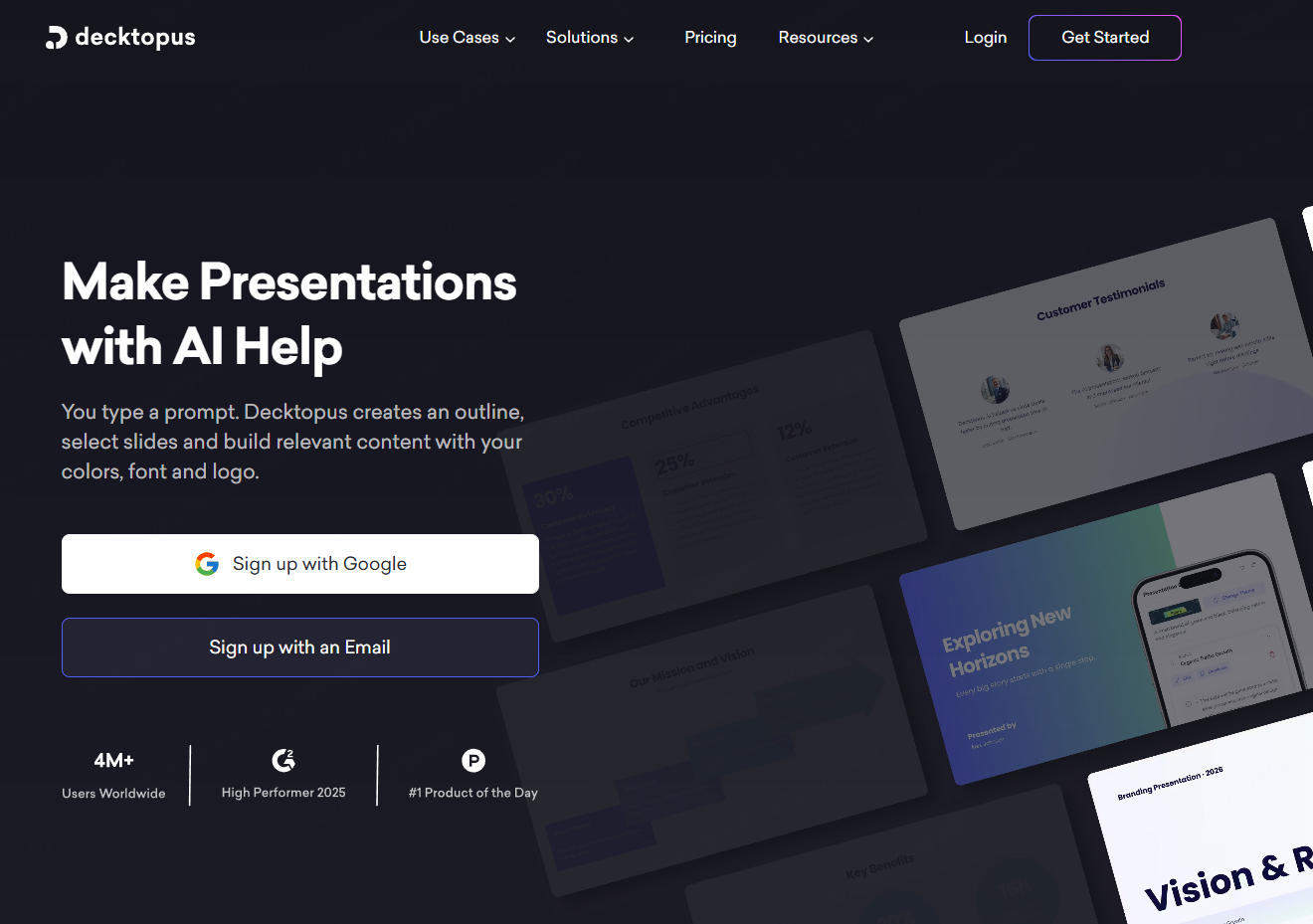
Decktopus is a multilingual AI PowerPoint generator designed for global teams, researchers, and small businesses. It excels at turning text and data into visually structured slides.
Key Features
Document to slide automation
Upload Word or PDF files and automatically generate slides with charts and visualized data.
Academic friendly features
Keep source labels with research claims and review citations against the required style guide.
Free Plan Review
Confirm trial access, generation limits, and export requirements on the current plan.
Best Use Cases
Cross border project reports, academic presentations, and branded business updates.
6. Microsoft Designer
Microsoft Designer is an AI-assisted graphic-design tool. It can help create visual assets for slides; distinguish it from PowerPoint’s design and Copilot features.
Key Features
Deep Office integration
Create graphics to place in a presentation, then build and edit the deck in your presentation application.
AI assisted design suggestions
Automatically recommends layouts, color schemes, and copy based on presentation context.
Extensive template library
Includes free templates for business, education, and personal use.
Free Plan Review
Designer access and AI credits are separate from the PowerPoint license or Copilot features your account may include.
Best Use Cases
Office based workflows, school projects, and professional reports.
7. AutoSlide
AutoSlide focuses on automated animations and transitions, helping beginners create more engaging presentations quickly.
Key Features
Multi format import support
Convert Word, TXT, and PDF files directly into slides.
One click style switching
Change color schemes and fonts instantly using preset themes.
Beginner friendly interface
Simple drag and drop editing with minimal learning curve.
Free Plan Review
Check AutoSlide’s current generation allowance, pricing, and output formats.
Best Use Cases
Training materials, classroom presentations, and entry level business reports.
8. ClassPoint AI
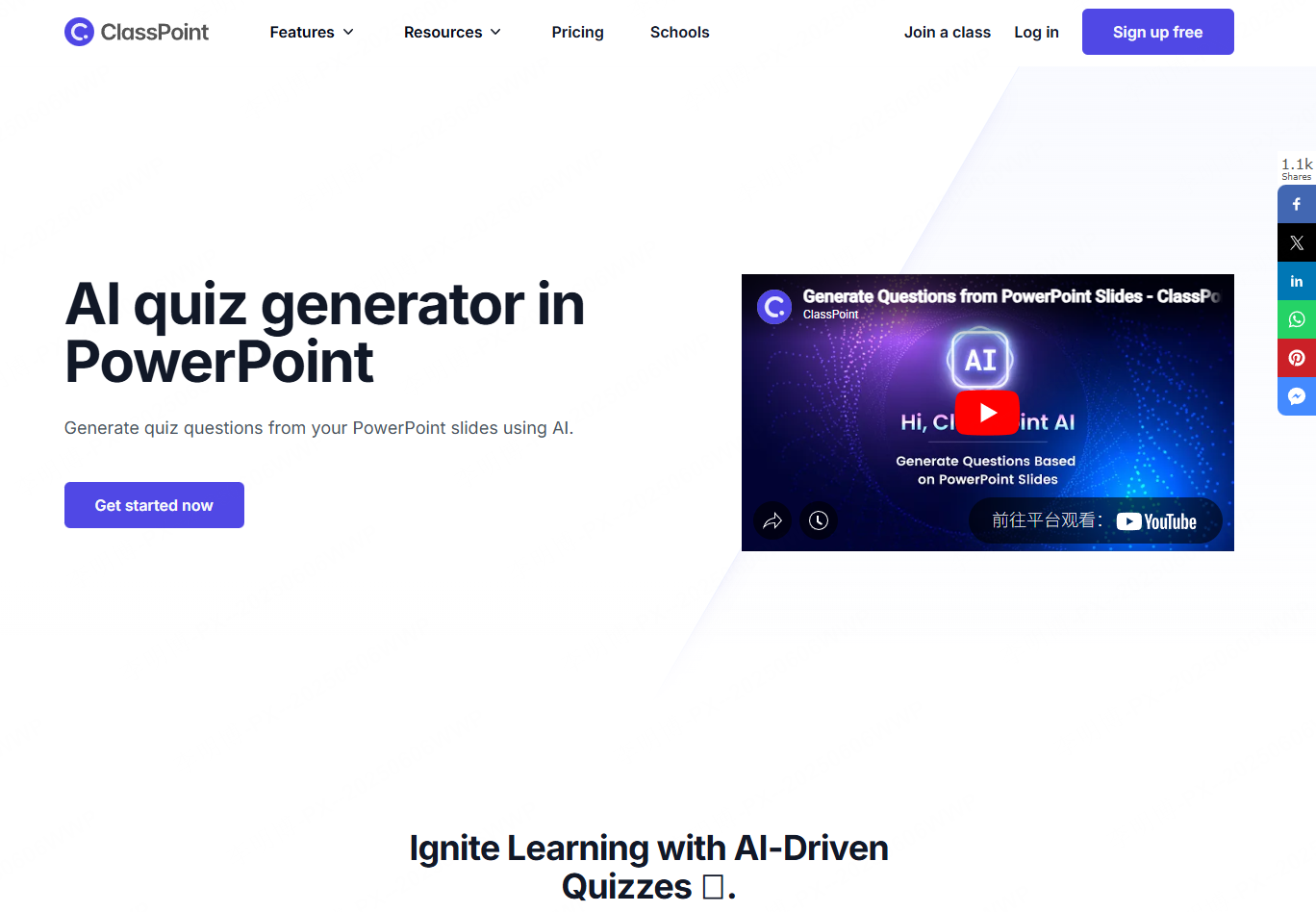
ClassPoint AI is designed specifically for teachers and trainers. It adds classroom interaction and AI-assisted quiz generation to PowerPoint presentations.
Key Features
Lesson plan to interactive slides
Automatically generates quizzes, polls, and fill in the blank questions.
Built in teaching tools
Includes timers, random name selectors, and live polling.
Real time student feedback
Collect responses via QR codes and visualize results instantly.
Free Plan Review
Check the current participant and AI-question limits for the ClassPoint plan you will use.
Best Use Cases
K12 classrooms, corporate training, and workshops.
9. Pitch
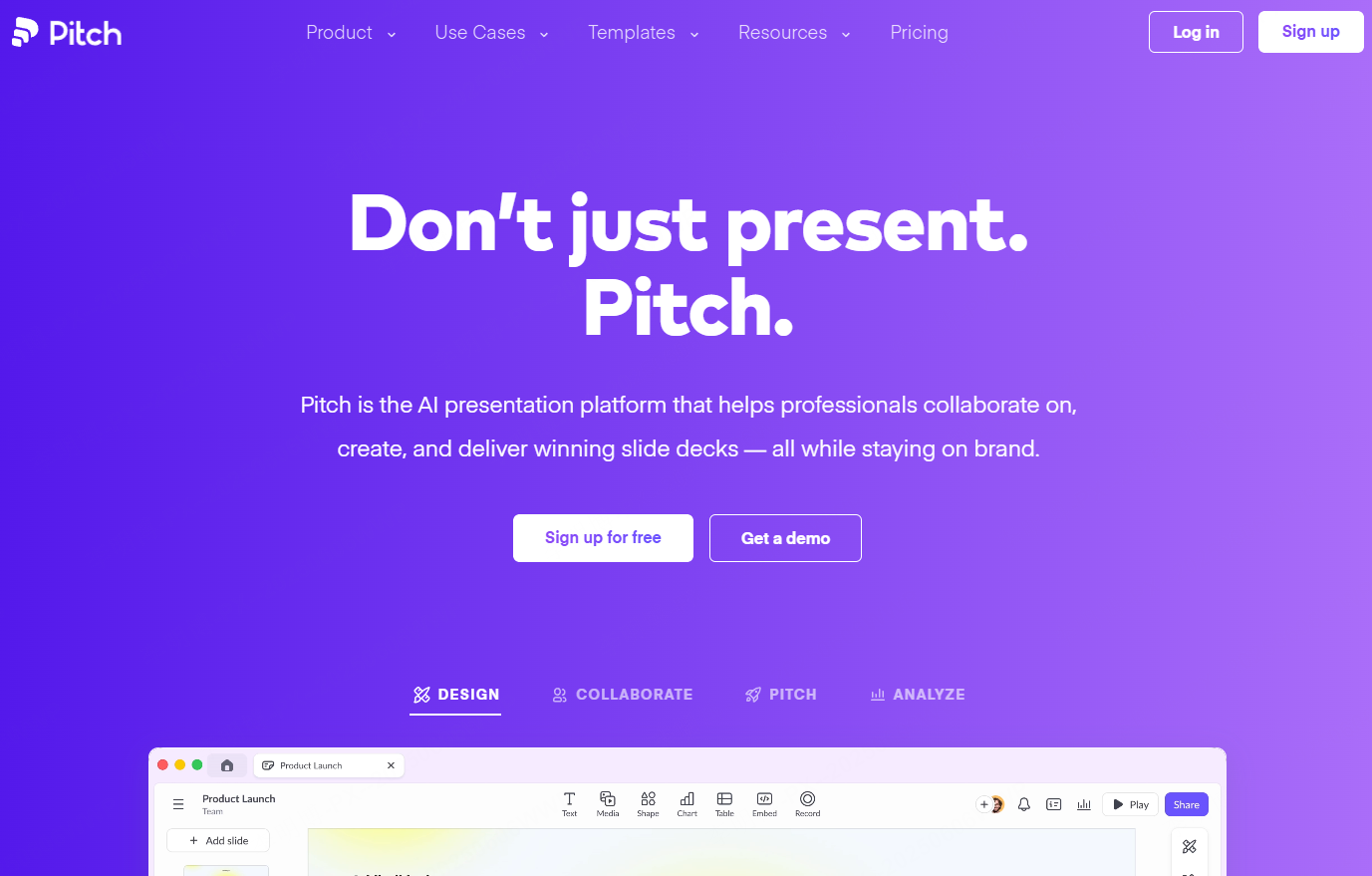
Pitch is a collaboration first presentation platform built for remote teams and startups.
Key Features
Real time team editing
Multiple users can edit slides simultaneously with instant updates.
Workflow integrations
Check supported integrations and import formats against the sources your team uses.
Presenter friendly display modes
Includes speaker notes view and audience view for smoother delivery.
Free Plan Review
Unlimited slide creation is available, with premium branding and advanced analytics as paid features.
Best Use Cases
Remote team updates, cross department planning, and startup demos.
Final Thoughts
Free AI PowerPoint generators have transformed how presentations are created. From fast slide generation to real time collaboration and educational interactivity, these tools cover a wide range of needs.
Among them, Presenti AI stands out for its end to end automation, limited free AI credits, and strong collaboration features, making it a top choice for both students and professionals.