
Creating a clear and visually engaging timeline is one of the most effective ways to present project plans, business milestones, or annual progress reports. Whether you are preparing a project roadmap, a quarterly review, or a company history slide, a well designed timeline helps your audience quickly understand sequence, priorities, and progress.
However, choosing the right PowerPoint timeline template website can be surprisingly difficult. Some platforms focus on visual appeal but lack flexibility. Others offer functional layouts that feel outdated or time consuming to customize.
In this guide, we review several high quality PowerPoint timeline template solutions that are widely used by professionals in global teams. These tools are suitable for project managers, educators, developers, and business teams who want to build clear timelines while improving presentation efficiency.
1. Top Recommendation: Generate Timeline Slides Instantly with Presenti AI

If you find it frustrating to search for timeline templates, download files, and manually adjust layouts, Presenti AI offers a more efficient alternative. Instead of acting as a traditional template library, Presenti AI is an intelligent presentation generator that creates complete PowerPoint decks automatically.
You simply enter a topic such as Annual Product Roadmap with Timeline, and the system generates a structured outline, slide content, and timeline visuals in one step. This approach is especially useful for professionals who value speed, clarity, and consistency.
Key Features
AI Powered Timeline Generation
Presenti AI automatically builds timeline structures based on your topic, including milestones, phases, and logical sequencing.
Multiple Timeline Styles
Choose from linear timelines, circular timelines, roadmap layouts, and creative progress flows depending on your presentation goal.
Automatic Layout Optimization
Text spacing, color schemes, icons, and typography are balanced automatically to maintain a professional visual hierarchy.
Smart Visual Assets
The platform generates images and icons that match the theme and tone of your slides, reducing the need for manual design work.
Best For
- Project managers preparing regular status updates or roadmaps
- Business professionals creating quarterly or annual reports
- Educators designing structured course timelines
- Teams who want to move beyond static templates
For users who frequently create presentations, Presenti AI helps turn slide creation from a repetitive task into a streamlined workflow.
2. Slidesgo: High Quality Timeline Templates with Strong Visual Design
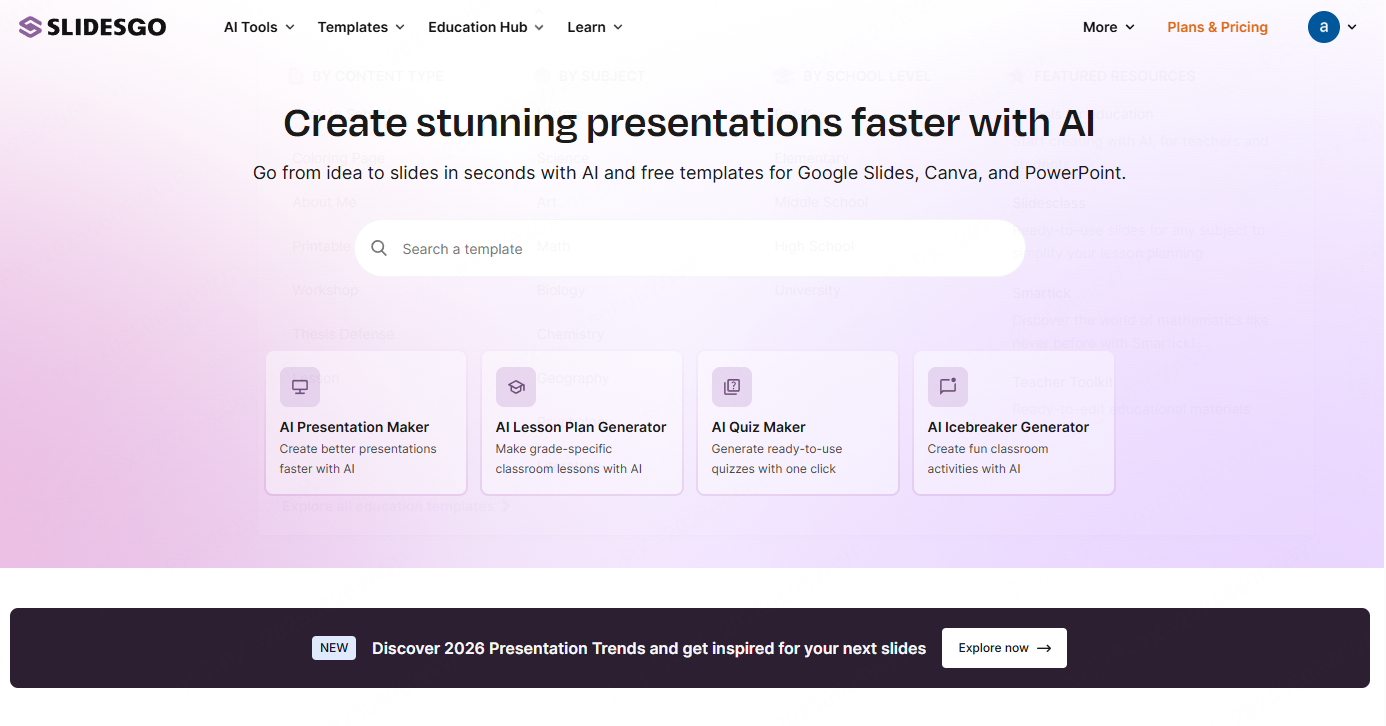
Slidesgo is a popular choice among professionals who prioritize design quality. Its timeline templates are modern, clean, and visually balanced, making them suitable for client presentations, workshops, and executive briefings.
The platform offers templates compatible with both PowerPoint and Google Slides, which makes collaboration easier across distributed teams.
Advantages
- Professionally designed templates with strong visual appeal
- Direct downloads for PowerPoint and Google Slides
- Dedicated timeline and infographic categories for faster discovery
Limitations
- Free accounts have download limits
- Watermarks are included in free versions
Best For
- Consultants and designers preparing polished proposals
- Marketing and strategy teams delivering visual presentations
- Users who value aesthetics over deep customization
Slidesgo works best when you need visually impressive timelines with minimal setup time.
3. Free PowerPoint Templates Design: Data Driven Timeline Layouts
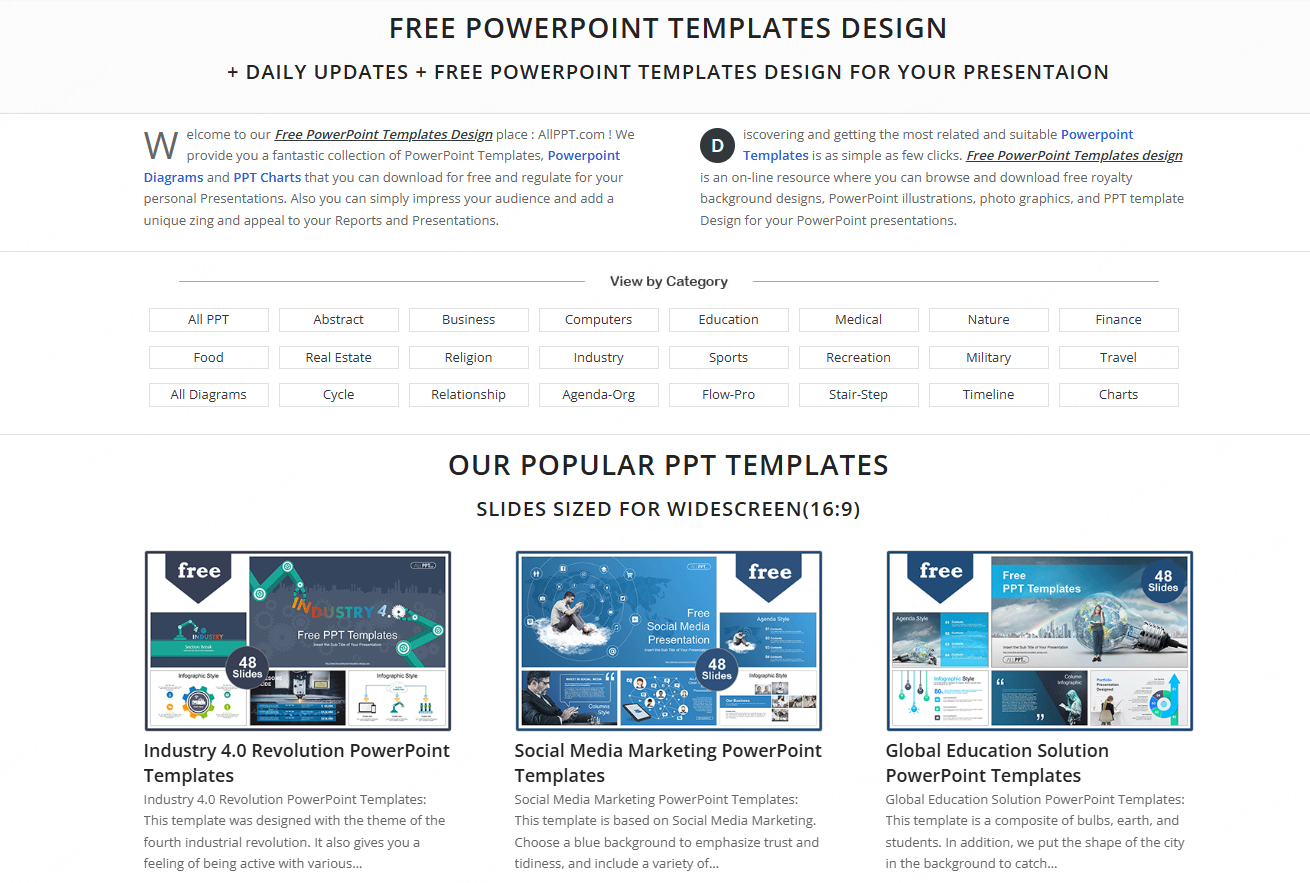
For users who prefer structured, chart based timeline designs, Free PowerPoint Templates Design is a reliable resource. The site focuses heavily on infographics, diagrams, and editable timeline graphics.
These templates are particularly useful for project planning, corporate growth timelines, and process documentation.
Advantages
- No registration required for downloads
- All elements are fully editable shapes
- Many templates allow commercial use, though license details should be reviewed
Limitations
- Design style leans toward classic corporate presentations
- Typography may require adjustment for modern branding
Best For
- Project managers creating detailed plans
- Business analysts presenting structured timelines
- Users comfortable with light design customization
This platform is ideal when clarity and data structure matter more than decorative visuals.
4. Just Free Slide: Lightweight and Commercial Friendly Templates
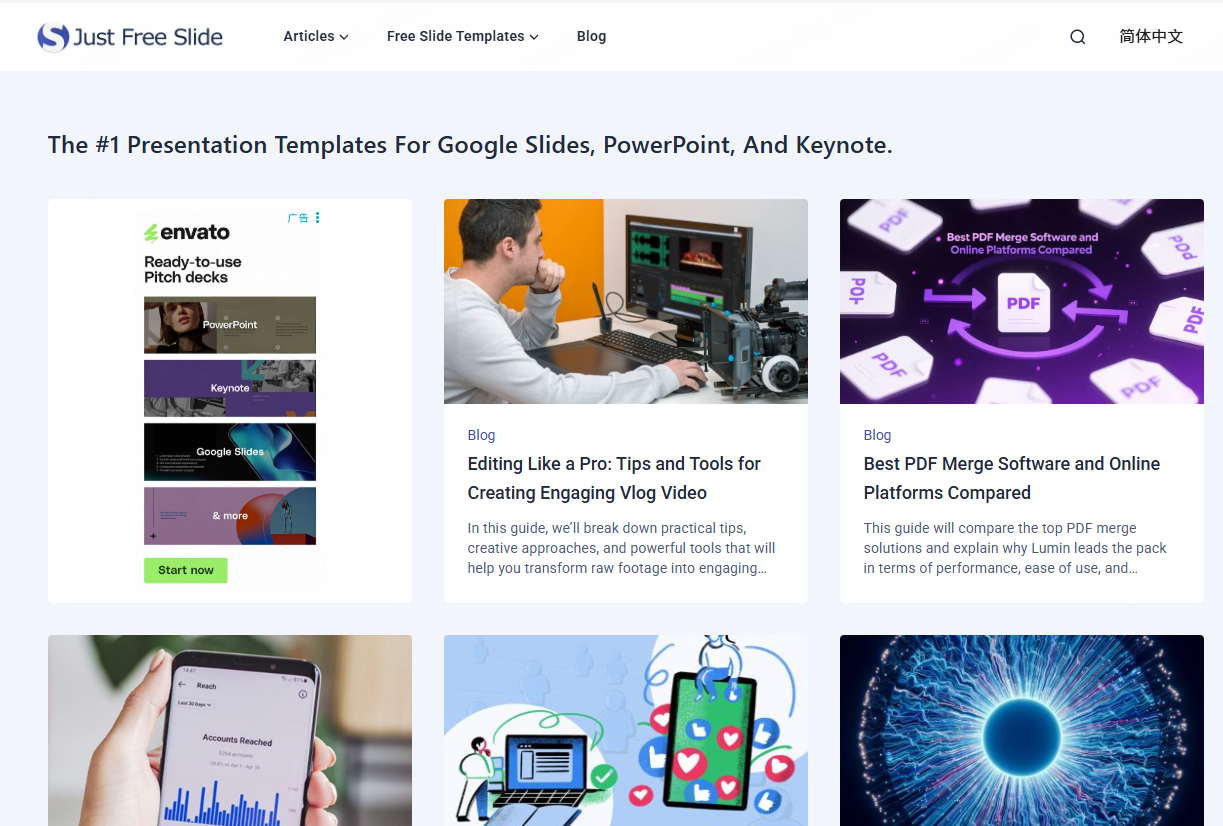
Just Free Slide is a smaller platform, but it offers a curated selection of modern timeline templates. The designs focus on simplicity, readability, and clean layouts, which makes them easy to adapt across industries.
Advantages
- Modern, minimalist design style
- All templates are free for commercial use
- Small file sizes ensure smooth editing performance
Limitations
- Limited variety compared to larger libraries
Best For
- Professionals who prefer simple, efficient slide design
- Teams working on fast turnaround presentations
- Users who want clean layouts without visual clutter
This option works well for straightforward timelines that prioritize clarity.
Choosing Between AI Generated Timelines and Template Libraries
If you only need a single timeline slide occasionally, traditional template websites can meet your needs. However, if you regularly create presentations for project updates, product planning, or business reporting, the workflow can become repetitive and time consuming.
AI driven tools like Presenti AI offer a different approach. Instead of starting from a blank slide or modifying existing templates, you generate structured presentations directly from your topic. This method reduces manual formatting while maintaining professional quality.
For modern teams focused on productivity, AI based timeline generation is becoming an increasingly practical choice.
Final Thoughts
PowerPoint timelines remain an essential communication tool across industries. Whether you are presenting a development roadmap, a research schedule, or a company milestone overview, the right timeline design improves clarity and audience engagement.
By choosing the right solution, whether a high quality template library or an AI powered generator, you can significantly reduce design time while improving presentation quality. If efficiency and scalability matter to your workflow, exploring AI based presentation tools is well worth the investment.









