Use Presenti’s Markdown workflow when you already have a written outline and want help turning it into a designed presentation. Keep the Markdown file as your source: it makes it easier to revise the argument and compare the draft with what you meant to say.
This walkthrough explains that handoff. If you need syntax help first, read the Markdown outline guide. If you need a command-line renderer rather than an online AI draft, compare the Markdown export tools.
Prepare a short outline with clear headings
Give the file a descriptive title, then use a heading for each proposed slide or section. Put the supporting points underneath. Remove duplicated navigation, repository badges and other text that belonged to the original document rather than the presentation.
Keep dates, units and source links with the relevant claims. For an image referenced by a local path, have the actual image available too: a web service cannot assume access to a folder on your computer.
You can begin with the blank project-update Markdown outline. For a filled example, download the NASA temperature source brief. It is an editorial summary of a public NASA announcement, not a customer document.
Open the Markdown-to-presentation workflow
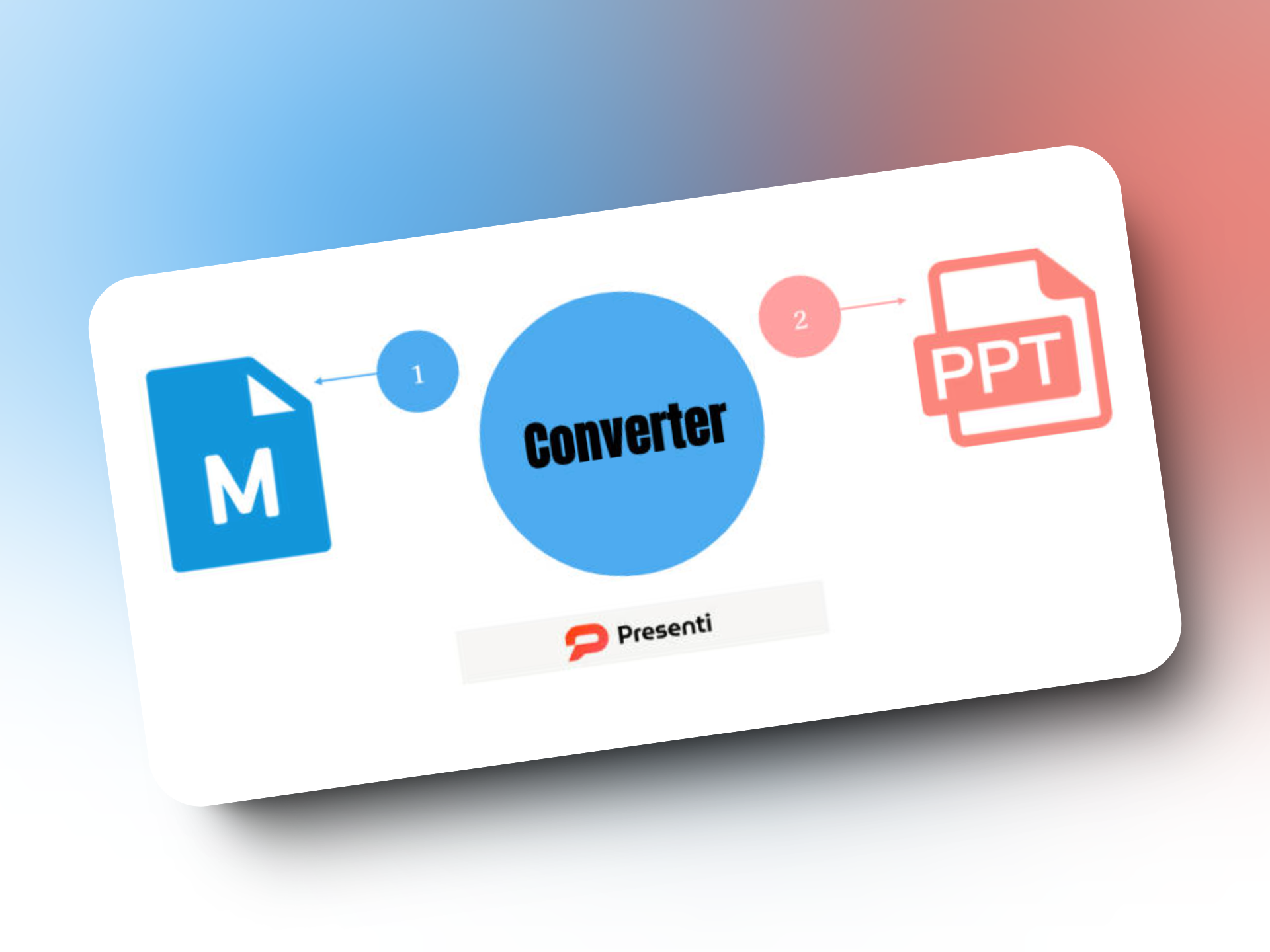
Go to Presenti’s Markdown converter and enter the prepared content using the options shown. Complete the sign-in step when prompted. If you use file import in the workspace, choose the Markdown source file rather than the finished PowerPoint reference.
Before generating a full deck, look at the content that has been brought in. Is the text readable? Are the important sections present? If an image or a special notation has not carried over, supply it separately or simplify that section of the source.
Use the account’s current generation and export conditions to decide whether the workflow fits your task. A signup button by itself does not establish an unlimited allowance or a free download in every format.
Edit the sequence before the slide design
Read the proposed outline as if it were the agenda for a short talk. The audience should be able to follow how one point leads to the next. Rename vague headings, cut repetitions and separate ideas that need different evidence.
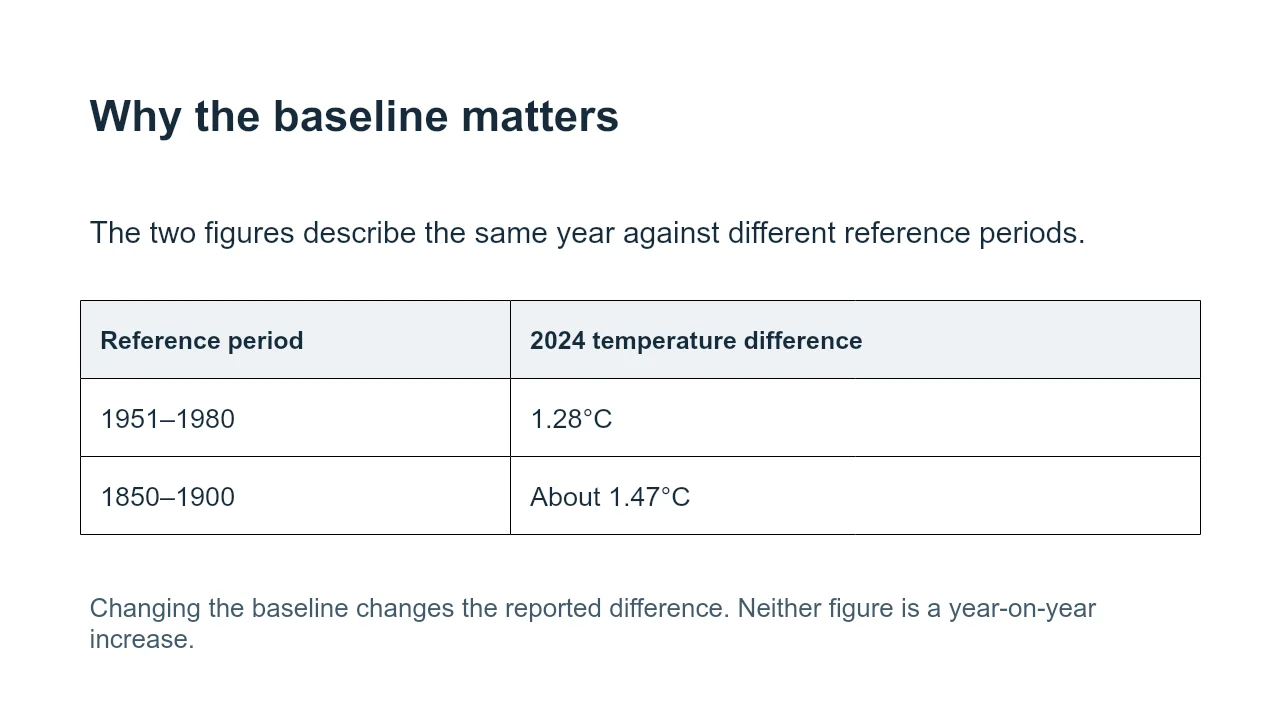
In the NASA sample, the two temperature figures refer to different baseline periods. A heading that implies they are measurements before and after a change would misstate the source. Keep those labels attached when you shorten the text.
Then choose a layout that fits the material. Give a comparison enough room for its labels. Keep a long explanation in notes or a separate slide rather than making the type too small. Once the draft is generated, inspect the wording as well as the visual arrangement.
Export for the next person’s task
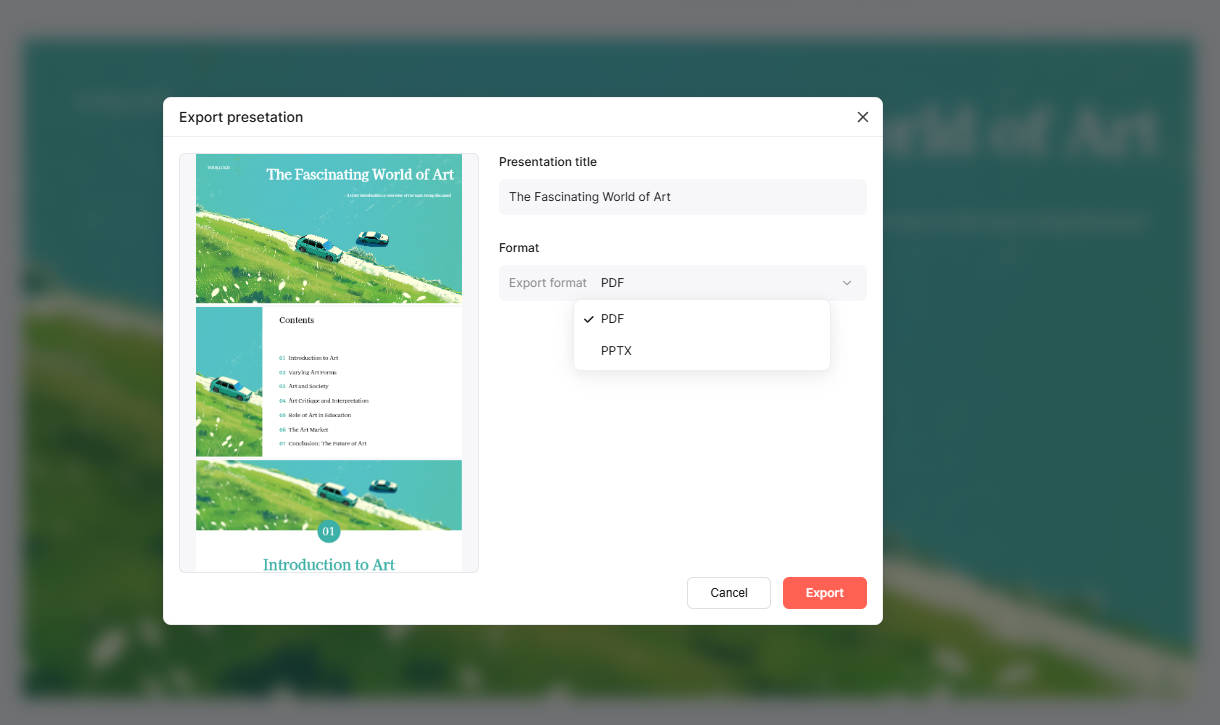
Presenti documents PPTX and PDF output. Choose PPTX when a colleague needs to edit the presentation in PowerPoint. Choose PDF when you want to distribute a fixed reading copy.
Open the exported file in the application you intend to use. Try changing an important label and following a source link. Inspect the densest slide and any visual whose crop could hide information. If a particular object needs to stay editable, check that object directly.
The editable NASA reference deck shows one way to arrange the downloadable brief. It was prepared as an editorial example, not generated during a Presenti product test. Use it to compare the information and structure, not to predict an identical automatic result.
Questions about Markdown conversion
Does Markdown determine the exact number of slides?
Not by itself. The source describes a hierarchy; a generation or rendering tool decides how to turn it into slides. Review the proposed sequence and adjust the divisions where needed.
Will code, tables and formulas appear exactly as they do in my editor?
Do not assume that every Markdown extension is supported in the same way. Try a small representative section first, then simplify or add unsupported content separately.
Is Markdown-to-PPT conversion free?
Check the current allowance and export access in your Presenti account before starting. A free account, a generation allowance and a particular export entitlement are different conditions.
Can I use the downloadable examples for my own work?
Use the blank outline as a starting structure and replace its prompts. Keep the NASA source attribution with that example; do not relabel it as your organization’s research or a customer result.