Your work doesn’t end with the shutter click; the real challenge is the presentation. For photographers and designers, using a generic, clunky tool for high-end work is a disservice to the craft. You need the best free slideshow app for creatives—a tool that masters white space, color harmony, and cinematic flow without the technical headache.
Finding a visual storytelling app free of charge shouldn’t mean compromising your professional image. Whether you need the AI-driven speed of Presenti or the client-focused elegance of Pixieset, these eight options cover different ways to present a portfolio, from editable slides to client galleries.
The Top 8 List: Elevate Your Presentation Game
At a Glance: Quick Comparison of the Top 8 Tools
Before we dive into the details, here is a quick overview to help you identify which portfolio presentation tool fits your current project needs.
| Tool | Best For | Useful Feature | Editing approach |
|---|---|---|---|
| Presenti | Fast, high-end portfolios | AI Content Extraction & Beautify | Review the generated draft |
| Adobe Express | Social-media ready visuals | Adobe Firefly Image Gen | Medium |
| Pixieset | Professional client delivery | Automated Gallery Transitions | Low |
| Canva | General marketing & assets | Magic Design Layouts | Medium |
| Gamma | Narrative & scrolling decks | Text-to-Deck Generation | Low |
| Pitch | Agency-grade team pitches | AI-Powered Template Matching | Medium |
| Keynote | Offline cinematic mastery | Magic Move transitions (not an AI feature) | High |
| Google Slides | Real-time cloud collaboration | Third-party AI Add-ons | Low |
1. Presenti
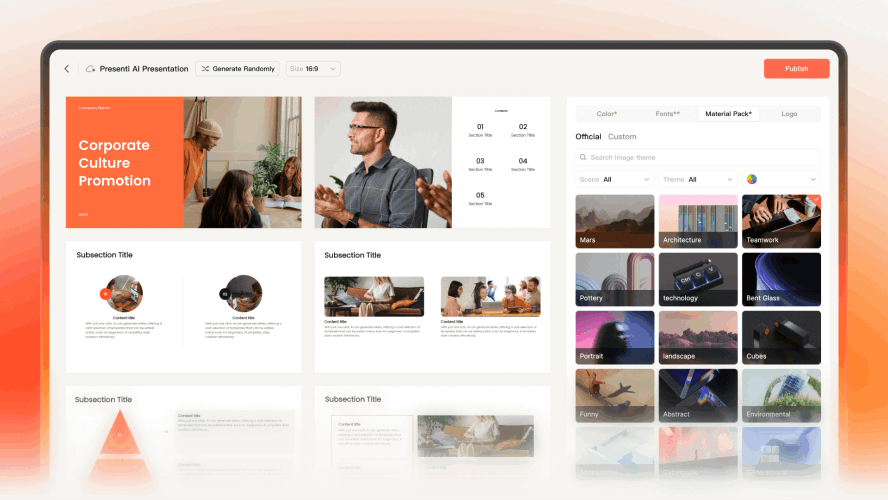
Presenti can help organize project notes into a slide draft. Add your selected photographs, then review sequence, crops, and the space around each image. This is a presentation workflow rather than a dedicated photo-gallery service.
Main Features
AI-Powered Content Extraction & Narrative Generation:
Instantly transform your project notes, mood board descriptions, or raw ideas into a professional, structured narrative. The AI analyzes your fragments and builds a logical flow, allowing you to focus on the big picture rather than structural details.
Seamless Multi-Format File Conversion:
Save hours of manual formatting with one-click conversion. Presenti supports importing Word documents, PDFs, Markdown files, and even Mind Maps (Xmind), turning static text into a visually engaging slide deck in seconds.
One-Click "AI Beautify" for Design Consistency:
Maintain a polished, professional look effortlessly. The AI Beautify tool automatically optimizes layouts, ensures your color palettes are balanced, and keeps font styles consistent across your entire portfolio or pitch deck.
Real-Time Collaboration & High-Fidelity Export:
Work seamlessly with teams through real-time editing and cloud sharing. Once your masterpiece is ready, you can export it into multiple high-quality formats, including fully editable PowerPoint (.pptx) and PDF, on eligible paid plans; inspect the result in the application you will use.
2. Adobe Express
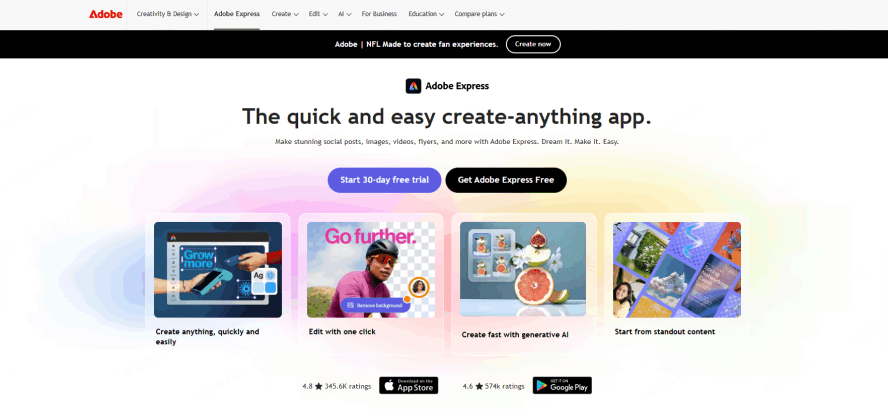
If you’re already in the Creative Cloud, Adobe Express is a natural choice. It acts as a bridge between your high-end editing tools and a quick-delivery platform. It’s widely considered a top contender for the best free slideshow app for creatives because of its deep integration with Photoshop and Lightroom.
Why it’s perfect for creatives:
You can pull your photos directly from your Lightroom libraries into your slideshow. It offers a massive library of high-quality Adobe Fonts and professional-grade assets that make your slideshow look like it was designed in InDesign, but with a fraction of the effort. For a visual storytelling app free of subscription fees (for the basic tier), it offers a surprisingly professional output that resonates with design-heavy industries.
3. Pixieset
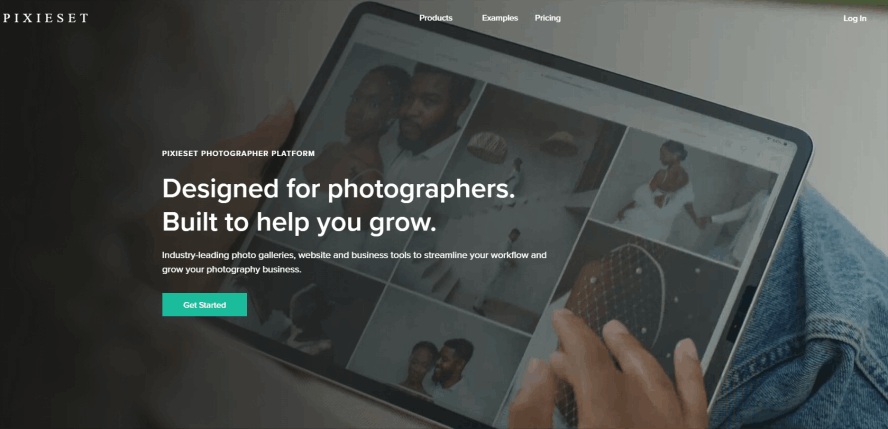
For wedding and portrait photographers, Pixieset isn't just a tool—it's an industry standard. While it’s technically a client gallery platform, its "Slideshow" feature is one of the most elegant ways to deliver a preview. It’s a dedicated portfolio presentation tool built specifically to make clients feel an emotional connection to the images.
Why it’s perfect for creatives:
Pixieset focuses on the "ritual" of viewing. The transitions are slow, fade-based, and cinematic. It allows you to sync music to your images easily, creating a "delivery experience" rather than just a file transfer. If you need the best free slideshow app for creatives to impress a paying client with a curated selection of photos, Pixieset is unbeatable.
4. Canva
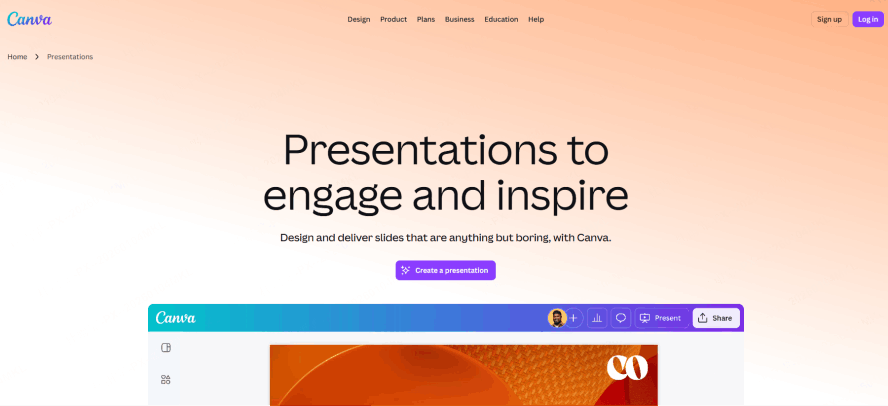
Canva has evolved from a simple social media tool into a robust visual storytelling app free for anyone to use. Its greatest strength lies in its sheer volume of templates. For creatives who need to mix photography with graphic elements, text overlays, and animations, Canva is the ultimate playground.
Why it’s perfect for creatives:
Canva’s drag-and-drop interface is incredibly intuitive. It’s a great photo slideshow maker ai as well, featuring an "Auto-Layout" function that helps arrange multiple images into a grid. However, for a professional photographer, the real draw is the brand controls available on the selected plan, which helps you maintain a consistent look for your photography studio’s marketing decks.
5. Gamma
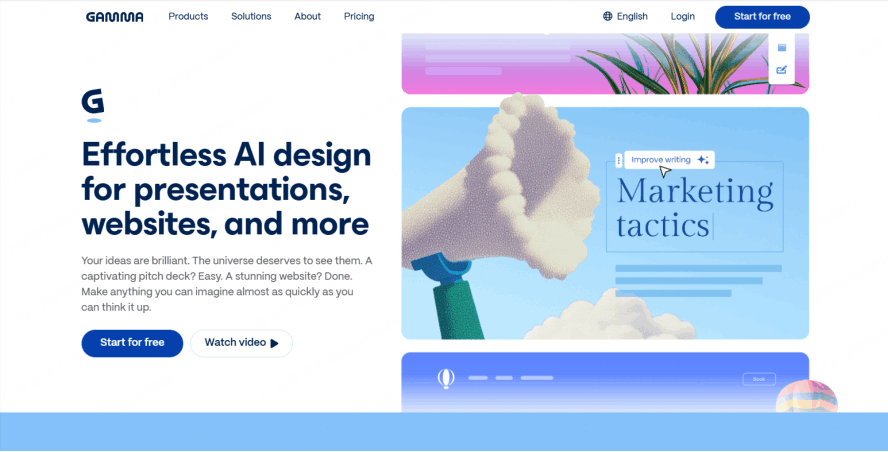
Gamma breaks the traditional "box" of a slideshow. Instead of flicking through pages, Gamma creates a fluid, web-like experience. It’s an innovative portfolio presentation tool that allows you to present your work as a continuous, immersive scroll.
Why it’s perfect for creatives:
If you’re showcasing a long-form photo essay or a project that requires a lot of context and text alongside the visuals, Gamma is ideal. It uses AI to generate themes instantly, making it a high-speed photo slideshow maker ai for the modern age. It feels less like a PowerPoint and more like a high-end digital magazine.
6. Pitch
Pitch is often described as "the Netflix of presentation tools." It is sleek, fast, and incredibly design-conscious. It has quickly become the best free slideshow app for creatives working in agencies or design-led startups because its templates are created by world-class designers.
Why it’s perfect for creatives:
The collaboration features are top-notch. If you’re part of a creative team, you can leave comments on specific photos or edit layouts in real-time. It’s a sophisticated portfolio presentation tool that supports high-resolution video embeds, allowing you to mix your photography with motion graphics seamlessly.
7. Keynote
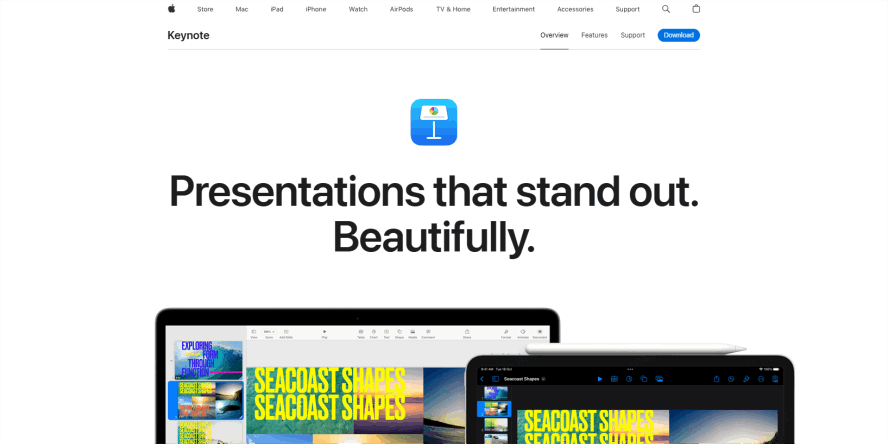
For Mac users, Keynote remains a powerhouse. It is arguably the most "premium" feeling visual storytelling app free with your hardware. Keynote’s "Magic Move" feature is legendary among designers for creating transitions that feel like a professional film edit.
Why it’s perfect for creatives:
Keynote treats every image as a high-fidelity object. Check transparency and color appearance on the display you will use for the portfolio. If you have the time to manually craft your transitions, it serves as an elite portfolio presentation tool that works offline, ensuring your pitch never fails due to poor Wi-Fi.
8. Google Slides
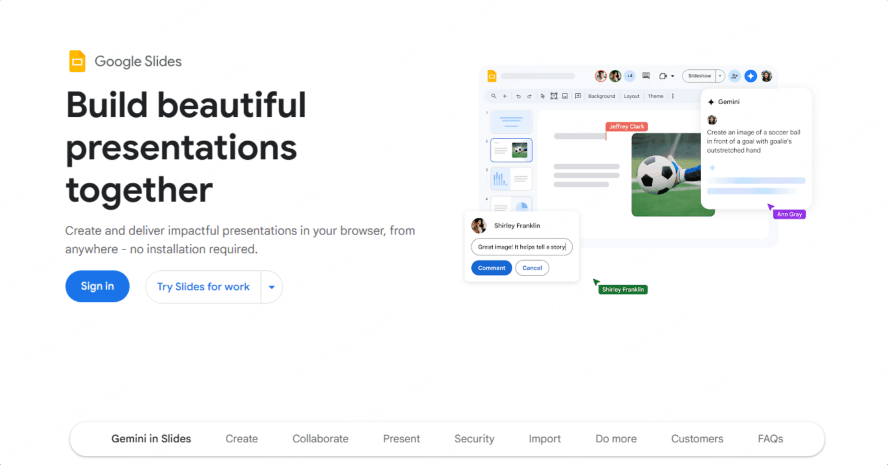
While it might lack the "flash" of an AI-driven tool, Google Slides is the most accessible best free slideshow app for creatives globally. Its power lies in its ubiquity and zero-cost barrier.
Why it’s perfect for creatives:
Sometimes, you just need a reliable, cloud-based platform to throw together a mood board. With countless third-party add-ons, you can turn it into a decent photo slideshow maker ai by using plugins that automate image placement. It’s the ultimate backup tool for every creative professional.
How to Choose Your Tool Based on Your Project
Choosing the right platform depends on your specific creative goal. Not all "free" tools are created equal, and your choice should align with the "vibe" of your work.
If Speed and Intelligence are Your Priority:
Consider Presenti when you have project notes to turn into an editable presentation. Add a curated selection of photos and check the layouts individually; do not assume a folder of images will become a finished portfolio automatically.
If You Are Delivering to a High-End Client:
Choose Pixieset or Pitch. These platforms are built to impress. Pixieset is ideal for photographers because it frames the photos in a gallery-style environment that feels expensive. Pitch is better if you are an illustrator or a graphic designer pitching a brand identity, as it allows for more complex layouts and storytelling elements.
If You Want to Break the Standard Format:
Try Gamma. As a visual storytelling app free of the traditional "slide" constraints, it offers a refreshing way to present a project. It’s perfect for "Behind the Scenes" content or "Process" portfolios where the journey is just as important as the final image.
Conclusion
In the creative world, your portfolio is your handshake—don't let a clunky interface ruin your first impression. Whether you choose the AI-driven efficiency of a photo slideshow maker ai like Presenti or the cinematic elegance of Pixieset, the goal is to remove the friction between your vision and your audience. By leveraging a modern portfolio presentation tool, you turn a simple "viewing" into an immersive experience.
The best free slideshow app for creatives is the one that stays out of your way while providing a high-fidelity stage for your art. By choosing a powerful visual storytelling app free of technical clutter, you can focus entirely on your next great shot. Choose a format that lets viewers see the work clearly and understand your role in the project.