A thank-you slide gives the audience a clear place to land at the end of your presentation. It can invite questions, show a useful contact, or state the decision you need. The examples below will help you choose a closing message and a layout that suit the occasion.
Choose the message before the design. When browsing presentation templates with room for a clear closing message, look for a layout with one focal point and enough space for a readable contact line. You will still need to add your own wording; the examples below are not preloaded templates.

Key Elements of a Thank You Slide
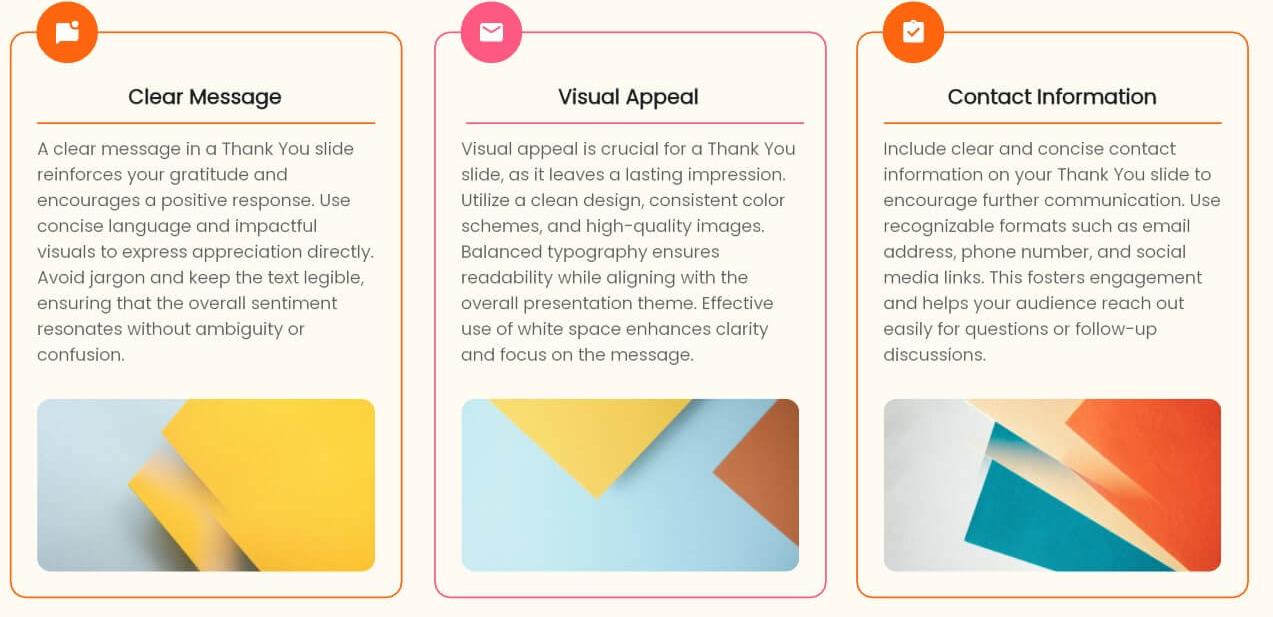
1. Clear Message
Your slide should feature a straightforward "Thank You" statement. This clarity helps set the tone for your closing remarks and ensures that your audience understands your appreciation.
2. Visual Appeal
Incorporating engaging visuals, such as images or icons, can significantly enhance your slide. Choose color schemes and fonts that are easy to read and align with the overall design of your presentation.
3. Contact Information
Provide one contact route that fits the next step: an email address for a project question, a resource page for lecture materials, or a booking page for a follow-up conversation. Display it in readable text. If you also use a QR code, test it and keep a text alternative for people who cannot scan it.
Best Practices for Creating a Thank You Slide
1. Craft a Genuine Expression of Gratitude
Use a closing line that fits the occasion. For a project review: “Thank you. We need approval for the pilot budget by Friday. Questions: [name/email].” For a lecture: “Thank you. What would you like to discuss?” Replace the placeholders with real contact details.
2. Summarize Key Takeaways Clearly
If a brief recap will help your audience, include the main takeaway on the thank-you slide. This not only helps the audience remember your message but also provides a quick recap of the content. Use bullet points or concise phrases to ensure clarity and engagement, making it easy for your audience to grasp the key takeaways at a glance, even as they prepare to transition away from your presentation.
3. Provide Contact Information for Easy Follow-Up
Include a relevant contact on your closing slide when you want people to follow up. Make it easy for your audience to reach out with questions or comments by providing your email, social media handles, or a website link. This shows your willingness to continue the conversation and engage with your audience.
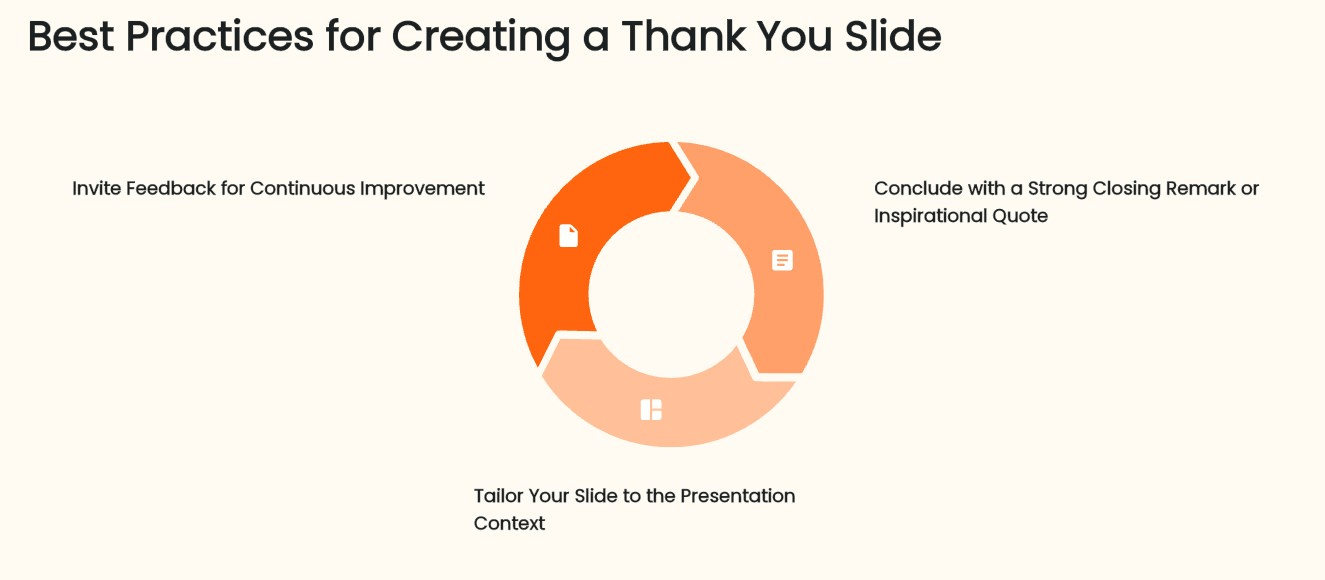
4. Invite Feedback for Continuous Improvement
Constructive feedback is essential as it can unlock valuable insights that enhance our future presentations. Consider adding a prompt like "Your thoughts are welcome!" or "Let's connect!" This creates an inviting atmosphere where the audience feels comfortable sharing their opinions, fostering a sense of community and collaboration that can lead to meaningful discussions and improvements in your future work.
5. Conclude with a Strong Closing Remark or Inspirational Quote
A closing statement should reinforce the point you want the audience to remember. Use a quotation only if it genuinely serves that point and you can verify its wording and attribution. When the audience needs to act, a specific next step is more useful than an unrelated inspirational quote.
6. Tailor Your Slide to the Presentation Context
Customize your thank you slide based on your audience and the nature of your presentation. For example, a conference slide should be formal and concise, while a team presentation can be more personal and creative. Adjusting your approach ensures that the slide fits seamlessly within the overall presentation context.
Examples of Effective Thank You Slides
1. Corporate Presentation Thank You Slides
In corporate settings, use a clean layout with a short closing message and, where useful, the company logo. If a decision is needed, give it more prominence than the thank-you line.
Example for an internal pilot proposal: “Next step: approve the two-team pilot.” Beneath it, add “Please confirm the participating teams by Friday,” followed by the real project contact. Keep “Thank you” as a smaller sign-off. During questions, this arrangement leaves the decision visible rather than replacing it with a decorative ending.
2. Educational Presentation Thank You Slides
For a class or lecture, use the closing slide to invite questions or further discussion. Keep a relevant image only if it helps students recall the subject; student testimonials are usually less useful here than a question about the lesson.
Example after a lesson on evaluating sources: “Which claim would you verify first—and why?” Put the question in the largest text, then show where the reading materials can be found. Leave the slide visible while students answer. This gives the discussion a specific starting point without repeating the entire lesson.
3. Creative Thank You Slides
A creative closing slide can reuse the visual motif of the opening slide, such as the same illustration or project photograph. Keep the final message readable instead of making the audience watch a new animation while you answer questions.
Example for a design concept review: Show the chosen concept beside the line “Which direction should we develop?” Add the two option names if the audience is comparing alternatives. Keep the contact information secondary. If the work is already approved, change the question to the agreed next action rather than reopening the decision.
Final Thoughts
A well-designed thank you slide transforms a simple farewell into a meaningful connection with your audience. By expressing genuine gratitude, summarizing key messages, and inviting further engagement, you can create a lasting impact. Tailor your approach based on the audience and context to ensure that your message resonates.

Additionally, consider exploring professional templates with Presenti to create a stunning thank you slide that effectively conveys your appreciation. Your next thank you slide could be the key to fostering ongoing dialogue and engagement!