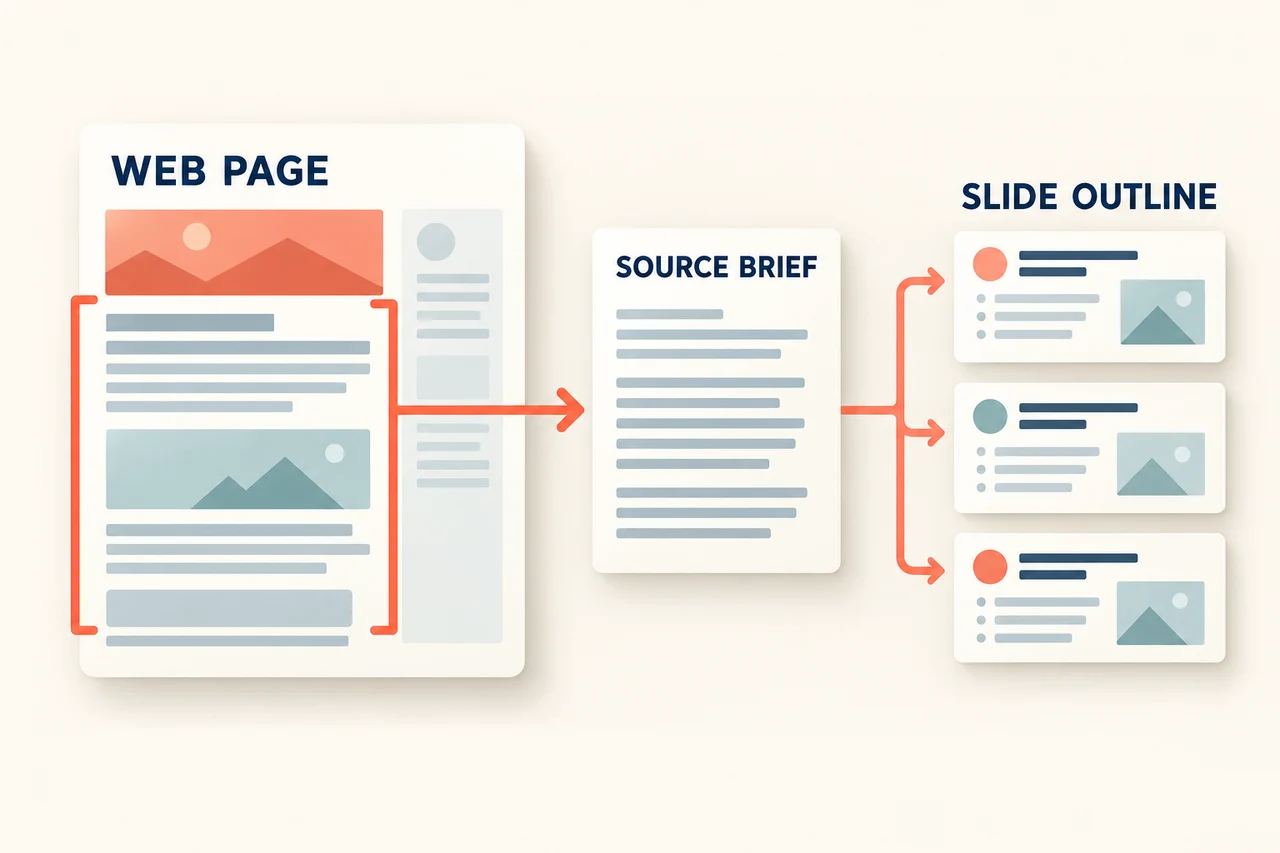
To turn a web page into slides in Presenti, paste a supported URL, review the extracted outline, choose a template and edit the resulting draft. The important step is the comparison between source and outline: a page title, a qualification or a number can change meaning when shortened.
This guide keeps the URL-import walkthrough and adds a source-to-slide example and a copyable brief. Presenti's current input and plan information documents link/text input and paid PPTX/PDF export. Whether a particular page can be extracted depends on its access and structure.
What URL import is useful for
A supported web page can provide the starting text for a presentation outline. This is useful when you want to brief colleagues on an announcement, explain your own published article or introduce the main points of a report.
It is not a substitute for reading the page. Separate the author's claims from your interpretation, and keep any conditions attached to a fact. If a report says a result applies to a particular group, the slide should not silently extend it to everyone.
Decide the audience and purpose before importing. A two-minute update about a page needs a different selection from a training session built around it.
Import a web page and review the draft
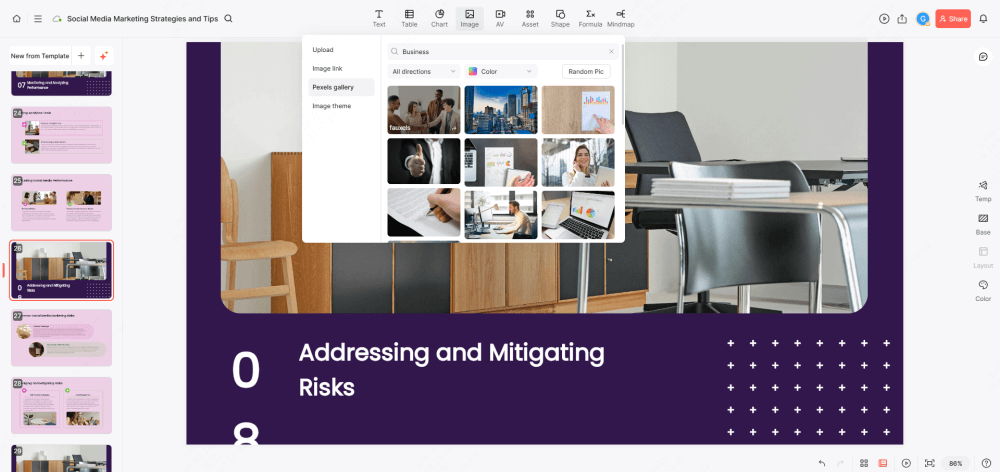
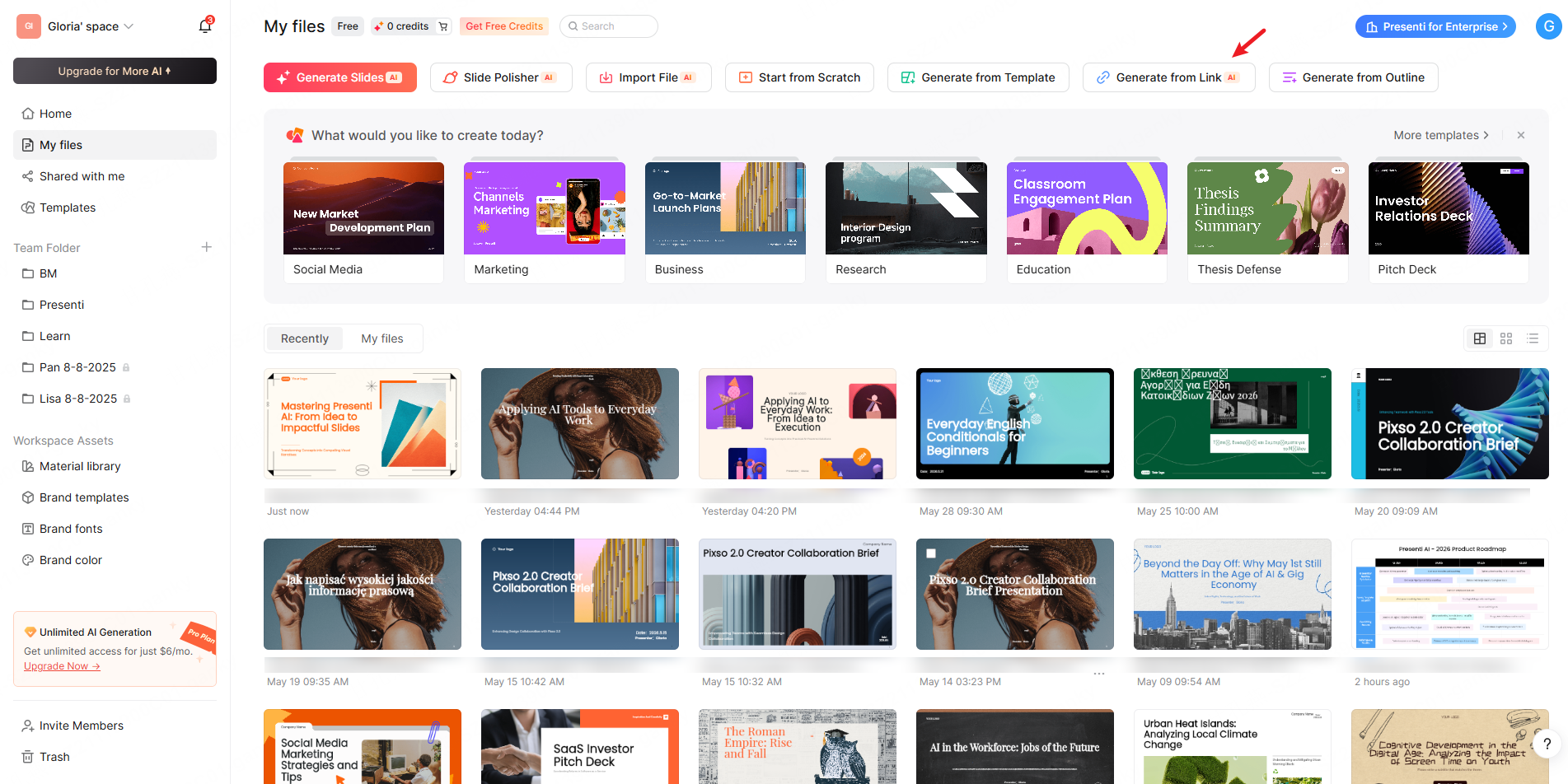
1. Open the link-input option
Sign in to Presenti and choose the link-import option in the creation flow. The reference images show the workflow; use the labels displayed in your current workspace.
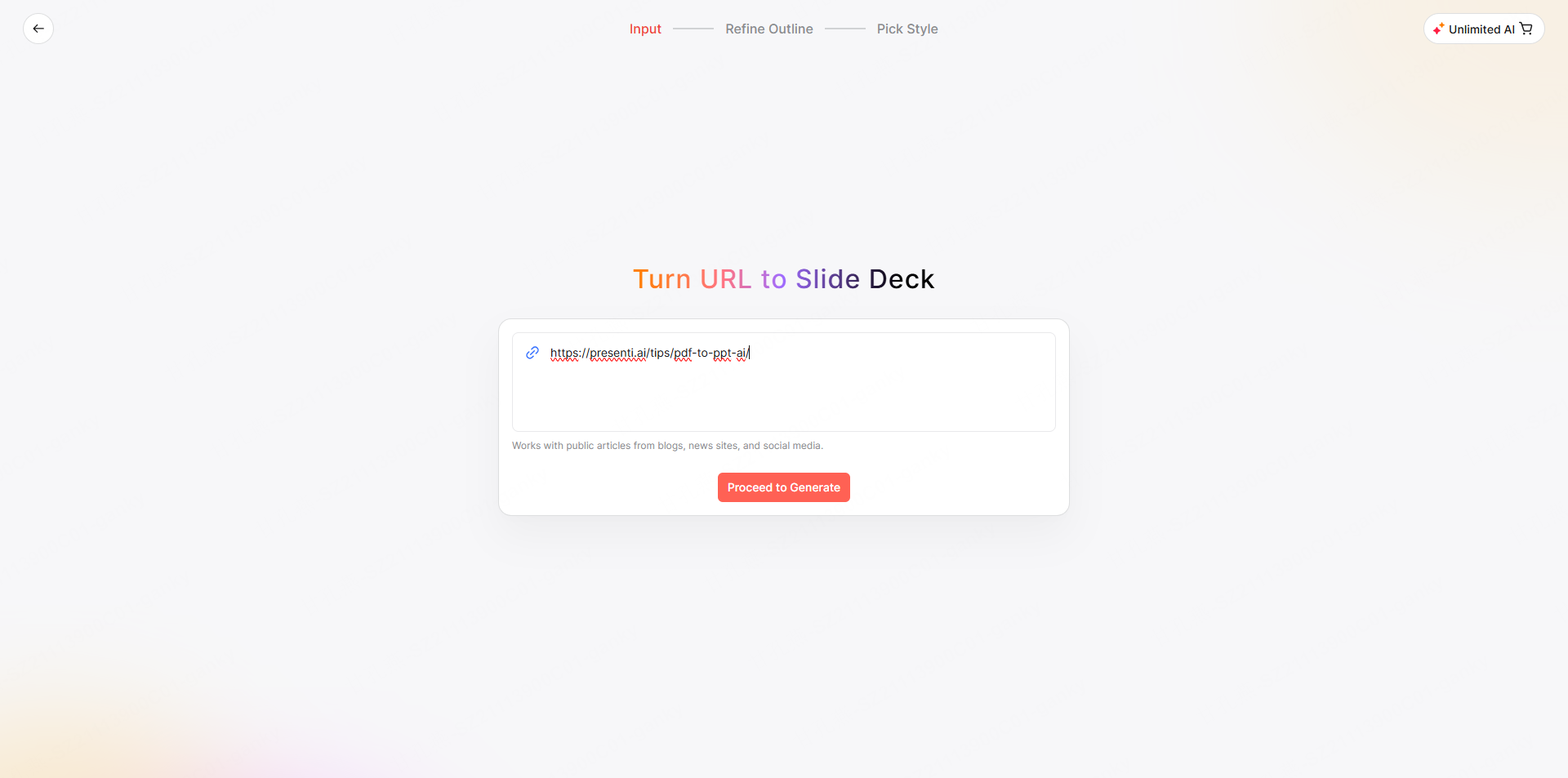
2. Paste the page URL and inspect the outline
Use the URL of the specific article or announcement rather than a search-results page or a home page containing several unrelated stories. After processing, compare the outline with the page you opened.
Look for the last substantive section as well as the introduction. Remove navigation labels, cookie text, unrelated recommendations or sidebar material if they appear in the outline. Restore a missing limitation before moving on.
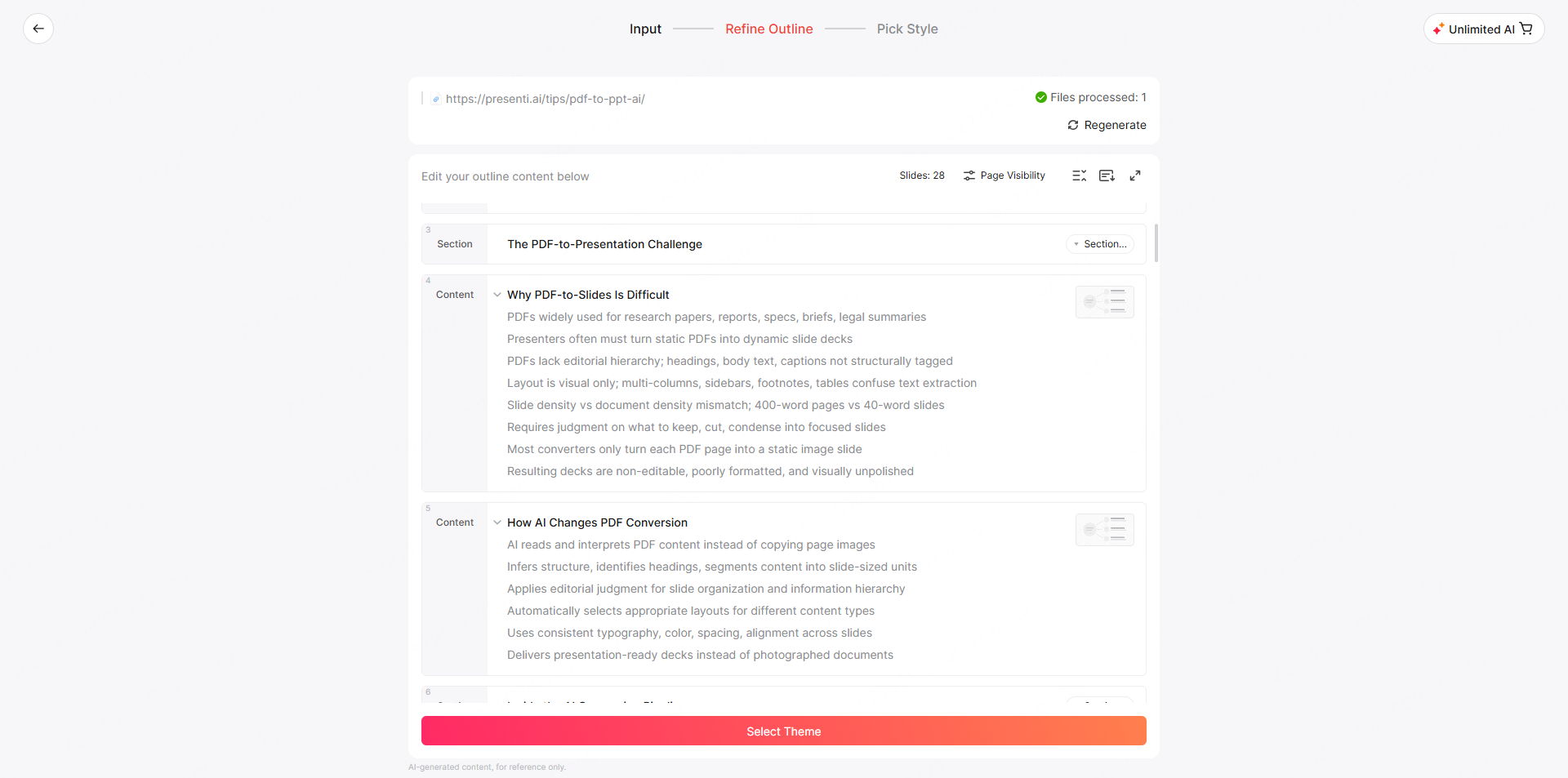
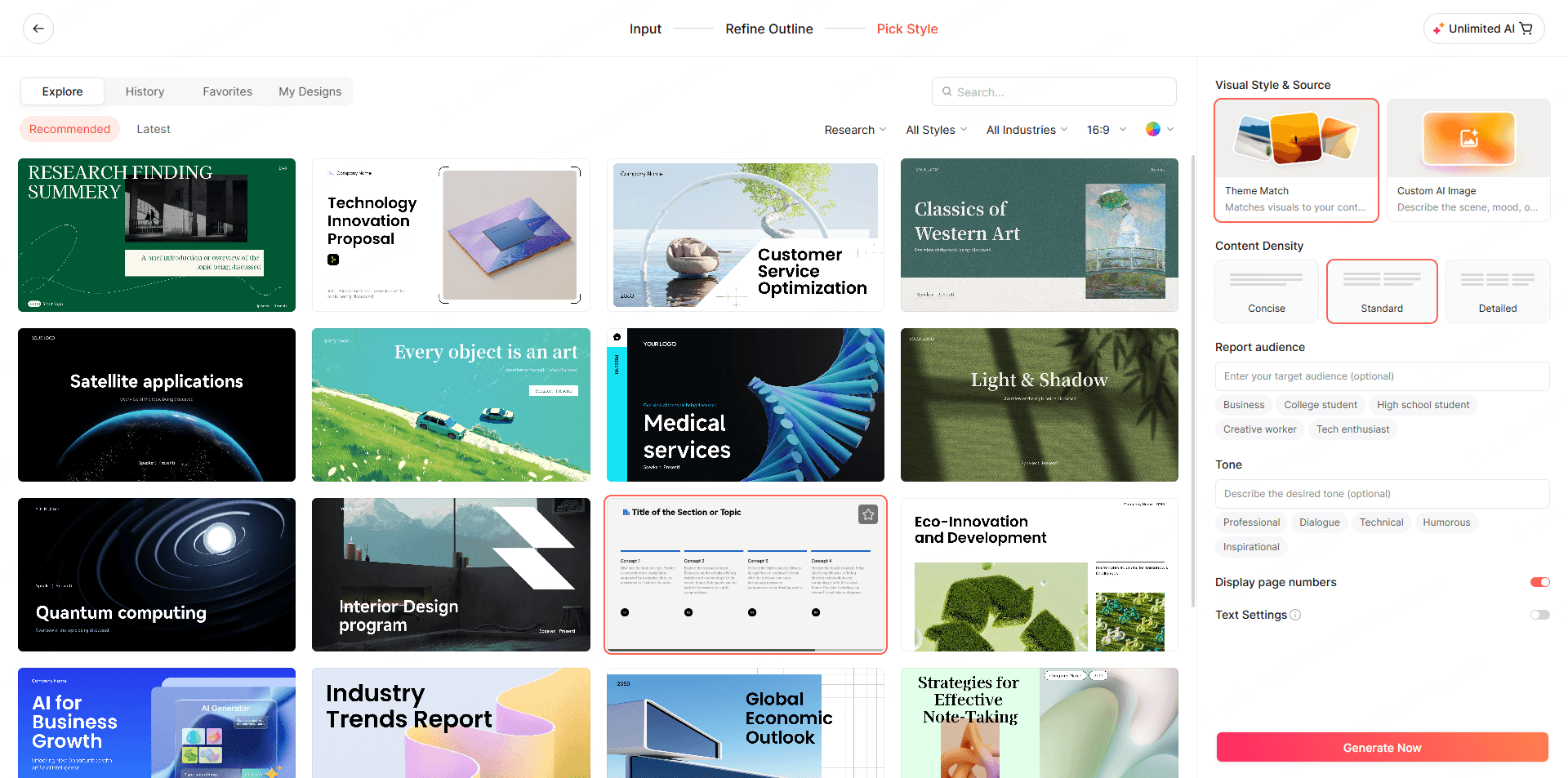
3. Choose a template for the explanation
Pick a design around the information you need to communicate. An event briefing may need a date/location panel and an action list; a product announcement may need a comparison and an availability note. Do not choose a chart layout unless you have suitable data.
4. Generate slides from the approved outline
Generate the draft, then compare its headlines with the source. A short title often introduces the biggest change in meaning: “registration required” should not become “registration confirmed.”
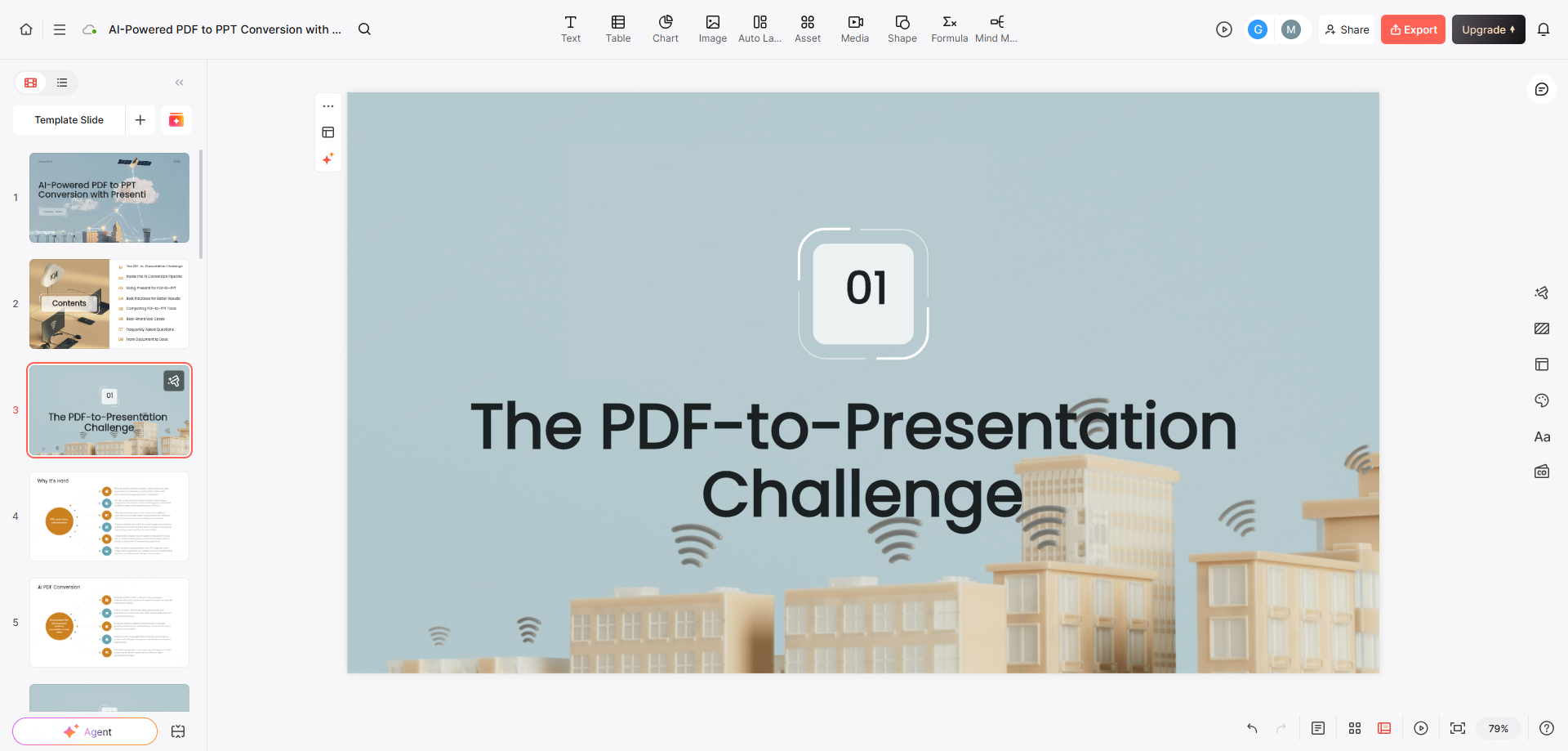
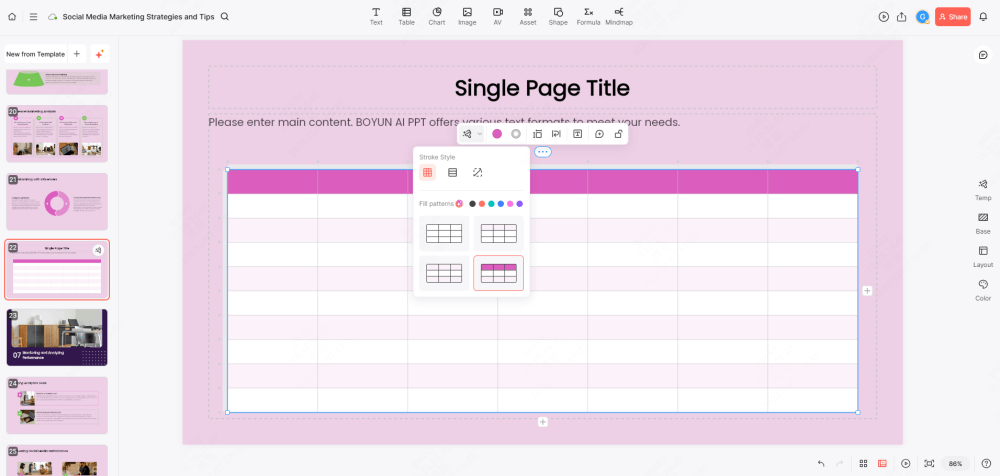
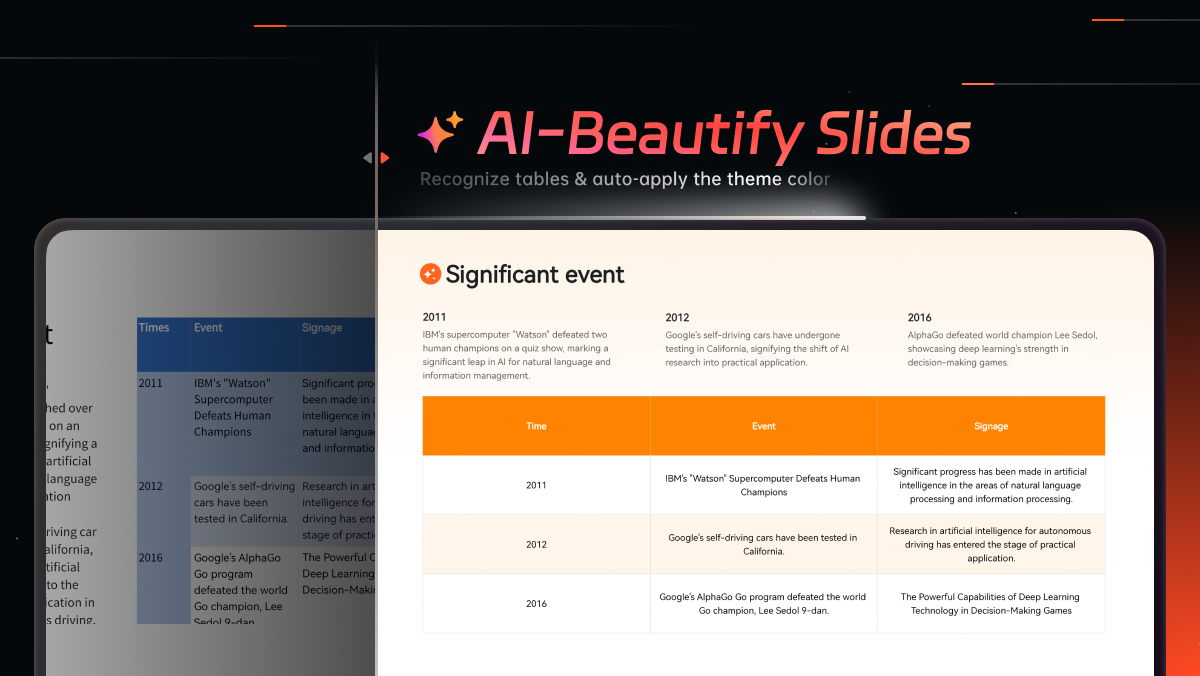
5. Edit the content and supporting visuals
Refine the wording and layout in the editor. When asking for a change, identify what should stay: “Shorten this slide, but retain the eligibility condition and the announcement date.” Check the edited slide and any surrounding text it affects.
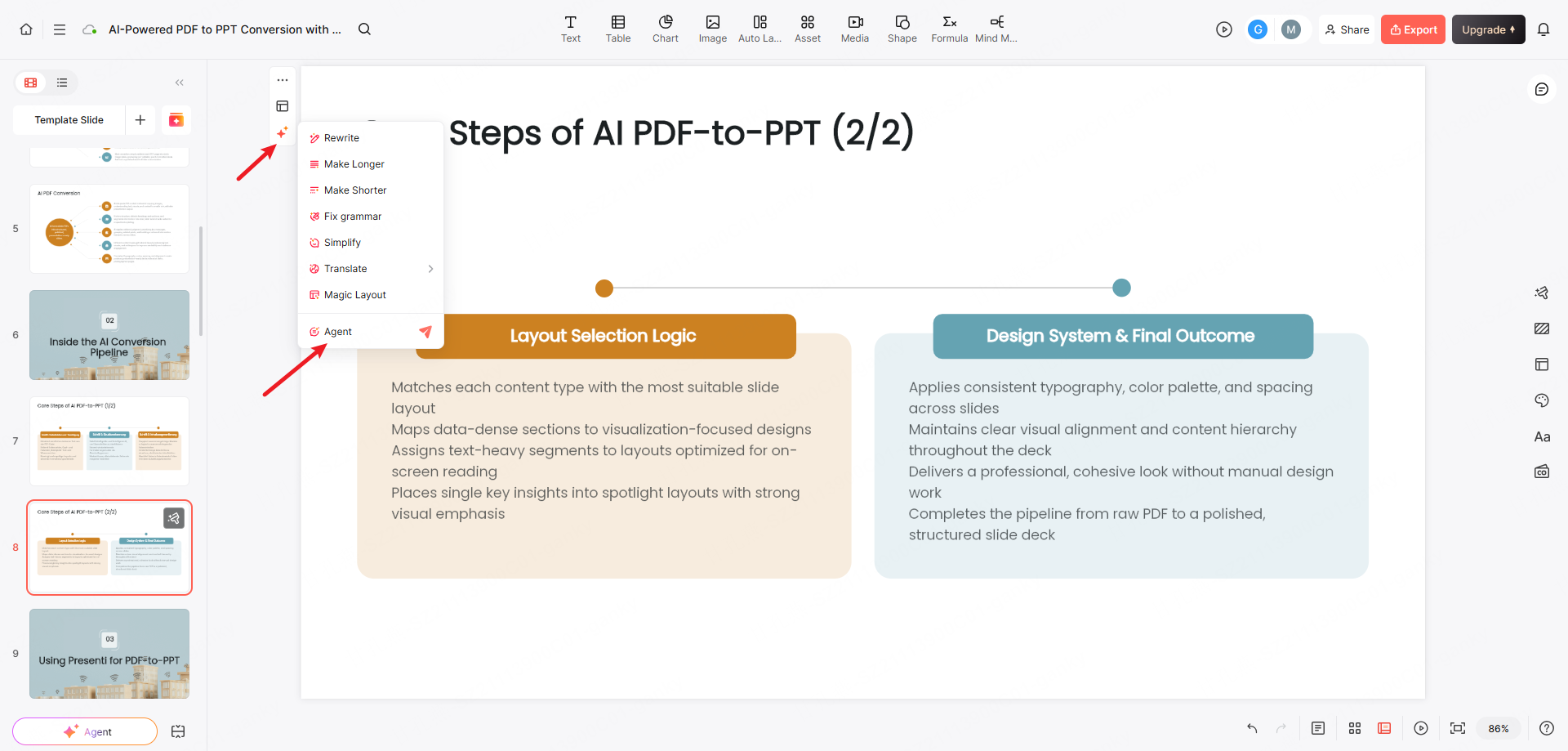
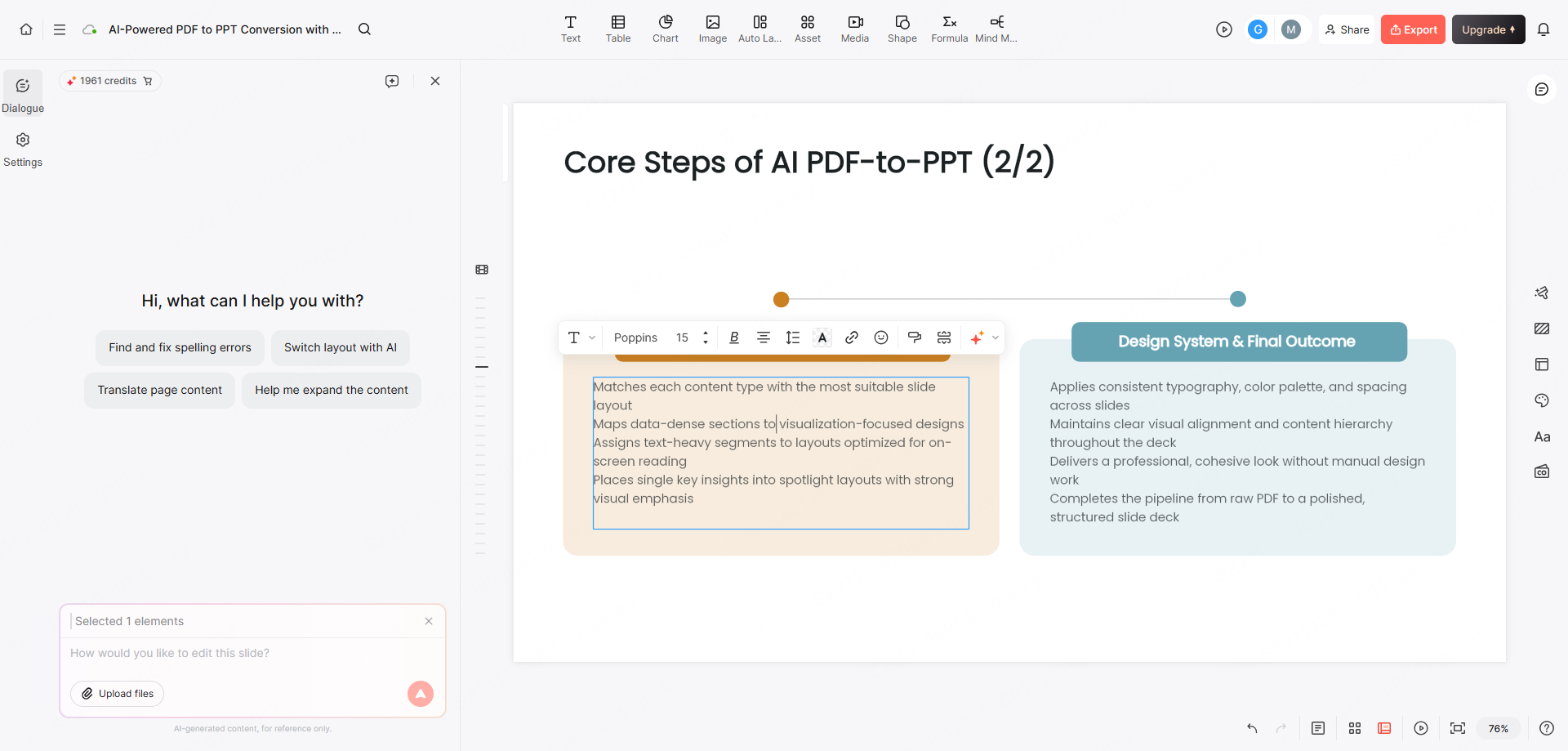
6. Export or share the reviewed version
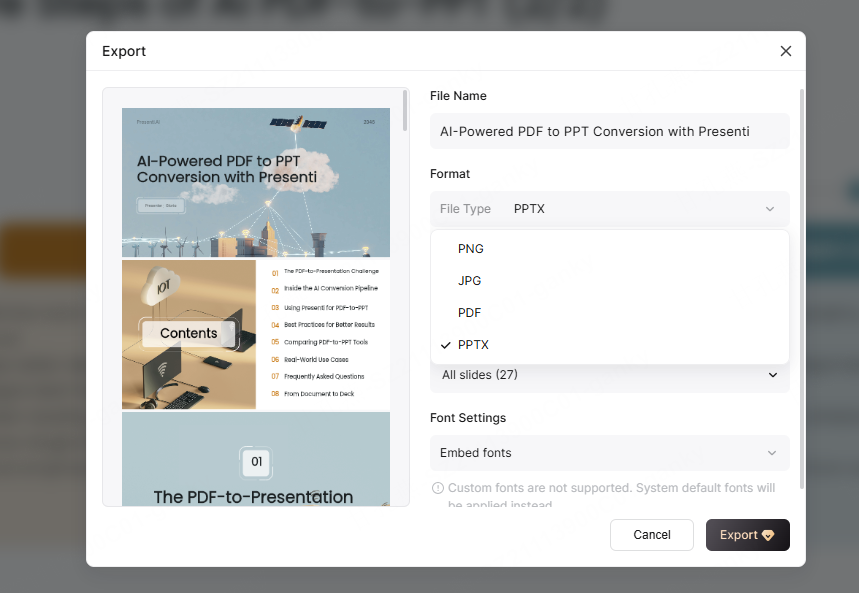
Use an eligible paid plan for PPTX or PDF export, or inspect the sharing options available to your account. Open the output and check the source link, dates, labels and any small-print conditions in the format the recipient will use.
Worked example: turn an announcement into a briefing
Suppose volunteers need a short briefing based on the following fictional event announcement. The source and slide mapping are written for this guide; they are not a claim that Presenti fetched or generated this example.
Riverside Repair Workshop takes place at the community hall on 24 October 2026, from 10 a.m. to noon. There are 20 places, and advance registration is required. Participants may bring one item of clothing or a small household item. Organizers cannot guarantee that every item can be repaired. The page does not state how many people have registered.
| Source information | Slide wording | Why the distinction matters |
|---|---|---|
| Date, time and venue | Workshop: 24 October, 10 a.m.–noon, community hall | These are event facts, not the date you accessed the page. |
| 20 places; registration required | Capacity is 20; participants must register | Capacity is not confirmed attendance. |
| One eligible item per participant | Ask each participant to bring one eligible item | Keep both the number and the item restriction. |
| Repair not guaranteed | Explain that some items may not be repairable | Do not replace a limitation with a promise. |
| No registration count stated | Open question: how many registrations are confirmed? | An unknown should remain a question. |
A three-slide outline could be Event details, What participants need to know, and What volunteers must confirm. The last slide should distinguish source facts from the team's next tasks.
For example, the tempting title “Twenty participants will attend” is unsupported. Change it to “Plan for a maximum of twenty participants,” and ask the organizer for the actual registration count before staffing the event.
Keep a source note with the presentation brief
A source note makes later corrections easier. It records which page you used, when you consulted it and what the page actually supports. It also helps when a published page changes after the presentation is drafted.
WEB-PAGE PRESENTATION BRIEF
Source URL: [specific page]
Page title and publisher: [as shown]
Published/updated date: [as shown, or not stated]
Accessed on: [date you opened the page]
Audience: [who needs the briefing]
Purpose: [what they need to understand or decide]

KEEP
- [Source statement and any condition attached to it]
- [Number, unit, period and population, where relevant]
- [Limitation that changes how the claim should be interpreted]

DO NOT INFER
- [Missing result, availability detail or approval]

PROPOSED SLIDES
1. [Main point and supporting source information]
2. [Second point and supporting source information]
3. [Open questions or next action]

Draft from the supplied page content only.
Keep quoted text distinct from paraphrases.
Mark missing information as not stated.
Do not invent statistics, citations or conclusions.
Download the source-note template and worked example. For a real announcement, include the actual URL on the relevant slide or in supporting notes, and check the source again when the presentation will be used.
When a URL does not provide a usable outline
| What you see | Practical response |
|---|---|
| Only a title or short summary | Check whether the page requires a login, interaction or script to reveal the main content. Use text you are entitled to access as the source instead. |
| Unrelated navigation or promotional text | Remove it from the outline and confirm that the article's actual sections remain. |
| A claim without its footnote or qualification | Restore the qualifying text from the source before generating slides. |
| The useful information is inside an image or chart | Read the visual directly, record the relevant values and labels, and supply an appropriate explanation. Do not assume text extraction captured it. |
| The page changes or the URL stops working | Retain a permitted source copy or excerpt and its access date. Reconfirm the facts before sharing an updated presentation. |
For incomplete extraction, paste the relevant text with the brief above. Do not paste passwords, access tokens or a private session URL as a workaround. If the source is a document rather than a web article, use the appropriate document-input workflow.
Use the link as evidence, not as the finished story
URL import is useful for a news briefing, a summary of your own article, a published product update or a research introduction. Each task still needs a selection: what the audience needs to know, which claims the source supports and what remains unanswered.
Start a draft from a supported link, compare the outline with the page, and keep the source note with your presentation. When the source is incomplete, a short list of honest questions is more useful than a confident-looking slide that fills the gaps.