Effective presentations are crucial for conveying ideas, securing investments, and driving team collaboration. However, many presentations fall flat due to information overload or lengthy delivery. To combat these challenges, Guy Kawasaki introduced the 10/20/30 rule — a simple yet powerful framework for crafting engaging presentations. In this blog, we'll explore the 10/20/30 rule, its significance, practical applications, and how to implement it using Presenti.ai.
Overview of the 10/20/30 Rule
The 10/20/30 rule is straightforward: a presentation should consist of 10 slides, last no longer than 20 minutes, and use a 30-point font or larger. This guideline was designed to help presenters focus on clarity and brevity, ensuring that the audience can easily digest the information presented.
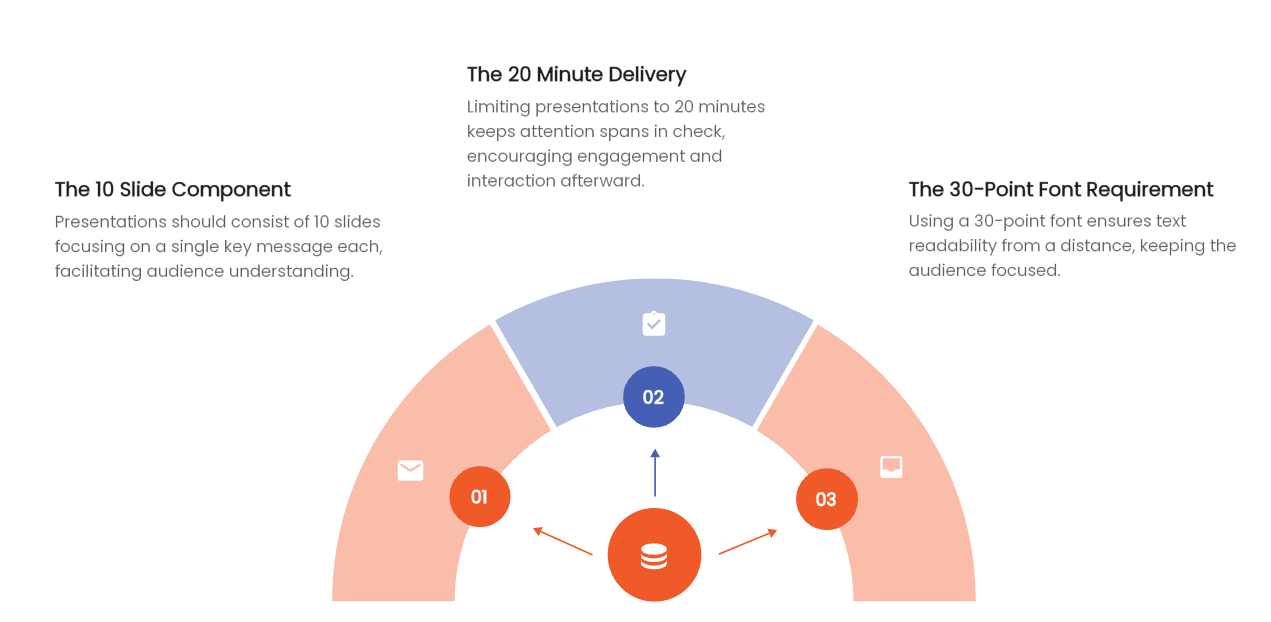
- 10 Slides: The first component of the rule emphasizes that less is more. Each slide should convey a single key message or takeaway, allowing the audience to grasp essential points without feeling overwhelmed.
- 20 Minutes: Attention spans are notoriously short, making it vital to keep presentations concise. By limiting the presentation to 20 minutes, you encourage engagement and create space for questions and discussions afterward.
- 30-Point Font: Readability is crucial. A 30-point font is a useful starting size for slide text. Check it from the back of the room or on the target display; typeface, contrast, and viewing distance also affect readability.
Importance of the 10/20/30 Rule for Presentations
Adhering to the 10/20/30 rule significantly enhances the effectiveness of presentations. Here are a few reasons why this framework is important:
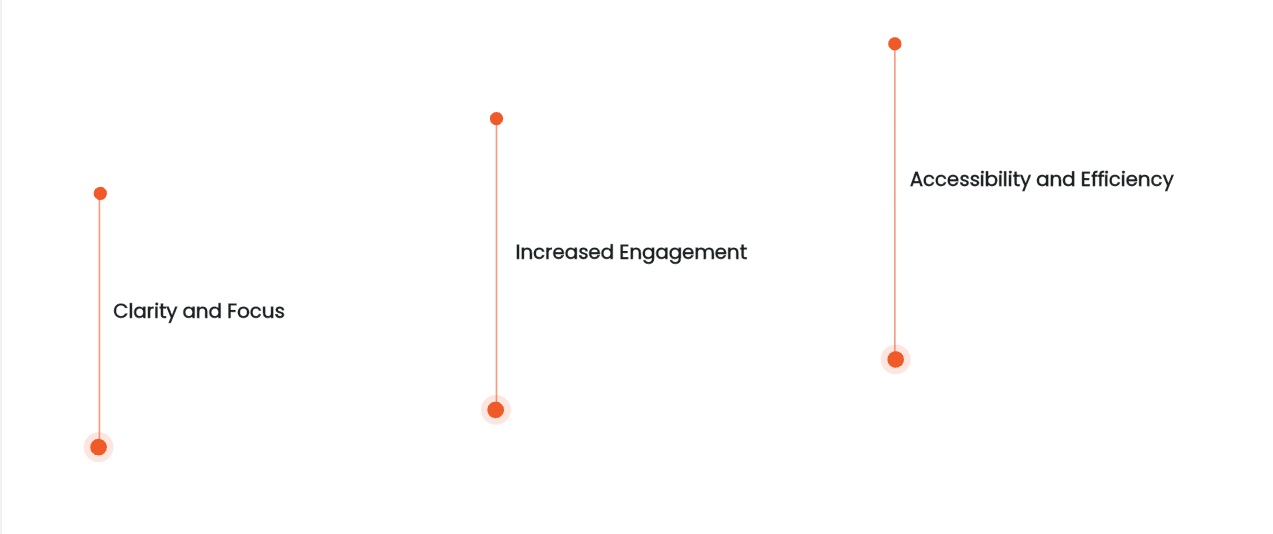
- Clarity: By limiting the number of slides, presenters are forced to distill their messages to the essentials. This clarity helps the audience understand and retain the information presented.
- Engagement: A 20-minute timeframe keeps the energy up and prevents the audience from zoning out. Engaged audiences are more likely to ask questions and participate in discussions.
- Accessibility: Larger text can help people read the slides, but it is only one part of accessible design. Check contrast, chart labels, and the actual viewing conditions.
- Efficiency: The structure of the rule encourages presenters to practice their delivery, ensuring they stay within the time limit while effectively covering all key points.
Practical Applications of the 10/20/30 Rule
The 10/20/30 rule can be applied across various contexts, whether you're pitching to investors, presenting quarterly results, or leading a team meeting. Here are some practical applications:

- Investor Pitches: When pitching a new idea to potential investors, the rule can help you focus on the most compelling aspects of your business. With only 10 slides, you can clearly outline your value proposition, market opportunity, and financial projections, all while keeping the presentation succinct and engaging.
- Team Meetings: For internal presentations, such as quarterly reviews, the rule helps distill complex data into digestible insights. By limiting the number of slides and the amount of text, you can foster a more interactive discussion and encourage team participation.
- Sales Presentations: In sales, clarity is key. Using the 10/20/30 rule allows sales teams to highlight the most compelling benefits of their products, ensuring that potential clients grasp the value quickly and effectively.
Implementing the 10/20/30 Rule with Presenti.ai

Using Presenti.ai, implementing the 10/20/30 rule becomes a streamlined and efficient process. This platform not only simplifies the creation of presentations but also ensures adherence to the principles of clarity and engagement that the rule promotes. Here's how you can effectively leverage Presenti.ai to enhance your presentations:
1. Choose a Template
Begin by choosing a presentation template that suits your subject matter and target audience. Presenti.ai offers a variety of professionally designed templates tailored for different contexts—be it corporate, educational, or creative. Use the template as a visual starting point, then add or remove slides to match your outline.

2. Automated Design Optimization
Set your target slide count, then check the number of slides and the font sizes in the finished draft. A layout suggestion can help organize the content, but you still need to decide what to cut and whether the text is readable.
3. Collaboration Features
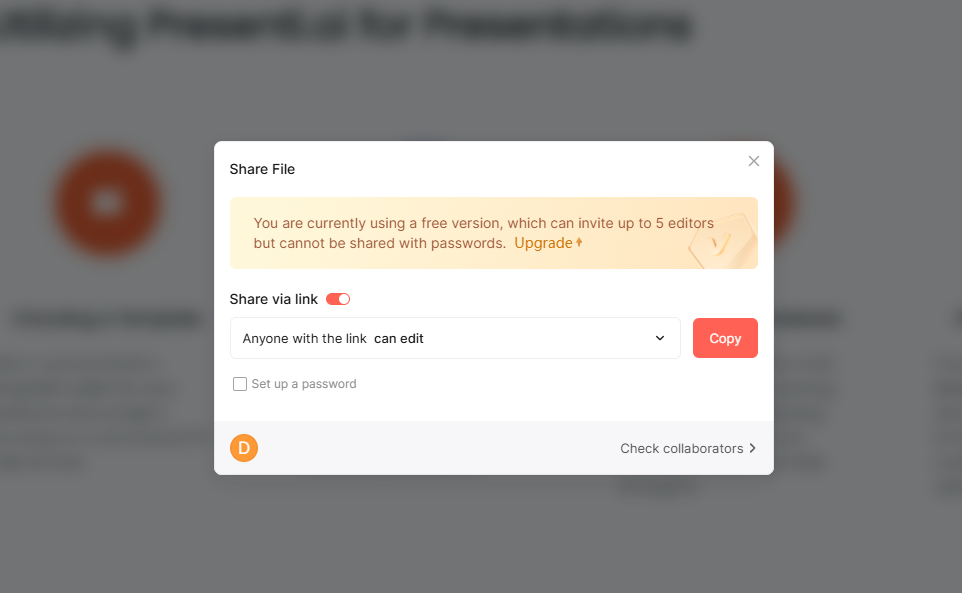
Presenti.ai allows multiple team members to collaborate on a single presentation in real-time. This feature is particularly beneficial when adhering to group rules regarding slide content and design. You can assign roles to different team members, ensuring that everyone contributes to their strengths—whether that's research, design, or data analysis.
4. Practice and Feedback
Preparation is key to a successful presentation. Rehearse the deck with a timer to check whether your delivery fits the 20-minute target. You can practice in front of colleagues, who can provide instant feedback on your pacing and clarity. This practice phase is vital, as it builds confidence and ensures that your presentation flows smoothly.
Final Thoughts
The 10/20/30 rule is a powerful tool for anyone looking to enhance their presentation skills. By focusing on clarity, engagement, and accessibility, this framework transforms ordinary presentations into compelling narratives. Implementing this rule with Presenti.ai streamlines the process, allowing you to create impactful presentations that resonate with your audience. Watch your presentations shine with Presenti now!