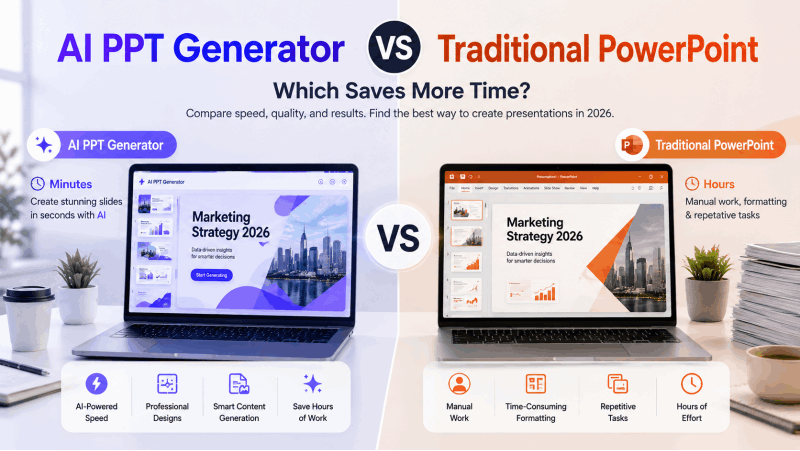
In the fast paced digital environment, professionals, students, and educators all need a quick and convenient way to create high quality presentations. Traditional desktop office software often requires installation, updates, and a learning curve that slows productivity. Fortunately, online PPT generators have transformed this workflow. These web based tools allow you to create visually appealing, well structured presentations directly in your browser, using a compatible browser and an internet connection.
If you're looking for powerful, easy to use solutions for creating presentations anytime and anywhere, this guide introduces 7 of the best online PPT generators, each offering AI powered creation, templates, collaboration features, and lightning fast editing.

1. Presenti AI: Topic and Document Workflows
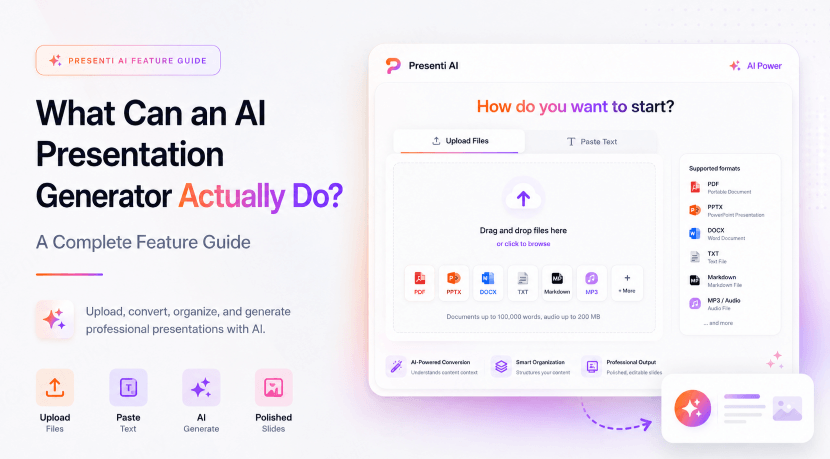
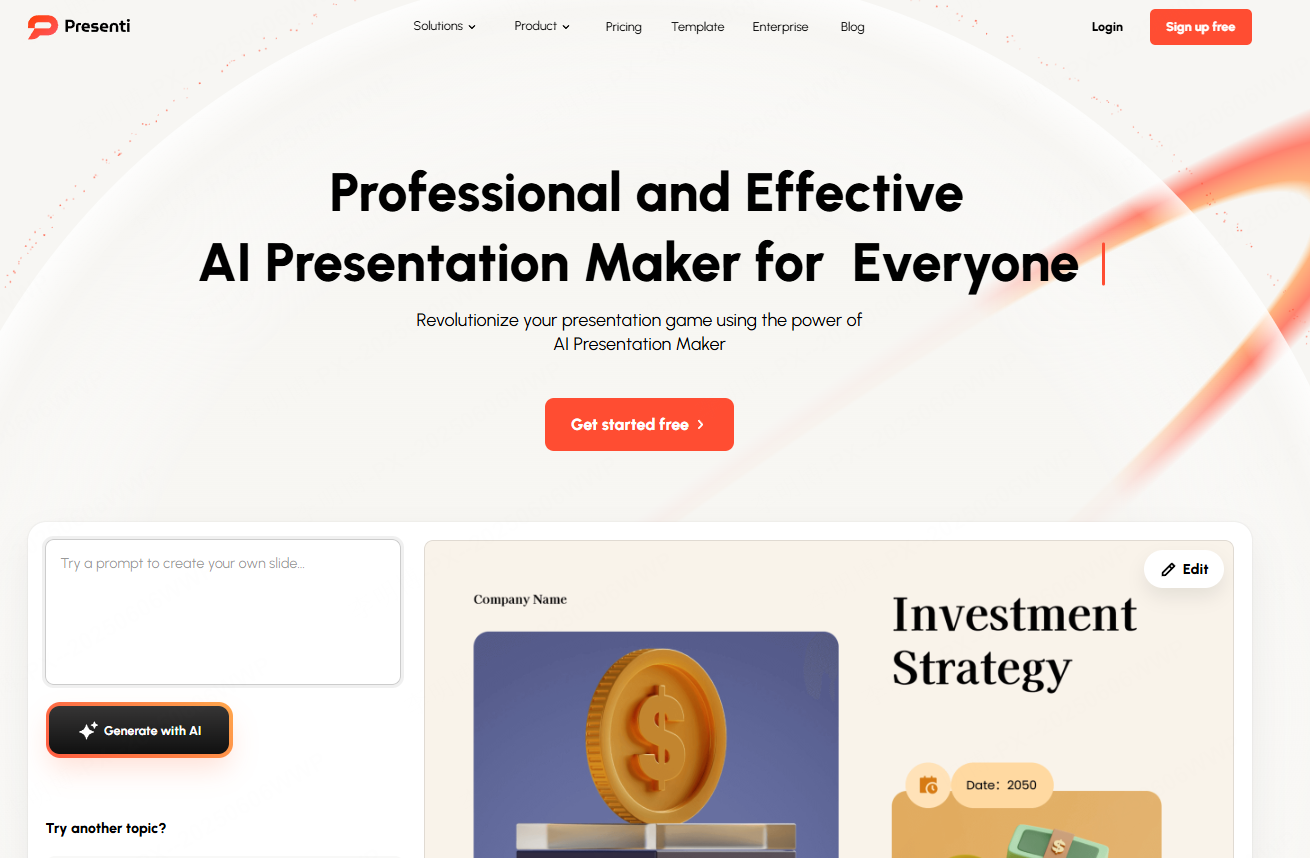
Presenti AI is one of the most beginner friendly and efficient online PPT generators available today. With its one click AI creation, editable outlines and automated layout suggestions, it delivers a smooth, intuitive workflow for anyone who needs an attractive PPT quickly.
Key Features:
- AI one click generation for full PPT outlines and slides
- Accepts text input, document uploads, and URL pasting
- Automatically chooses templates, color palettes, layout structures, and images
- Large library of templates for business reports, thesis defense, product pitches, interviews, and more
- 100% online workflow with no software download needed
- PPTX and PDF export on eligible paid plans
How to Use:
- Open the Presenti AI website and log in.
- Select "Smart PPT Generator" and enter your topic or paste your content.
- AI produces a complete outline with key points for each slide.
- Choose a template and let the system format visuals automatically.
- Make adjustments online and collaborate with teammates in real time.
2. Boardmix: Turn Whiteboards, Mind Maps, and Notes Into Slides Instantly
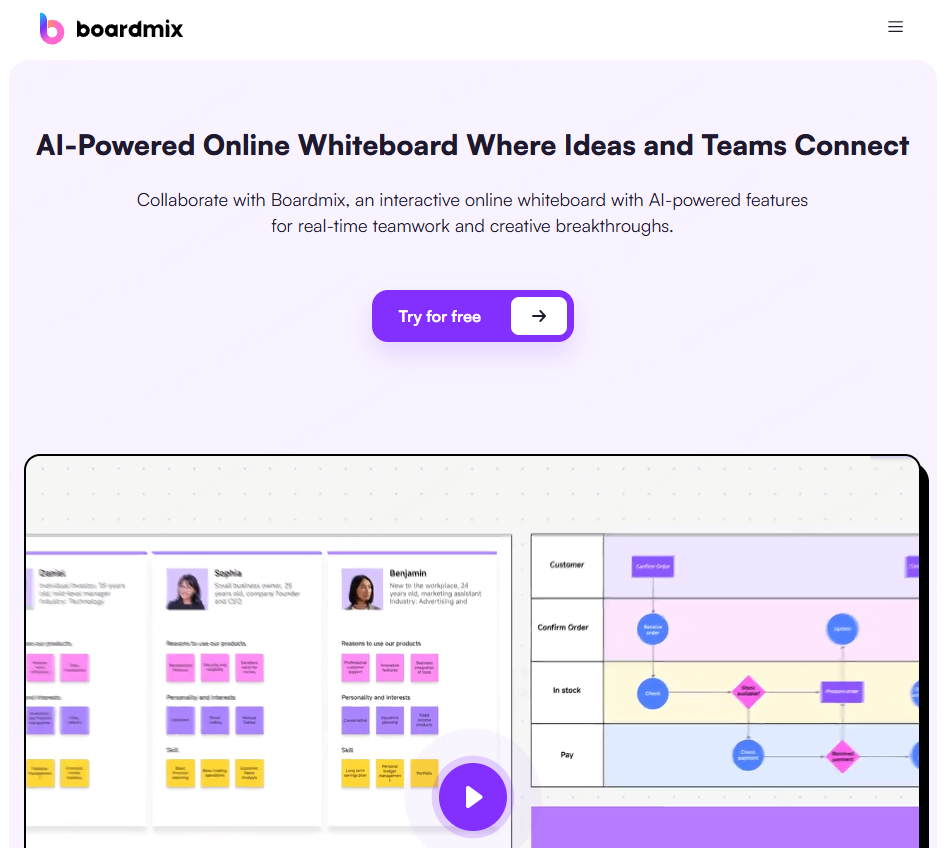
Boardmix is more than a whiteboard tool, it’s also a versatile online PPT generator. Whether you're brainstorming, creating flowcharts, or organizing thoughts, Boardmix can convert your structured content into presentation slides with one click. It's ideal for team meetings, teaching, planning sessions, and proposal drafts.
Key Features:
- Supports text, mind maps, flowcharts, Kanban boards, and more
- One click conversion into professional PPT slides
- AI powered layout and image recommendations
- Real time team collaboration and coediting
- Export to PPT/PDF or present online
How to Use:
- Log in to Boardmix and open the workspace.
- Select “AI Generated Presentation Outline.”
- Enter a topic or upload a document.
- Choose a template, then let AI format and apply visuals.
- Edit collaboratively and export when finished.
3. Visme: Best for Data Visualization and Professional Visual Storytelling
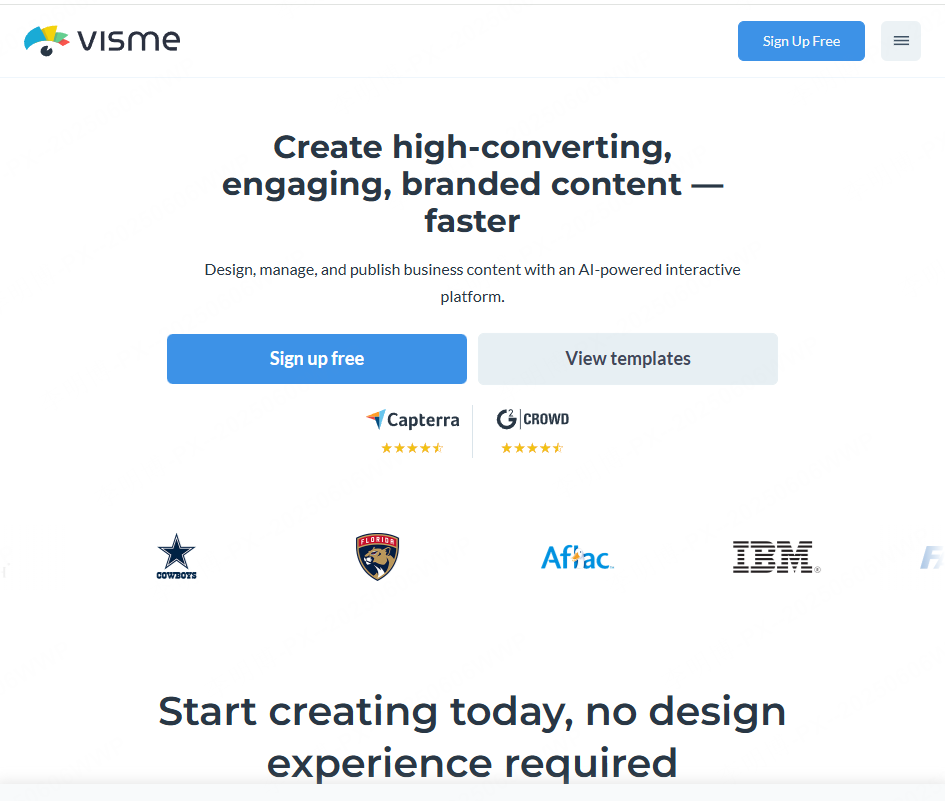
Visme specializes in visual communication. If your presentation requires charts, graphics, data storytelling, or complex visual layouts, this tool stands out with its drag and drop interface and rich charting library.
Key Features:
- Hundreds of templates: presentations, infographics, reports, and more
- Drag and drop editor suitable for beginners
- Extensive chart, diagram, and data widget options
- Browser based with autosave and instant sharing
- Export to PPT or PDF
How to Use:
- Log in and choose a presentation template.
- Insert charts, upload data, and customize visuals.
- Preview slides online and refine layouts.
- Export as PPT or share via link.
4. Pitch: A Modern, Collaborative PPT Generator for Teams
Pitch has become a favorite for startups, remote teams, and businesses that rely on fast collaboration. Its modern templates and smooth online editing experience make it ideal for pitch decks, investor presentations, and product launches.

Key Features:
- Real time coediting, commenting, and approval workflows
- Sleek, minimalist templates suitable for corporate use
- Online first platform, no installation required
- Export to PPT or share with a link
How to Use:
- Create a Pitch account and join your workspace.
- Select "New Presentation" and choose a template.
- Edit slides collaboratively and assign tasks.
- Present online or export slides anytime.
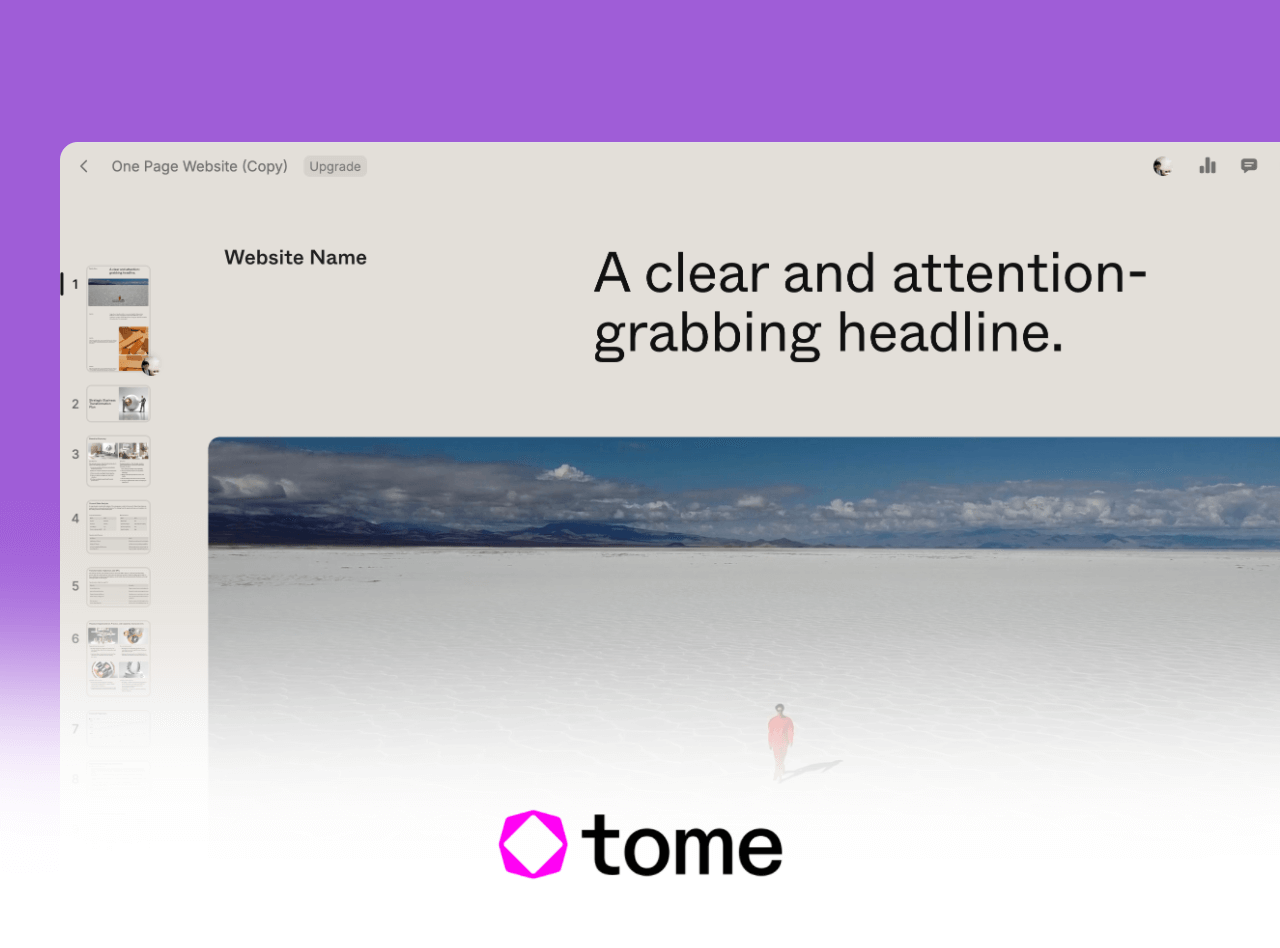
Tome Slides: discontinued presentation service
Tome Slides was discontinued on April 30, 2025 and is no longer available for new presentations. If you have saved PDFs, text, or images, use those materials to build a new deck in an available tool. This does not restore an inaccessible Tome project.
6. Gamma.app: Interactive, Card Style Presentations Beyond Traditional Slides
Gamma introduces a fresh, modern presentation experience with its card style layout and interactive elements. Ideal for educators, online workshops, livestreams, and content creators, it brings a dynamic feel to presentations.

Key Features:
- Converts text into interactive slides
- Supports buttons, polls, and Q&A interactions
- Card-based navigation with fluid transitions
- Online editing and sharing
How to Use:
- Log in and click “Create with AI.”
- Enter your content or import existing text.
- AI generates interactive card style slides.
- Present online or export to PDF or PPTX.
7. Beautiful.ai: Best for Automatic Layouts and Professional Visuals
Beautiful.ai focuses on solving the biggest challenge of presentation design, layout and formatting. Its Smart Slide layouts help organize content; check the spacing and hierarchy after adding your text and data.


Key Features:
- Automatic, intelligent layout adjustment
- Consistent design across all slides
- Large library of icons, images, and color themes
- Smooth online editing and exporting
How to Use:
- Log in and choose “Create a Presentation.”
- Select a theme (business plan, product intro, finance report, etc.).
- Enter content and let AI adjust the layout automatically.
- Export or share a presentation link.
Conclusion: Which Online PPT Generator Is Right for You?
The available tools offer different workflows, whether it's one click AI creation, deep customization, visual storytelling, or real time teamwork. The best part? The active tools offer browser-based workflows, allowing you to create stunning presentations without downloading any software.
- For topic-to-slide drafting: Presenti AI
- For teamwork: Pitch / Boardmix
- For data visualization: Visme
- For interactive storytelling: Gamma
- For automatic layouts: Beautiful.ai
With these tools, making professional quality PPTs is easier, faster, and more flexible than ever. Try one today and elevate your presentation workflow instantly.