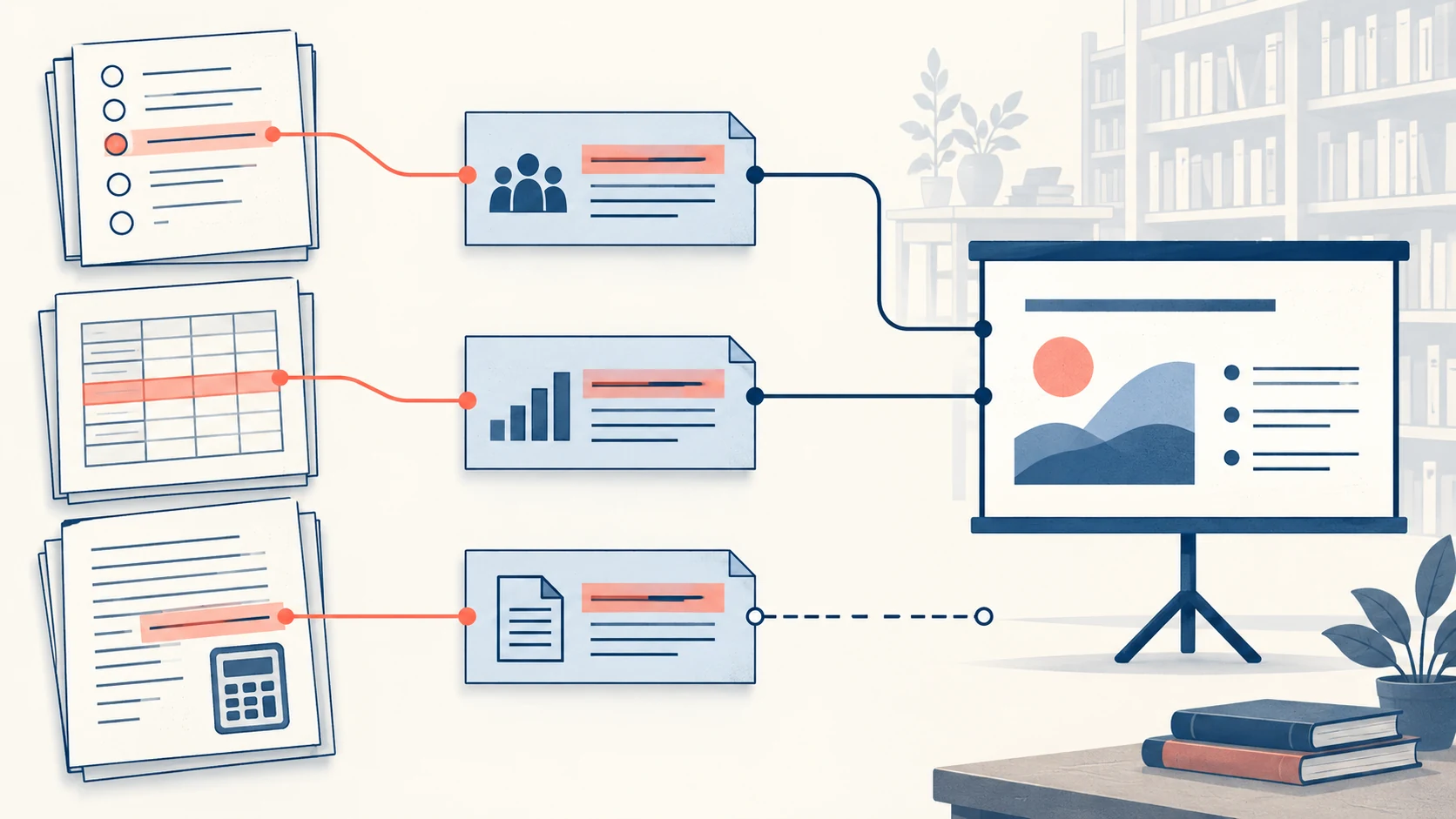
To turn a lesson plan into classroom slides, decide what students will see, do, and explain on each slide. Keep your fuller explanations in the teaching plan. An AI draft can organize the material, while you choose the examples, activities, and questions that serve the lesson objective.
This guide combines an objective-first workflow with a complete equivalent-fractions example. You can use the copyable brief in Presenti and adapt the resulting PowerPoint draft before teaching.
Where AI Can Help with Lesson Preparation
Organize Information into Manageable Sections
Ask for one main idea or activity per slide. Then check whether the amount of information is appropriate for the learners. Introduce prerequisite ideas before asking students to apply a new concept.
Start from a Draft
A draft outline and template can reduce repetitive setup. Keep time for checking the explanation, choosing examples, and rehearsing activities that need a demonstration.
Prioritize Teaching Decisions
Use AI for initial wording and layout suggestions so you can concentrate on the teaching decisions: what to explain, when students should practice, and how to check understanding.
Review the Lesson Structure
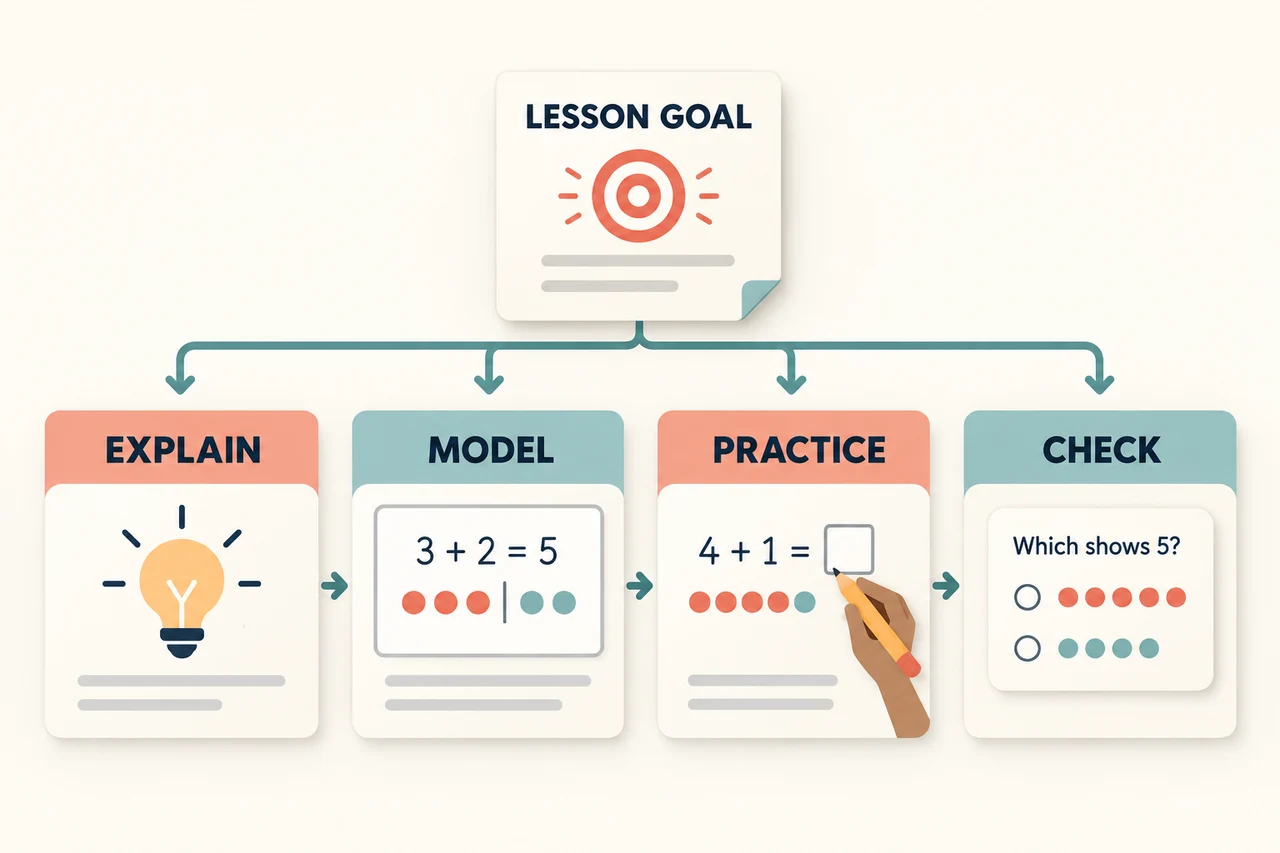
Compare the proposed sequence with your lesson plan. Keep prerequisite knowledge before new concepts, place practice after an explanation, and include a way to assess the learning objective.
Step-by-Step Workflow: Turn a Lesson Plan into Slides
Prepare a clear source document and a short brief for the draft. Specify the learners, lesson duration, objectives, and activities that must remain in the presentation.
Step 1: Structure Your Lesson Plan
Organize the source under descriptive headings. If your lesson uses the 5E model—Engage, Explore, Explain, Elaborate, Evaluate—label those sections and keep the activities in their intended order.
Step 2: Set the Learning Objectives
State what students should be able to do by the end of the lesson. For example: “Students will be able to explain the stages of the water cycle using a labeled diagram.” Include the objective in your brief and check that the slides give students a chance to practice it.
Step 3: Match the Language and Visuals to Your Class

Match the vocabulary, examples, and visual detail to the learners. A second-grade lesson on pollination needs different explanations from an advanced high-school biology class. Specify prior knowledge as well as grade level.
Step 4: Review and Refine the Draft
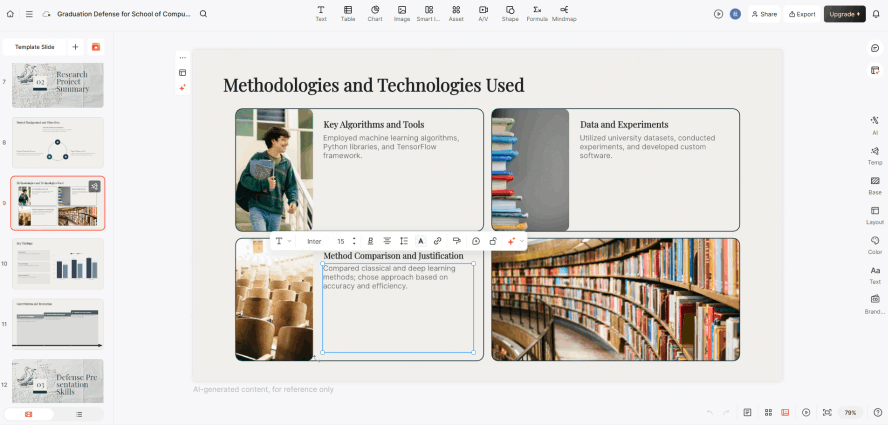
Read the entire draft. Correct subject errors, remove unnecessary detail, and add examples from your classroom context. Rehearse explanations and demonstrations that students may find unfamiliar.
Worked Example: A Six-Slide Lesson on Equivalent Fractions
The following authored mini-lesson shows how a teaching plan becomes student-facing slides. It assumes learners already recognize halves, quarters, and eighths of a whole. The objective is specific: explain with equal-sized fraction strips why 1/2 = 2/4 = 4/8. It is a planning example to adapt to your class, not a claim of curriculum alignment.
Prepare equal-length paper strips and a response slip for each learner. The suggested 20 minutes includes discussion and practice; the six slides are prompts for those activities, not six pages of teacher explanation.
| Slide and time | What students see or do | Teacher cue and expected response |
|---|---|---|
| 1 · Retrieve · 2 min | A strip divided into four equal parts, one shaded. “What do the 1 and 4 in 1/4 tell us?” | Listen for one shaded part and four equal parts in the whole. Revisit equal parts before continuing if needed. |
| 2 · Compare · 3 min | Two equal-sized strips: one half shaded; two quarters shaded. “Which shaded amount is larger, or are they equal?” | Align the ends of the strips. Ask students to explain using shaded length, rather than just counting pieces. |
| 3 · Model · 4 min | Three equal-sized strips labeled 1/2, 2/4 and 4/8, with the same length shaded. | Split every part into two while keeping the same whole. Both the number of shaded parts and the total number of parts double. |
| 4 · Practice · 4 min | Three quarters shaded. “Split each quarter into two equal pieces. How many eighths are shaded?” | Students mark their own strips, then explain 3/4 = 6/8. Keep the unshaded quarter visible so all eight parts can be counted. |
| 5 · Discuss an error · 4 min | “1/2 = 1/4 because both fractions have 1 on top.” Explain what is wrong. | A numerator alone does not specify the amount. On equal-sized wholes, one half is larger than one quarter. |
| 6 · Exit ticket · 3 min | “1/2 = __/8. Explain why the shaded amount stays the same.” | Collect responses before showing the answer. Expected: 4/8; partitioning the same half into smaller equal pieces does not change its length. |
The diagram is part of the explanation. Keep all three wholes the same size. In the halves strip, shade one of two equal parts; in the quarters strip, shade two of four; in the eighths strip, shade four of eight. If a generated visual stretches one whole or makes unequal partitions, rebuild it with simple shapes or use the paper strips. A decorative picture of a pizza is less useful here than a precise, aligned model.
Separate the slide from the teaching cue
Slide 3 needs the strips, the equation, and the question “What changed? What stayed the same?” The teacher cue can hold the longer explanation: “We doubled the number of equal parts. We also doubled the number of shaded parts. The whole and shaded length stayed the same.” Put that cue in your teaching plan or speaker notes after export, rather than squeezing it beside the diagram.
If a learner answers 2/8 on the exit ticket, return to the same-sized strips and ask them to shade one half before counting eighths. If they give 4/8 without an explanation, ask what happened to the whole. These responses tell you which part of the model to revisit.
Copyable lesson-to-slides brief
Download the equivalent-fractions lesson brief or copy the complete text below.
LESSON BRIEF: EQUIVALENT FRACTIONS
Learners: students who can identify halves, quarters, and eighths of one equal-sized whole.
Prerequisites: equal parts; numerator counts selected parts; denominator counts all equal parts.
Objective: explain with equal-sized fraction strips why 1/2 = 2/4 = 4/8.
Materials: equal-length paper strips, pencils, and one response slip per learner.
Suggested duration: 20 minutes; adjust to the class.
Create six student-facing slides:
1. Retrieval: show four equal parts with one shaded. Ask what 1 and 4 represent. (2 min)
2. Compare: same-sized strips, one half shaded and two quarters shaded. Ask whether the amounts differ. (3 min)
3. Model: split every half into two equal parts, then every quarter into two. Keep the same shaded length. Show 1/2 = 2/4 = 4/8. (4 min)
4. Guided practice: show 3/4; split each quarter into two. Ask how many eighths are shaded and why. (4 min)
5. Explain an error: one student says 1/2 = 1/4 because both numerators are 1. Ask a partner to correct the claim using equal-sized wholes. (4 min)
6. Exit ticket: complete 1/2 = __/8 and explain why the shaded amount stays the same. (3 min)
Separate teacher explanations and answer key from student questions. Do not reveal the exit-ticket answer on its question slide.
Visual constraint: each strip must have identical overall dimensions; partitions within a strip must be equal; shade 1 of 2, 2 of 4, and 4 of 8 parts respectively.
Answer key: retrieval = 1 shaded part out of 4 equal parts; guided practice = 6/8; error explanation = the denominator changes the size of each part; exit ticket = 4/8 because the same half is divided into four eighths. This comparison assumes equal-sized wholes.
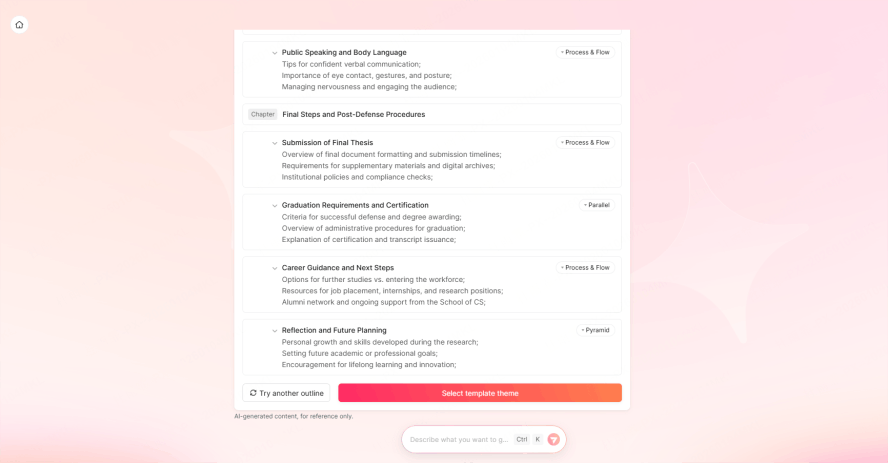
When the outline appears, look for the six intended activities and keep the answer key separate. A draft that replaces the error discussion with another definition has lost a teaching step, even if its layout looks attractive.
Draft Lesson Slides with Presenti
Presenti supports presentation drafting from topics and supported documents. For a lesson, provide your objective, source text, and activity sequence. Treat the result as material to edit before teaching.
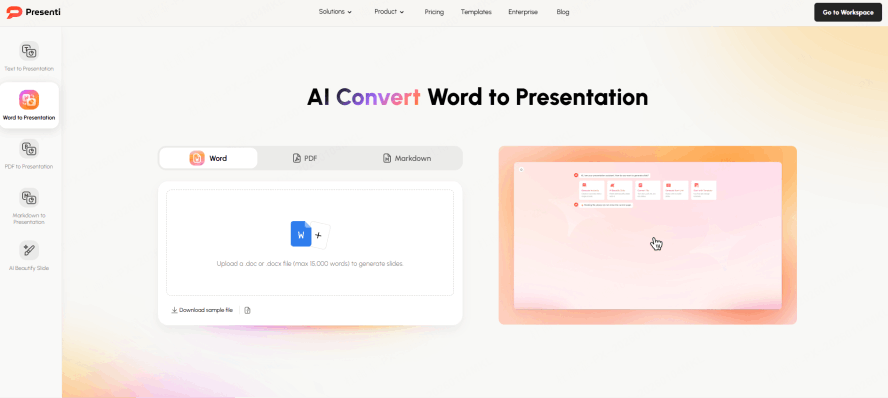
Start with your lesson text or use a supported Word/PDF import when your subscription includes it; see the current import and export options. Review the outline for missing instructions and misplaced examples. If you want an opening retrieval question and a closing exit ticket, request them explicitly and check that they assess the intended knowledge.
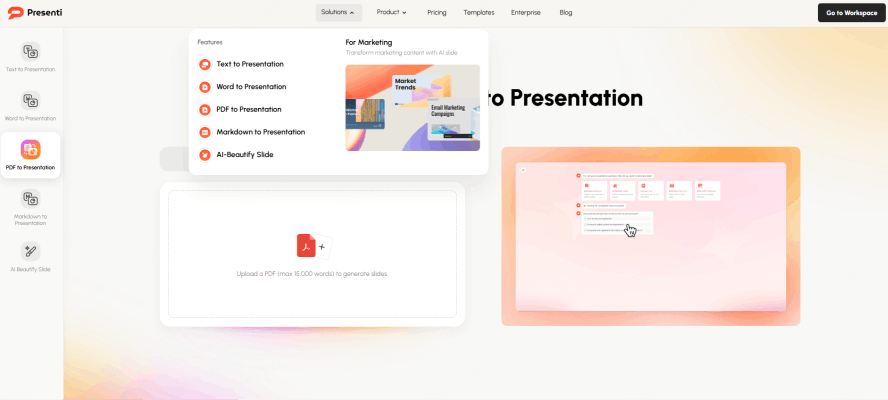
Choose a template and refine each slide. A sequence of steps may work as a process diagram; a comparison may need a table. Ask for simpler wording or draft questions when useful, then verify both the explanation and answer key yourself. Adjust contrast, spacing, and text size for the classroom display.
Choose Layouts and Visuals for the Learning Task
Choose layouts by the task students need to complete. A lab procedure needs an ordered sequence, a history lesson may need a timeline, and a mathematical explanation needs room for the reasoning. Adapt the template rather than compressing an activity into an unsuitable layout.
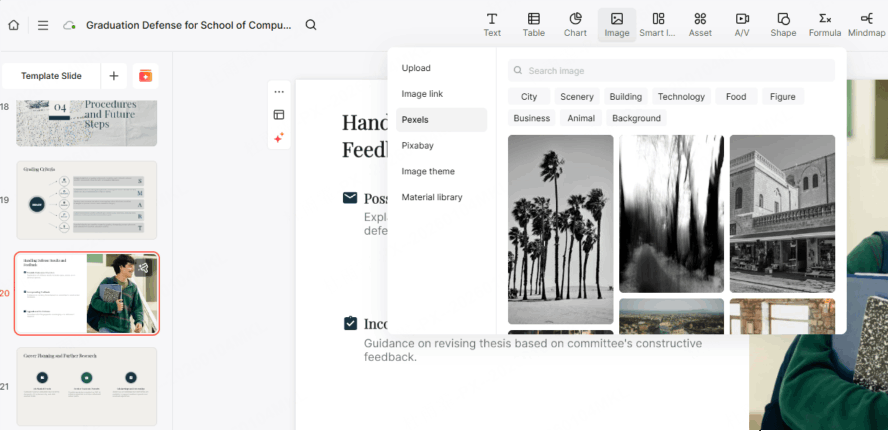
Presenti offers visual resources and AI image generation. Review any instructional image carefully: a convincing cell diagram can still contain incorrect labels or structures. Use a trusted source when accuracy is essential, and check the asset’s usage terms. If you organize the lesson into stations, add clear instructions and an expected response for each activity.
Prepare the Classroom Copy
Open the presentation on the classroom display before the lesson. In the fractions example, students at the back need to distinguish every partition and read the exit-ticket instruction. Keep the answer off the student question slide, and place your explanation in a separate teaching copy or speaker notes.
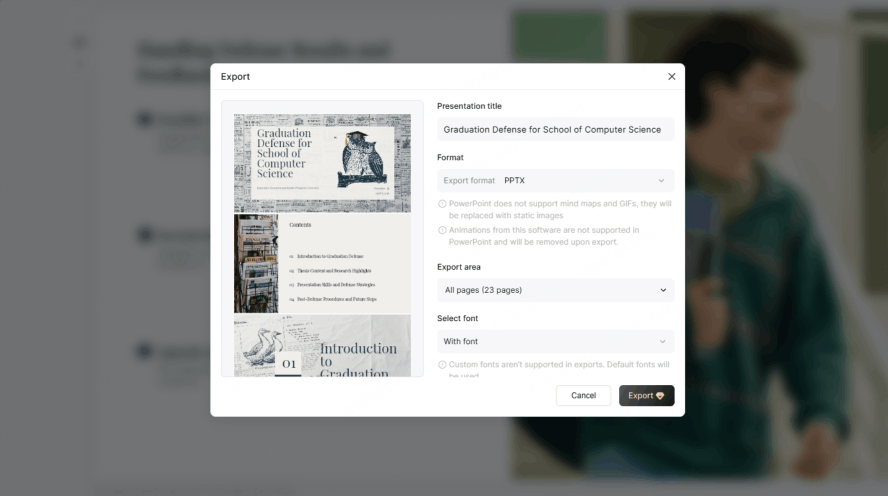
Presenti offers PPTX/PDF export on eligible paid plans. If the classroom uses Google Slides, import the PPTX through Google's supported workflow and inspect the diagrams and layout. Keep the paper strips available so you can demonstrate equal wholes even if a slide does not display as expected.
For other subjects, retain source references in your teaching materials and check technical diagrams against those sources. Follow your school's approved-tool requirements and leave student information out of the drafting brief.
Adapt the Brief for Your Next Lesson
Keep the brief's separation between student instructions and teacher cues. Replace the fractions objective, prerequisite knowledge, example, and exit ticket together so they still address the same learning task. Then draft the lesson in Presenti and adjust the activity sequence to the time and materials available in your classroom. When planning a sequence of lessons, use the weekly lesson preparation workflow to coordinate objectives and reusable layouts while reviewing each deck separately.