An annual review presentation helps teams explain the year’s results and plan their next steps. Whether you’re wrapping up a fiscal year, evaluating team performance, or planning strategic initiatives, a well structured presentation helps you communicate achievements clearly, align stakeholders, and set the direction for the next cycle.
Nowadays, AI powered tools like Presenti AI make it dramatically easier to build polished, data driven, and visually consistent annual review decks, without spending hours fine tuning slides manually. This guide walks you through the core components of effective annual review templates, the common template types used by industry professionals, and how you can create your own annual report deck using Presenti AI.

1. Key Characteristics of a High Quality Annual Review Presentation Template
A strong annual review template should offer clarity, flexibility, and a professional design language that works across industries such as technology, finance, education, consulting, and operations. Here are the essential attributes:
Clear Structure and Logical Flow
A standard annual review presentation typically includes:
- Cover page
- Agenda
- Year in review highlights
- Performance analysis
- Challenges & insights
- Plans for next year
- Closing summary
This structure helps project managers, team leads, and executives deliver a coherent narrative that resonates with cross functional stakeholders.
Professional Visual Design
A reusable presentation template should feature:
- Balanced color palettes suitable for corporate use
- Clean typography that enhances readability
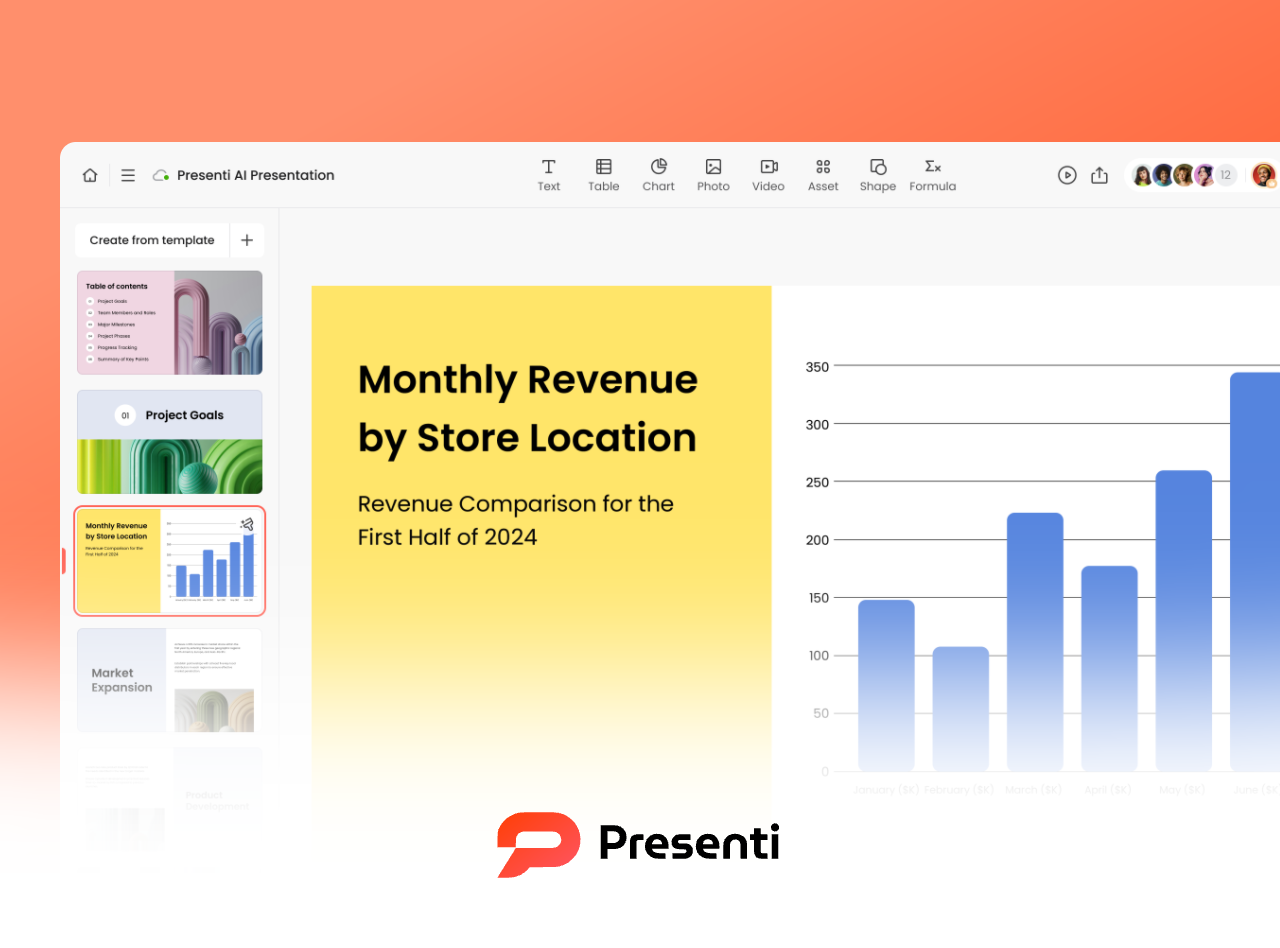
- Built in charts and visualization frameworks (e.g., bar charts, line graphs, waterfall charts, KPI dashboards)
These traits make your deck look polished on both internal review calls and external presentations.
Flexible and Fully Editable Layouts
A modern template must allow:
- Quick text edits
- Easy image replacement
- Adjustable layouts
- Reusable design components
This ensures your deck adapts to different teams: engineering, sales, marketing, HR, or product management, without extensive redesign. The year-end review structures for different industries show how the reporting emphasis changes for education, engineering, sales, and operations teams.
2. Common Annual Review Template Types
Companies across tech, education, finance, and public sectors rely on a few proven template formats. Below are the most widely used types, with examples tailored to business reviews.
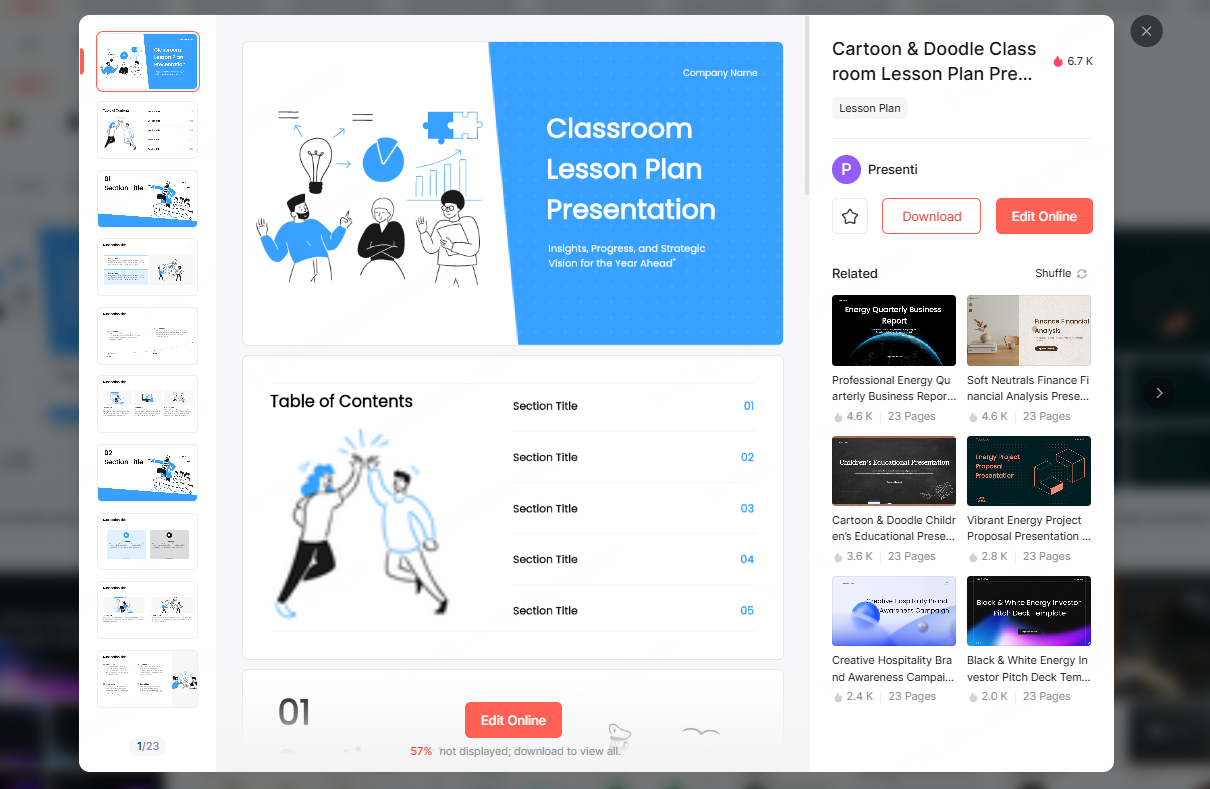
(1) Minimalist Corporate Template
Designed for board meetings, leadership reviews, and documented review discussions.
Features:
- Clean layout with ample whitespace
- Strong focus on headlines and key data points
- Ideal for technical leads and project managers presenting high level results
(2) Data Driven & Analytics Template
Perfect for engineering teams, BI analysts, finance departments, and product teams.
Includes:
- Charts (e.g., Tableau, Power BI style visuals)
- Year over year KPI comparisons
- Performance dashboards
- Roadmap progress tracking
This format is particularly effective when presenting metrics heavy content such as uptime performance, sprint velocity, customer growth, or budget allocation.
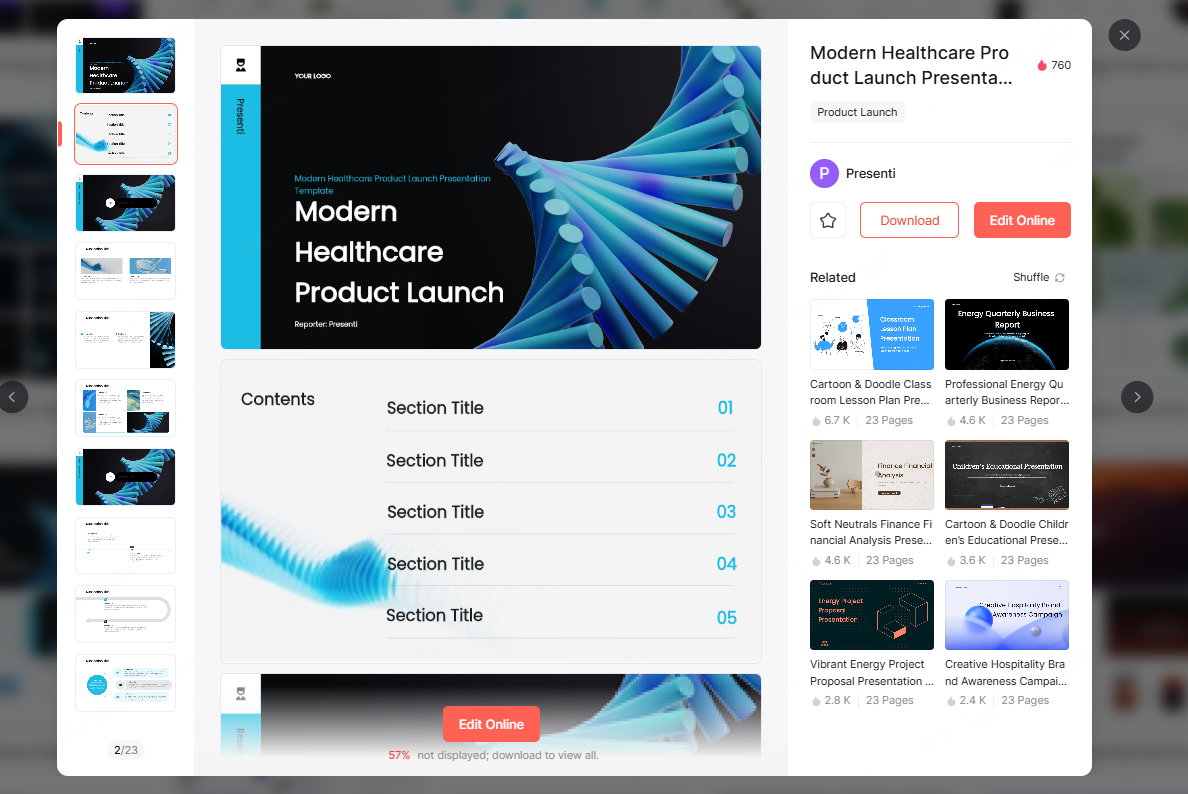
(3) Creative & Visual Storytelling Template
Best suited for:
- Marketing recap
- Brand campaigns
- University or non-profit impact reports
- Culture or HR presentations
It features vibrant color palettes, illustrations, dynamic layouts, and modern visual elements similar to what you’d find in Canva or Adobe Express templates.
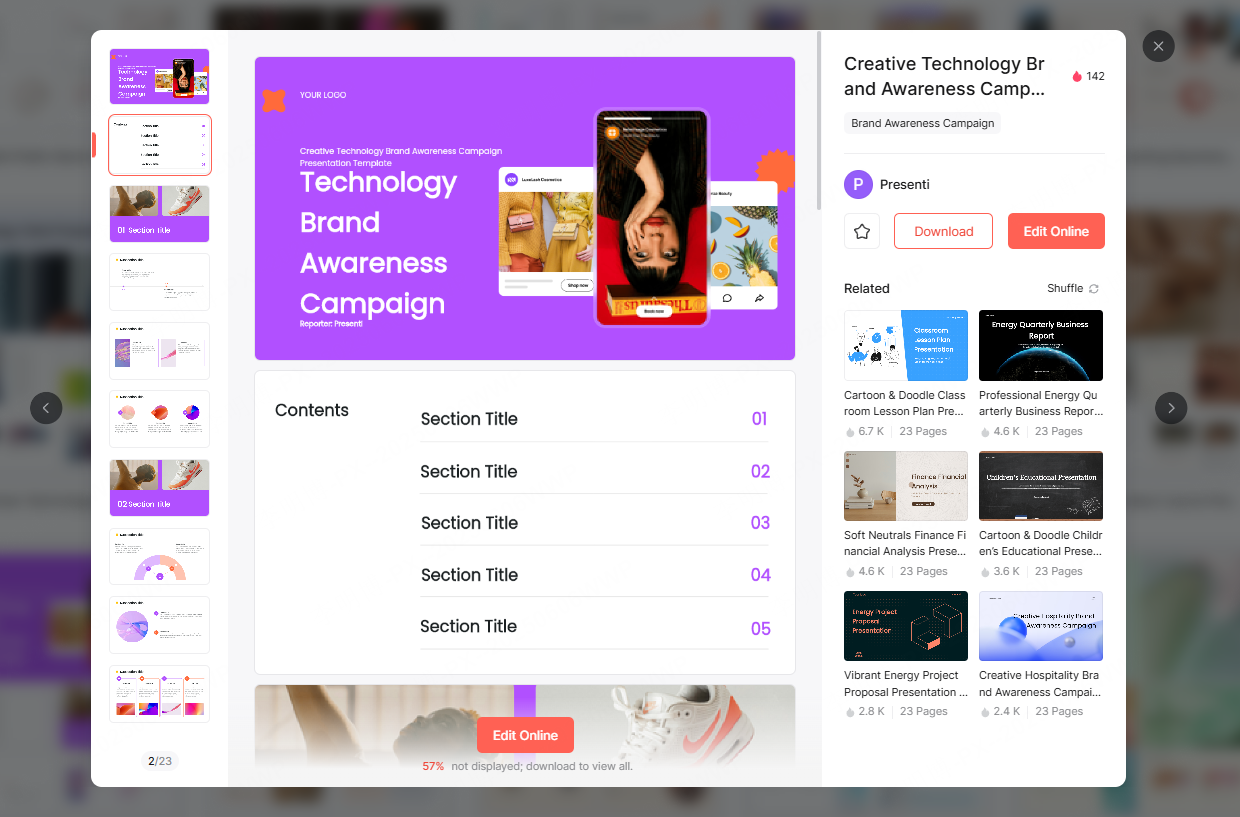
(4) Formal Report Style Template
Frequently used in:
- Annual financial reviews
- Government or educational institution reporting
- Comprehensive organizational assessments
This format provides a structured, narrative driven flow with detailed analysis and documentation.
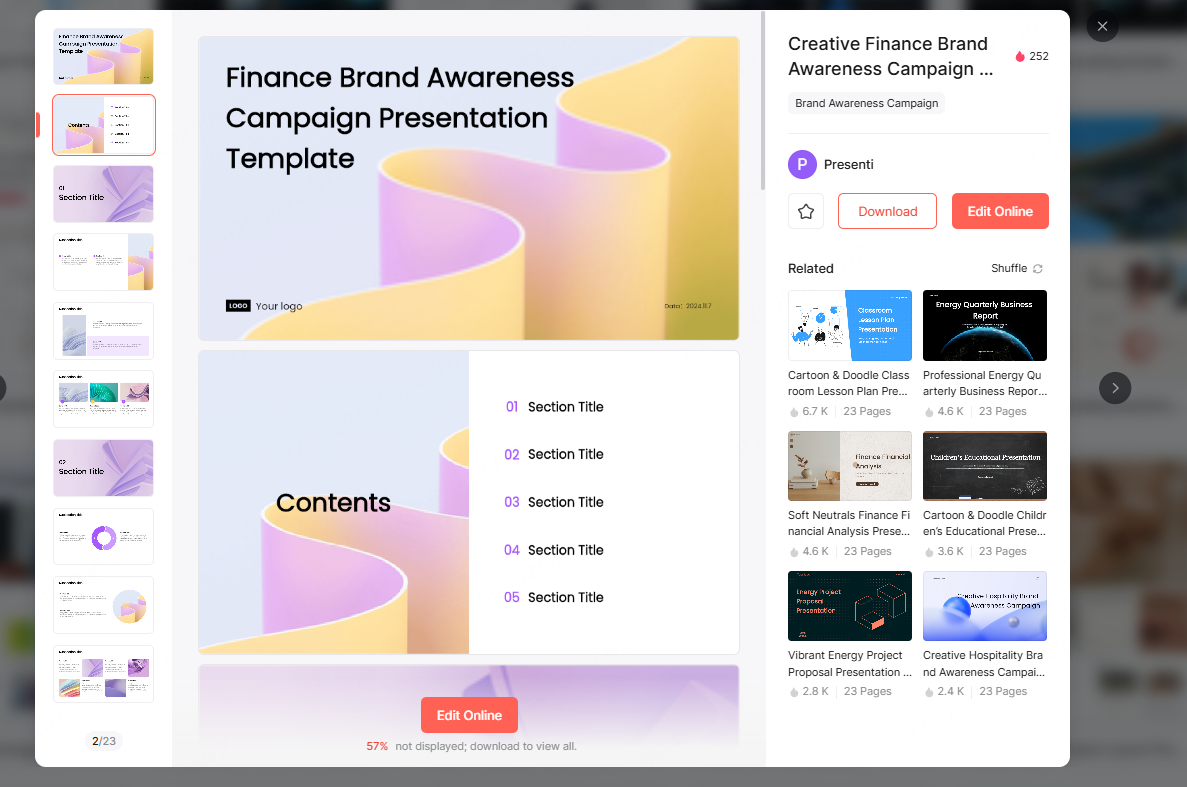
3. How to Create Online Annual Review Presentations with Presenti AI
Presenti AI is an advanced AI powered presentation tool designed for fast, professional slide creation. It offers templates, automated slide generation, and real time collaboration, supporting teams that need to work on the same deck.
Below is a step by step guide.
(1) Start with a Pre-Designed Template
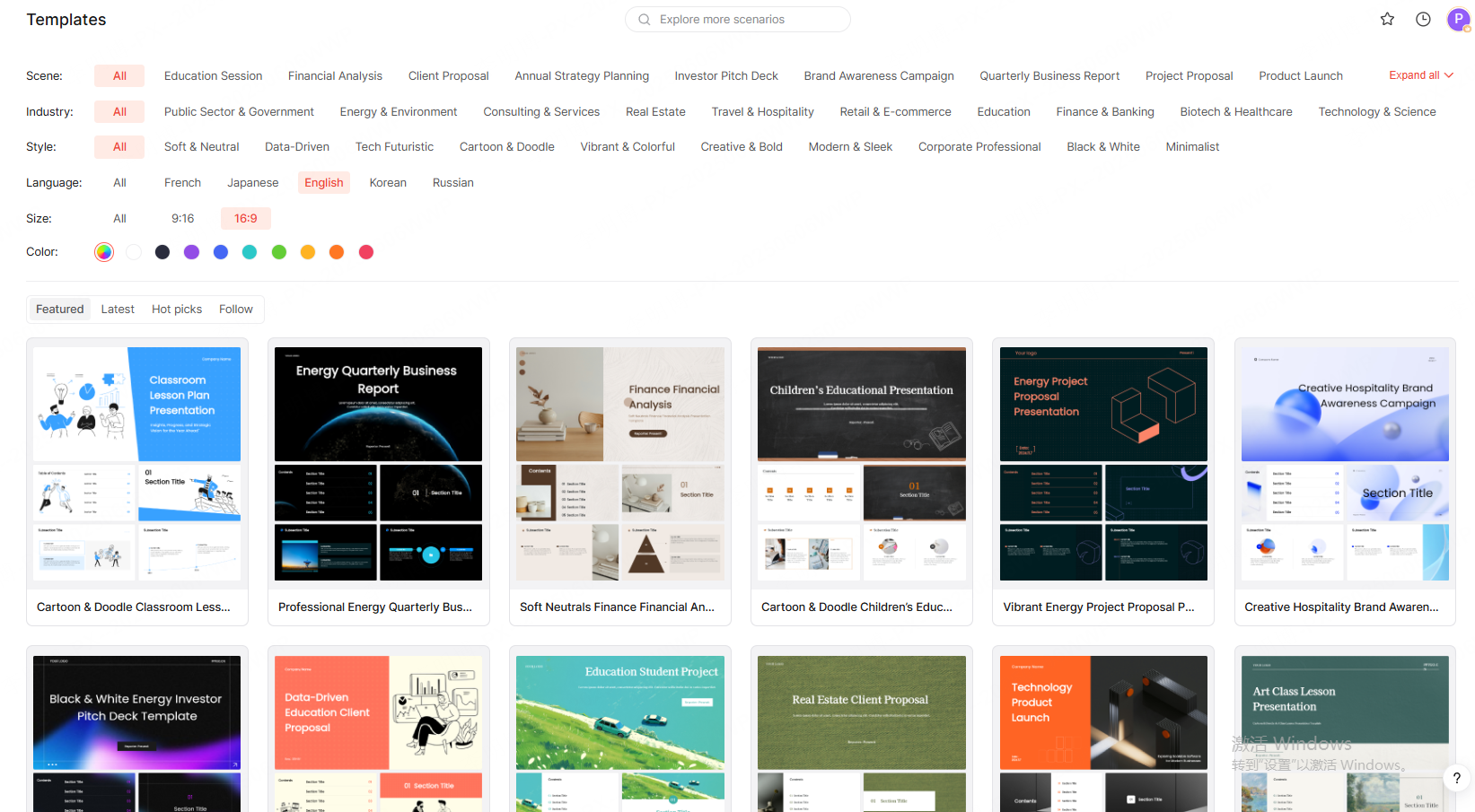
After logging in:
- Navigate to the Template Library
- Browse curated corporate templates
- Filter by categories such as Annual Report, Business Review, Strategy Meeting, or Data Summary
- Select a template and edit it online; check paid-plan export access if you need a local PPTX or PDF
This is especially useful for teams that want immediate structure without starting from scratch.
(2) Generate a Presentation Automatically with AI
If you prefer automation:
- Enter a title such as 2025 Engineering Annual Report
- (Optional) Upload documents like a year end summary, meeting notes, or external reports
- Presenti AI analyzes the content and generates:
- A complete outline
- Slide titles
- Suggested data visuals
- Choose a visual theme and instantly create a full presentation
This workflow saves significant time for developers, educators, and managers who need rapid turnaround.
(3) Customize Your Deck for Branding & Precision
Once the template is generated, you can fine tune:
- Layout adjustments
- Text content edits
- Chart replacements with real data
- Custom brand colors, fonts, and logos
- Backgrounds or icon packs
Apply your organization’s approved colors, fonts, and logos using the available editing controls. Check the whole deck for consistency after team members add their sections.
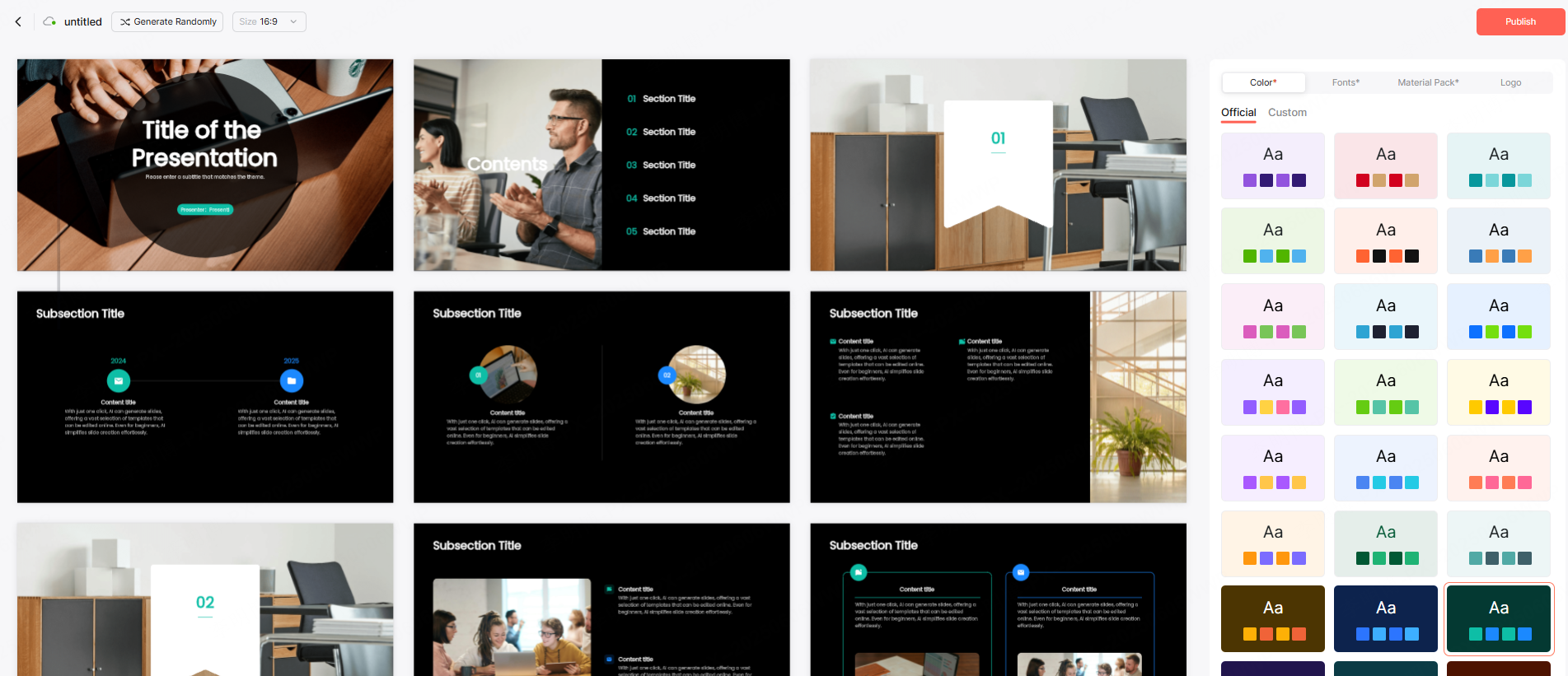
(4) Collaborate & Share in Real Time
Remote teams can collaborate directly inside Presenti AI:
- Share the deck via a single link
- Allow teammates to edit simultaneously
- Collect feedback through your team’s agreed review process
For example:
- Finance teams can update actual figures
- Marketing teams can add campaign performance
- Engineering leads can include reliability metrics or roadmap updates
This streamlines cross functional contributions into one unified report.
Final Thoughts
A useful annual review connects results to next year’s priorities. Keep the data sources, reporting period, and definitions clear, then identify the decisions and actions that follow from the findings.