Looking for the best free AI presentation maker? Start with the source you have and the file you need at the end. Presenti AI PPT Maker is a fit when you want to turn text or supported documents into an editable draft; Gamma is suited to prompt-first drafts; Canva is strongest when template and visual editing matter; SlidesAI and Plus AI stay inside Google Slides or PowerPoint; Beautiful.ai is a guided-layout option that starts with a trial. A free tier does not always include unlimited AI generation, editable PPTX export, or commercial rights to every asset.
This guide compares six AI presentation makers using their published product and plan information. It also covers free presentation software for readers who need a traditional editor rather than AI-generated slides. Plan limits, exports, and included assets can change, so confirm the provider's current terms before uploading a large or sensitive project.
Which free AI presentation maker should you choose?
There is no universal winner. Match the tool to the input, the editing workflow, and the handoff you need.
| If you need | Start with | Check before choosing |
|---|---|---|
| Slides from a Word file, PDF, text outline, or Markdown | Presenti AI PPT Maker | Free credits, supported import, editable download, and PPTX/PDF export on your plan |
| A first draft from a short prompt | Gamma or another prompt-first tool | AI allowance, branding, card-to-slide conversion, and export terms |
| Template-led visual editing | Canva | Premium assets, brand controls, and asset licensing |
| Smart layouts for recurring reports | Beautiful.ai | Trial renewal, ongoing subscription, and editable export format |
| AI inside Google Slides or PowerPoint | SlidesAI or Plus AI | Host-editor permissions, input limits, trial credits, and subscription terms |
| A traditional free presentation editor | Google Slides, PowerPoint for the web, or LibreOffice Impress | AI need, offline editing, PPTX compatibility, and collaboration |
What You Can Do with a Free Presentation Tool
Free presentation tools can help you draft slides, choose templates, and share work. The available AI credits, asset licenses, exports, and collaboration controls differ by product. A free account should not be assumed to include every step from importing a document to downloading a final deck.
An AI presentation maker can turn a topic or outline into a first draft for a report, classroom presentation, or proposal. You still need to check facts, slide density, visual hierarchy, and the exported file before presenting. The value of a free tier depends on whether its limits fit that work.
Free plans have real limits, so compare credits, exports, and usage caps before choosing.
How to Compare These Tools
Use the following questions when shortlisting a tool. These are selection criteria, not the results of controlled tests:
- Free plan generosity: How much can you actually do without paying?
- AI capabilities: Does the tool use AI meaningfully, or is it mostly template selection?
- Design output quality: Does the first-pass result look professional?
- Export options: Can you get a .pptx file on the free plan?
- Ease of use: How long does it take a new user to produce a finished deck?
- Customization flexibility: How much can you change after the AI generates?
- Collaboration: Does the free plan support any team features?
No single tool wins across all seven dimensions. The right choice depends on which dimensions matter most to your workflow.
6 AI Presentation Makers: Free Plans and Trials
| Tool | Best for | Starting input | AI workflow | Free model | Editable/PPTX handoff | Limit to verify |
|---|---|---|---|---|---|---|
| Presenti | Document-to-deck drafts | Text and supported documents | Structured editable draft | Basic use with limited AI credits | Editable downloads and PPTX/PDF are listed among paid membership benefits | Import, export, and AI allowances |
| Gamma | Prompt-first drafts and web sharing | Topic or brief | Cards or slides from a prompt | Free tier with usage and branding terms | PPTX export is listed in its Free plan; verify rendering | AI allowance, branding, and slides per prompt |
| Canva | Template-led visual content | Template or brief | Assistive AI plus manual editing | Free tier; premium assets and advanced AI may require Pro | PowerPoint export is available; verify asset licensing and fidelity | Premium assets and AI allowances |
| Beautiful.ai | Recurring reports with guided layouts | Prompt or content cards | Smart Slides | 14-day Pro trial; card required | Verify editable PowerPoint export | Renewal and ongoing subscription |
| SlidesAI | Google Slides users | Text inside the host editor | AI-assisted outline and slides | Limited Basic access | Check the host editor and plan | Input and generation quota |
| Plus AI | PowerPoint or Google Slides users | Existing deck or prompt | In-editor generation and rewriting | 7-day card-required trial | Works inside the host editor | Trial credits and subscription |
1. Presenti: Drafting Slides from Text and Documents
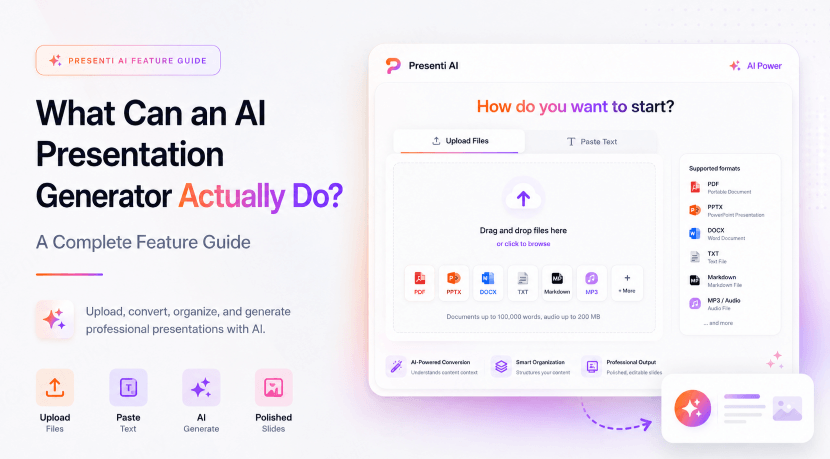
Presenti helps turn text, outlines, and supported documents into editable presentation drafts. Users can review the outline, select a visual style, and refine the result. Available import and export features depend on membership.
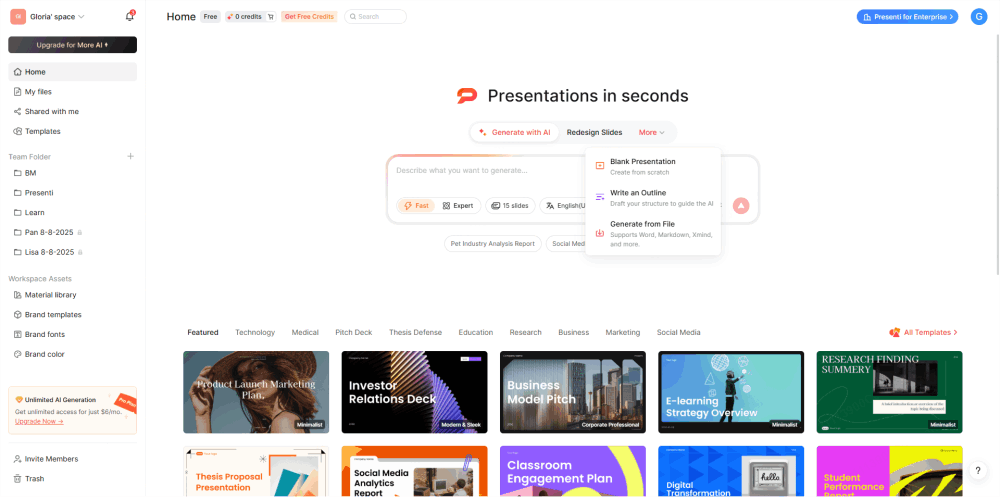

How it works: Paste an outline or use a supported document import, then review the proposed structure and design. Generation time and the amount of editing needed depend on the input and the requested deck.
Free access: Presenti pricing describes basic product use with limited AI credits. It does not establish unrestricted free imports, exports, or unlimited projects.
- Use the free allowance to evaluate the drafting workflow
- Check available credits in your account
- Confirm required import formats before preparing a large document
- Confirm export entitlement before relying on a downloadable file
Where the paywall is:
- Editable file downloads and PPTX/PDF export are listed with paid membership benefits
- Presentation length and advanced AI allowances vary by plan
- Premium templates and workspace needs should be checked against the selected plan
Workflow to evaluate: Presenti supports document-to-deck conversion from written material. Compare the text-to-presentation, Word-to-presentation, and PDF-to-presentation workflows before choosing an input path. For a report or written proposal, check whether the generated outline preserves the source's main points, whether charts and tables need rebuilding, and whether the selected plan includes the import and export you need.
A generated deck is a draft. Review factual accuracy, source attribution, text density, and layout before sharing it. This guide has no measured completion percentage or evidence that Presenti consistently requires less cleanup than every alternative.
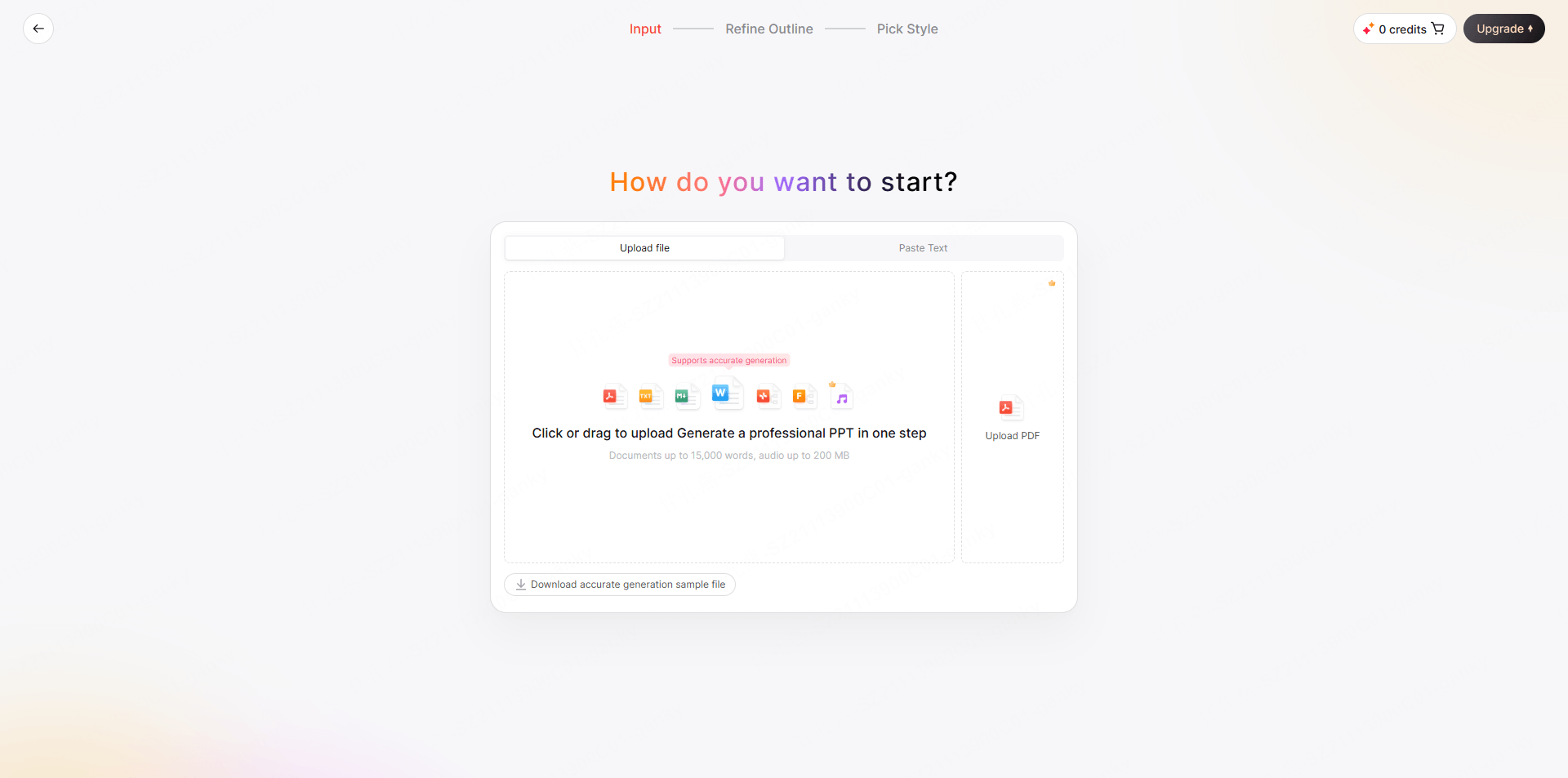
Best for: Business professionals converting reports and briefs, students turning research into presentations, anyone who works from written content and needs slides fast.
2. Gamma: Prompt-Based Presentation Drafts
Gamma takes a different approach: you give it a topic or a brief paragraph, and it generates both the content and the visual structure from scratch. Rather than building slides in the traditional sense, Gamma creates scrollable, card-based documents that sit between a presentation and a web page.
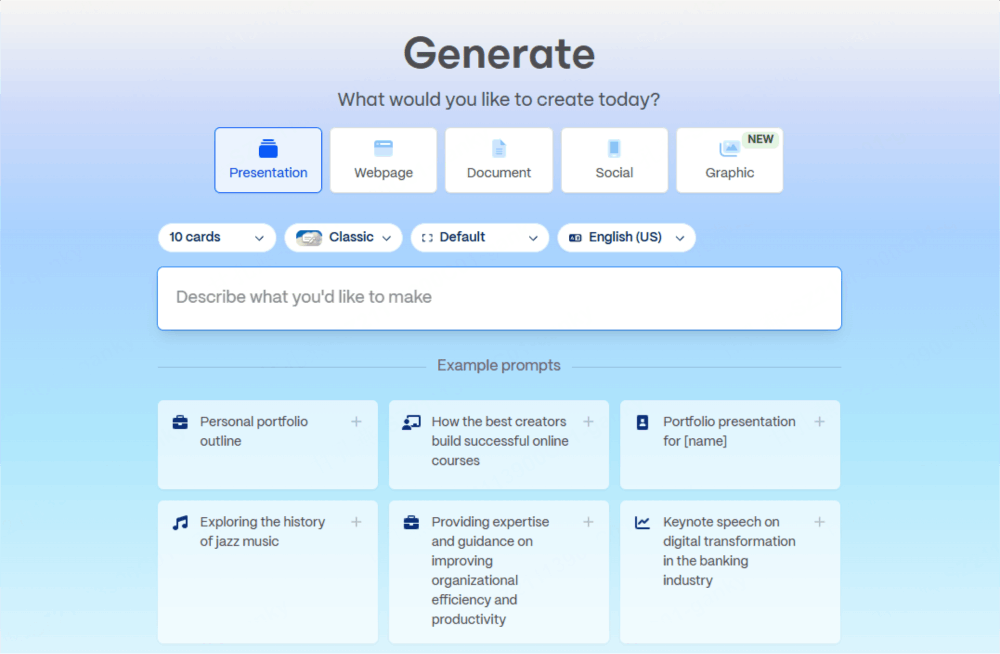
Free plan includes:
- Limited free AI usage; check the current allowance
- Web-based sharing
- Export to PDF, PPTX, PNG, and Google Slides
- AI content generation from prompts
Where the paywall is:
- Higher generation allowances and advanced features vary by paid plan
- Paid plans have their own AI usage terms; do not assume unlimited credits
- Gamma branding removed only on paid plans
- Custom domains for sharing
Workflow to evaluate: Gamma generates presentation drafts from a topic or prompt. Its card-based approach can suit material shared on the web as well as slides. Gamma pricing currently includes PPTX export in the Free plan; a paid plan is not required solely for that export format.
Limitations to know: Check how a card-based draft renders as slides and how the exported PPTX preserves fonts, spacing, and interactive content. Free AI usage is limited, and removing Gamma branding is a paid feature.
Best for: Marketing teams generating campaign decks, founders creating pitch outlines, anyone who prefers prompting to outlining.
3. Canva: Templates and Visual Editing
Canva isn’t primarily an AI presentation tool: it’s a general-purpose visual design platform that happens to have excellent slide creation features. Its AI capabilities (Magic Design, Magic Write) are layered on top of one of the largest template libraries in the industry.
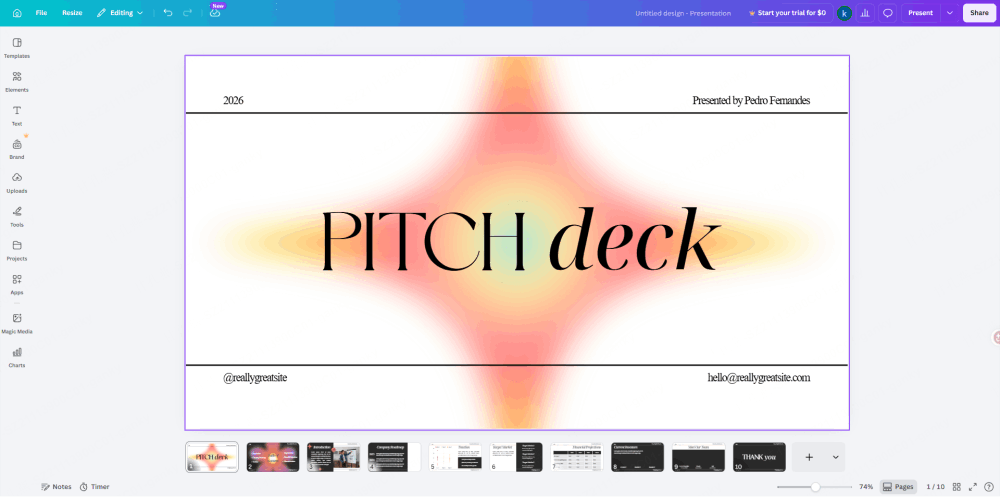
Free plan includes:
- Access to free presentation templates; premium assets are separate
- Basic AI design features
- Sharing and collaboration options, subject to current plan terms
- Export to PDF, PNG, and MP4
- PowerPoint export (.pptx) available on free plan
Where the paywall is:
- Brand kit and custom fonts require Canva Pro
- Background remover and advanced AI tools behind paywall
- Premium templates and stock photos require Pro
- Team organization features and approval workflows
Workflow to evaluate: Canva offers a template-based route to visual presentations. It can suit event decks, classroom material, and branded content where selecting and arranging visual assets is central to the task. Check whether the chosen template uses paid assets before exporting.
Limitations to know: For text-to-presentation work, compare how Canva, Presenti, and Gamma organize the same source brief. Include template selection, content revisions, and the final export in your assessment of editing effort.
Best for: Marketing and communications teams, educators, anyone creating visually driven content like event decks, social media presentations, or brand materials.
4. Beautiful.ai: Guided Layouts for Recurring Decks
Beautiful.ai combines AI presentation creation with Smart Slides that adjust layouts as content changes. It can suit users who want guided formatting rather than manually positioning every element.
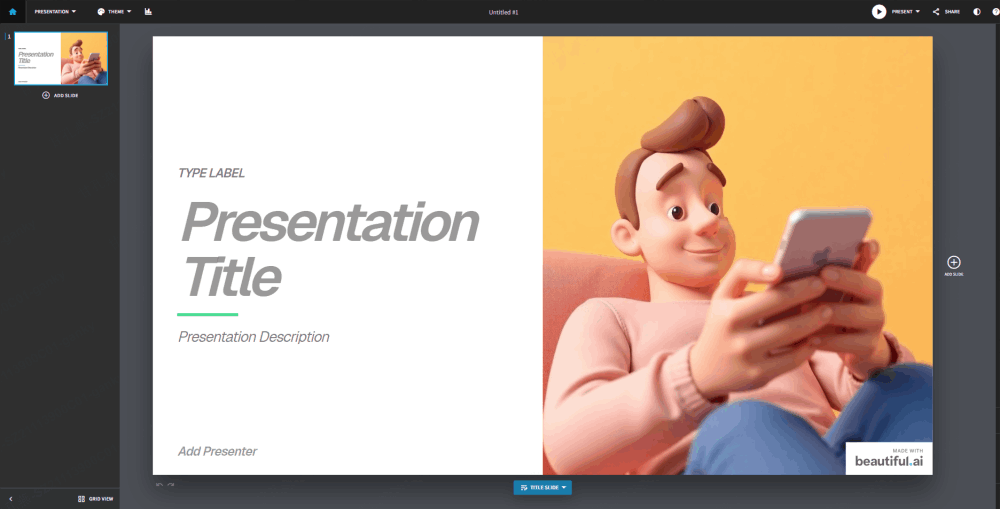
Trial access: Beautiful.ai trial terms describe a 14-day Pro trial requiring a debit or credit card. It is not an ongoing free plan.
- Evaluate Pro features during the trial
- Check the required export format in the selected plan
- Review renewal terms before signing up
- Cancel before the trial ends if you do not want automatic billing
Where the paywall is:
- Continued use after the trial requires a subscription
- Branding and theme controls depend on the selected plan
- Team features and admin controls require team plan
- Analytics and viewer tracking
Workflow to evaluate: For recurring sales reports, project updates, or board briefings, Beautiful.ai’s Smart Slides can help maintain consistent layouts. Test the slide types your team uses and check how dense content and exported files behave.
Limitations to know: Budget for a subscription if you need ongoing access after the trial. Before adopting it for a team, test the required PowerPoint export and confirm which elements remain editable.
Best for: Sales teams doing recurring reporting, consulting firms with standardized deck formats, any team that values design consistency over template variety.
5. SlidesAI: AI Assistance in Existing Slide Workflows
SlidesAI is a Google Workspace add-on that operates inside Google Slides. You paste in text, configure some options, and the add-on generates a slide structure within your existing Google Slides environment. It’s less of a standalone ppt creator online and more of an AI layer on top of a tool you probably already use.
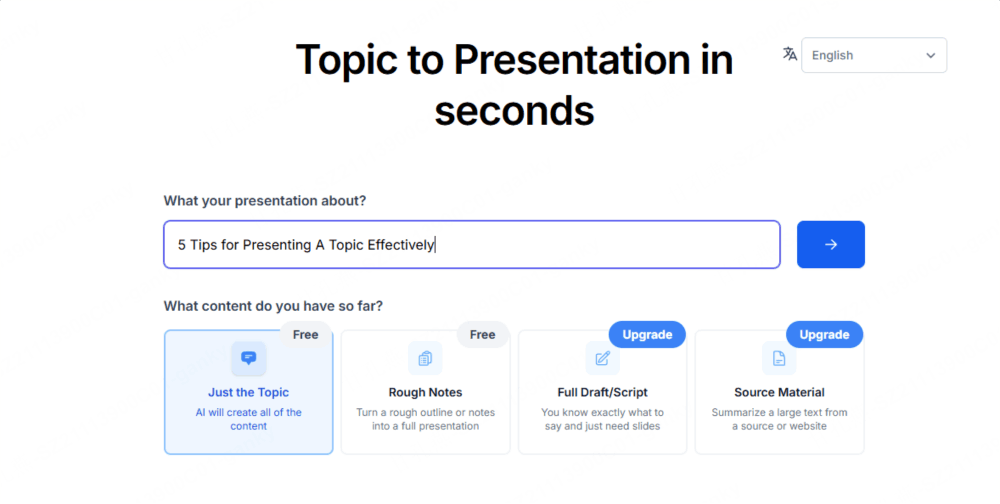
Free plan includes:
- A limited Basic allowance; check the current pricing page
- An input-length cap that may require a shorter source outline
- Basic slide generation within Google Slides
- Access to AI-generated design themes
Where the paywall is:
- Higher presentation allowances require a paid plan
- Longer text inputs require paid plan
- Premium themes and templates
Workflow to evaluate: SlidesAI adds AI generation to an existing slide-editor workflow. If your team uses Google Slides, check the add-on permissions and whether the generated deck fits your existing sharing and collaboration setup.
Limitations to know: SlidesAI pricing lists generation, character-input, and AI-credit limits. The Basic tier suits occasional short inputs; check the current quota before planning a recurring workflow or uploading a longer document.
Best for: Google Workspace teams wanting AI assistance without leaving their existing tooling, light users who need occasional AI-generated decks.
6. Plus AI: Generation and Editing in PowerPoint and Google Slides
Plus AI is a plug-in for both Google Slides and Microsoft PowerPoint that adds AI generation capabilities directly inside those tools. Like SlidesAI, it operates as an add-on rather than a standalone product — the pitch is “AI without switching tools.”
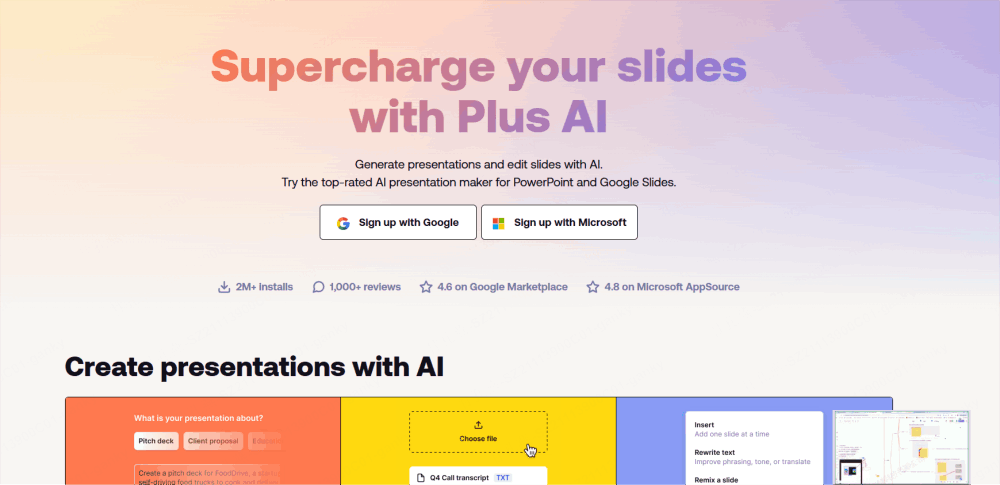
Trial access: Plus AI pricing offers a 7-day trial requiring a card. Trial credits are limited, and billing starts automatically afterward unless canceled.
- Try generation and editing in the selected plan
- Works with PowerPoint and Google Slides
- Review the trial credit allowance before testing a large deck
Where the paywall is:
- Ongoing AI generation after the trial requires a subscription
- Advanced editing and rewriting features
- Higher usage allowances depend on the selected subscription
What makes it stand out: Plus AI has strong rewriting and editing capabilities within existing presentations. Rather than generating from scratch, it can improve an existing deck — rewriting slide text, suggesting structure improvements, and generating new slides to fill gaps. For users with existing PowerPoint workflows who want AI enhancement rather than AI creation, it’s a useful tool.
Limitations to know: Plus AI is a subscription product with a time-limited trial. It should not be shortlisted as an ongoing free generation service. Confirm the chosen plan includes document uploads or branding if those are important to your workflow.
Best for: PowerPoint power users who want AI enhancement of existing presentations, teams already standardized on Office 365 or Google Workspace.
Which Free AI Presentation Maker Should You Choose?
The right answer depends on four questions:
1. Are you starting from existing written content, or from scratch?
If you have a Word document, PDF, or detailed brief, compare how each tool turns that source into an outline. Presenti is one option to evaluate; confirm the required document import and export in your plan.
If you start with only a topic or rough idea, try a prompt-based workflow such as Gamma and evaluate the accuracy and usefulness of the resulting structure.
2. Does the output need to be a .pptx file?
Gamma lists PPTX export in its Free plan. Canva supports PowerPoint downloads, with asset licensing and format fidelity to check. Presenti lists editable downloads and PPTX/PDF export with paid membership benefits. Beautiful.ai and Plus AI should be evaluated through their trial and paid-plan terms.
3. How visually driven is your content?
For event decks, brand presentations, and marketing material, compare the templates, media licenses, and editing control available in your plan. Canva offers a visual design workflow, while AI-first tools emphasize drafting from an input.
For content-driven presentations, evaluate whether an AI-generated structure preserves the argument and keeps slides readable. Any tool may require manual revision.
4. What’s your existing tooling?
If your team is fully committed to Google Workspace, SlidesAI keeps you in that ecosystem. If your organization runs on Office 365, Plus AI adds AI capabilities without changing workflows.
Free presentation software alternatives
Some readers searching for a free presentation maker do not need AI generation. They need a reliable editor that lets them write slides, collaborate, or open a PowerPoint file without paying for a desktop license.
| Software | Best for | AI generation | Editing and handoff | Pricing model |
|---|---|---|---|---|
| Google Slides | Browser collaboration and sharing | Depends on account and eligible plan | Online editing, PowerPoint import, and sharing | Free core editor; AI and organization features can be plan-dependent |
| PowerPoint for the web | Microsoft users and PowerPoint compatibility | Copilot depends on account and plan | Browser editing with a familiar PowerPoint workflow | Free core web access; advanced features may require a plan |
| LibreOffice Impress | Offline open-source desktop editing | No built-in AI generation by default | Local editing; test ODP/PPTX compatibility for your deck | Free desktop software |
| Canva | Visual templates and branded content | Assistive AI layered onto visual editing | Online editing; export and asset license depend on content | Free tier with paid assets and features |
These tools are alternatives to an AI presentation maker rather than direct substitutes in every workflow. Choose a traditional editor when you already have the slide structure and want control. Choose an AI workflow when the main task is turning a topic or document into a first outline.
Free presentation tools: pricing models at a glance
“Free” describes several different arrangements. Separate them before comparing prices:
- Ongoing free software: an editor such as LibreOffice can remain usable without a recurring AI allowance.
- Free core with paid AI: Google Slides, PowerPoint for the web, and Canva can offer a free editing path while advanced AI or collaboration depends on the account.
- Free AI tier: Presenti, Gamma, and SlidesAI provide a limited way to evaluate generation; check credits, input length, branding, and export rights.
- Card-required trial: Beautiful.ai and Plus AI let you test paid capabilities for a period, but they are not ongoing free AI tools. Read renewal terms before starting.
Compare the whole handoff, not only the monthly price: input format, AI allowance, editability, collaboration, export type, and the cost of removing branding or using premium assets.
How to check the output before presenting
- Confirm facts, sources, dates, and numbers.
- Check whether text, charts, images, and fonts remain editable after export.
- Review slide density, contrast, reading order, and mobile or projector legibility.
- Verify image, font, template, and commercial-use permissions.
- Check branding, attribution, privacy, sharing permissions, and trial renewal terms.
Frequently Asked Questions
What is the best free AI presentation maker?
There is no universal winner. Choose a document-to-deck tool such as Presenti when you already have notes or files, a prompt-first tool when you are starting from an idea, and a template editor when visual control matters most. Compare the same short brief and check the exported file before choosing.
What is the best free presentation software without AI?
Google Slides is a practical browser-based collaboration option, PowerPoint for the web suits Microsoft workflows, and LibreOffice Impress is a free offline desktop editor. The best choice depends on collaboration, offline access, and PPTX compatibility.
Can I export an editable PowerPoint for free?
It depends on the tool and plan. Presenti lists editable downloads and PPTX/PDF export with paid membership benefits. Other products may include PPTX export but limit AI credits, branding, assets, or file fidelity. Check the current plan page and open a sample export before committing.
What are the best alternatives to AI presentation maker tools?
Use Google Slides, PowerPoint for the web, or LibreOffice Impress when you want manual control. Canva is a middle ground for template-led design. These alternatives may require you to create the outline yourself, but they can provide predictable editing and file ownership.
How do free AI presentation makers compare on pricing?
Separate ongoing free software, limited free AI tiers, and card-required trials. A low monthly price does not tell you whether document import, editable PPTX export, collaboration, or commercial asset rights are included. Check those boundaries against your real workflow.
Which Free Presentation Maker Fits Your Workflow?
Start by separating ongoing free accounts from paid products with trials. Then check the full workflow: input format, AI allowance, editing, sharing, and the export your audience needs.
Presenti can be evaluated for drafting from text and documents, Canva for template-based visual editing, and Gamma for prompt-based drafts with free PPTX export. Beautiful.ai and Plus AI are trial-based options for users willing to consider a subscription. Choose based on verified plan terms and a sample deck made from your own content.
Start with one. Build the workflow. Upgrade only when the free plan’s limits actually become your limits, not before.
Try Presenti with the available free allowance. Paste an outline to evaluate the drafting workflow, and check Presenti pricing for imports, exports, and membership benefits. → Start at presenti.ai