Let’s be honest: most professionals aren't graphic designers, yet we are constantly forced to act like them. You have a great idea or a solid set of data, but the moment you open a blank slide, productivity grinds to a halt. You spend three hours wrestling with text alignment, font sizes, and image placement, only to end up with a deck that looks "just okay."
This is the "design tax"—the hours of high-value time lost to manual formatting. Presenti was built to abolish this tax. As an easy slide show maker, it shifts the focus back to your ideas. If you can write a list of bullet points, you can now create a professional presentation. By using a no-design-skills slideshow maker, you’re not just saving time; you’re ensuring that your visual quality finally matches the quality of your thinking.
Why Traditional Tools Feel Like a Chore
The problem with legacy software is that it treats every user like a professional artist. They give you a billion options, but no direction. For someone without a background in visual hierarchy, this is paralyzing. This is why a beginner-friendly presentation tool is no longer a luxury—it’s a necessity for modern workflows.
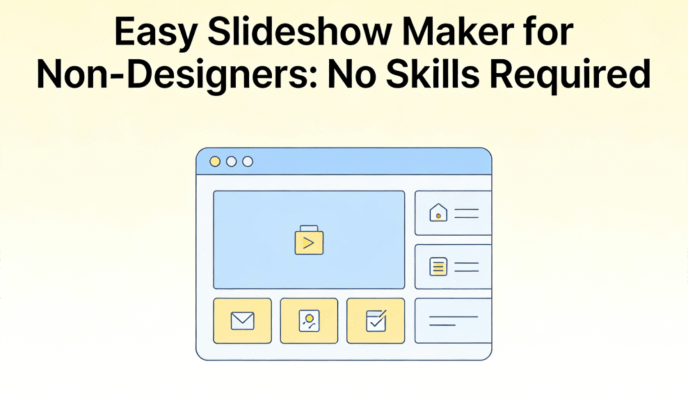
When you use a standard drag-drop presentation builder, you are still responsible for the heavy lifting:
- Choosing a color palette that doesn't clash.
- Figuring out how to balance text and white space.
- Manually resizing every element to fit different slide layouts.
Presenti flips this script. It uses AI to handle the "how" so you can focus on the "what."
Using Presenti for a First Presentation Draft
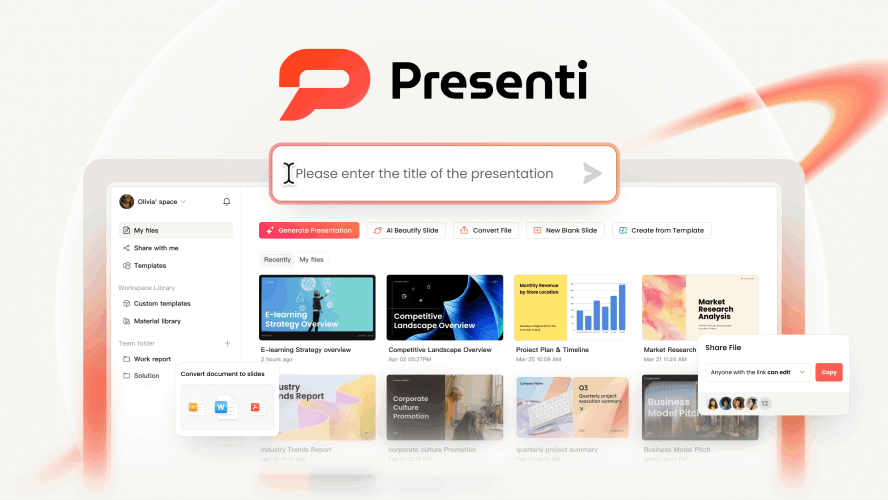
Presenti wasn't built for artists; it was built for managers, teachers, founders, and students. It’s a no-design-skills slideshow maker that leverages AI to bridge the gap between a Word document and a professional pitch deck.
While it includes a powerful drag-drop presentation builder for those who like to tweak things, its core strength is automation. You don't start with a blank canvas; you start with a finished draft generated from your ideas.
Key Features That Save Your Time
1. AI-Powered Content Transformation
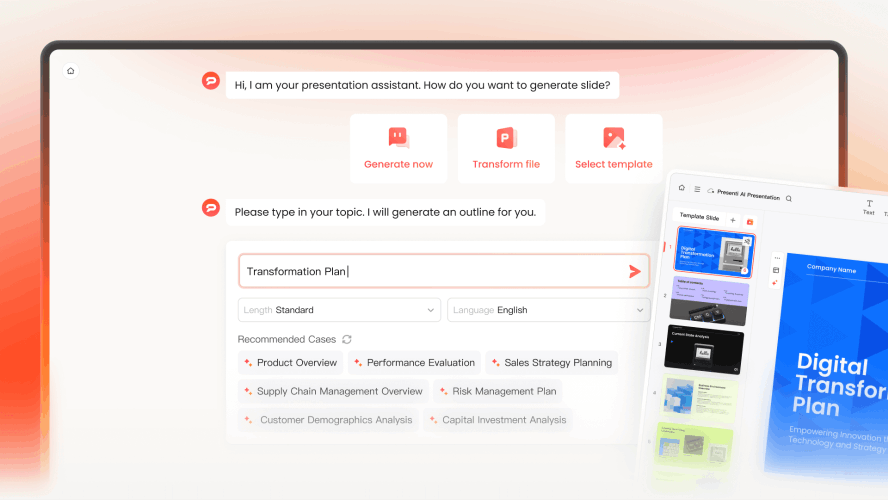
The most daunting part of any presentation is the start. With Presenti, you can paste a URL, upload a PDF, or even just type a single prompt. The AI acts as an easy slide show maker, summarizing your text and distributing it across beautifully designed slides.
2. The "AI Beautifier"
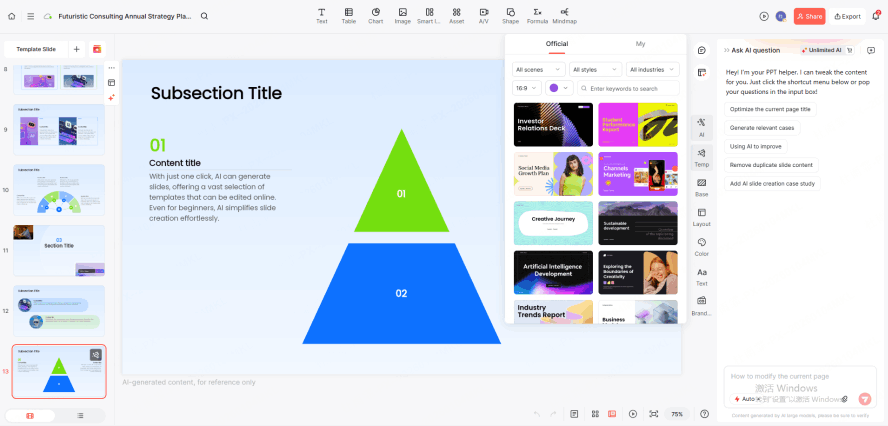
Even with a drag-drop presentation builder, it’s easy to make a slide look cluttered. Presenti’s "Beautify" feature is like having a designer sitting next to you. One click re-aligns your elements, adjusts font sizes for readability, and ensures your margins are perfect.
3. Smart Themes & One-Click Branding
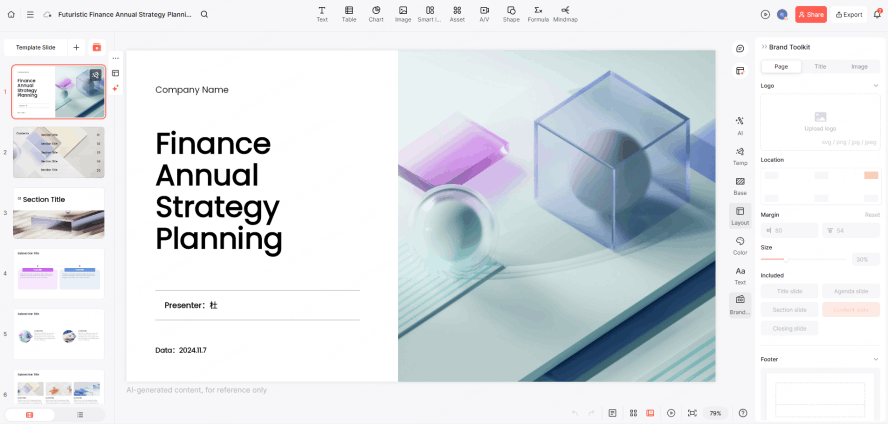
Forget about manually changing the color of every header. As a beginner-friendly presentation tool, choose a theme, add an approved logo, and set the colors and fonts to match your brand guidelines. Review the slides for consistent use of those choices.
4. The Power of Drag-and-Drop
Even though automation is the star, sometimes you want a personal touch. Use the editor to move and resize elements, then check alignment, spacing, and text fit. A layout aid does not remove the need to judge whether the slide is readable.
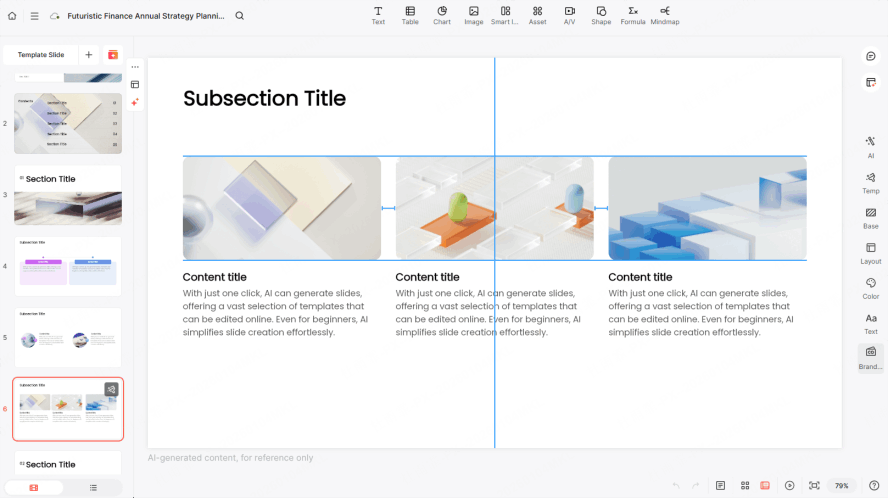
By combining AI generation with an intuitive drag-drop presentation builder, Presenti gives you the best of both worlds: the speed of an easy slide show maker and the flexibility of professional software.
Who is Presenti For?
Presenti is the go-to easy slide show maker for anyone who values their time:
- Sales Teams: Create custom-tailored decks for every client in seconds.
- Educators: Transform dense academic papers into engaging visual lessons.
- Startups: Build "investor-ready" pitch decks without spending thousands on a design agency.
How to Create Your Next Presentation Efficiently
If you're tired of the old way of doing things, follow this simple four-step process using our easy slide show maker.
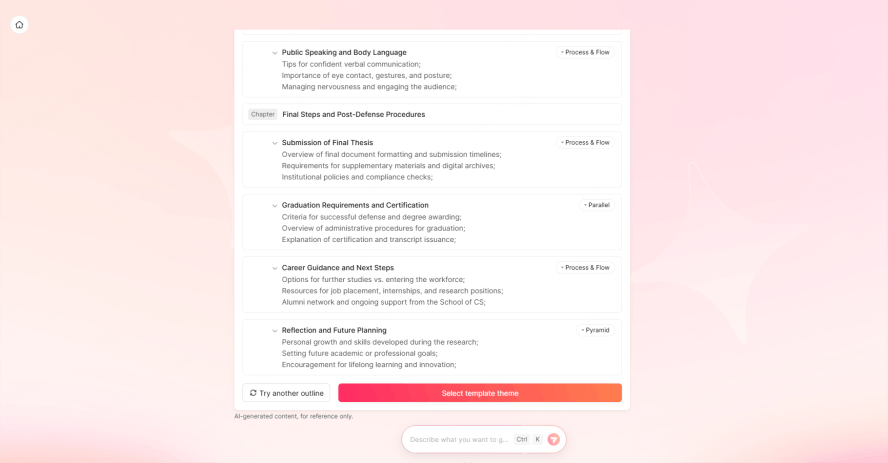
Step 1: Input Your Content
Once you register and log in, give the AI your raw thoughts. You can type a simple outline or feed it a detailed report. This is where Presenti’s logic shines—it understands the difference between a headline and a supporting detail.
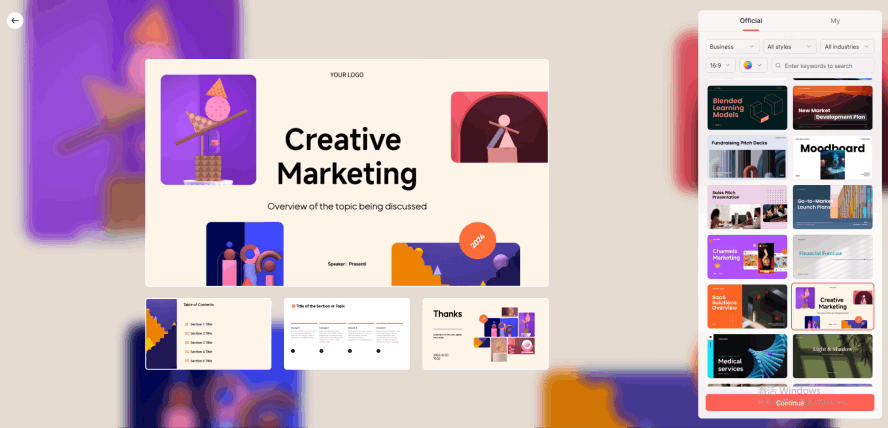
Step 2: Choose a Visual Direction
Select a style that fits your audience. You don't need to know anything about "color theory." Our beginner-friendly presentation tool offers pre-vetted themes designed to look consistent across common screen sizes; always preview the deck on the target display before presenting.
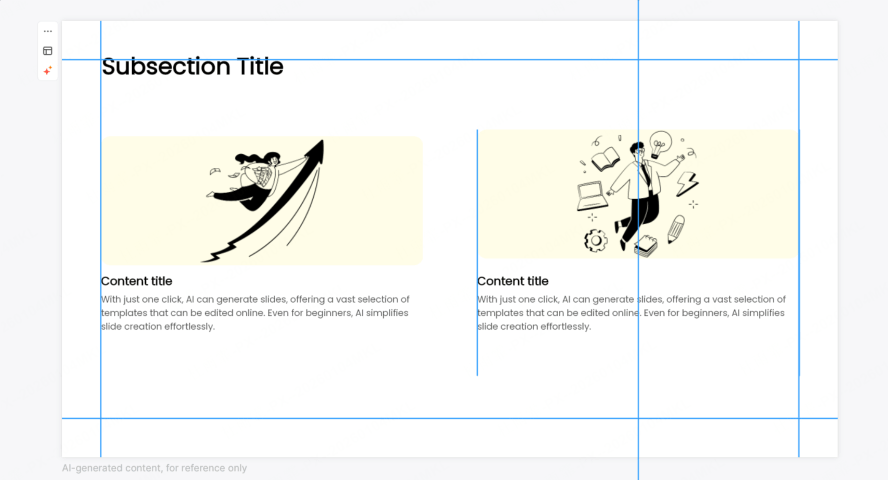
Step 3: Refine with Drag-and-Drop
If you want to add a specific chart or change a photo, the drag-drop presentation builder gives you total control without the complexity. Keep related objects aligned and leave enough space between the text and visuals. Use the principles for reviewing a neat presentation to assess alignment, hierarchy, and slide density after making those edits.
Step 4: Export and Present
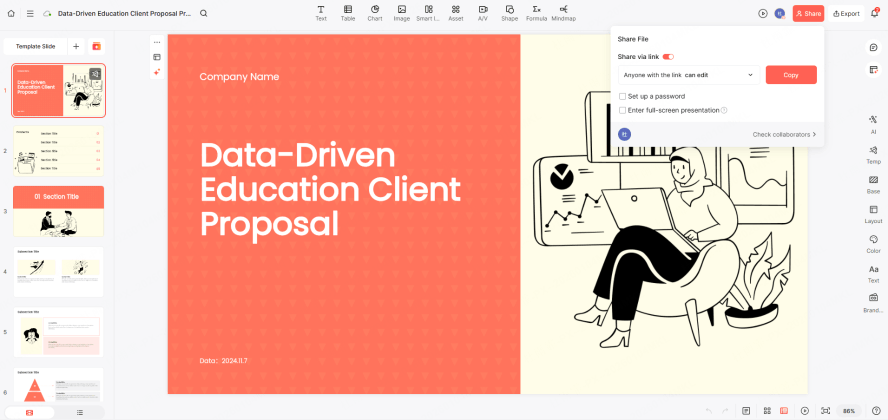
Export to PowerPoint if you need to work offline, save as a PDF, or share a live link. Open the exported file and inspect the slides before the meeting.
Why Speed and Design Matter Together
A crowded presentation can make a clear idea harder to follow. But you shouldn't have to sacrifice your sleep to look professional.
Using an easy slide show maker gives you a competitive edge. When your slides look clean and modern, your audience trusts your message more. Since Presenti is a no-design-skills slideshow maker, it levels the playing field. Small business owners can now produce decks that look as good as those from Fortune 500 companies.
Furthermore, the "drag-drop" era is evolving. While a drag-drop presentation builder is useful, the future is "AI-first." You shouldn't have to drag anything if the AI knows where it should go. Presenti is leading this shift, making it the premier beginner-friendly presentation tool for those who value results over manual labor.
Conclusion
The era of spending all night on a PowerPoint is over. With an easy slide show maker like Presenti, the technical barriers have vanished. You no longer need to be a creative genius to produce a beautiful deck; you just need the right tool.
Whether you are looking for a no-design-skills slideshow maker to handle your first pitch or a beginner-friendly presentation tool for everyday tasks, Presenti is the answer. Try the drag-drop presentation builder today and experience how easy it is to turn your thoughts into visual masterpieces.
Start with a short outline. Give Presenti a try and review how clearly the draft communicates your message.