A useful Gamma.app alternative should fit the way you build and deliver presentations. Gamma supports prompts, pasted text, documents, and web content. Presenti also offers topic and document workflows, with editable slide drafts and plan-dependent export options. The choice depends on your source material, editing preferences, and final deliverable.


Why Consider a Gamma.app Alternative?
Consider an alternative when your current workflow makes a recurring task difficult: importing a report, fitting content into a slide layout, applying a brand style, or handing an editable file to a colleague. A problem with one deck is a reason to test another approach, not proof that a product fails for everyone.
What Gamma supports
Gamma can create presentations from a prompt or existing material. Its import documentation describes files, webpages, and Google Drive sources, including PowerPoint, Word, and PDF files. It is not limited to a single text prompt.
Gamma uses cards that can combine text, images, and other content. This can suit presentations shared online. If your team needs a fixed-size PowerPoint deck, test the exported file in PowerPoint as part of your evaluation.
Where the workflow may differ
- Editing environment: Decide whether you prefer working in Gamma cards, a slide editor, or PowerPoint itself.
- Brand details: Try your actual fonts, colors, logo, and a dense slide before choosing a plan.
- Export: Check which elements remain editable and whether online embeds have a useful exported equivalent.
Gamma supports PDF, PNG, and PowerPoint export. Free workspaces add a Gamma badge to PDF and PPTX exports. Export availability and branding are separate questions.
When Presenti.ai Is a Useful Gamma.app Alternative
Presenti is worth considering when you want to turn a topic, outline, or supported document into a slide draft, then revise its content and layout. Use the source material you already have instead of asking the model to invent facts about your project.
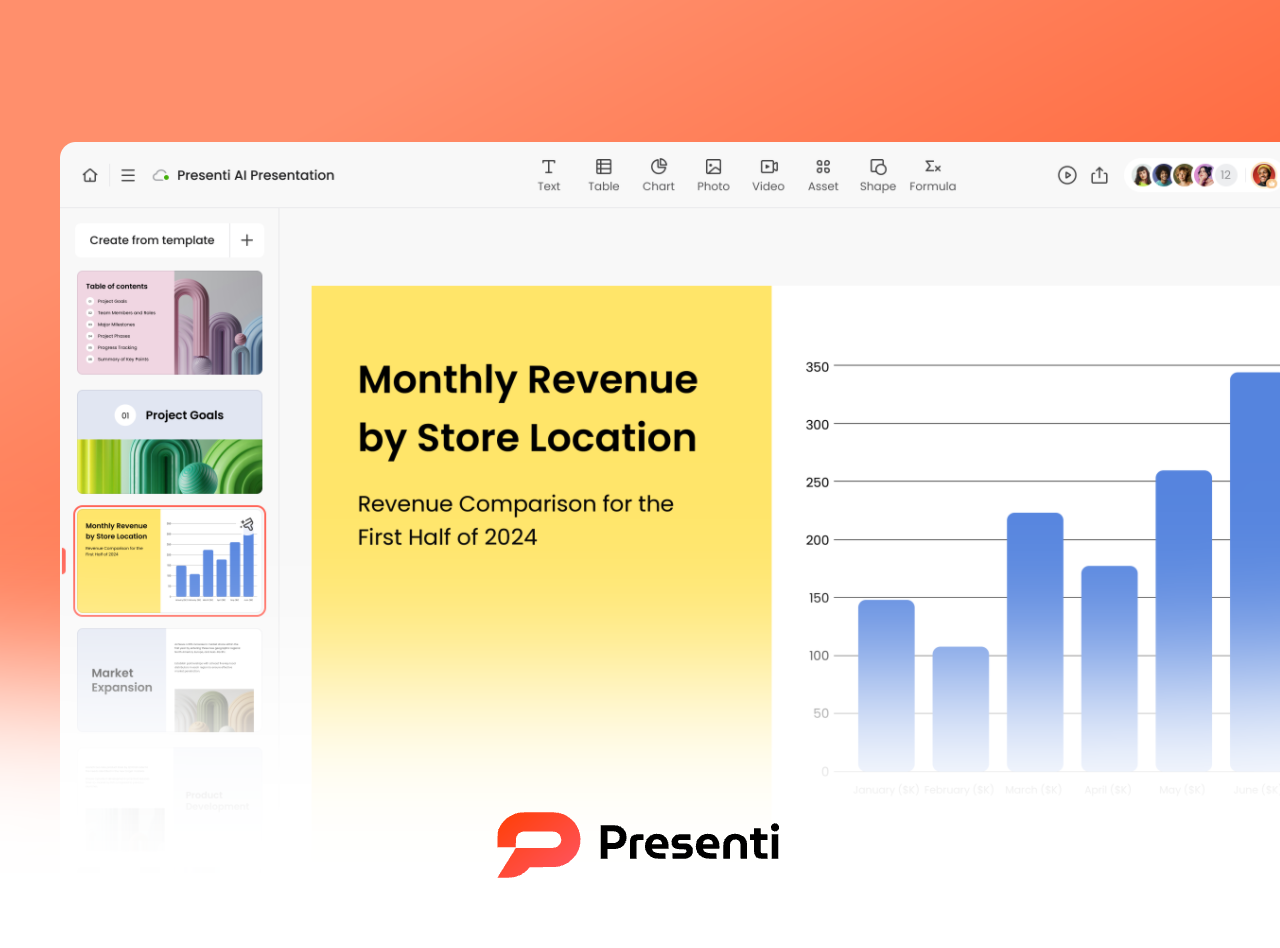
- Topic or outline to slides: Start with the audience, purpose, and main points, then review the generated structure.
- Document inputs: Supported workflows include Word, PDF, TXT, Markdown, and XMind. Import availability depends on the account and plan.
- Layout and wording: Adjust the draft’s text, visual hierarchy, and design to suit the audience.
- Editable export: Presenti offers PPTX and PDF export on eligible plans. When evaluating it as a Gamma PPT maker alternative, open a sample export in the app your team actually uses.
- Human review: Correct missing context, unsupported numbers, and crowded slides before presenting.
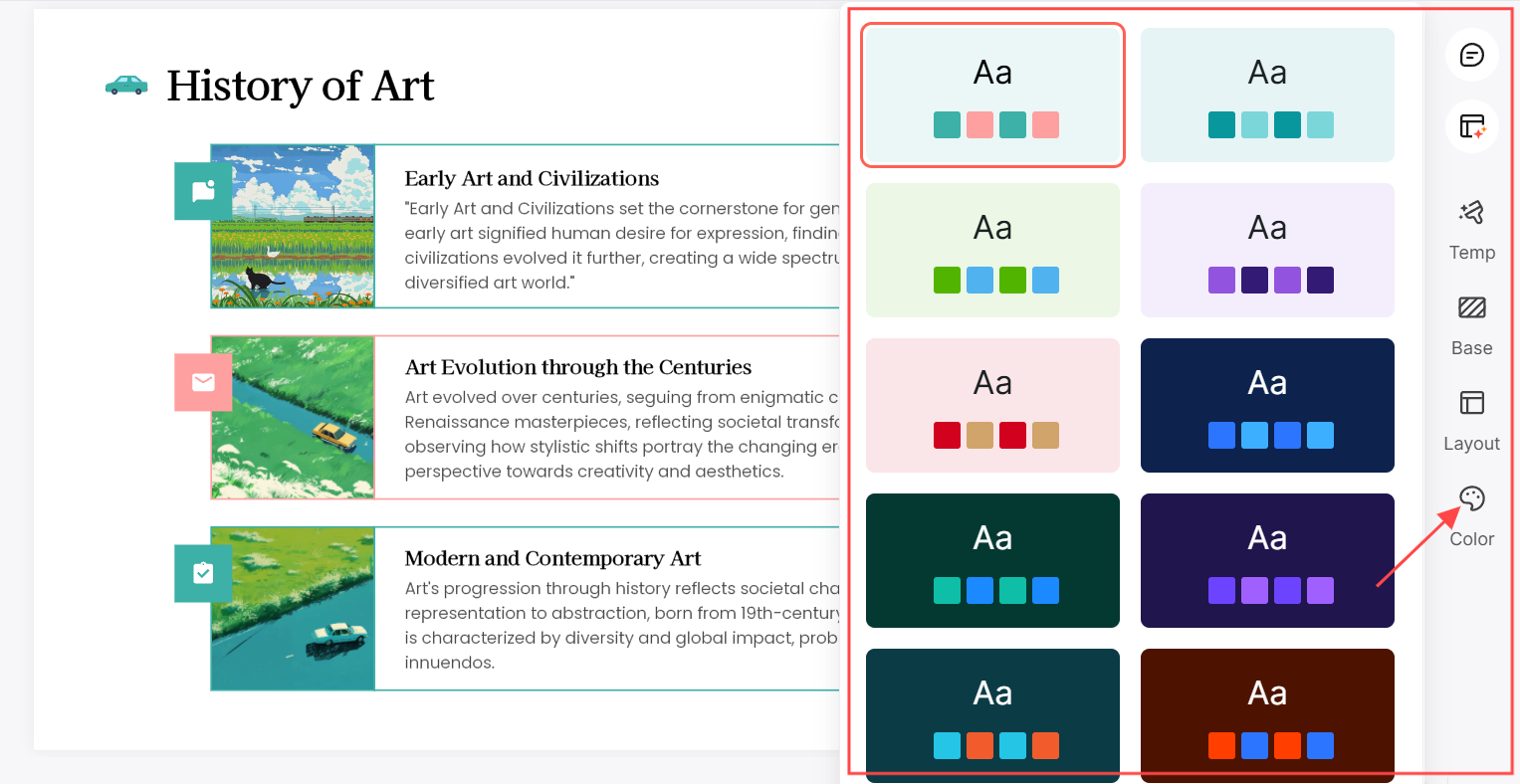
Both tools can provide a starting point. A useful comparison measures how much revision your own deck needs, rather than assuming one tool always produces a finished result.
How to Use Presenti.ai PPT Maker
Start with a short brief or a document you can check against the generated slides. Keep a copy of the original source so you can confirm names, dates, and figures.
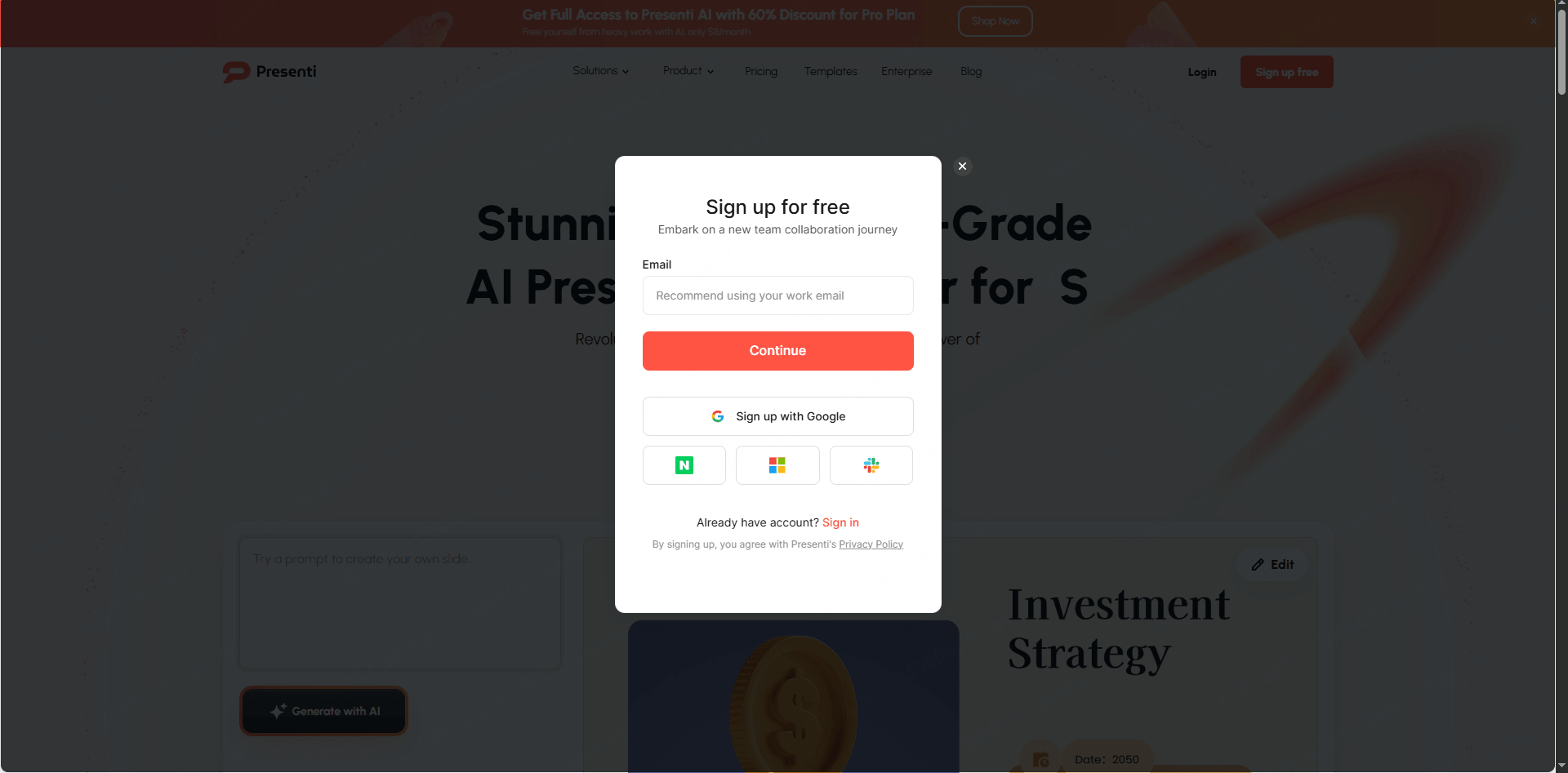
Step 1: Go to Presenti.ai and Sign Up
Create an account and review the available allowance. Presenti pricing distinguishes limited free access from paid import and export benefits.
Step 2: Choose Your Input Method
Enter a topic, paste an outline, or use a supported file import. For a report, keep descriptive headings and clearly label the sections you want in the deck. Gamma also supports multiple input methods; this step is about choosing the right starting material for Presenti.
Step 3: Generate and Review the Outline
Check the proposed slide order before continuing. Add the decision or question your audience needs answered, remove repeated sections, and mark missing evidence instead of filling gaps with invented numbers.
Step 4: Customize Your Slides
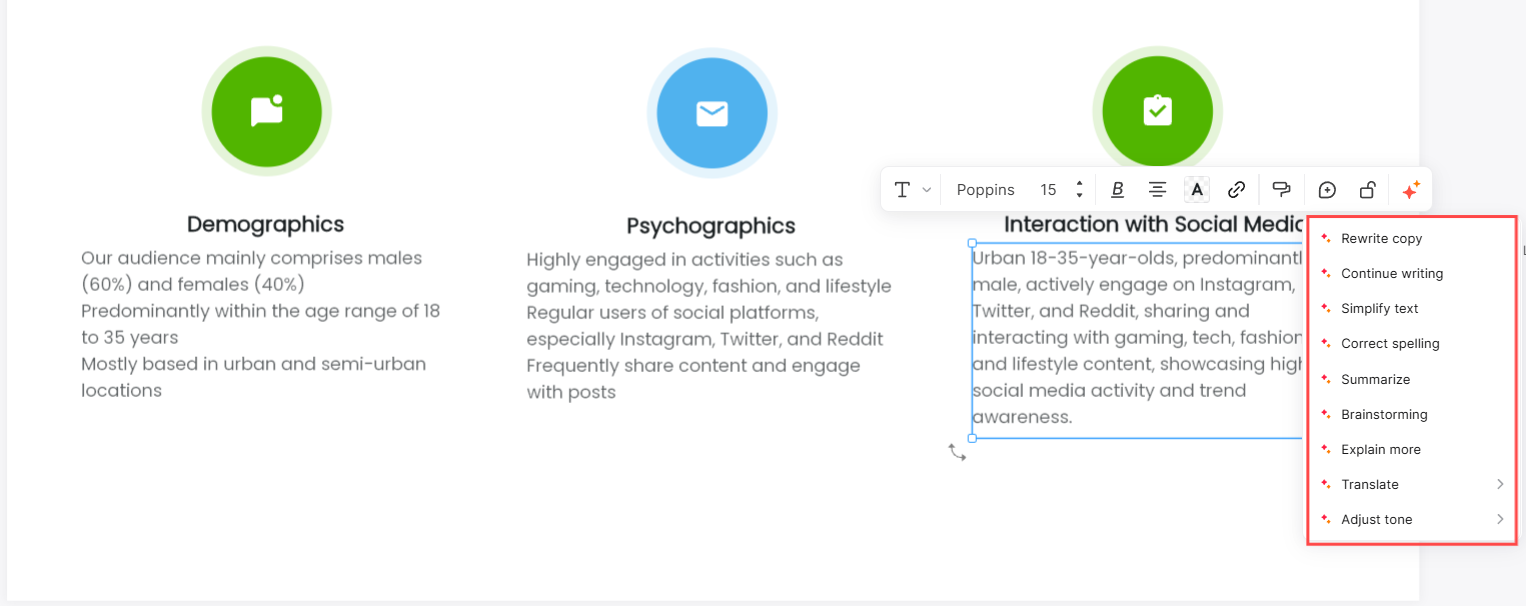
Edit the wording, rearrange content, and choose layouts that suit the amount of information on each slide. Review text size, image relevance, and chart labels at presentation size.
Step 5: Share or Export as PPTX
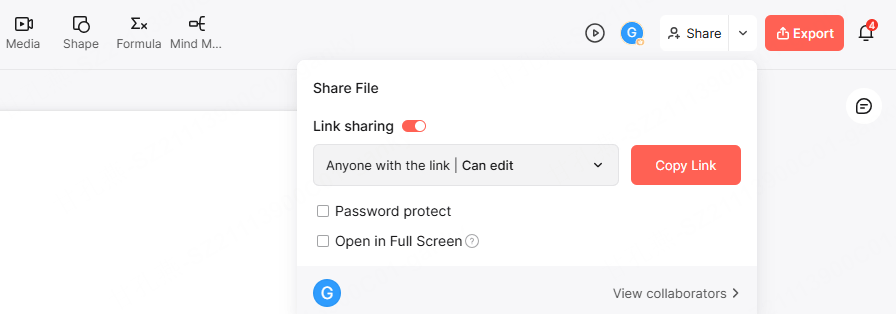
For a team review, share a presentation link with the intended access settings. Confirm that reviewers can open it before sending it to a client.
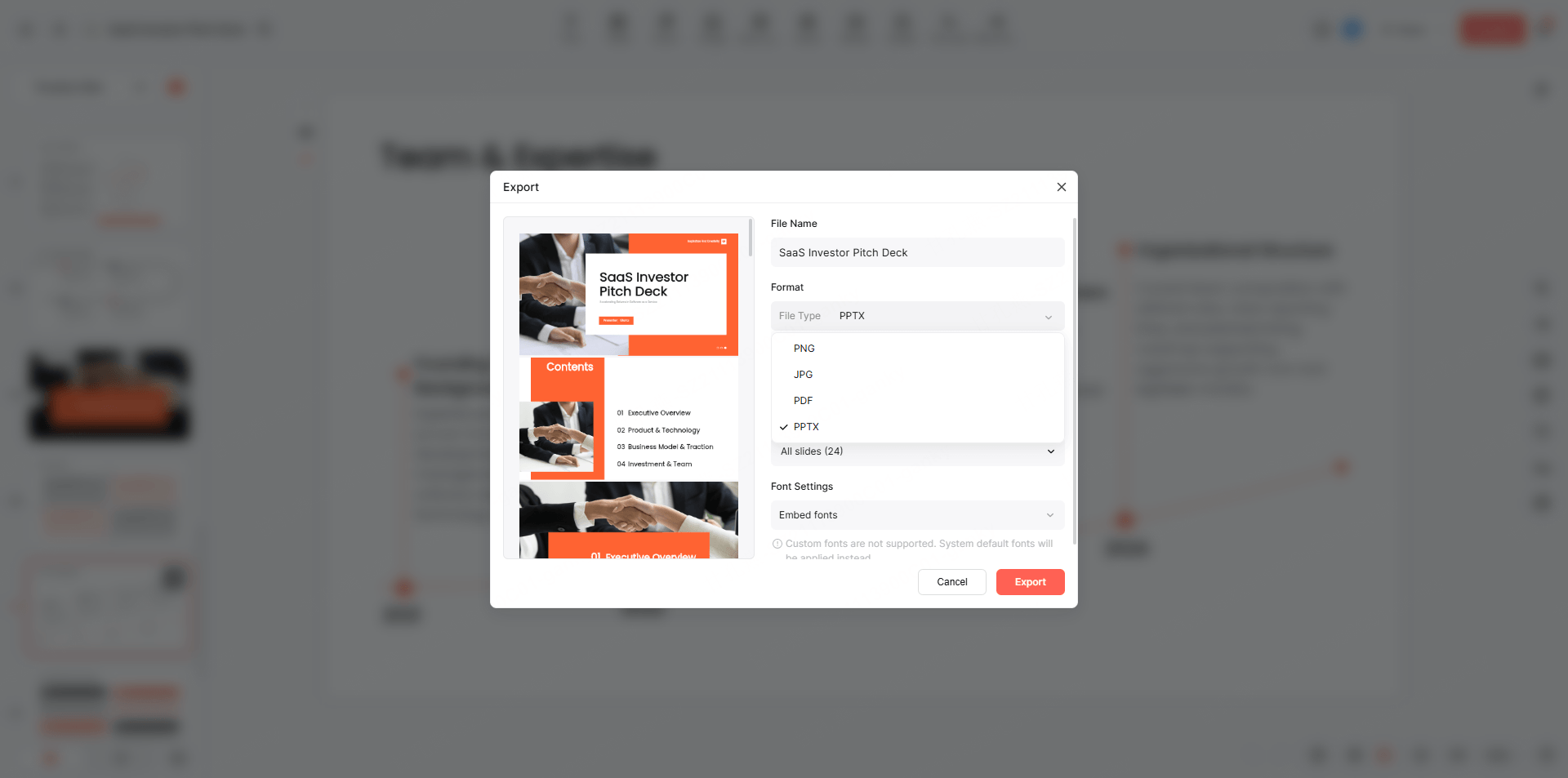
If your plan includes export, download a PPTX for editing in PowerPoint or a PDF for static sharing. Open the downloaded file and check fonts, line breaks, image crops, and any charts or media the presentation depends on.
Gamma.app vs Presenti.ai: Which Fits Your Workflow?
| Decision | Gamma | Presenti |
|---|---|---|
| Starting material | Prompt, pasted text, supported files, webpages, and connected sources | Topic, text, supported documents, and other available input workflows |
| Editing | Card-based presentation workspace | Online slide editing and layout changes |
| Output | Online sharing; PDF, PNG, and PPTX export | Sharing links; PPTX/PDF export on eligible plans |
| Free access | Initial AI credits; Free PDF/PPTX exports carry a Gamma badge | Basic access with limited AI credits; check required import/export benefits |
| A useful trial | Import one real document and inspect a card-heavy export | Generate from the same source and inspect the slide structure and exported file |
Choose Gamma if its card-based workspace and online sharing fit your deliverable. Consider Presenti if you prefer its source-to-slide workflow and editing options. For a PowerPoint handoff, compare the exported files from both tools using the same source, fonts, and slide content.
Try Presenti.ai with a short source document you know well. The useful result is an editable draft that is easy for you to refine; no tool can guarantee that every presentation will need no cleanup.