A reusable slide layout can help you spend more time on the lesson itself. Start with the learning objective, then choose a structure that gives students room to explain, practice, or reflect.
Here are 15 layout ideas you can adapt for Google Slides, illustrated with presentation examples. This is an inspiration guide, not a collection of 15 downloadable Google Slides files. Use the examples to plan your own slides, and check the license and editing format of any template you obtain separately.

15 Google Slides Layout Ideas for Teachers
Choose an idea by the activity students need to complete. The business-oriented examples below can also be adapted for classroom projects rather than used unchanged.
1. Skills and Expertise
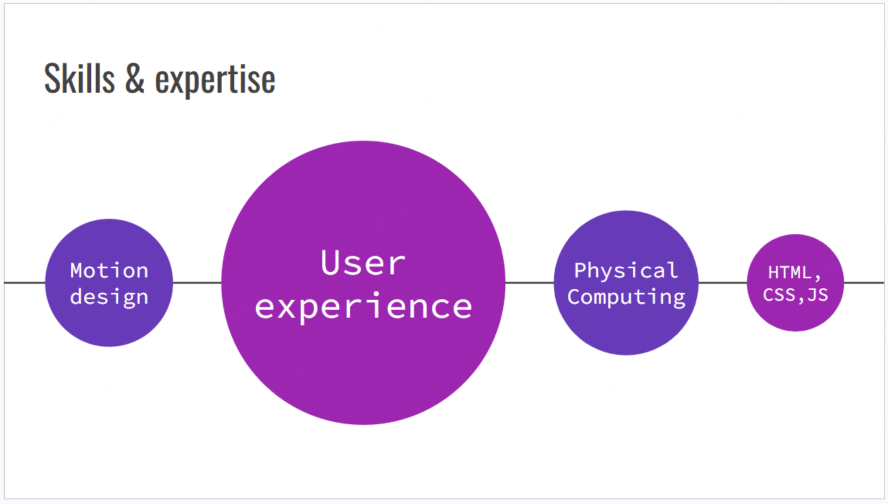
Use a simple skills profile for a student portfolio, careers lesson, or self-reflection activity. Ask students to pair each skill with an example of their work instead of rating themselves on an unexplained scale.
2. Lesson: Classifying Triangles
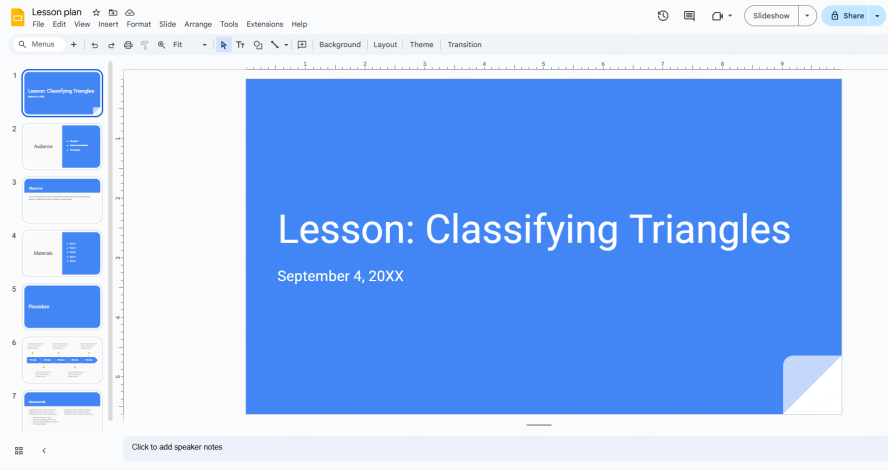
Build a short sequence with labeled triangle examples, a comparison by side length, and practice questions. Give students space to explain why a triangle belongs in each category; a picture alone does not make the activity interactive.
3. Book Report
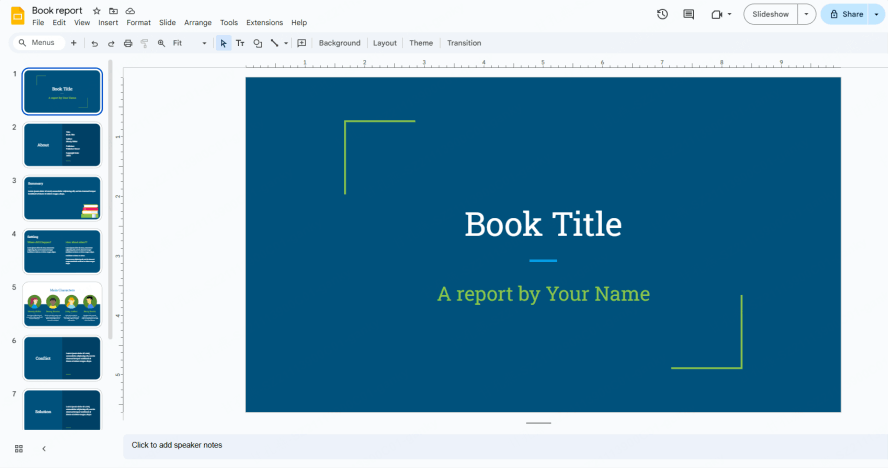
Give students space for a short summary, a character profile, and an interpretation supported by passages from the book. A plot-arc slide can help them explain how one event changes the story.
4. Field Trip
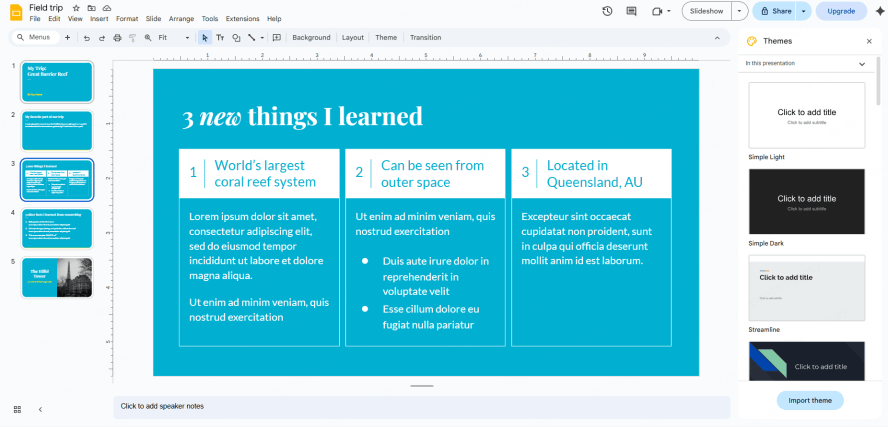
Use photos, observations, and a short reflection to document a field trip. Ask students to connect one observation to a question from the lesson and credit any images they did not take themselves.
5. Science Project
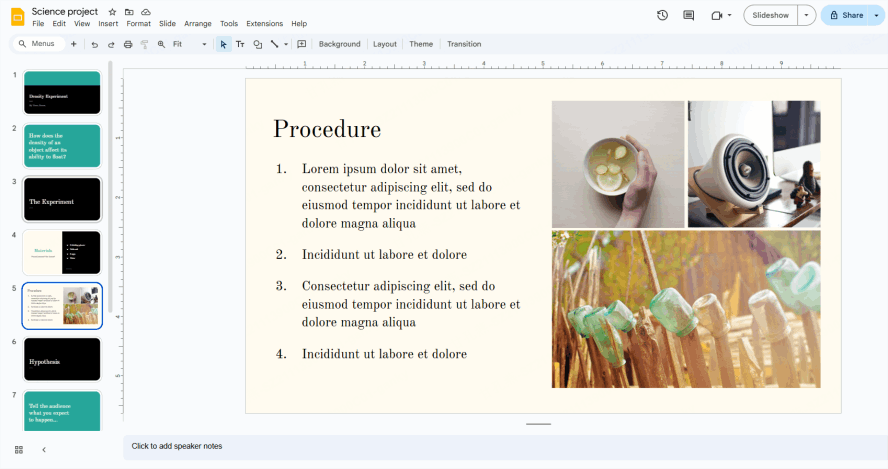
Organize the research question, prediction, method, observations, and conclusion. Include a place to describe what went wrong or what the student would change in another experiment.
6. Literary Analysis Mind-Map
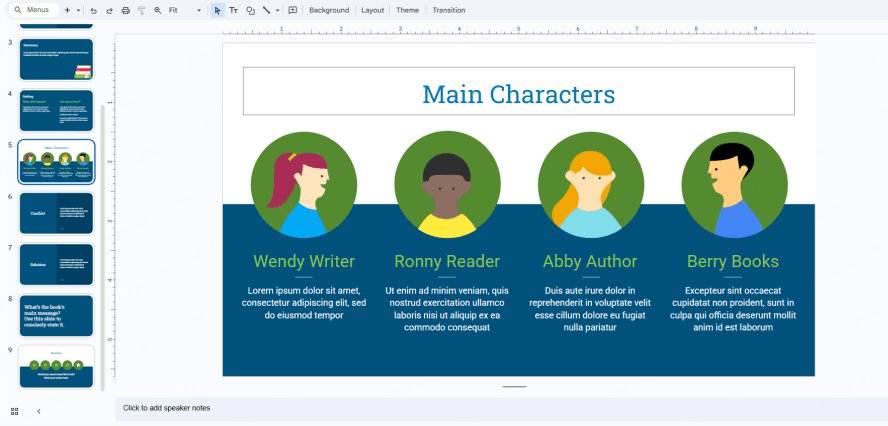
Use a relationship map for characters, themes, or events in a text. Students can add brief evidence beside each connection, then explain one relationship to the class.
7. Science Fair
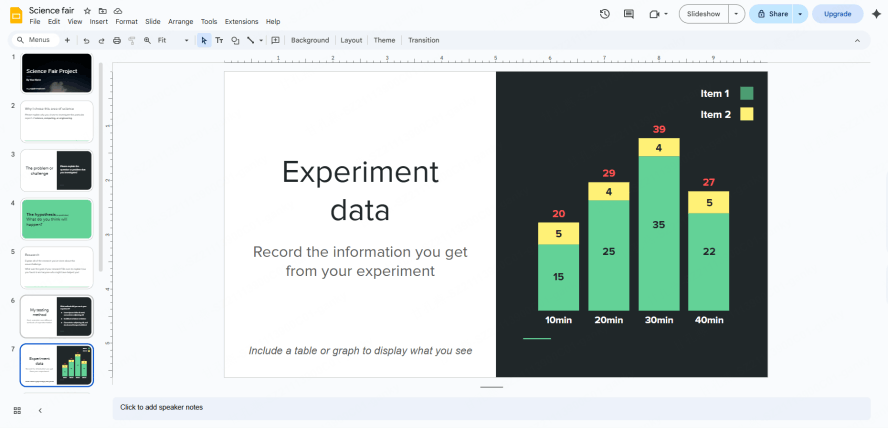
Arrange the question, method, results, and limitations so a reader can follow the experiment. Use legible charts, label the units, and give readers a clear viewing order.
8. Student Certificate
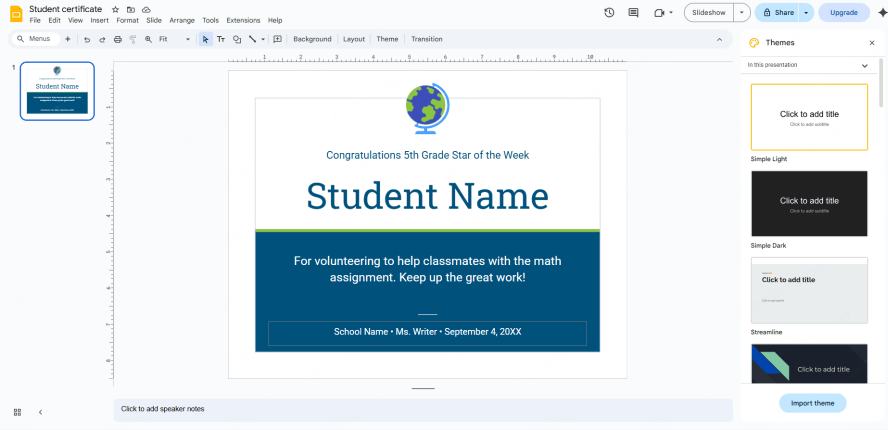
Use a certificate layout to recognize a specific achievement or contribution. Keep the student’s name, achievement, and date easy to read, and adapt the wording to what the student actually did.
9. Portfolio
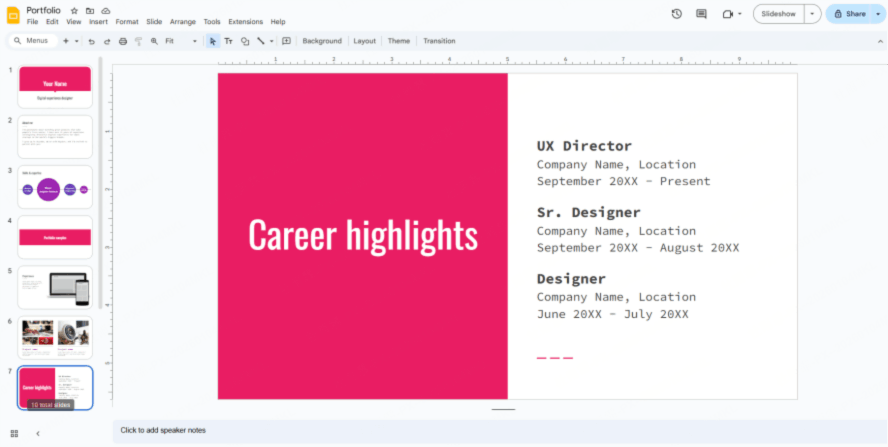

Build a portfolio with examples of a student’s work and short reflections on progress. Use the same layout for each project so readers can find its purpose, process, and result.
10. Class or Club Progress Report
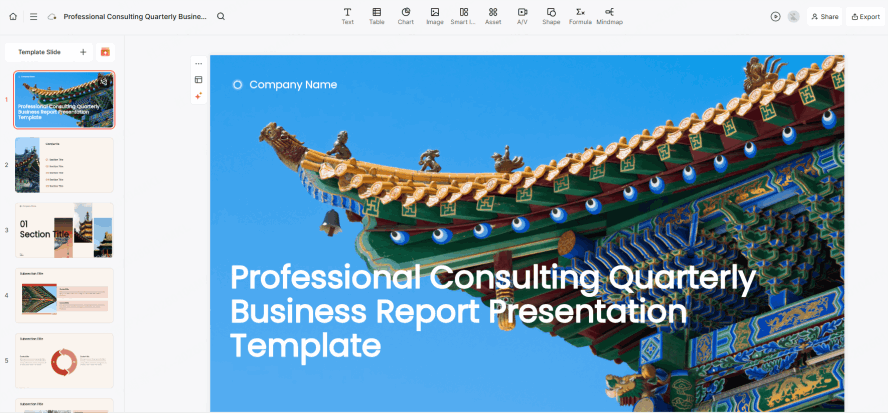
Adapt the quarterly business report layout to review a class or club project. Replace commercial KPIs with the agreed goals, completed activities, evidence of progress, and the next decision students need to make.
11. After-School Club Presentation
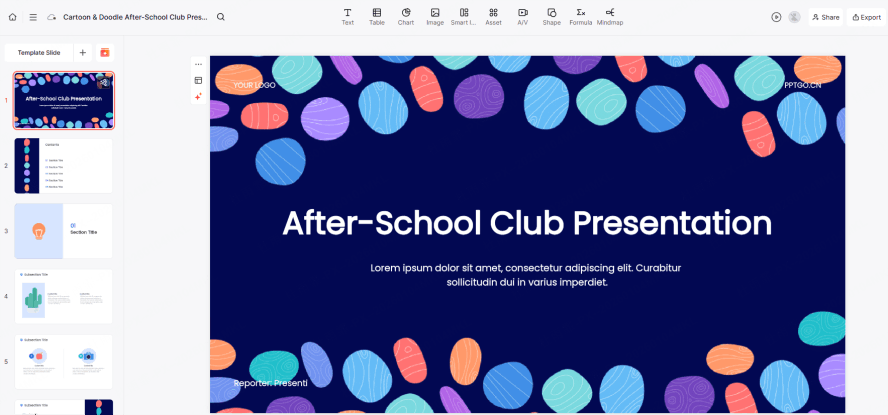
Introduce a club’s activities, meeting schedule, and a clear way to join. Include a real project example so students can see what participation would involve.
12. Local Community Project
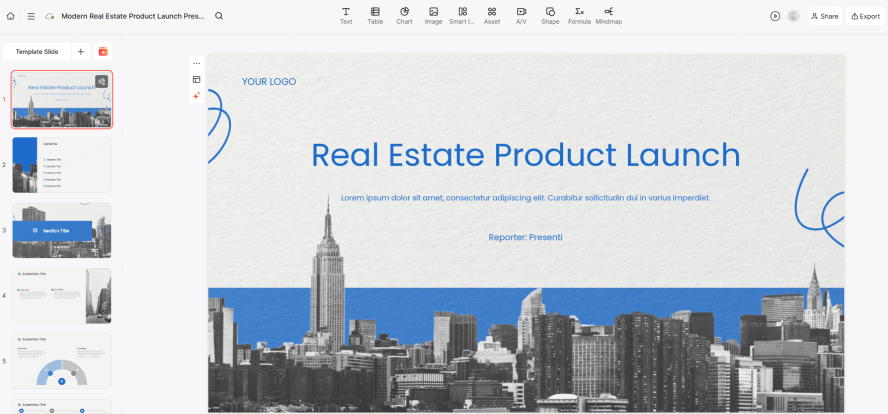
A property presentation can inspire a geography or community-planning task. Replace the sales pitch with a map, local observations, and a proposed improvement. Ask students to distinguish measured facts from assumptions about cost or impact.
13. Question-and-Answer Flashcards
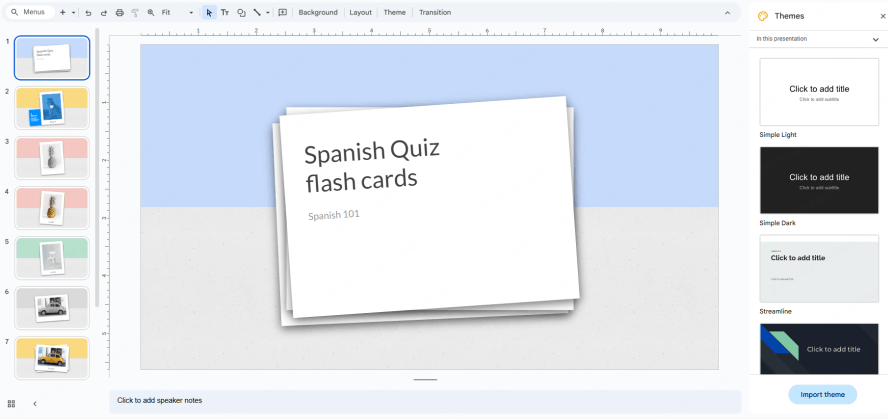
Use pairs of slides: a word, image, or question first, followed by the answer and a short explanation. This works with ordinary slide navigation and does not depend on a special flip animation. To turn the activity into a full quiz, the guide to structuring a trivia or quiz slide deck covers rounds, answer reveals, and score slides.
14. Children’s Activity Plan
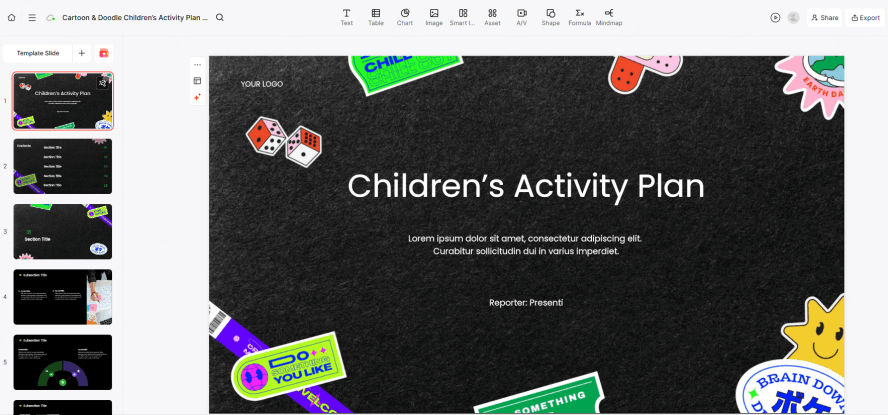
Show the order of activities, materials needed, and approximate timing. Pair short instructions with helpful icons, and leave space to adjust the plan for different student needs.
15. Energy Costs: A Classroom Data Exercise
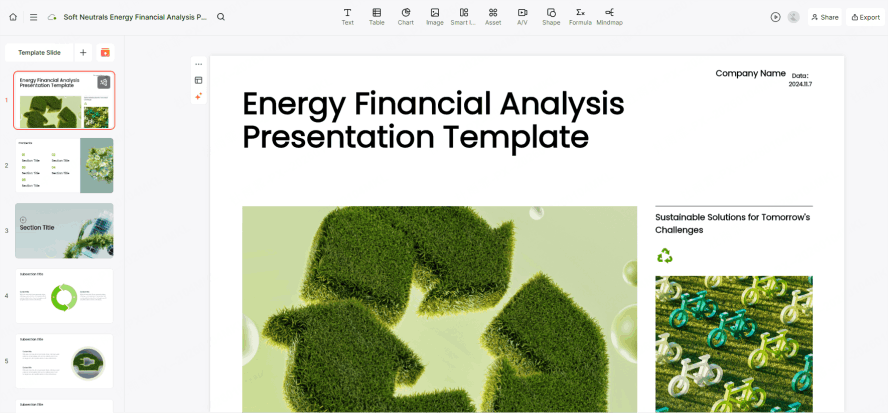
Adapt the financial-analysis layout for a lesson on energy use. Give students a small, clearly labeled dataset, ask them to compare costs or consumption, and show their calculations. Identify any fictional figures rather than presenting them as real-world results.
Drafting Lesson Slides with Presenti
Once you have a learning objective and source material, Presenti can help create an outline and a slide draft. Review the sequence, vocabulary, and examples for your students before using it in class.
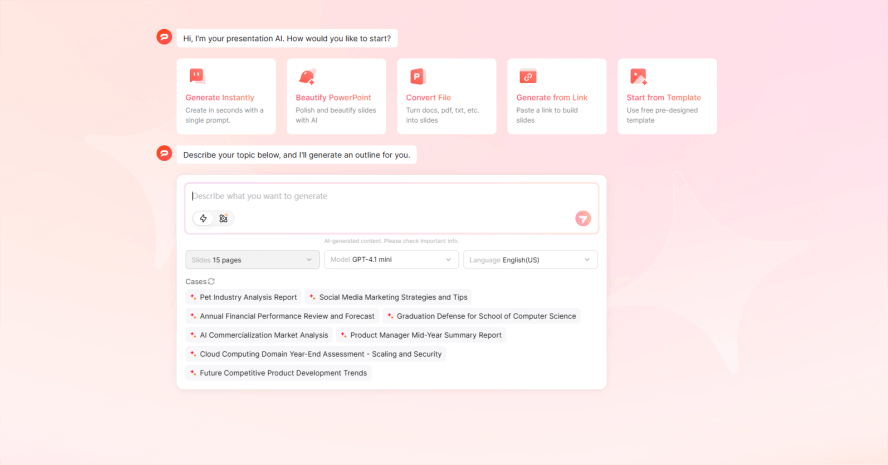
Browse presentation templates for a layout that fits the activity. Presenti’s pricing page describes limited free AI credits and paid export features. Check your account’s available allowance and output options before preparing a full lesson.
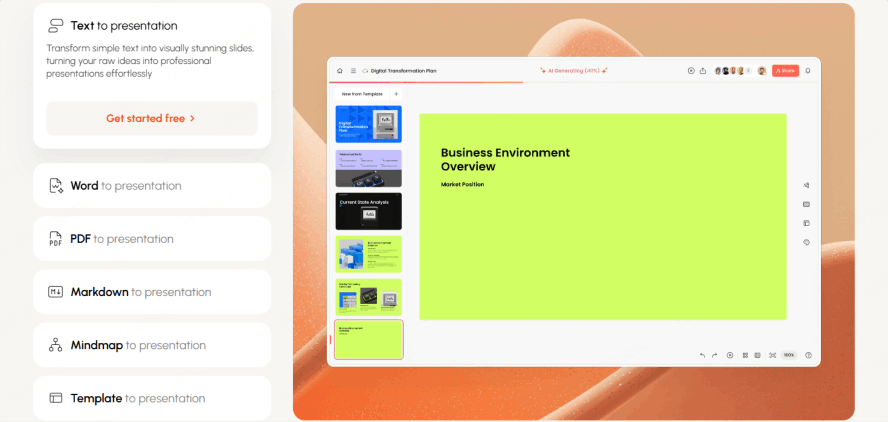
You can start from a topic or source document and refine the draft. Treat layout suggestions as a starting point: check reading order, contrast, image relevance, and whether students have enough information to complete the activity.
Four Ways to Prepare a Lesson Deck
Choose the route that matches the material you already have. A draft still needs a teacher’s review of subject accuracy and age-appropriate instructions.
Path 1: Generating from a Single Topic
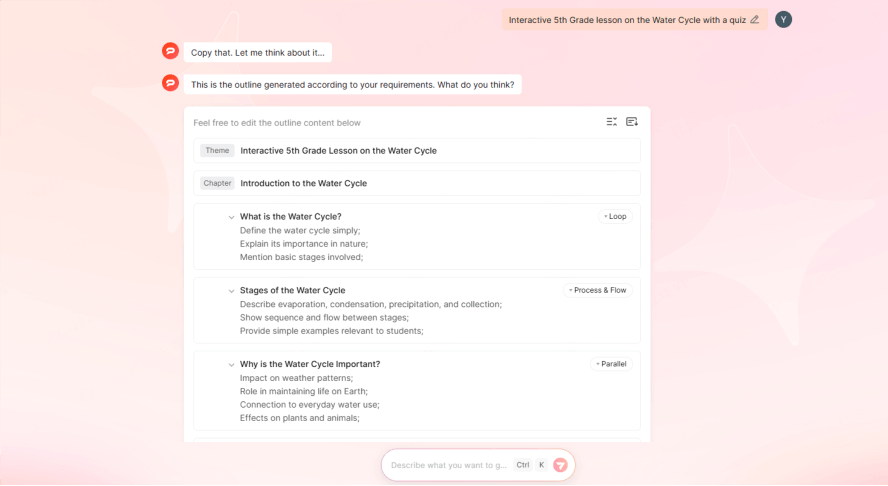
Start with the lesson objective, grade level, and activity. For example: “Draft a fifth-grade lesson on the water cycle with a labeled diagram, a practice question, and an exit ticket.” Review the outline before choosing a theme and generating the slides.
Path 2: Transforming Documents into Slides
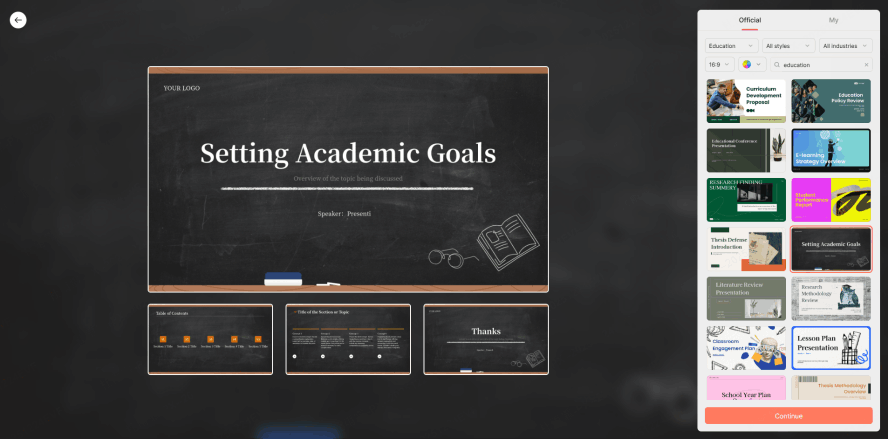
If your account supports the relevant import option, upload a Word document or PDF through Import File. Check the extracted outline against the original, especially diagrams, tables, and instructions that must stay together. This creates a Presenti draft; it does not create a native Google Slides file automatically.
Path 3: Working from a Source Outline
For a web article or video transcript, first collect the passages you are allowed to reuse and note their source. Paste the relevant text or your own outline into the draft workflow. Check the original before teaching from a summary; do not assume a page URL will include a video transcript or restricted content. For captioned YouTube material, follow the transcript-to-PowerPoint workflow and compare the resulting slides with the video.
Path 4: Revising an Existing Deck
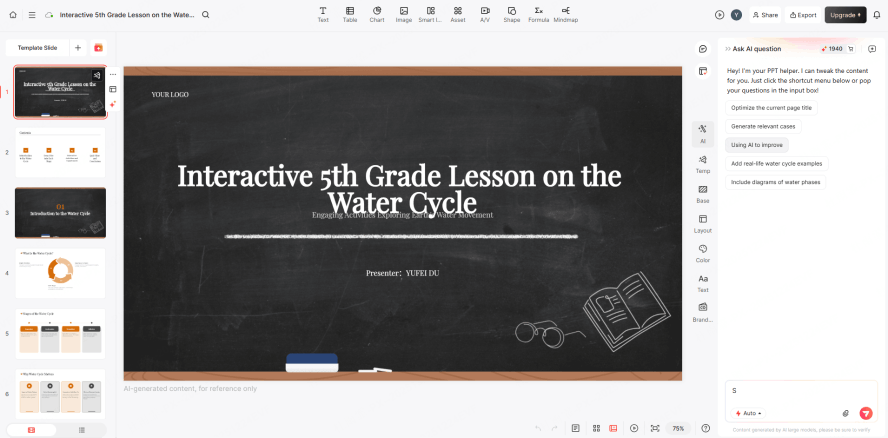
Revise an existing Google Slides deck in Slides, or work with a supported presentation file in the editor you choose. To bring an available PPTX export into Slides, upload it to Drive and open it with Google Slides, following Google’s Office-file instructions. Review fonts, spacing, and diagrams after opening the file.
Conclusion
Choose one classroom task, adapt a layout, and test the instructions from a student’s point of view. A clear question, relevant example, and opportunity to respond matter more than decorative effects. You can also try drafting a lesson in Presenti from the material you already have.