A great trivia presentation template can be the difference between a quiz night people talk about for weeks and one that fizzles out after the second round. Whether you’re an educator running a classroom review session, a corporate trainer keeping a workshop alive, or an event host managing a packed venue, the way your slides look and function shapes everything — the pacing, the energy, the clarity of each question. This guide covers what trivia and quiz presentation templates actually are, how to build them effectively, and how modern AI tools are making the whole process dramatically faster.
What Is a Trivia Presentation Template?
A trivia presentation template is a pre-designed slide deck built specifically for question-and-answer formats — structured to display questions, manage answer reveals, track scores, and keep audiences engaged throughout multiple rounds. Unlike a standard business deck, a quiz presentation template is built around interaction. Every design decision — typography size, color contrast, timing cues, reveal animations — serves the live experience rather than passive reading.
A well-built trivia template typically includes:
- Title and intro slides that set the theme and ground rules
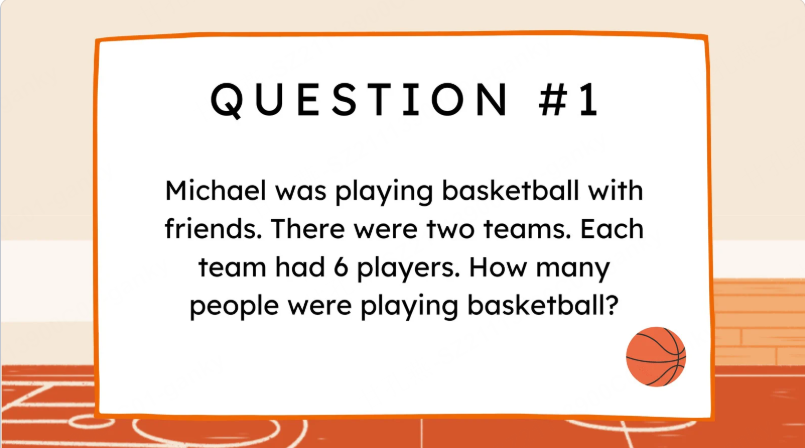
- Question slides with large, readable text optimized for projection or screen sharing
- Answer reveal slides that build suspense before displaying the correct response
- Score tracking slides for updating leaderboards between rounds
- Category divider slides to separate rounds by topic or difficulty
- Final standings slides for announcing winners with impact
The structure matters because trivia is a performance as much as it is a quiz. Your slides are the stage. A disorganized, visually inconsistent deck kills momentum. A sharp, well-paced template keeps the energy where it belongs — with the audience.
Who Uses Quiz Presentation Templates?
The use cases are broader than most people expect.
Educators and teachers use quiz presentations for end-of-unit reviews, icebreaker sessions, and formative assessments. A trivia format makes review material feel like a game rather than a test — the host can use answers to identify concepts that need more explanation.
Corporate trainers run trivia rounds during onboarding programs, compliance training, and team workshops. Embedding quiz questions into a training session breaks up passive listening and gives facilitators real-time insight into what the group has actually absorbed.
Team leads and managers use quiz formats for team-building events and all-hands meetings. A five-question trivia round at the start of a company update is far more effective at warming up a room than a slide full of bullet points.
Event organizers and hosts build entire events around trivia nights — from pub quiz formats to large-scale game show presentation styles with branded themes, sound effects, and audience participation mechanics.
The common thread across all these scenarios: the presentation template does the heavy lifting so the host can focus on delivery rather than logistics.
Key Elements of an Effective Quiz Presentation Template
Not all trivia templates are created equal. These are the design and structural elements that separate a polished interactive presentation template from a basic slideshow with questions typed on it.
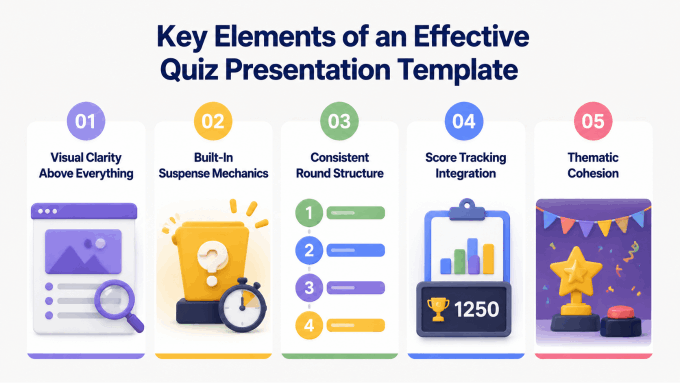
Visual Clarity Above Everything
Questions need to be readable from the back of a room, across a video call, or on a shared screen. This means large font sizes (type large enough to read from the back of the room), high contrast between text and background, and zero visual clutter on question slides. Decorative elements belong on category dividers and title slides — not competing for attention with the question itself.
Built-In Suspense Mechanics
The answer reveal is the moment. A good quiz presentation template builds anticipation into the design — whether through a timed countdown, an animation that uncovers the answer progressively, or a dedicated reveal slide that forces a beat of silence before the answer appears. This isn’t just showmanship. It gives participants time to commit to their answers before the reveal, which is fundamental to how learning through quiz formats actually works.
Consistent Round Structure
Each round should feel intentional. Question number indicators, round titles, and difficulty labels give participants a sense of where they are in the game. Disorientation kills engagement. A clear visual structure — “Round 2: Science and Nature | Question 4 of 6” — keeps everyone oriented and invested.
Score Tracking Integration
Leaderboard slides between rounds serve two purposes: they reward the leaders and re-energize the players further back. Use score updates at planned breaks without letting them dominate the activity. A strong trivia template includes editable score slides that are quick to update on the fly during a live event. If guests will submit answers on their own devices, compare audience-response tools for quizzes and live sessions before deciding how to collect responses and display scores.
Thematic Cohesion
Whether the quiz is branded for a corporate event, themed around a holiday, or designed to match a school’s visual identity, the template should apply a consistent color palette, iconography, and typography across every slide. A game show presentation style — with bold colors, energetic typography, and clean layouts — signals to participants that this is a proper event, not an afterthought.
How to Build a Trivia Presentation With Presenti AI
Presenti AI can help draft the slide content and layout. The host still needs to verify answers, decide how responses and scores will be collected, and configure any reveal timing in the delivery tool.
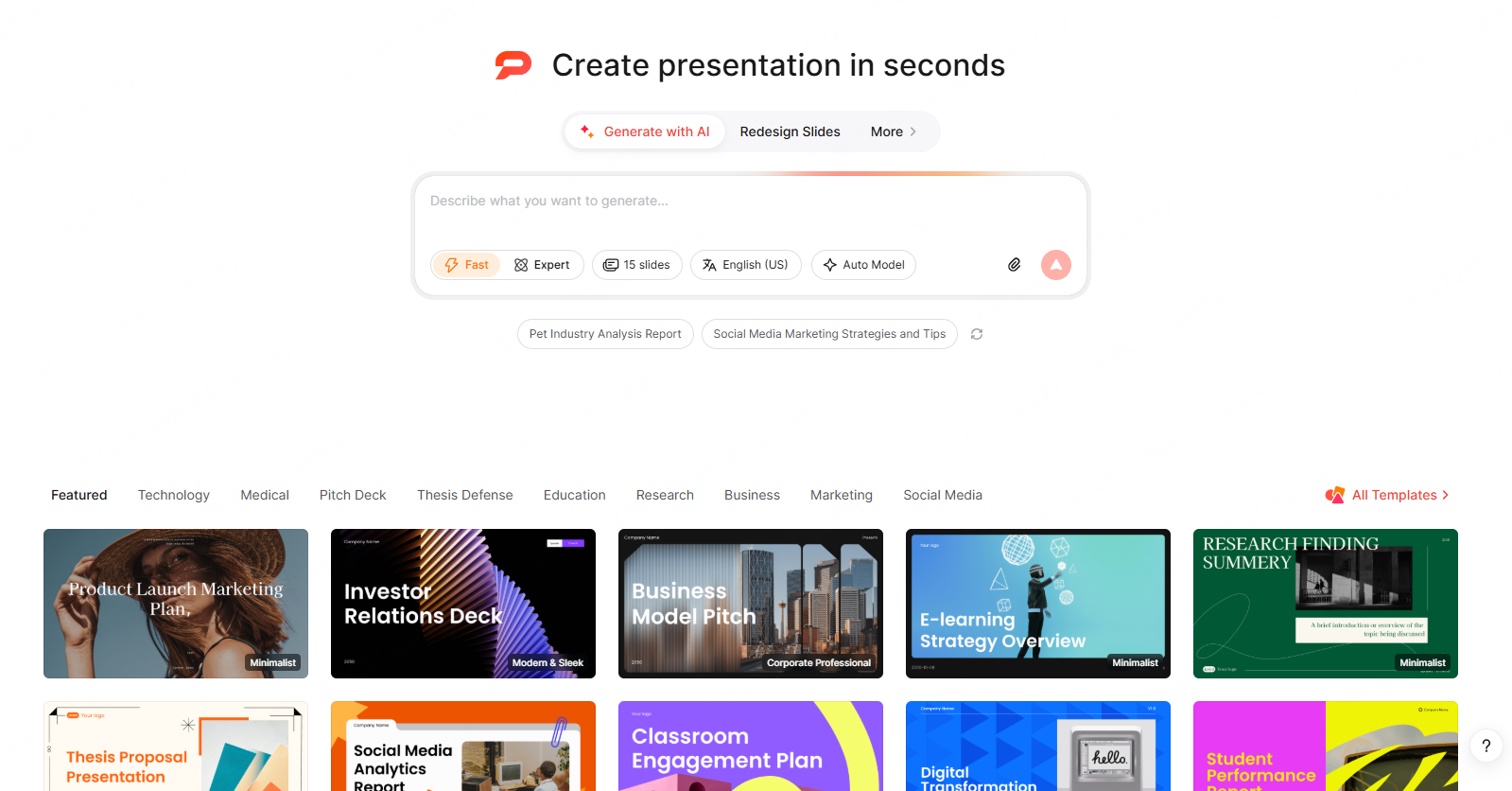
Here’s how the workflow looks in practice:
- Start with a prompt: Specify the audience, categories, rounds, and question format. Ask for separate question and answer slides, then verify the questions, correct answers, and explanations.
- Import existing questions: Word/PDF/TXT input is listed on paid Presenti plans. Review how each question, answer, and explanation has been separated into slides.
- Repurpose an existing PPTX: Have an old quiz deck that needs a visual refresh? Upload the PPTX and let Presenti redesign the layout while preserving your questions and content.
- Use a supported link: Check that the source is accessible and the extracted text is complete. For a restricted document, prepare an approved text outline instead.
- Use an audio briefing: Brief the AI verbally about your trivia format — number of rounds, categories, audience type, visual style — and Presenti converts the recording into a fully structured presentation.
Once the initial deck is generated, one-click theme switching lets you align the visual style instantly to your brand, event, or occasion. Switch from a corporate palette to a festive holiday theme in seconds.
Paid Presenti plans list editable PPTX export. Open the file in PowerPoint or your intended editor, set up any reveals and score updates, and test the quiz from start to finish.
Best Practices for Running a Trivia Presentation
The template is only half the equation. Execution determines whether the energy lands.
- Rehearse the reveal timing. Know exactly when to click to the answer slide. Rushing kills the suspense. Waiting too long breaks the pace.
- Test on the actual screen or projector. Font sizes that look fine on a laptop become unreadable on a projector in a bright room. Always do a venue test before the event.
- Keep rounds short. Six to eight questions is a starting point to test in rehearsal. Longer rounds lose momentum; shorter rounds feel unsatisfying.
- Have a backup plan for close scores. Build a tiebreaker slide into your template. Close finishes are exciting — only if you’re prepared for them.
Conclusion
A well-designed trivia presentation template transforms a quiz from a simple Q&A exercise into a genuinely memorable experience. The right slide structure, visual clarity, and reveal mechanics do the work of keeping audiences engaged — so the host can focus on energy and connection rather than managing logistics. Whether you’re running a classroom game, a corporate workshop, or a full-scale quiz night, starting with a strong quiz presentation template is the single fastest way to raise the quality of the entire event.
Prepare a clear question-and-answer outline, generate a draft in Presenti AI with the supported input in your plan, and review every answer against its source. Rehearse the response and reveal sequence so you can focus on hosting during the event.