A free PDF-to-PowerPoint tool is useful only if it delivers the file you need. Before uploading a report, separate three questions: can you start without paying, can you download a PowerPoint file, and can you edit the text or charts that matter? A free account or preview does not necessarily include that final download.
The ten options below cover page conversion and AI drafting. This is a comparison of their documented workflows and access conditions, not a timed or scored conversion test. If you want a shorter story from a long report, PDF-to-presentation drafting is a different task from preserving each PDF page.
| Your requirement | What to establish before uploading |
|---|---|
| A one-off editable PPTX | Whether the free route includes the download, rather than only a preview or trial. |
| A scanned report | Whether OCR is part of this conversion route and whether it costs extra. |
| A long report | The current file-size, page-count and processing allowance. |
| Confidential material | Whether uploading is permitted by your organization; server processing is not offline conversion. |
What the current access routes include
The table below separates the ability to start a conversion from the file you can take away. Access information was checked against the official pages linked in each tool section on 14 October 2026. It is not a test of output fidelity, and no unlimited allowance is assumed where a provider has not specified one.
| Tool | Access described by the provider | Output or boundary |
|---|---|---|
| Presenti AI | Account required; PDF import and editable downloads listed on paid plans | A new presentation draft; not a free page-conversion entitlement |
| Smallpdf | Basic browser conversion advertised without an account | PPTX download; direct text editing is marked Pro |
| iLovePDF | Online upload and conversion; usage limits depend on access level | Selectable-text conversion and a separate OCR Premium option for scans |
| PDFCandy | Free online conversion advertised without registration | PPTX; paid plans remove hourly limits and raise file-size allowance |
| HiPDF | Free online conversion advertised; the page also presents account and trial access | Establish the allowance for your file; OCR is a separate route |
| WPS PDF Tools | Online PDF-to-PPT upload route | Confirm the sign-in and download conditions; installed WPS Office is a separate workflow |
| Convertio | Browser file-pair conversion | The linked route is PDF to PPT; choose PPTX separately when required |
| PDF24 Tools | Free, advertising-supported; no registration required | Online server processing, distinct from the Windows Creator application |
| Adobe Acrobat Online | The converter describes a download route and sign-in for sharing | PPTX; account-based web editing and desktop Acrobat are separate options |
| PDF2GO | Online upload and format selection | Confirm the current allowance and whether OCR is part of the chosen operation |
1. Presenti AI
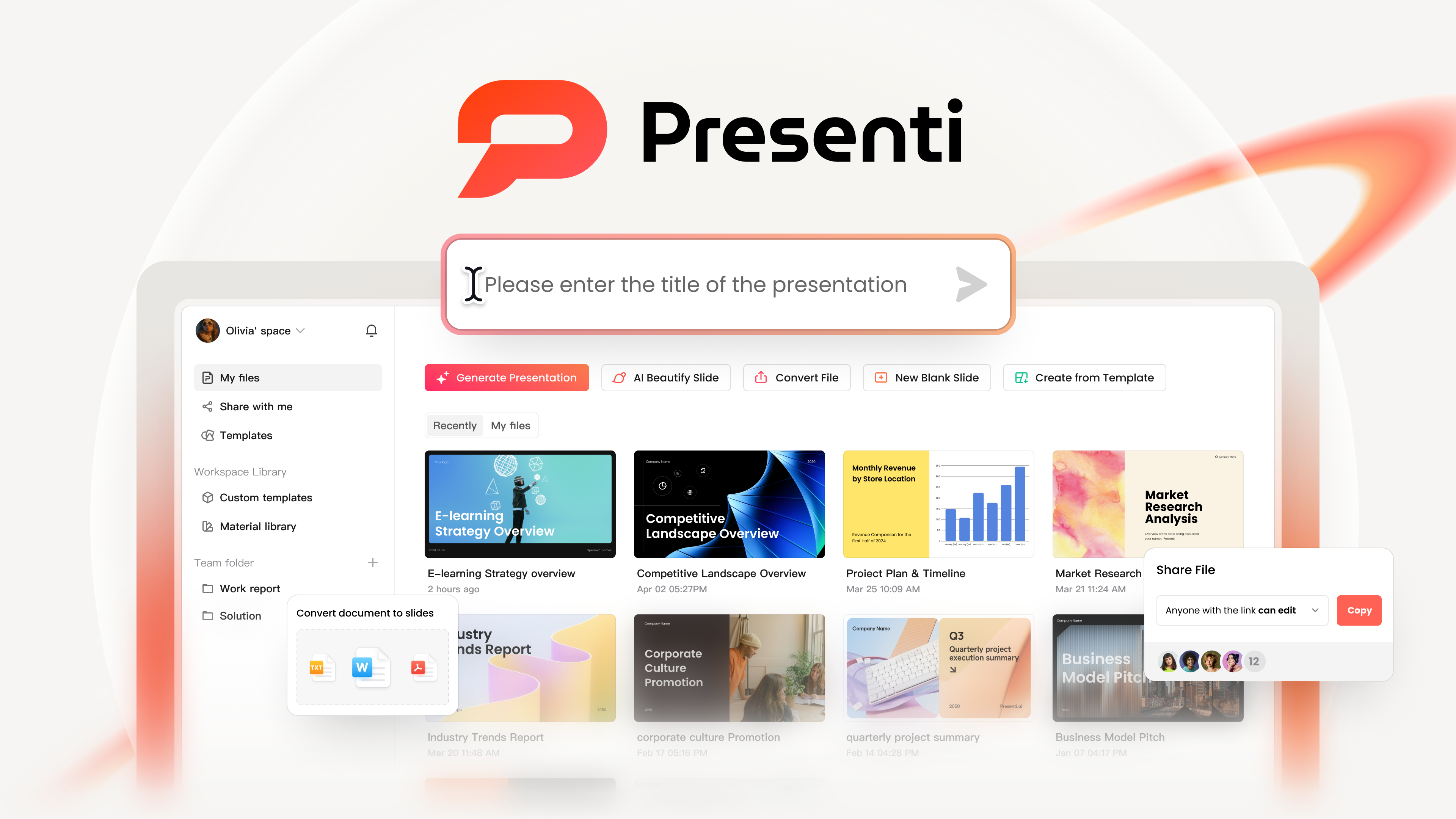
Presenti AI generates a slide draft from a document rather than aiming for a page-for-page copy. Use it when the source is a report that needs a new outline, then compare the draft with the PDF before designing the final slides.
Key Features
- Platforms: Web based. Works on Windows and macOS with no installation
- How it works: Upload a PDF, Word, TXT, or Markdown file. AI analyzes content structure. Slides are generated automatically and can be edited online or downloaded
- Highlights: Outline generation, template selection and online slide editing
- Account and export access: Sign-in is required. Presenti’s plan table places PDF input and editable PPTX/PDF export on paid plans; limited free AI credits are not a free PDF-conversion entitlement.
- Consider it for: Turning a long report into a shorter presentation, with a person reviewing the outline and facts
Review the rewritten outline
A rewritten draft can change emphasis or omit a qualification. Keep the source PDF beside the outline, especially when a slide uses a percentage, forecast or recommendation.
2. Smallpdf
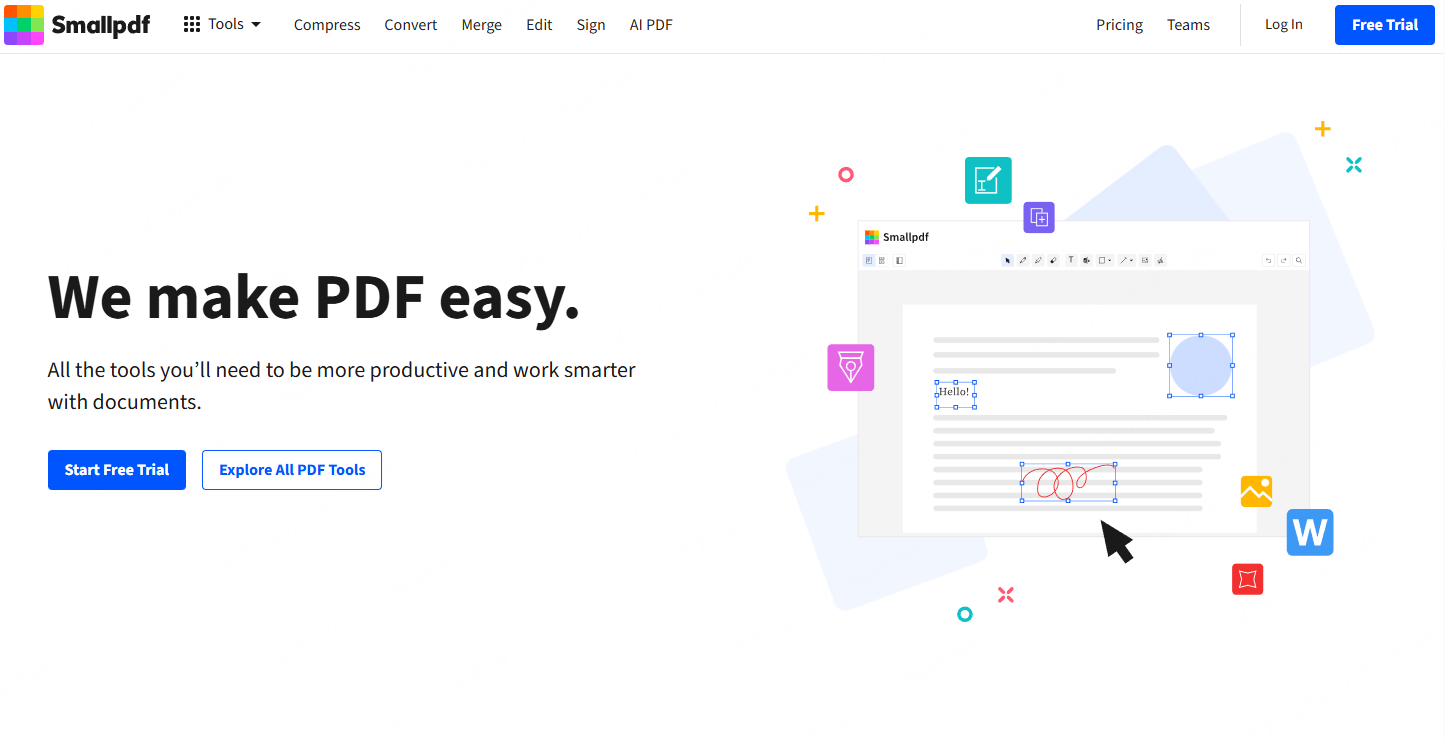
Smallpdf’s PDF-to-PPT converter offers browser-based conversion without installation. Its page lists basic conversion without an account, while some editing features are Pro features.
Key Features
- Platforms: Web based. Compatible with Windows and macOS
- How it works: Upload a PDF, convert automatically, download the PPT file
- Highlights: Browser upload, basic conversion and PowerPoint download
- Account required: No. Check the current free allowance and file-size limits
- Best for: Office users who need quick, occasional conversions
Try the basic download route
Try the basic route first if you need a one-off file. Check any allowance displayed for your session before assuming that repeated or large-file conversions are included.
3. iLovePDF
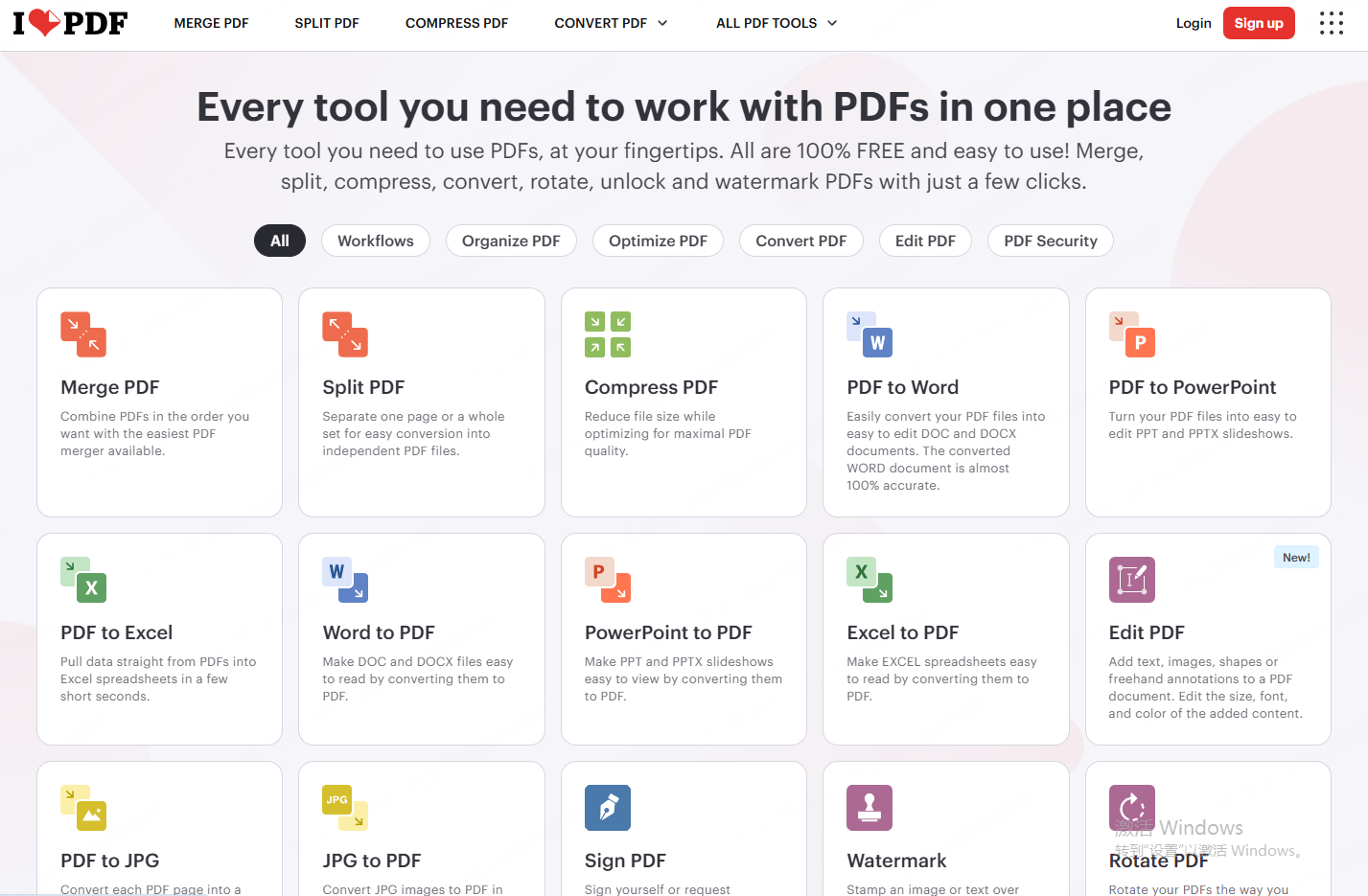
iLovePDF’s PDF-to-PowerPoint page provides a file-conversion route, including file selection from supported cloud storage. This is separate from an AI tool that rewrites a report into a new narrative.
Key Features
- Platform covered here: The online PDF-to-PowerPoint tool
- How it works: Upload PDF, convert, download PPT
- Highlights: Google Drive and Dropbox integration, cloud saving
- Access: The converter distinguishes selectable-text PDFs from scanned PDFs, with OCR labeled Premium. File and account limits still apply; other iLovePDF tools can have different conditions.
- Best for: Users working across devices who rely on cloud storage
Check the selected cloud file
If your document is already in cloud storage, check the destination account and file permissions before selecting it. Choosing a cloud file still sends its content through the conversion service.
4. PDFCandy
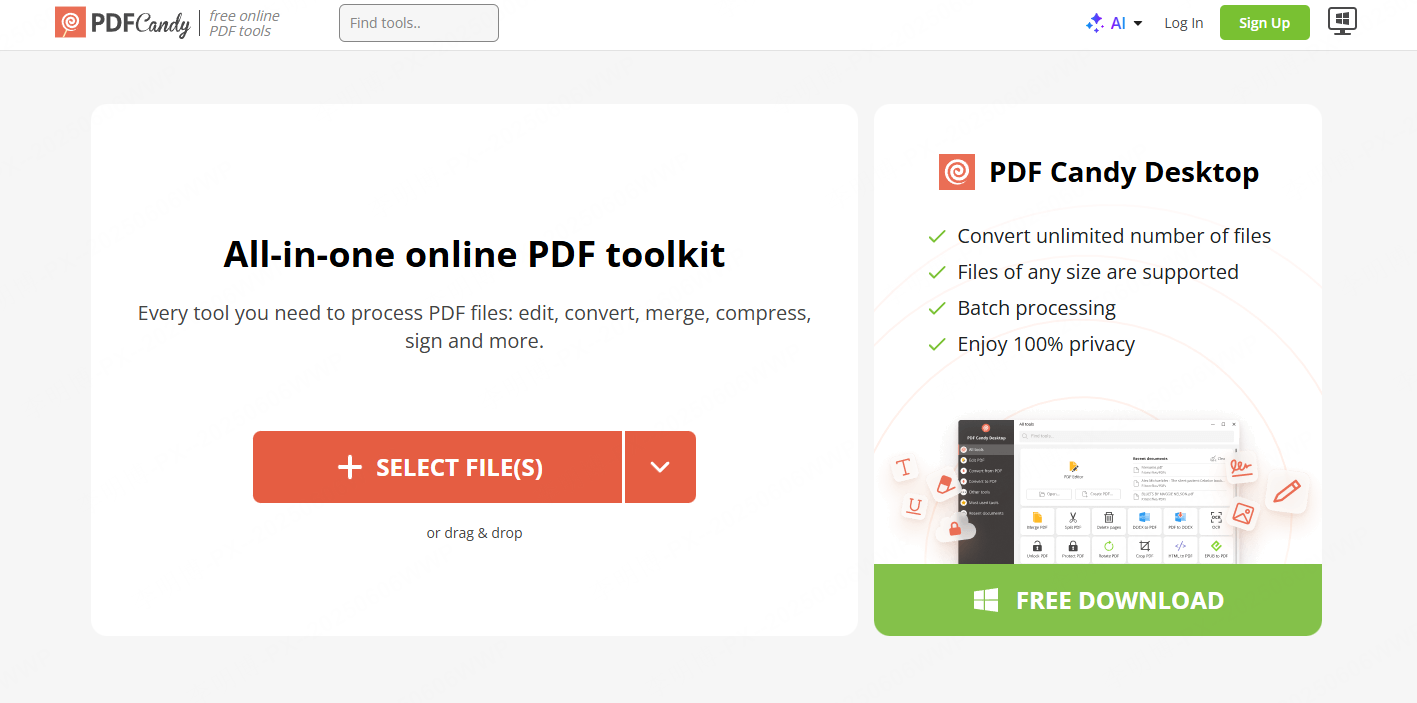
PDFCandy’s online PDF-to-PPT converter lists free conversion without registration. Its output route is PPTX; other tools in the PDFCandy suite have their own purposes and access terms.
Key Features
- Platform covered here: The online converter
- How it works: Select PDF to PPT, upload file, convert, download
- Highlights: Multiple PDF tools including merge, split, and encryption
- Account required: No registration required for web version
- Best for: Users who want an all in one PDF solution
Inspect the downloaded PPTX
Use this route when you want a browser conversion without first creating an account. Open the downloaded PPTX before committing the rest of a document to the same workflow.
5. HiPDF
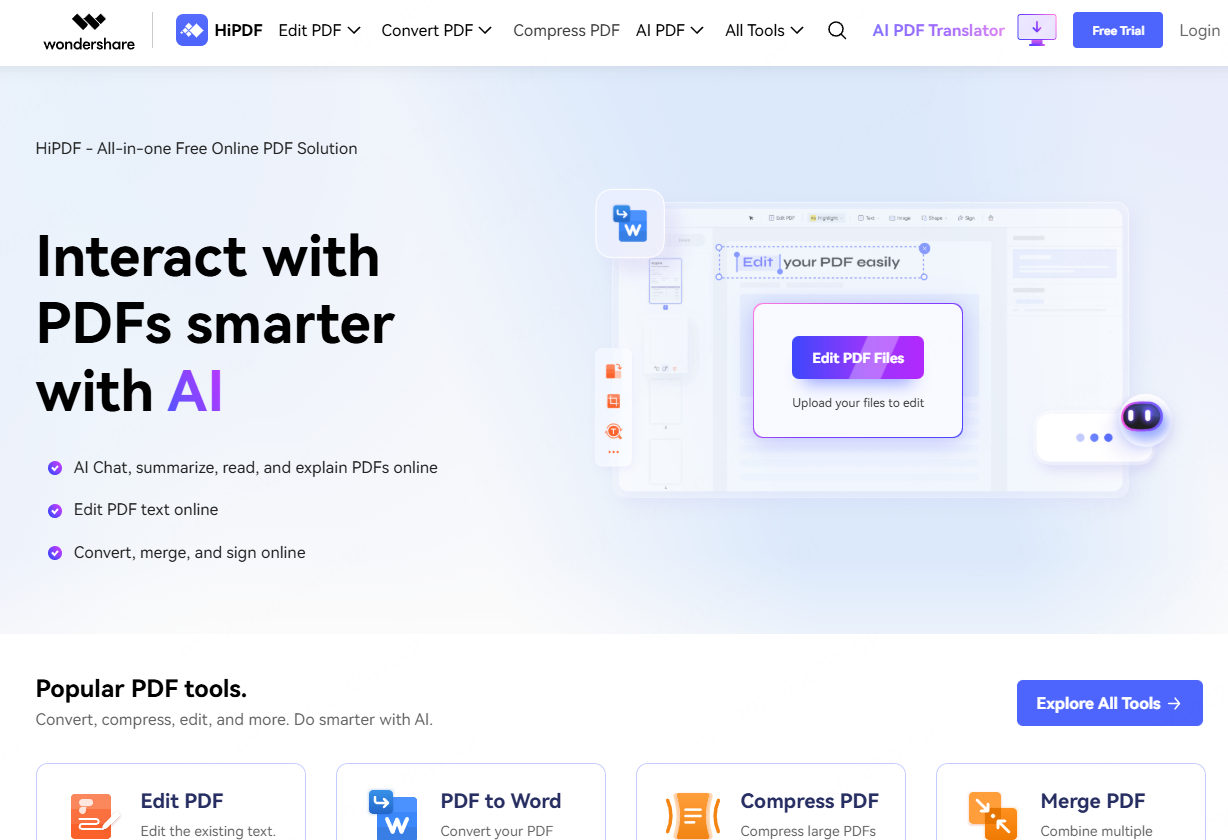
HiPDF’s PDF-to-PPT tool provides an upload-and-convert workflow. Treat OCR as a separate question: the existence of an OCR tool elsewhere in a suite does not establish that it is included in this conversion.
Key Features
- Platform covered here: Web browser
- How it works: Upload PDF, convert, download PPT
- Scanned files: Establish the OCR route before relying on editable text from image-only pages
- Access: Review the current upload and download conditions before starting; this comparison does not establish an unlimited free allowance.
- Consider it for: Browser-based conversion of a PDF with readable text
Handle scanned text first
If you cannot select or search the source text, work through OCR and reading-order preparation before expecting useful editable text in a slide file.
6. WPS PDF to PPT
WPS PDF Tools includes an online PDF-to-PowerPoint route. Distinguish that browser service from the installed WPS Office application when deciding where the file will be processed.
Key Features
- Platform covered here: The online WPS PDF Tools converter; the installed WPS Office client is a separate route
- How it works: Upload PDF, convert automatically, edit in WPS Presentation
- Output to inspect: Text boxes, images and slide geometry in the downloaded PowerPoint file
- Access: Check the converter’s current sign-in and download prompt; free software download does not establish free use of every conversion feature.
- Consider it for: A team that intends to continue editing in WPS Presentation
Open the result in your editor
Open the converted deck in the editor you will actually use. Check one dense slide at your intended display size before assuming that fonts and line breaks survived.
7. Convertio
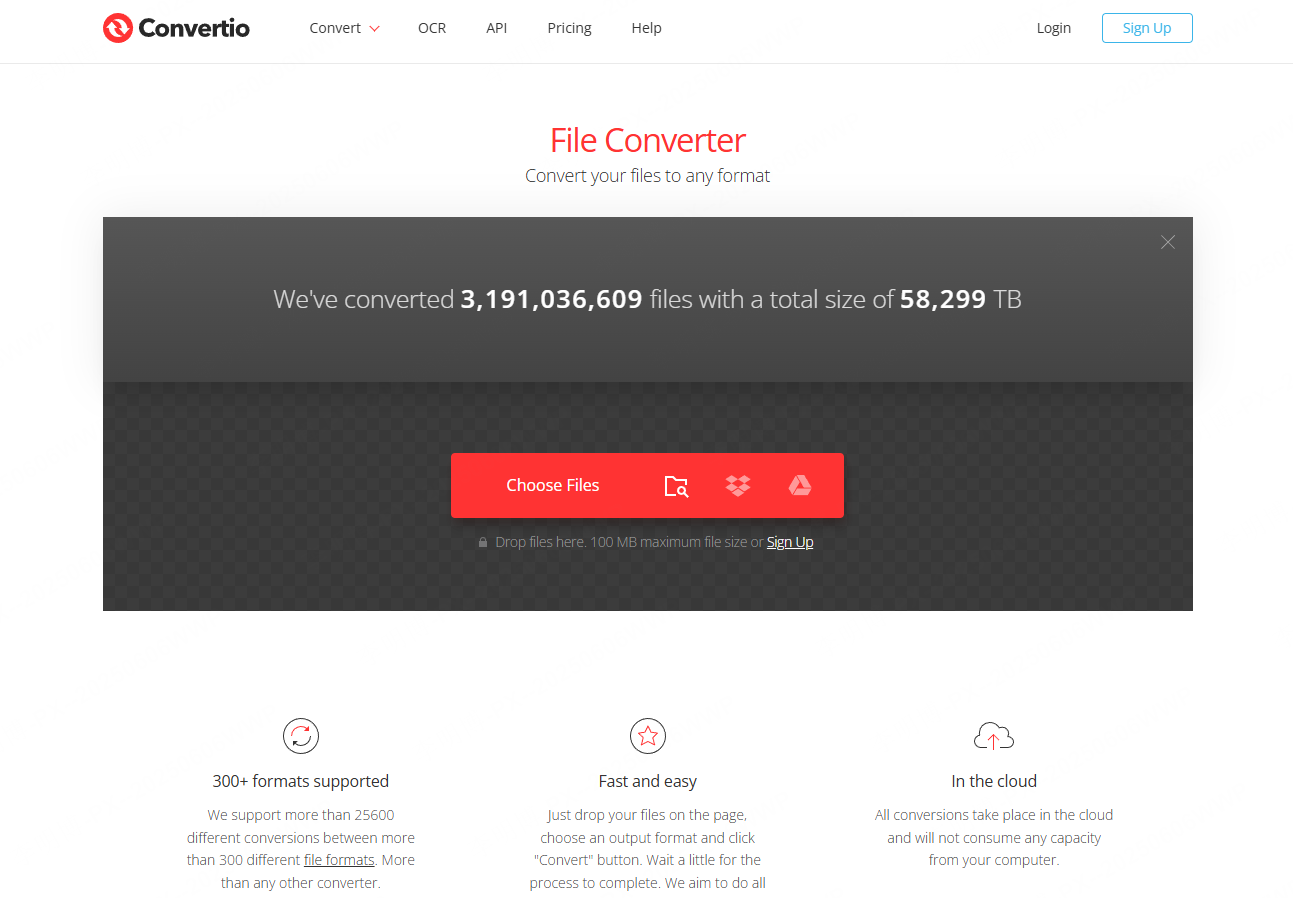
Convertio’s PDF-to-PPT page accepts PDF input for PowerPoint conversion. It also lists other file-pair routes; select the actual output format rather than assuming PPT and PPTX are interchangeable for your handoff.
Key Features
- Platforms: Web only
- How it works: Upload PDF, select PPT output, convert, download
- Highlights: Cloud uploads, broad format support
- Access: The upload interface and plan determine the file-size and processing allowance; confirm those before sending a large report.
- Best for: Users with diverse file conversion needs
Choose the required file pair
Choose this route when PDF-to-PPT is the file pair you need. If the recipient requires PPTX specifically, use a supported PPTX output route rather than renaming the downloaded extension.
8. PDF24 Tools
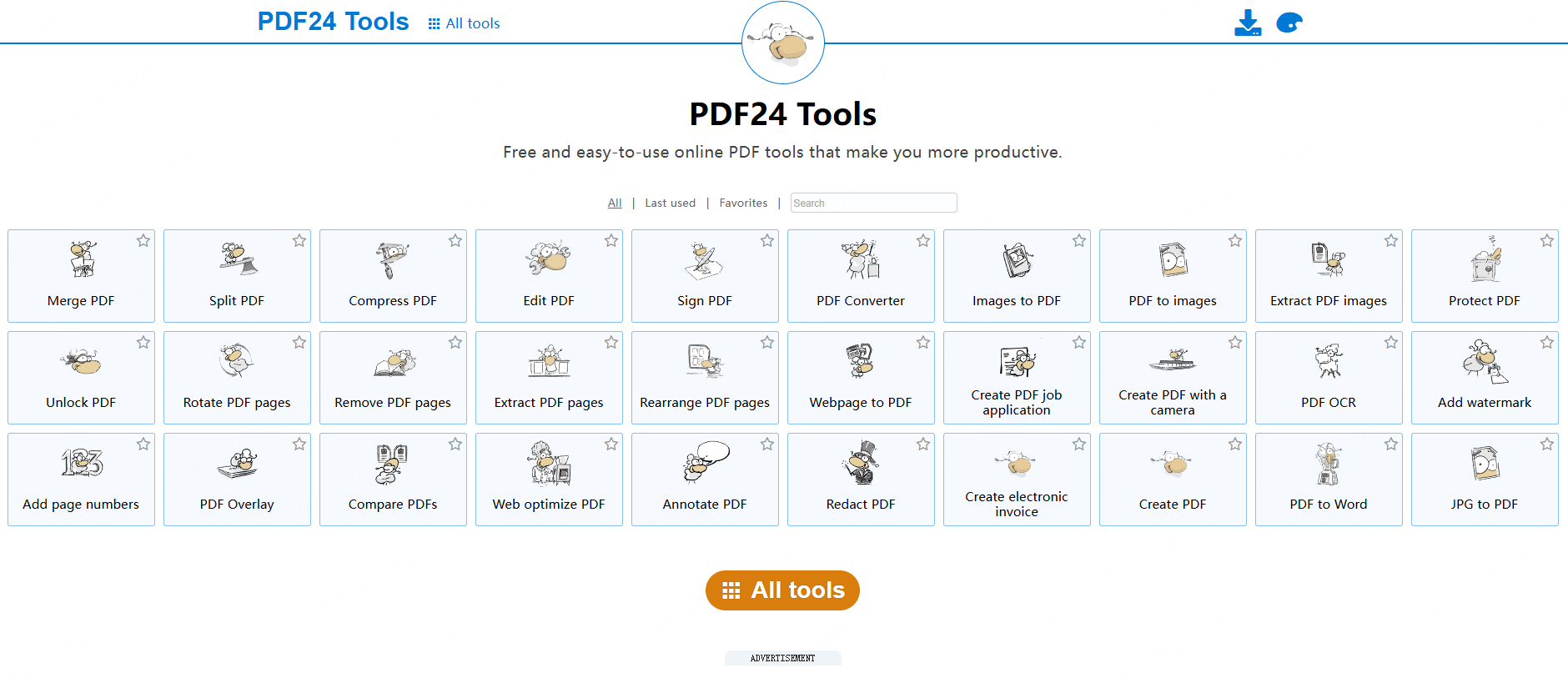
PDF24’s online PDF-to-PowerPoint converter states that it is free, advertising-supported and does not require registration. It is an online service, not evidence that the same conversion is included in every PDF24 desktop tool.
Key Features
- Platform covered here: The online converter in a web browser
- How it works: Upload PDF, convert to PPT, download
- Highlights: Free online conversion supported by advertising
- Account required: None
- Consider it for: Users seeking a no-registration online route whose upload policy permits the source document
Keep online and desktop routes separate
PDF24’s online PDF-to-PowerPoint tool lists free use without registration or usage limits. It processes files on servers; do not confuse this route with the separate Windows Creator application.
9. Adobe Acrobat Online
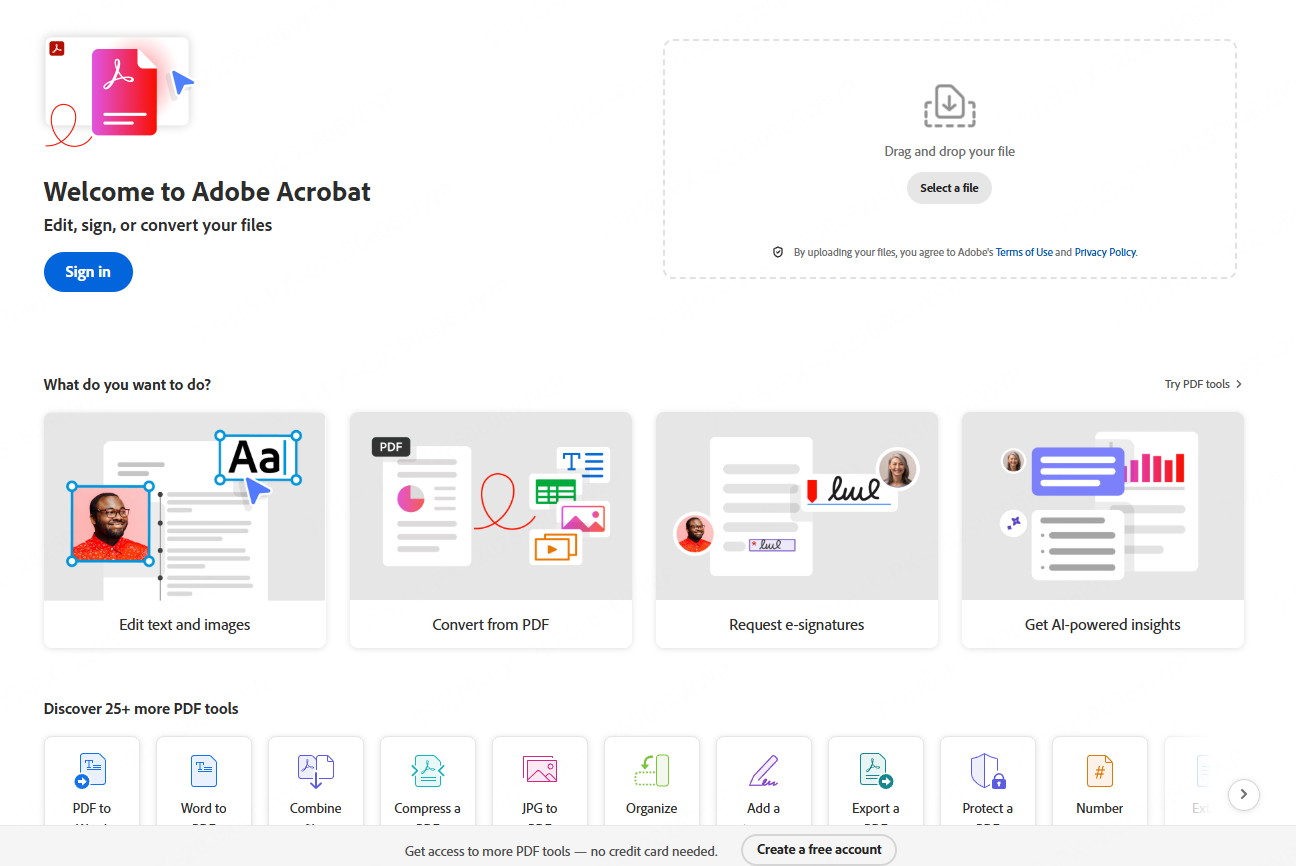
Adobe Acrobat’s online converter turns a PDF into a PowerPoint download. Account-based access and the desktop Acrobat subscription are separate routes, so confirm which one you are using.
Key Features
- Platforms: Web
- How it works: Select a PDF, convert it and download the PowerPoint file; Adobe describes sign-in for sharing and web editing
- Output to inspect: Text editability, chart labels, image crops and table alignment
- Access: Free online-tool access is separate from an Acrobat Pro subscription. Check any account or usage prompt presented for your session before processing several files.
- Consider it for: Users comparing Adobe’s online conversion with an existing Acrobat workflow
Test a dense source page
Try a representative page with dense text, charts, or tables, then inspect the converted objects in PowerPoint.
10. PDF2GO
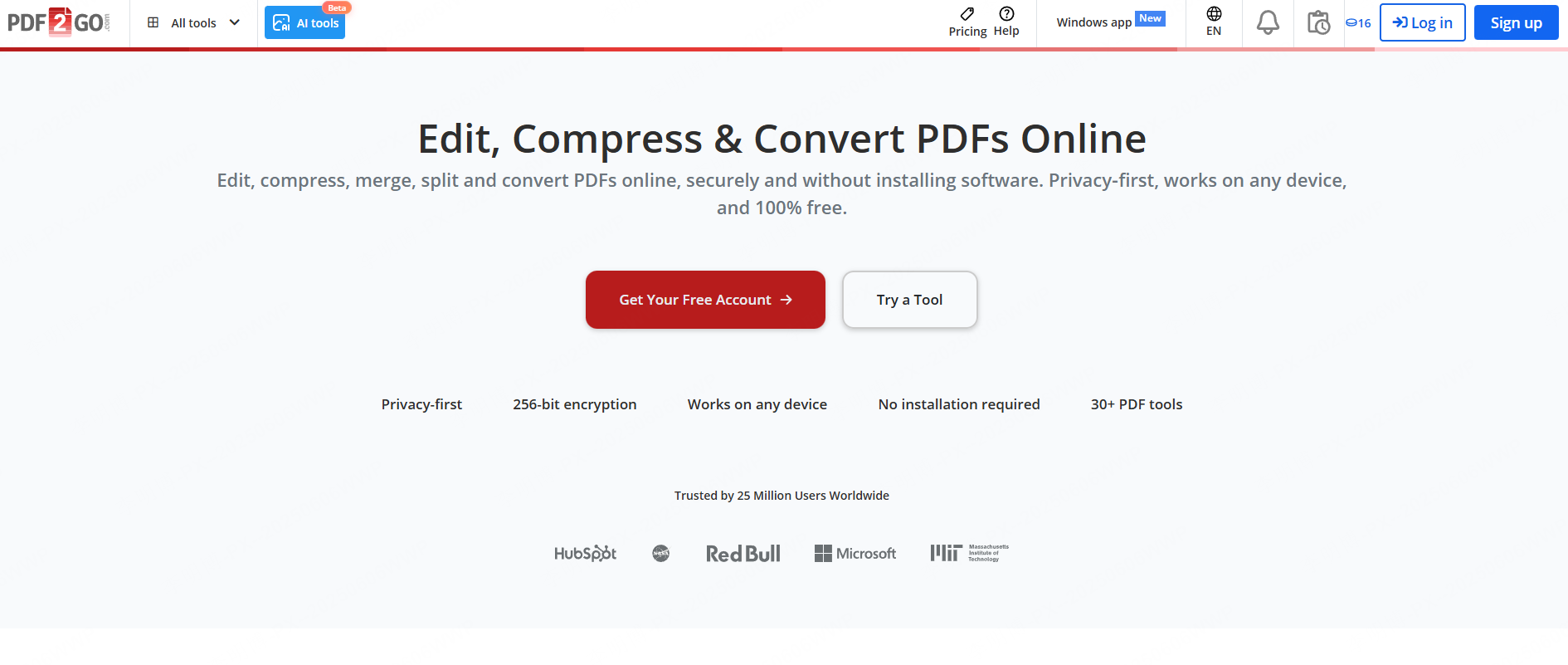
PDF2GO’s PDF-to-PowerPoint converter offers an online upload route. Choose the conversion settings and download format for the current job; separate OCR or editing features may have different conditions.
Key Features
- Platforms: Web
- How it works: Upload PDF, convert, download PPT
- Highlights: Cloud imports, drag and drop support
- Access: Check the allowance and any account requirement shown for your file before beginning the conversion.
- Best for: Students and occasional users
Start with a small conversion
Start with one non-confidential PDF and download the result before processing a batch. This establishes whether the available route produces the file type and editable content your task needs.
How to Choose the Right PDF to PPT Tool
When selecting a free PDF to PowerPoint converter, consider the following:
- Conversion quality: Does it preserve layout and images?
- Workflow speed: How fast can you go from PDF to slides?
- Editing needs: Do you need structured slides or basic conversion?
- Platform compatibility: Web only or multi device access?
For a concrete editing task, start with one representative page: a chart, a table and a paragraph with a footnote. Try selecting the chart labels and changing one table value in the downloaded file. If those objects are flattened, the file may still be usable for presenting but not for the edits you need. The five-workflow PDF comparison explains this output decision in more detail.
A download decision for a real deadline
Suppose you need to send three slides tomorrow and can use only a free route. Your source PDF contains selectable text, and the recipient must change one name. Start with a service that explicitly offers the download you need without paid access. Convert a permitted sample, open it in the recipient’s editor, and change that name. If you can download only a preview, or the name is embedded in an image, the route has not met the task even though conversion succeeded.
If the same deadline involves a 40-page report that must become a five-slide recommendation, the bottleneck is different: decide which claims belong in the talk before selecting a tool. A free page converter may preserve material you do not need, while a paid drafting route may still need careful source review. Choose on the required deliverable and your budget, not the word “free” beside the upload button.
Final Thoughts
Choose the route that delivers your required output within the stated access conditions. For a one-off conversion, inspect the download before processing the full report. For a rewritten summary, verify the meaning of the new slides against the source.
Keep a copy of the original PDF and name the converted draft clearly. That makes it easier to distinguish a source statement from a later edit when the presentation is reviewed.