When it comes to getting a brand approved, the quality of your logo presentation template can matter just as much as the quality of the logo itself. A brilliant mark buried inside an inconsistent, poorly structured deck loses impact. A good logo, presented through a polished, purposeful slide format, lands with the authority it deserves. This guide covers what logo presentation templates are, what they need to include, how to structure them for maximum persuasion, and how to build one efficiently without sacrificing design quality.
What Is a Logo Presentation Template?
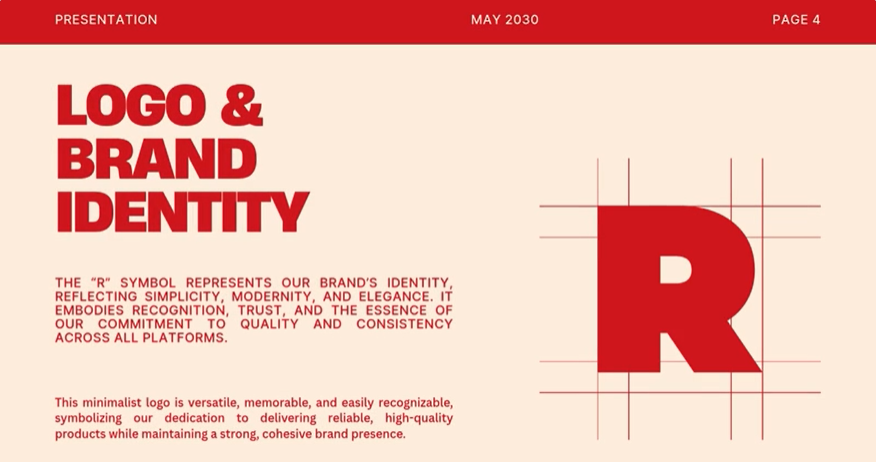
A logo presentation template is a structured slide deck designed specifically for presenting brand identity concepts — typically to clients, stakeholders, internal teams, or creative review panels. It goes far beyond displaying a logo on a white background. A professional brand presentation template contextualizes the mark: it shows the rationale behind design decisions, demonstrates the logo across real-world applications, establishes usage rules, and builds a narrative that guides the audience toward confident approval.
A complete logo presentation template typically covers:
- Project overview and brief recap — aligning the audience on the original objectives before revealing the solution
- Design concept and rationale — explaining the thinking behind the form, color, and typography choices
- Logo variations — primary, secondary, monochrome, reversed, icon-only versions
- Color palette presentation — primary and secondary brand colors with HEX, RGB, and CMYK values
- Typography system — headline and body typefaces with hierarchy examples
- Logo mockups and real-world applications — business cards, signage, digital interfaces, merchandise
- Usage guidelines — clear/safe space rules, minimum size requirements, what not to do
- Next steps and approval process — clear call to action for the review session
Each of these sections requires its own slide layout. A well-designed logo proposal template treats each element with the visual weight it deserves — not everything crammed onto three slides, and not so sprawling that the audience loses the thread.
Why the Presentation Format Matters as Much as the Logo
Designers sometimes underestimate this. The logo goes through a review process where non-designers make decisions based on what they see and feel in the room. A logo presented haphazardly — misaligned on a generic white slide, without context, without rationale — invites doubt. The same logo presented through a structured, beautifully designed deck signals that the designer has thought everything through. The presentation borrows credibility and transfers it to the work.
A strong brand identity presentation also pre-empts objections. When the rationale slide explains why a particular color was chosen — the psychology, the competitive landscape, the brand values it reflects — stakeholders are far less likely to challenge it on instinct. The narrative does persuasion work before anyone has to defend a decision verbally.
Key Sections of a High-Impact Logo Presentation Template
The Brief Recap Slide
Start by restating the problem. It reminds the client of what they asked for, positions your solution as a direct answer to their stated needs, and establishes alignment before the reveal. This is not padding — it’s a persuasion technique.
The Concept Story
Before showing the logo, explain the idea behind it. One to two slides that walk through the conceptual direction — the mood, the references, the strategic intent — prepare the audience to see the design through the right lens. First impressions are shaped by framing. Control the frame.
The Logo Reveal
The reveal slide should be clean, generous, and uncluttered. The logo on a well-chosen background — adequate white space, no competing elements. This is the moment. Don’t crowd it.
Variations and Flexibility
Show every version the audience might need to approve: horizontal and stacked lockups, color and monochrome versions, icon-only marks for social media avatars. A client who can visualize the logo working across all their touchpoints is a client ready to sign off.
Real-World Mockup Slides
Mockups do more persuasive work than any rationale copy. A logo on a business card, on an app icon, on a storefront sign, on a tote bag — these slides transform an abstract graphic into a tangible brand reality. A strong logo showcase template devotes enough slides to show the applications relevant to the brief to environmental and digital mockups.
Usage Guidelines Summary
End with a concise guidelines section. It demonstrates thoroughness, sets expectations for how the mark should be used going forward, and gives whoever manages brand assets a clear reference point. It also signals that the work isn’t just a deliverable — it’s a system.
Building a Professional Logo Presentation With Presenti AI
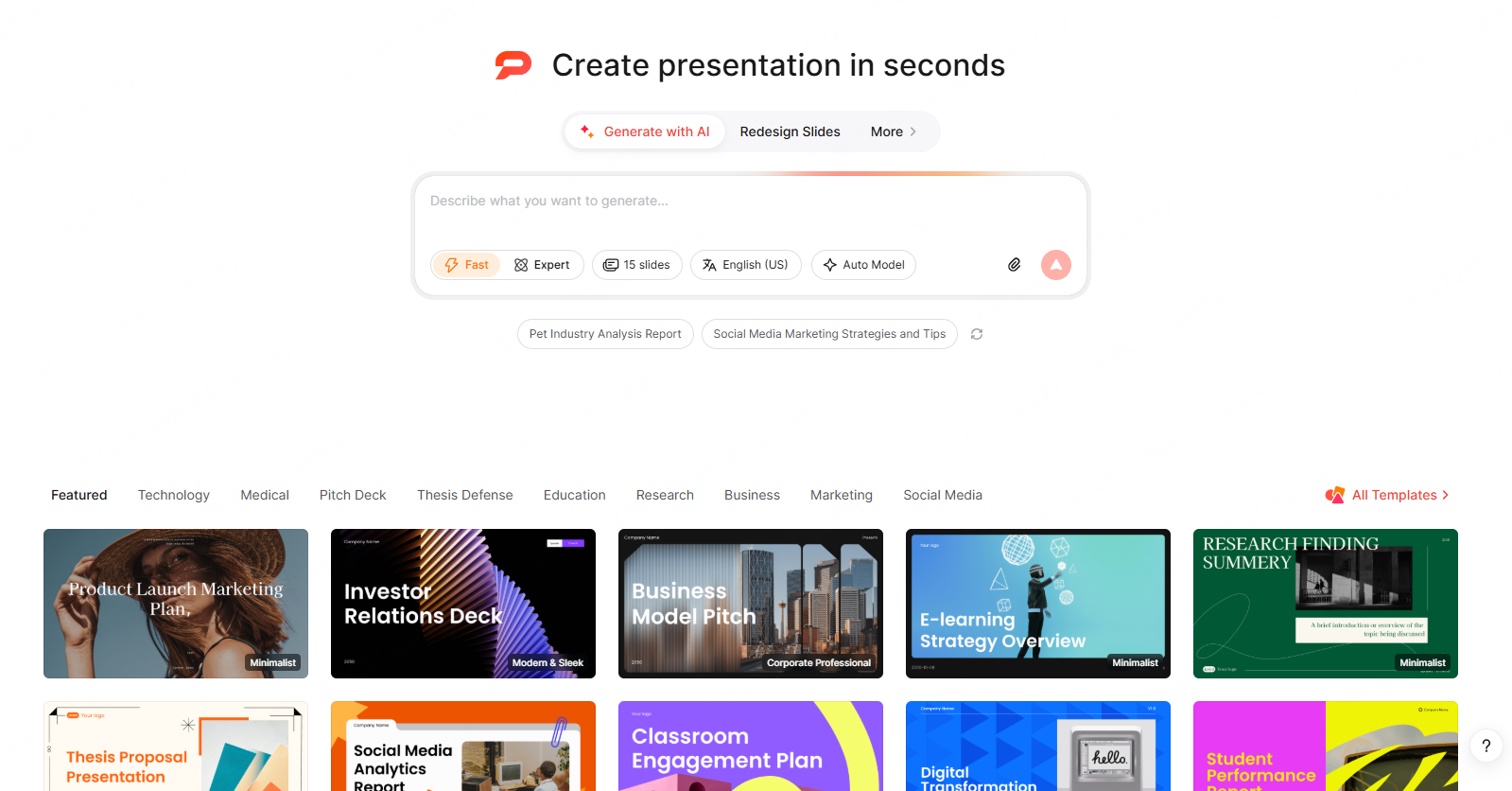
The challenge with logo presentations is the time investment. The design work itself takes hours; the presentation around it takes nearly as long. Building twenty polished slides with consistent typography, correct color usage, and clean layouts manually is a significant production task on top of the actual creative work.
Presenti can draft a presentation structure from your brief. Add the approved logo files and mockups yourself, then check that the written rationale matches the actual design decisions.
- Generate from a prompt: Describe your brand client, the logo concept, the industry, and the key messages you want to land. Presenti builds a structured logo presentation framework — complete with section layouts, rationale slide formats, and mockup placeholders — ready for your content.
- Import your brief or notes with supported paid document input: Have your design rationale written up in a Word doc or TXT file? Upload it. Presenti reads the content, identifies the key narrative beats, and formats them into an appropriately structured presentation deck.
- Upload a PDF brand brief: Many logo projects start with a detailed creative brief. Feed that PDF directly into Presenti — review the extracted outline against the original objectives and constraints.
- Repurpose an existing deck: Have a previous logo presentation you want to update or adapt for a new client? Upload the PPTX and let Presenti refresh the layout and visual design while preserving the structure you’ve already developed.
- One-click theme alignment: This is particularly valuable for logo presentations, where the deck itself needs to reflect the brand identity being presented. Apply colors, typography, and visual style across the entire deck in a single click — so the presentation and the logo feel like they belong to the same world.
Paid plans list editable PPTX export. Review the file in PowerPoint, including logo proportions, colors, fonts, and mockup quality. The deck should explain the approved identity, not invent new brand rules.
Best Practices for Logo Presentation Delivery
- Present live when discussion will help. If sending a PDF, include enough written rationale and clear review questions for the client to assess it independently.
- Guide the viewing order. Walk through slides deliberately. Don’t let the client jump to the mockups before hearing the concept rationale.
- Agree on the number of concepts in the brief. Present only distinct directions that meet the objectives, and explain the tradeoffs rather than adding options merely to reach a standard count.
- Prepare for the color conversation. Color generates strong instinctive reactions. Have your rationale tight and your competitive reference slides ready.
- Leave space for silence after the reveal. Give stakeholders a moment to absorb the logo before you start explaining it. Silence at the right moment signals confidence.
Conclusion
A professional logo presentation template is not a formality — it’s a strategic tool that shapes how your creative work is received, evaluated, and approved. The narrative you build around a logo, the mockups you choose, the rationale you articulate, and the visual quality of the slides themselves all contribute to the outcome of the review. A strong brand presentation template doesn’t just display a logo. It makes the case for it.
Use a template to organize the brief, concept, variations, mockups, and usage rules. In Presenti, choose source input and export options supported by your plan, then replace draft material with the actual brand assets and rationale.