Every project manager, product lead, and business strategist knows the pressure of walking into a room — or joining a call — and needing to show exactly where things stand. PowerPoint presentation roadmap templates take that pressure off. Instead of building slides from scratch, you get a structured, visual framework that communicates your plan, timeline, and milestones clearly, without spending hours wrestling with formatting.
This guide covers everything: what roadmap templates actually are, why they matter, how to use them effectively, and where AI drafting can help you develop a roadmap presentation.

What Is a PowerPoint Presentation Roadmap Template?
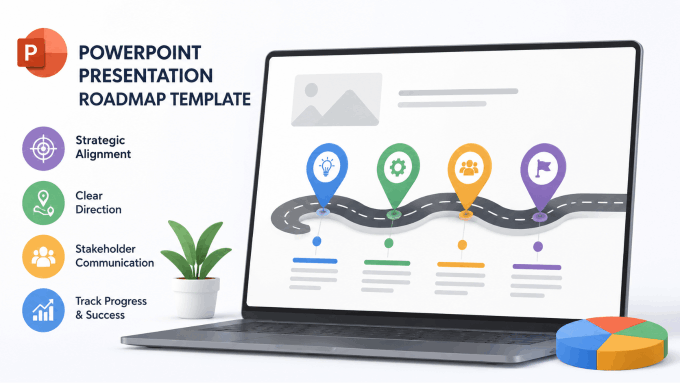
A PowerPoint presentation roadmap template is a pre-designed slide layout that visualizes a project’s direction, phases, key milestones, and timeline. Think of it as a strategic map — one that tells your audience not just where you’re going, but how you plan to get there.
These templates typically include:
- Timeline bars or Gantt-style charts showing phases and duration
- Milestone markers for key deliverables or decision points
- Swimlane layouts for multi-team or cross-functional planning
- Quarterly or annual breakdowns for strategic product roadmaps
- Status indicators to highlight progress at a glance
Roadmap slides are used across industries — from software product planning and marketing campaign rollouts to construction project oversight and executive board presentations.
Why Roadmap Templates Matter More Than You Think
A roadmap layout gives the audience a way to scan the plan. Use it when the relationships among phases, dates, and milestones are easier to see visually.
A well-structured roadmap presentation does something different. It converts abstract strategy into a visual narrative. Your stakeholders can see the big picture and the details simultaneously. Show dependencies and risks explicitly so stakeholders can discuss bottlenecks and decisions.
Here’s why templates specifically make a difference:
- Consistency: Templates provide a shared visual starting point across slides and presenters.
- Speed: You can reuse an existing layout and spend more time on the plan itself.
- Professionalism: Pre-built templates reflect polished design standards your team may not have time to replicate manually.
- Adaptability: Good templates are modular — swap out one phase, update a date, and the whole slide still holds together visually.
A roadmap should make decisions visible: show what is committed, what is tentative, and which dependencies could change the plan.
Types of Roadmap Templates Worth Using in 2026
Not all roadmap templates serve the same purpose. Before you download the first one you find, consider what kind of roadmap your presentation actually needs.
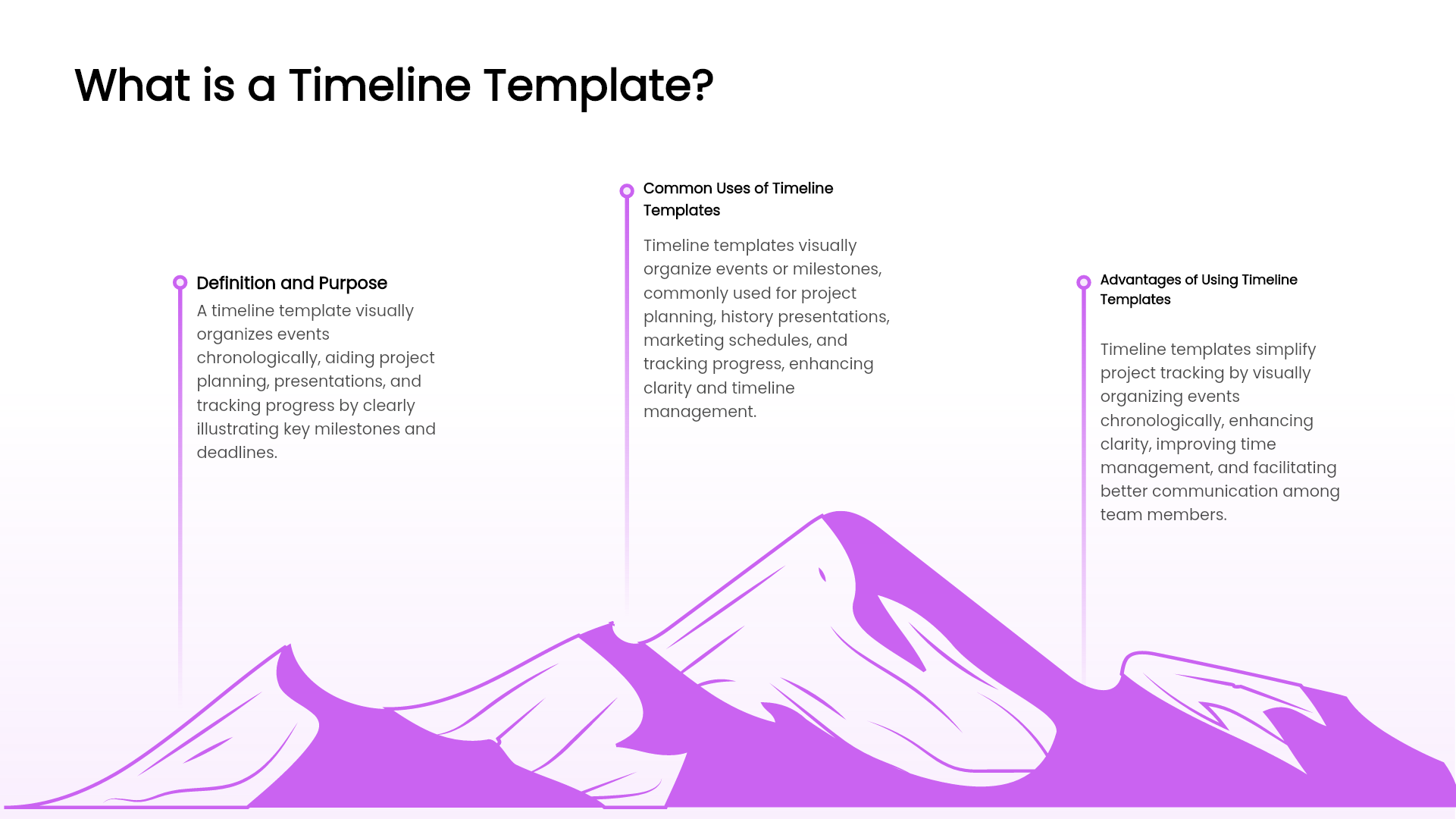
Project Timeline Template
A project timeline template is the most common format. It maps out deliverables against calendar dates — typically using horizontal bars across weeks, months, or quarters. These work well for project status updates, kickoff presentations, and client reporting.
Product Roadmap Template
Used by product managers and tech teams, this format organizes features, releases, and development sprints by priority and timeframe. It often includes swim lanes for different product areas or development tracks.
Strategic Roadmap Template
Designed for executive-level communication, strategic roadmaps show long-term organizational direction across business units. They’re less granular and more focused on goals and outcomes than individual tasks.
Agile Sprint Roadmap
For teams running iterative development cycles, sprint-based roadmap templates show upcoming work in shorter time horizons — typically organized by quarter and sprint number.
How to Use a Roadmap Template Effectively
Having the template is step one. Using it well is where most people stumble. Here are practical tips to get the most from your roadmap slides:
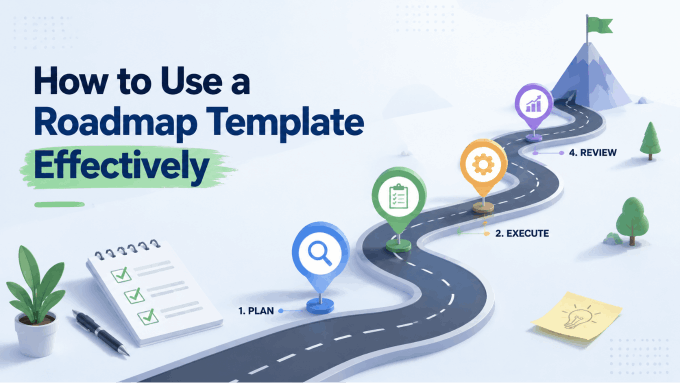
1. Define your audience before choosing a format.
A roadmap for your engineering team looks very different from one presented to a board of directors. The level of detail, terminology, and visual complexity should shift accordingly.
2. Limit milestones to what actually matters.
Overloaded roadmap slides are just as confusing as text walls. Keep milestone markers to major deliverables, phase gates, or decision points. Everything else belongs in a supporting document.
3. Use color coding intentionally.
Color should communicate meaning — not just aesthetics. Green for on-track, amber for at-risk, red for delayed. Keep the legend visible and consistent across slides.
4. Update regularly.
A roadmap slide that reflects last quarter’s plan undermines your credibility. Build a habit of updating it before each presentation, not after.
5. Match the template style to your brand.
Generic blue-and-white templates can feel disconnected from your organization’s identity. One-click theme switching in modern presentation tools makes this adjustment fast and effortless.
Where to Find and Build the Best Roadmap Templates
Traditional routes include template libraries on Microsoft Office, SlideModel, or SlideTeam. These offer a wide range of downloadable PowerPoint files — though customizing them to fit your exact content and brand still takes meaningful time.
Another route is to Use an AI-powered presentation tool that builds your roadmap slide deck from the content you already have.
How Presenti AI Transforms Roadmap Presentations
The presentation maker, Presenti AI, is built for exactly this kind of work. Instead of downloading a template and spending an hour reformatting cells and color-coding bars manually, you describe your project — or import your existing documentation — and Presenti can generate a slide draft for you to check against the project plan.
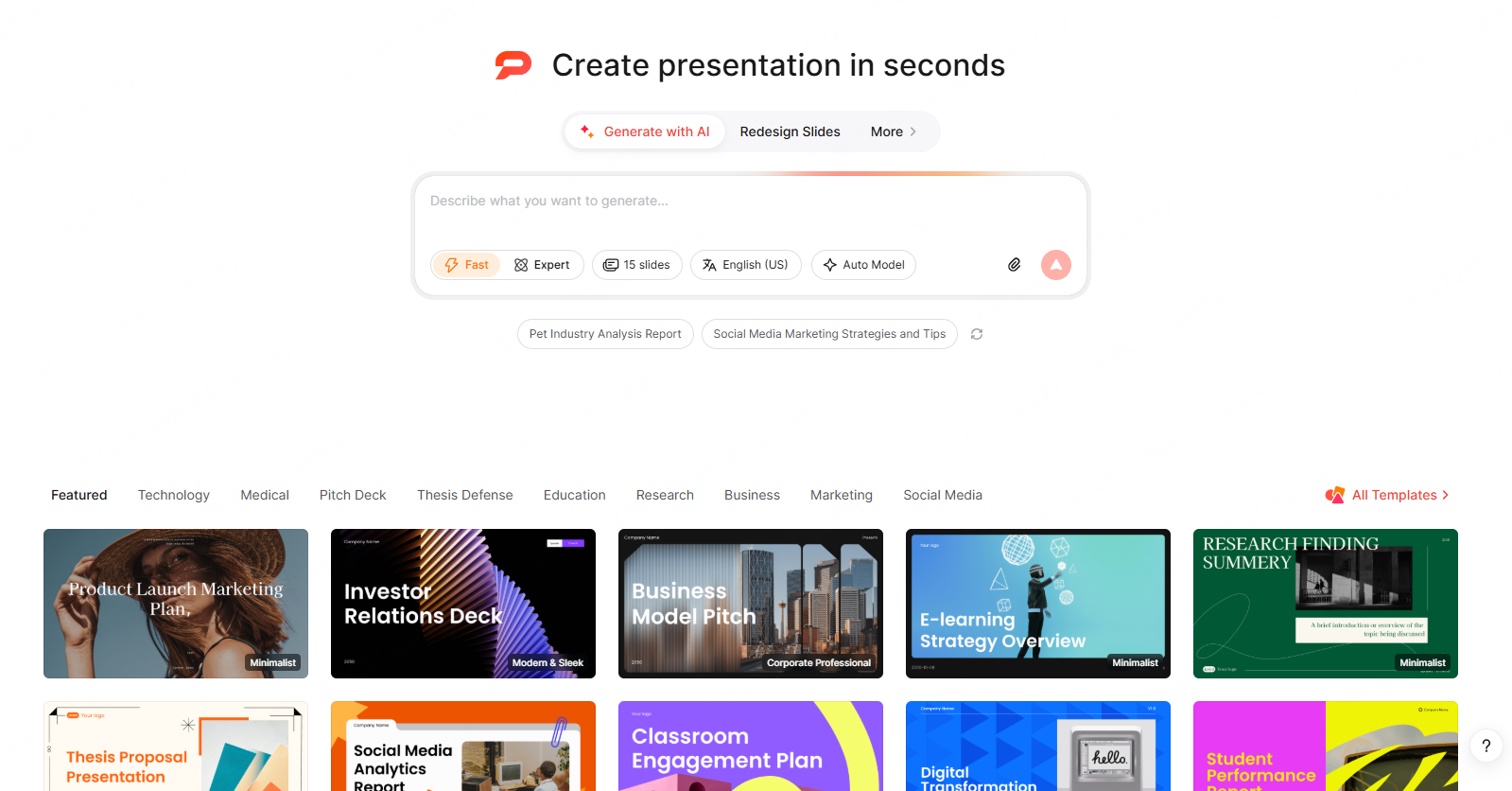
Here’s what makes it genuinely different:
- Multi-format input: Use a text outline or a supported link or document. Word, PDF, and TXT imports are listed on paid plans; verify dates, owners, and dependencies in the extracted content.
- AI-structured layouts: The system doesn’t just drop your text into a template. Review the proposed phases, milestones, and timeline, then choose a layout that makes their relationships clear.
- One-click theme switching: Select a theme, then check your approved colors, fonts, and logos across the deck.
- PPTX export: An eligible paid plan provides editable PPTX export — so you can hand it to a colleague, present from it directly, or continue editing in your preferred tool.
Whether you’re presenting a product launch timeline, a quarterly marketing plan, or a multi-year strategic roadmap, Presenti handles the design layer so you can stay focused on the strategy itself.
Common Mistakes to Avoid in Roadmap Presentations
Even with a great template in hand, these errors show up constantly:
- Too many phases on one slide: If your roadmap spans more than 12 months, consider splitting it across two slides rather than compressing everything into an unreadable strip.
- No version control: Label your roadmap with a version date. Stakeholders often reference old slides and make decisions based on outdated plans.
- Missing context slides: A roadmap without a preceding “why” slide leaves audiences asking questions you should have pre-empted. Include a brief objectives or background slide before the timeline.
- Ignoring mobile and remote viewers: High-density roadmap slides that look fine on a large monitor become illegible on a laptop screen. Design for the smallest likely display.
Conclusion
The right PowerPoint presentation roadmap templates don’t just make your slides look better — they make your thinking clearer and your communication more persuasive. Whether you’re managing a software release, a marketing initiative, or a company-wide transformation, a well-built roadmap presentation is one of the most effective tools you have for aligning people around a shared plan.
In 2026, you don’t need to build that from scratch. Tools like Presenti AI can draft slides from supported notes and documents. Review the proposed timeline and design before presenting the roadmap as an agreed plan. Start with a strong project timeline template as your foundation, apply your brand theme, and walk into every room ready to lead the conversation.