Timeline PowerPoint templates play an essential role in modern presentations. Whether you are introducing a project roadmap, summarizing key milestones, or preparing a quarterly report, timeline slides help express chronological information clearly and professionally. They visually organize schedules, tasks, and progress steps, making communication more efficient and easier to understand.
Free template access does not always include every asset or export format. This guide compares timeline layouts and places to look for them. Before building a deck, check the selected template's license, attribution requirements, editable file format, and any payment required to download it.

What Is a Timeline PPT Template and Why Use It
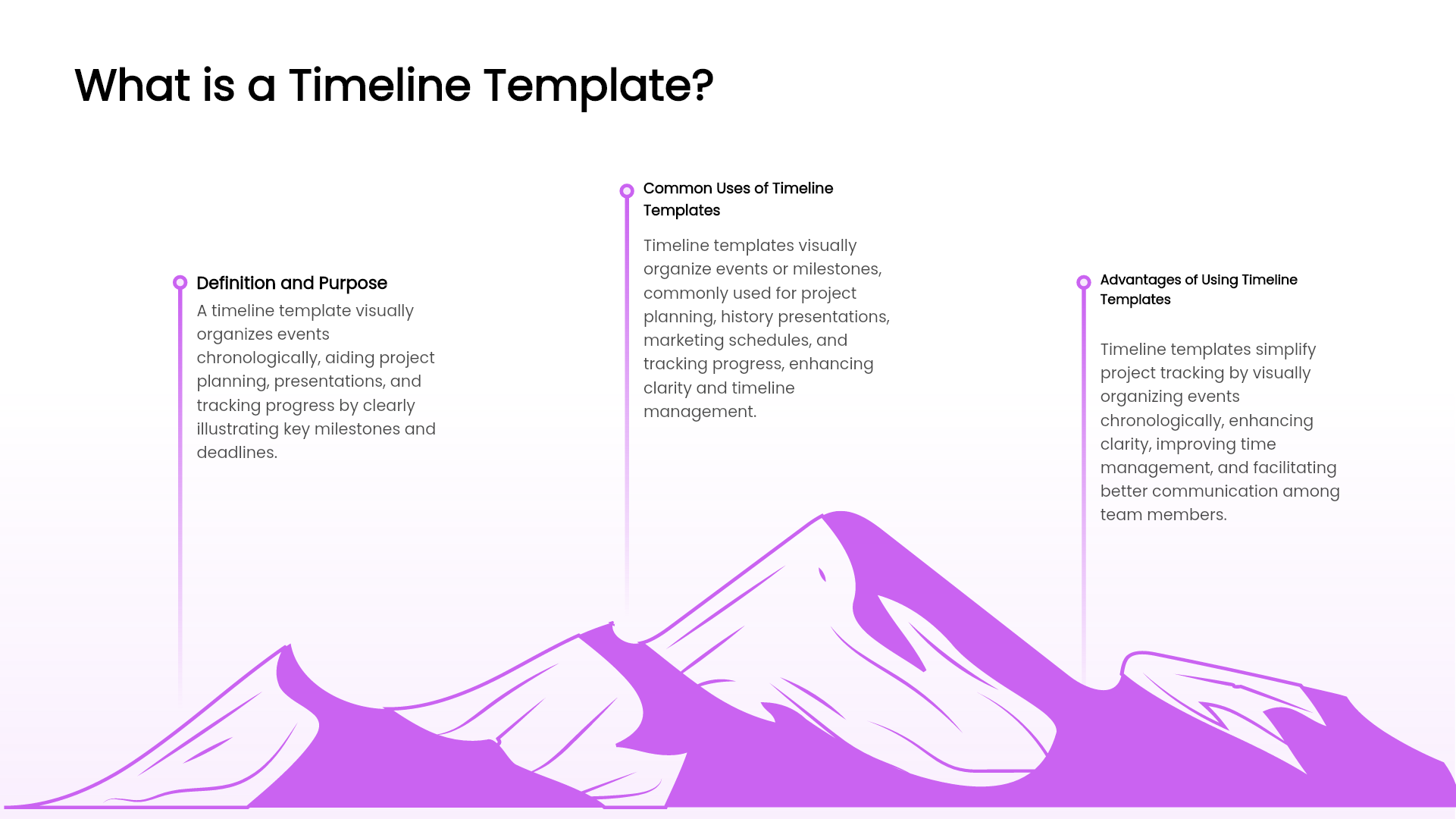
A timeline template in PowerPoint is a visual layout used to show the development of events in a specific order. Compared with traditional text lists, timeline slides:
• Improve audience engagement and clarity
• Highlight key milestones more effectively
• Strengthen visual storytelling in business presentations
• Save time in formatting and design work
This is why timeline templates are widely used in project management, product development updates, marketing planning, and academic research presentations.
Common Types of Timeline PowerPoint Templates
Below are the most frequently used timeline layouts and their ideal scenarios:
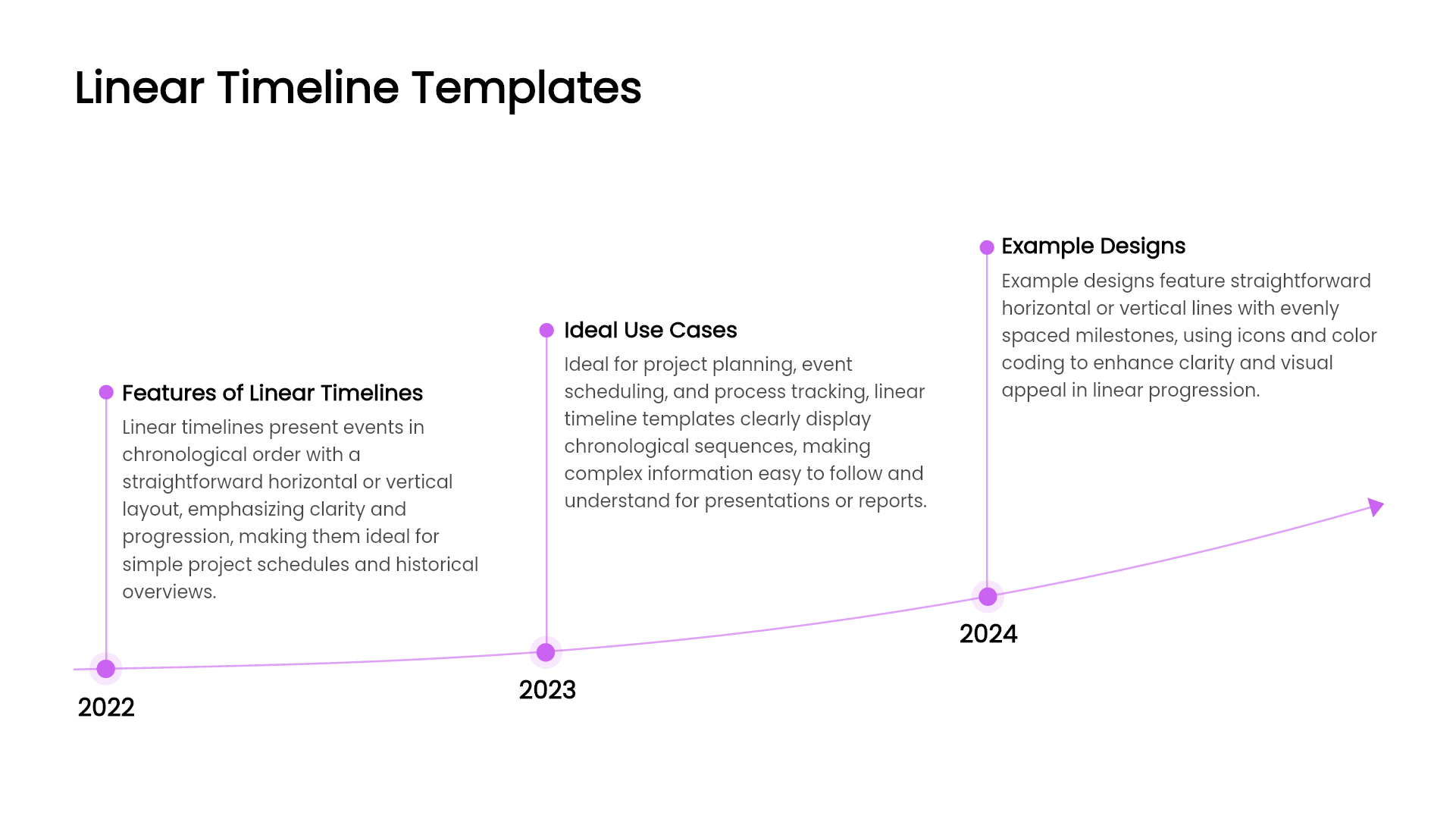
Linear Timeline Template
A simple horizontal or vertical timeline that displays events in sequence.
Best for: project progress, historical development, yearly work plans.
Circular or Cycle Timeline Template
Milestones arranged around a circle to reflect recurring phases, such as plan, deliver, review, and repeat. Use a dated linear timeline instead when the reader needs to distinguish a one-off deadline from the next cycle.
Best for: business cycle planning, quarterly reviews, performance tracking.
Arrow Timeline Template
Uses an arrow to emphasize forward direction and growth.
Best for: strategic roadmaps, future planning, business goals.
Icon Based Timeline Template
Icons highlight the meaning of each stage at a glance.
Best for: corporate history, brand story, personal resume slideshow.
Step or Ladder Timeline Template
Shows progress step by step for changes across successive milestones.
Best for: product upgrades, strategic milestones, skill development.
Branched Timeline Template
Displays multiple tasks progressing in parallel. For example, place design and implementation on separate rows against the same date scale. A branch alone does not show that one task depends on another; label the dependency when it affects the schedule.
Best for: multitask project coordination, collaboration across teams.
Creative and Modern Timeline Template
Curved lines, maps, and creative visuals for strong visual impact.
Best for: event marketing, innovative product presentations, design concepts.
Selecting the right style makes your message more memorable and persuasive.
Where to Download Free Timeline PPT Templates
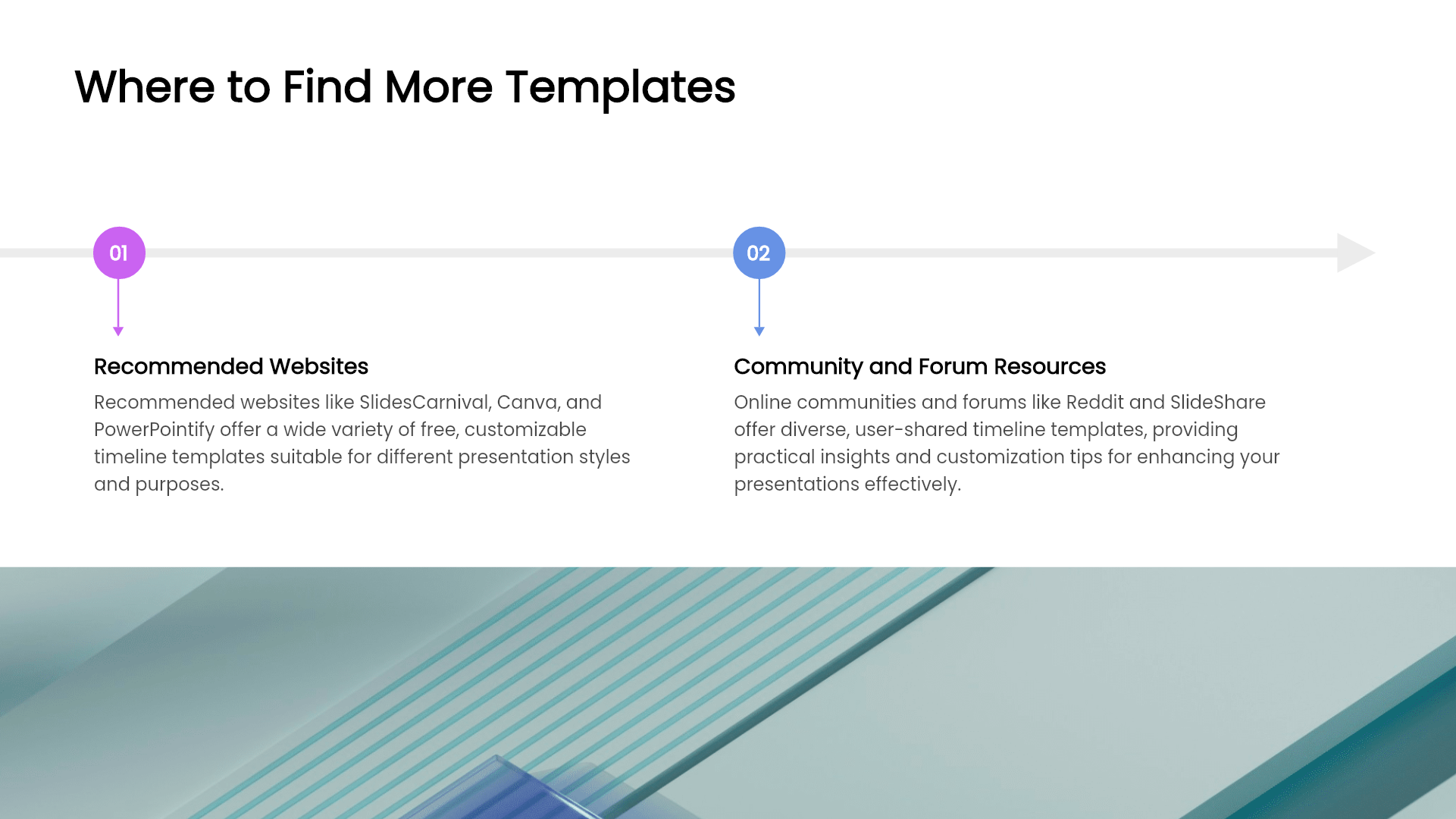
Here are recommended resources to find free PowerPoint timeline templates:
PowerPoint Official Template Library
Large selection of basic and business centered styles.
Advantage: compatible formatting and easy customization.
Online Design Platforms
Examples include Canva, Slidesgo, and SlidesCarnival.
Advantages: simple online editing and quick export to PPT.
Note: some premium content may require payment.
AI Powered Presentation Tools
Presenti AI can draft a presentation from your topic or source text. Include the actual dates and milestone descriptions, then check whether the proposed timeline communicates them correctly. AI generation is a separate option from downloading a ready-made free template.
Benefits include:
• Smart generation of complete presentation structures
• A proposed layout to compare with the actual milestone sequence
• Auto design adjustments including icons, colors, and spacing
• Limited free AI credits; editable PPTX/PDF exports require an eligible paid plan
AI can draft the timeline structure, but dates, dependencies, and milestone labels still need review.
How to Quickly Create a Timeline PPT with AI
For users who frequently prepare project reports or weekly summaries, AI can provide a useful first draft.
Steps:
1. Enter your presentation topic, such as annual work plan or product roadmap.
2. Review the proposed outline and choose a layout that fits the sequence. A timeline slide may need to be added or rebuilt in the editor.
3. Verify the dates, dependencies, and planned-versus-completed labels. Open a sample export in PowerPoint if editability is required.
Use the draft as a starting layout, then correct any dates, dependencies, or spacing that differ from your source schedule.
Final Recommendation
Choose a timeline for the relationship you need to show: dated events, a repeating cycle, or parallel work. Then download a suitable template or review an AI-generated draft against your source schedule.
If you want:
• Faster slide creation
• Professional and modern visual design
• Less manual editing workload
An AI-generated timeline may be a useful starting point. Check that its order, dates, and spacing convey the schedule accurately.
Whether you are creating a KPI review, progress tracking report, or strategic roadmap, timeline templates will help your audience grasp key information clearly and efficiently.