In the productivity driven digital workplace, creating a polished presentation no longer requires hours of manual formatting. Thanks to rapid advances in artificial intelligence, you can now generate professional quality slides simply by inputting your topic or uploading a document. Whether you want to build a pitch deck from scratch or convert a long Word report into a concise slideshow, AI powered PPT tools make the process faster, smarter, and far easier than traditional slide design.
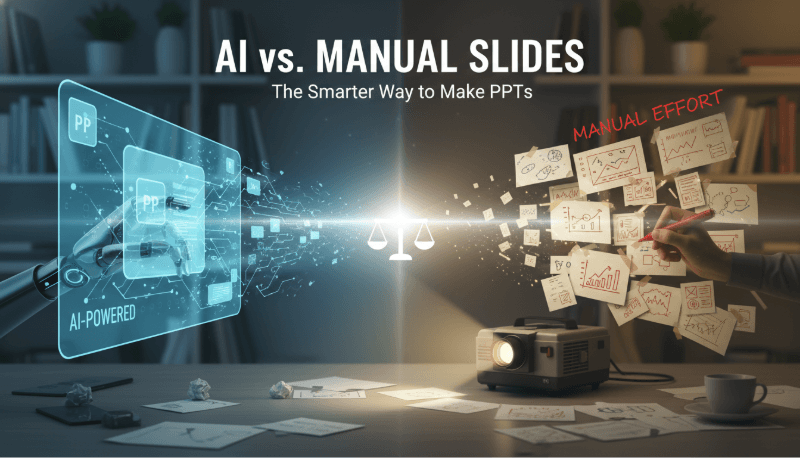
1. How AI Generated PPTs Work
AI slide generation follows a streamlined workflow:
You provide your topic, key points, or a full document → the AI understands the intent → it structures the slide outline → chooses templates, colors, and visuals → and produces a complete presentation.
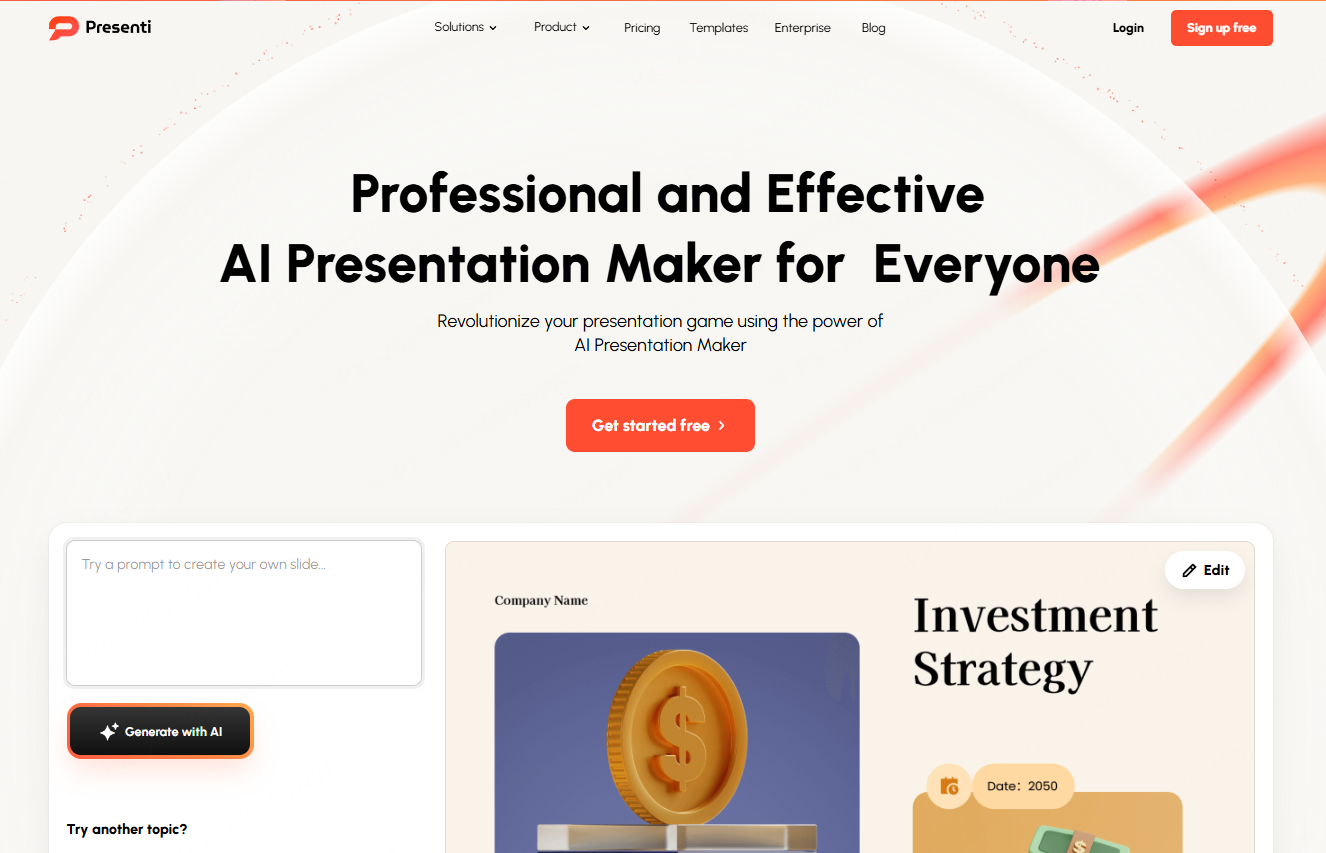
This automated pipeline saves enormous time and effort, especially for users who lack design experience. For a topic-to-slides workflow, you can start with Presenti’s AI presentation maker and edit the draft before presenting.
Key Advantages of AI Generated PPTs
- Massive time savings: A draft can reduce initial formatting work, depending on how much revision it needs.
- Lower skill barrier: Even beginners can output professional decks.
- Flexible editing: Want to replace charts, add pages, or change templates? Use the editor’s supported controls and review any regenerated content.
- Creative inspiration: AI offers layout and style ideas you may not think of yourself.
2. What Is Text to PPT and Why It Matters
Text to PPT technology automatically converts written content, whether raw text, Word files, PDFs, or website content, into clean, visually structured slides. The system analyzes logical relationships, extracts key insights, and matches them with layouts, icons, tables, and graphics. This is ideal for reports, lectures, proposals, and research summaries.
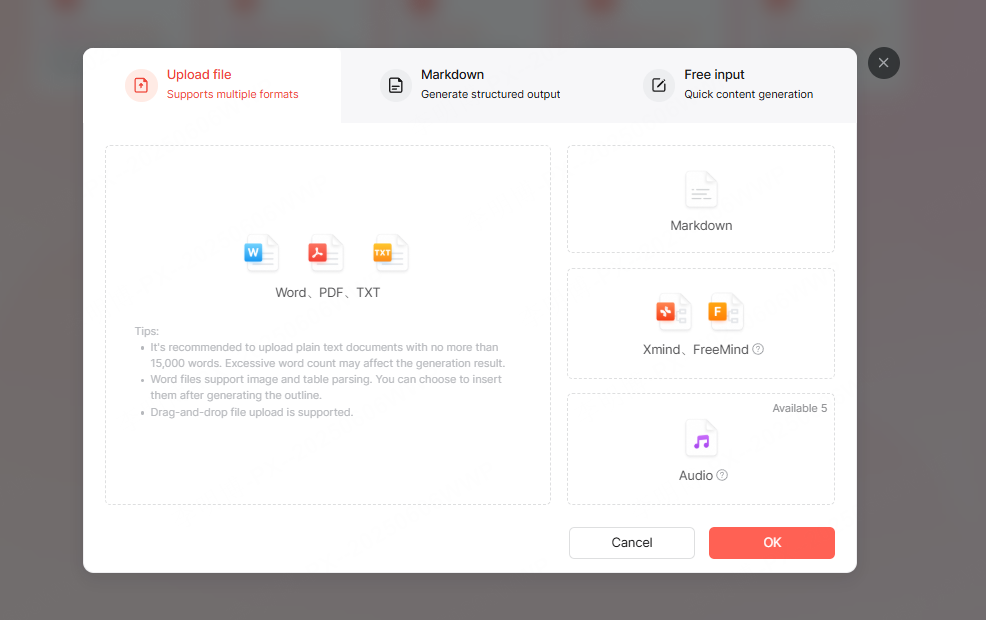
Tips for More Effective Text to PPT Conversion
Optimize your input:
- For plain text, separate sections with line breaks and highlight key conclusions.
- For Word documents, apply Heading 1/Heading 2 styles, this dramatically improves structural accuracy.
- For PDFs, remove footers and ads; avoid screenshots for tables.
- For Markdown, use # headers and bold important numbers.
Use specialized AI PPT tools:
Platforms like Presenti AI can condense lengthy documents into well organized slides, giving you a draft to check against the source tables, figures, and conclusions.
3. How to Generate a PPT With AI (Step by Step)
Step 1: Provide a Clear Instruction
Describe your needs using a “topic + purpose” format, for example:
“Smart Home Industry Analysis for Investor Meeting”
This ensures the AI produces relevant depth, tone, and slide structure. If you’re using text to PPT, upload your Word or PDF file directly. Clearer input gives the tool more useful context, but the output still needs checking.
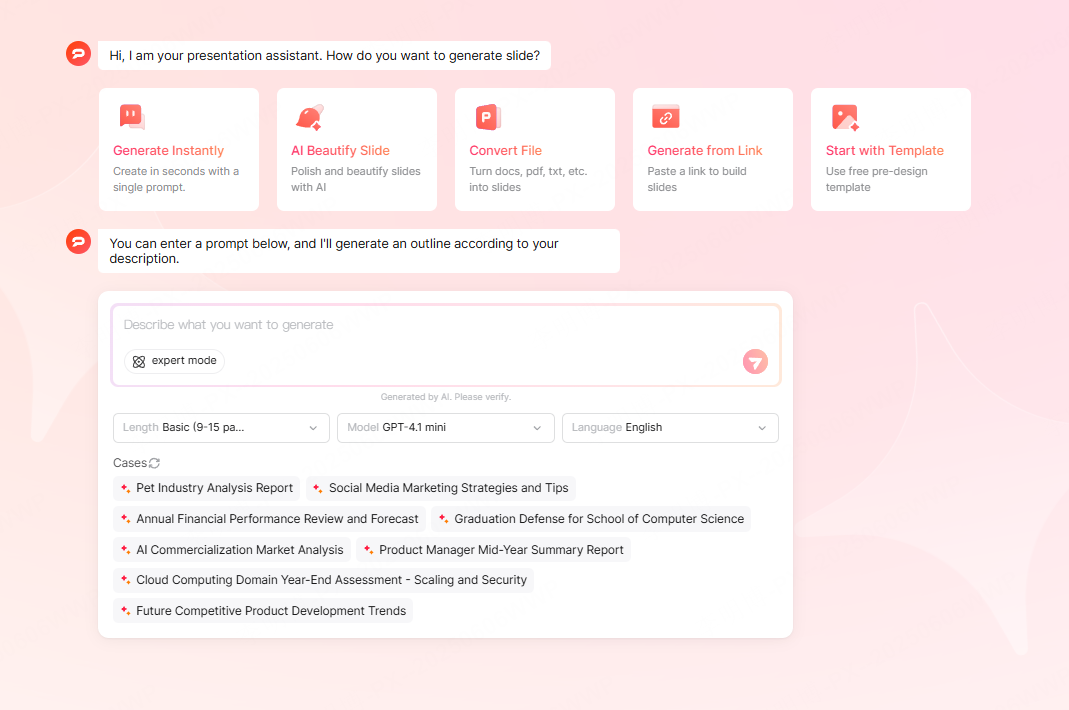
Step 2: Configure the Output
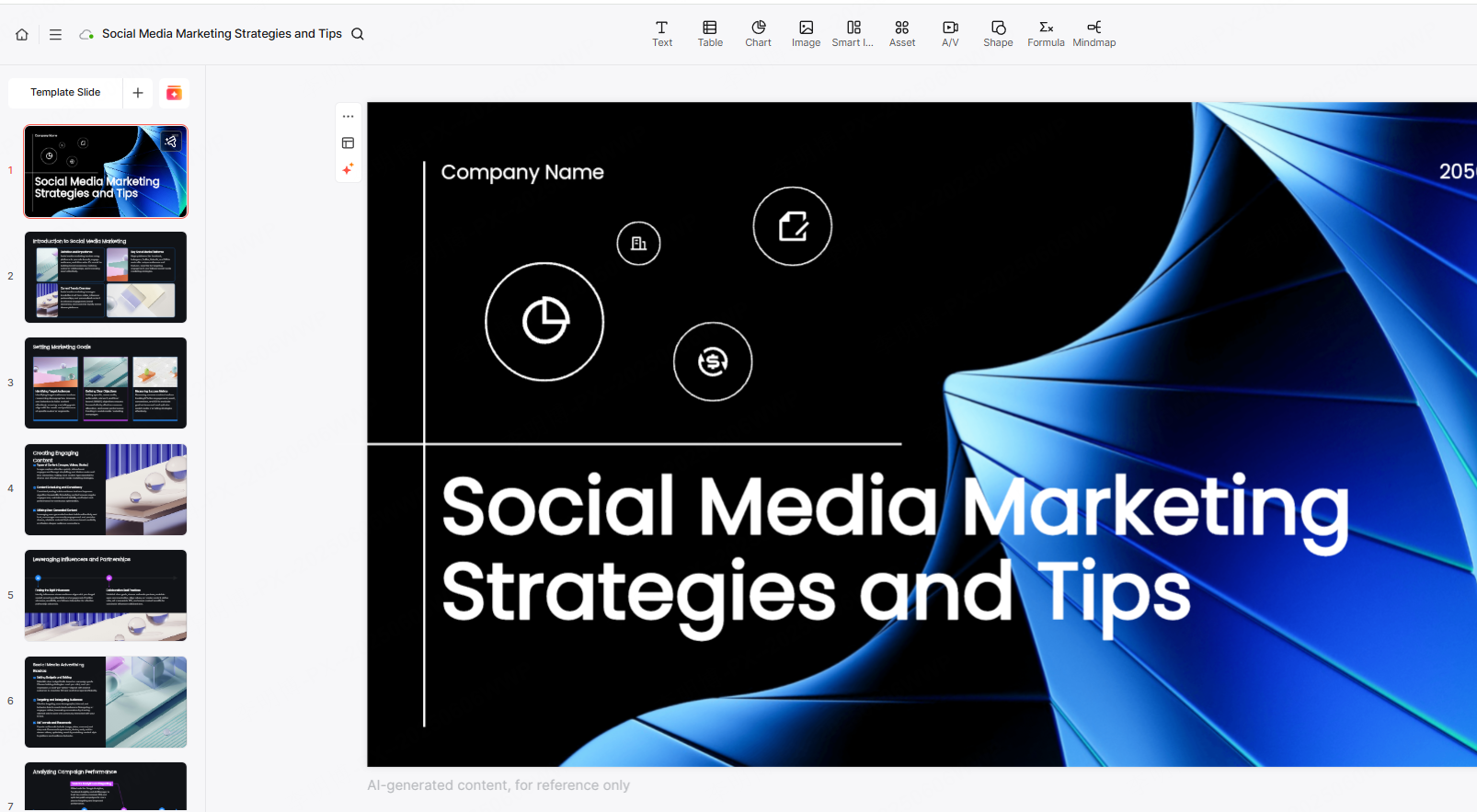
Choose a template and use the content or layout options available in the tool. After generation, compare any tables, images, and figures with the source rather than assuming they have been preserved.
Step 3: Refine and Polish
- Keep one main idea per slide.
- Reduce long paragraphs to 3-5 bullet points.
- Use built in beautification tools to improve layout and typography.
- Check logical flow and adjust transitions.
These refinement steps quickly upgrade the presentation’s clarity and professionalism.
4. AI Presentation Tools to Consider
1) Presenti AI
Workflow: Topic and document drafting
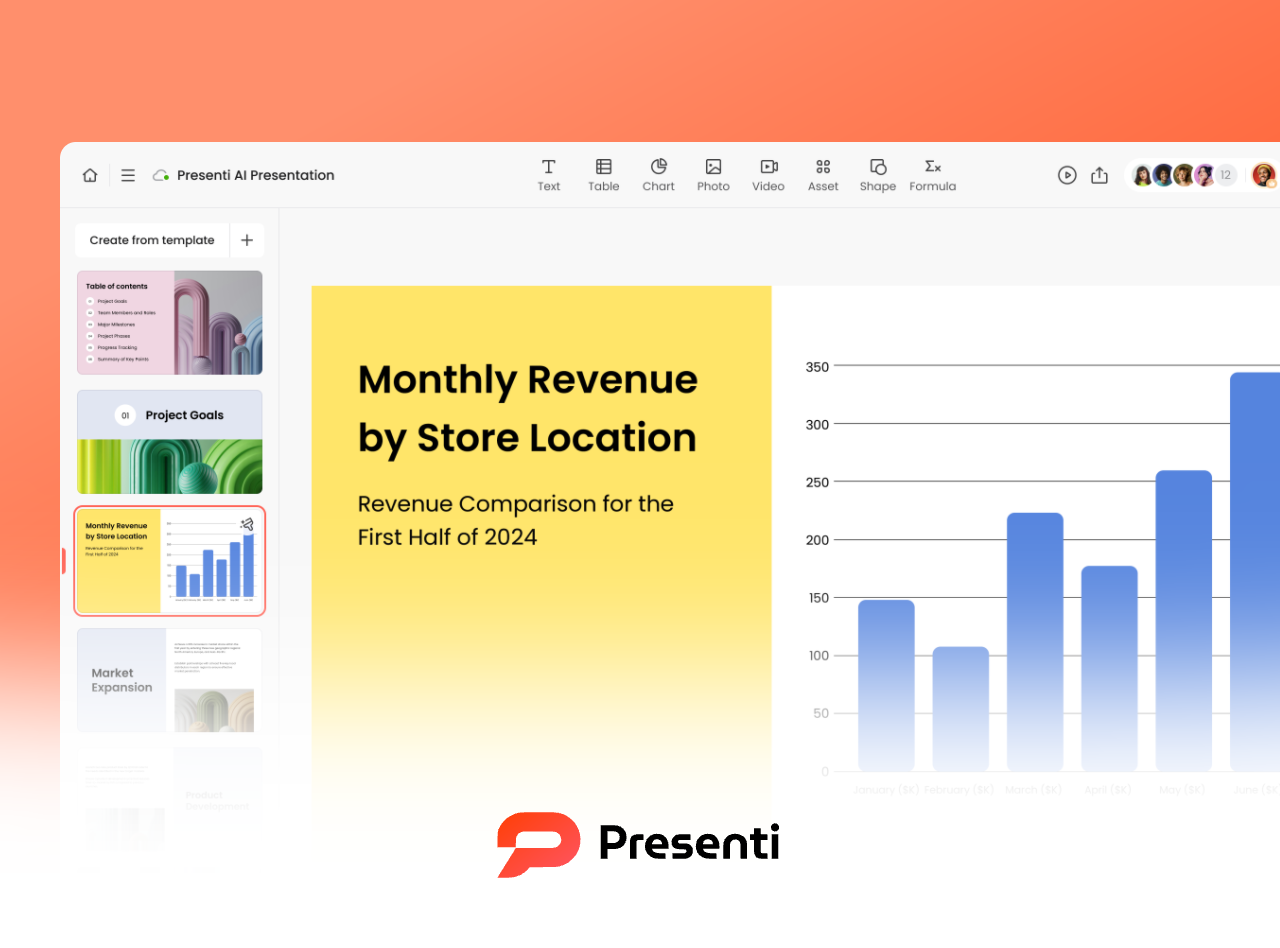
Presenti supports topic-based drafting and supported file inputs, with templates and slide editing. The free plan has limited AI credits and Markdown/XMind input; Word/PDF/TXT input and editable PPTX/PDF export are listed on paid plans.
2) Slidesgo
Workflow considerations
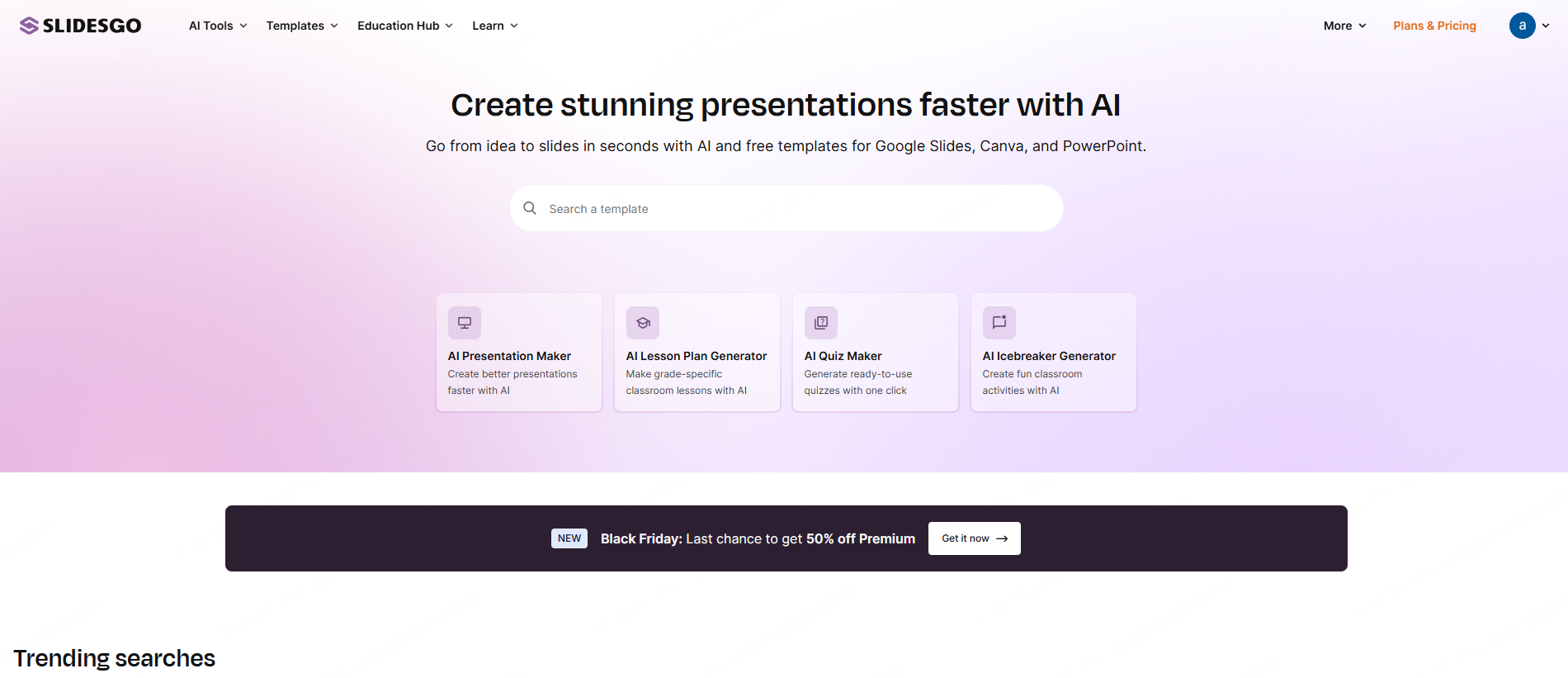
Slidesgo offers presentation templates and AI-assisted creation. Compare the available designs and check the current license, download access, and AI limits for your account.
3) Boardmix
Workflow considerations
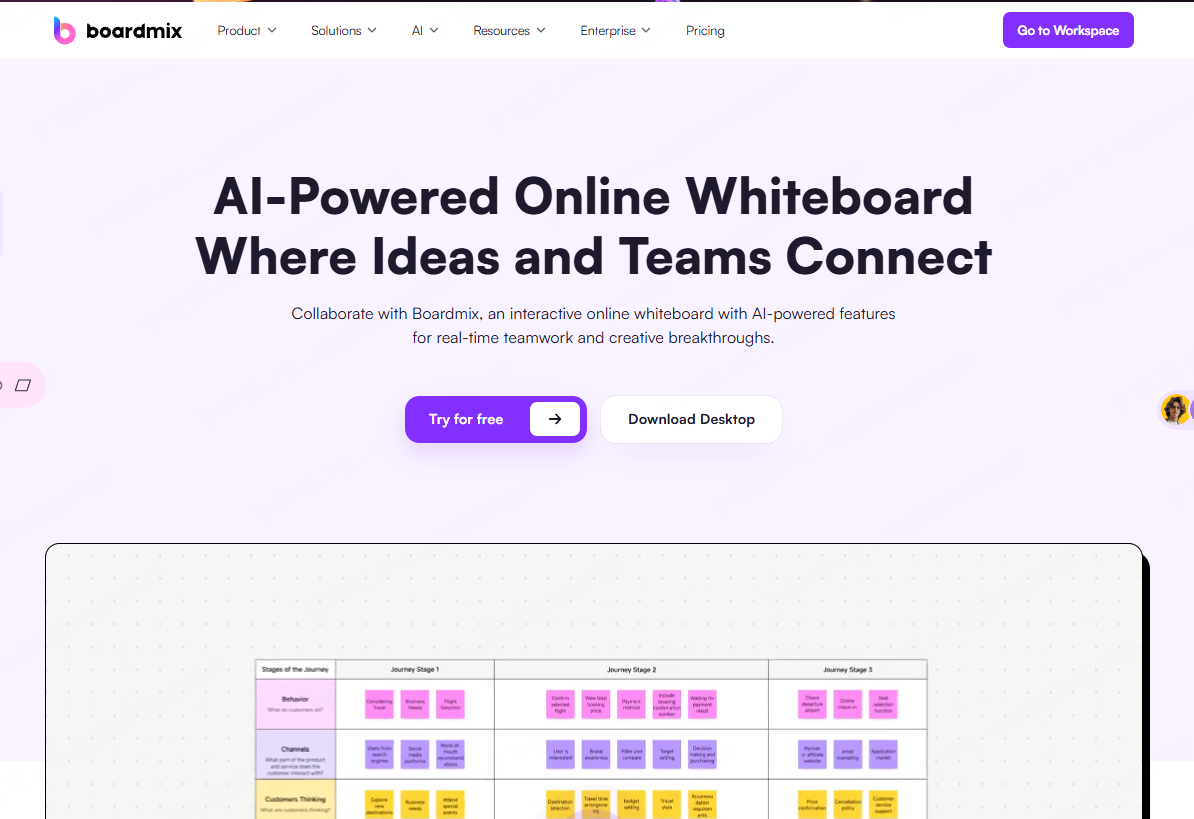
Beyond PPTs, Boardmix is a collaborative whiteboard tool that can generate mind maps, flowcharts, and slide decks. Ideal for brainstorming, cross team projects, and real time editing.
4) MagicSlides
Workflow: Google Slides-based creation
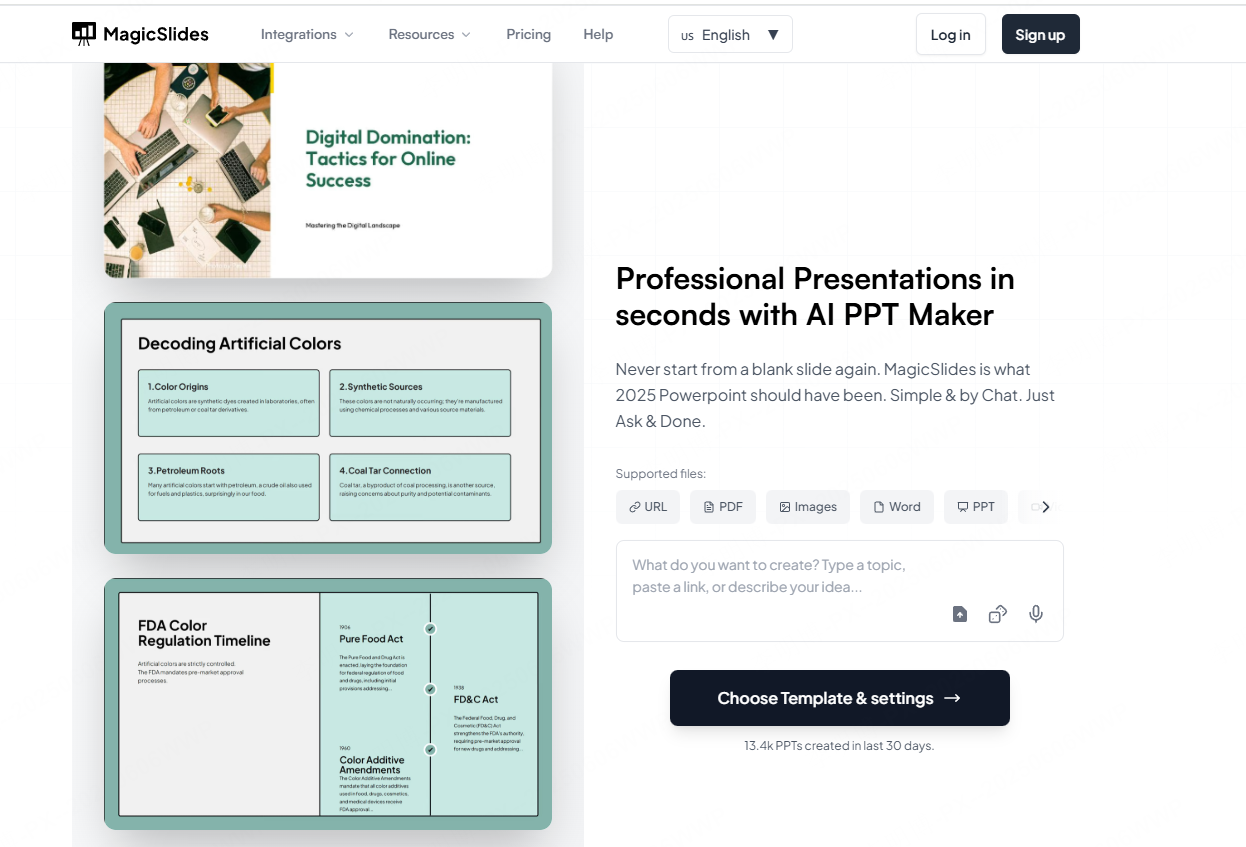
Integrated with Google Slides, MagicSlides works well for students, teachers, and marketers. It supports multilingual collaboration and customizable chart design.
5. How to Choose the Right PPT Generator
- Presenti AI → consider for topic and document drafting
- Slidesgo → consider when template selection is a priority
- Boardmix → consider for shared brainstorming and visual planning
- MagicSlides → consider for a Google Slides workflow
Choose based on your workflow, required features, and collaboration needs.
Conclusion
AI can help turn source material into a slide draft, but the final presentation still needs editorial and visual review. Choose a tool that accepts your input, gives you the editing control you need, and exports the format your audience will use.