Copilot can create and edit content directly inside PowerPoint. That makes it useful to distinguish a request for advice from a request to change the file: before asking for an update, decide which slides, sources, and design choices are in scope.
From Agent Mode to Integrated Editing
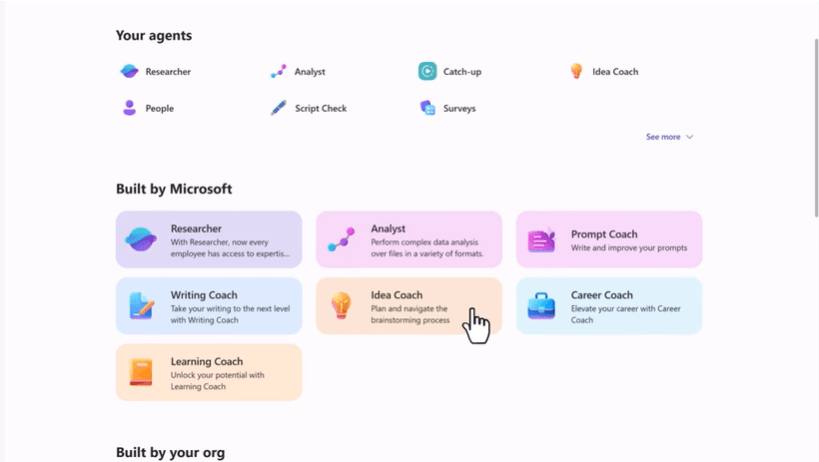
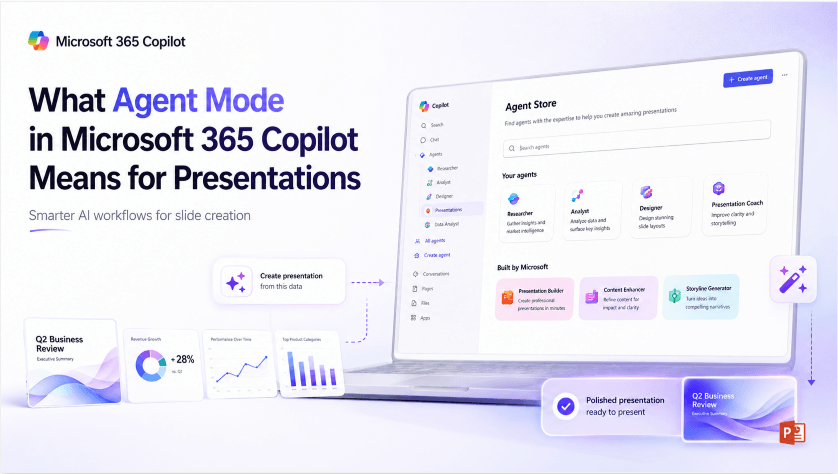
Microsoft announced general availability of agentic capabilities in Word, Excel, and PowerPoint on April 22, 2026. Current documentation describes the experience formerly called Agent Mode as part of regular Copilot editing. If colleagues need to edit the result, the editable PowerPoint handoff guide explains what to check in the delivered file.
The practical change is direct action in the document. In PowerPoint, Copilot can add slides, update text, reorganize content, and help with visuals. Availability depends on the account, application, and organization settings.
Check the controls in your own Copilot pane before beginning. The presence of Copilot chat does not establish that every editing feature or enterprise option is available to the account.
What This Actually Looks Like in PowerPoint
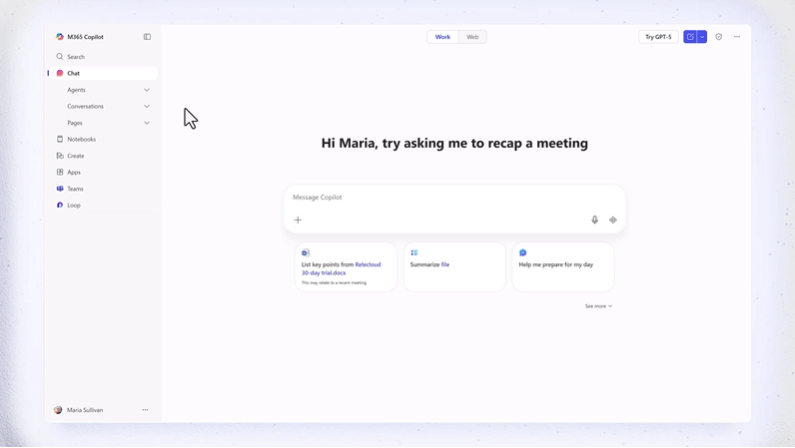
For presentation work, start with a bounded request. Name the slides to change, the source to use, and the information that must remain unchanged. A request to rewrite a title needs a different review from a request to update a financial section.
In PowerPoint specifically, the headline capability is updating an existing deck with new talking points or new data without you going slide by slide to make each change yourself. Practically, that means a request like “update this deck with our Q3 numbers and reframe the roadmap section around the new timeline” is meant to produce a coordinated set of changes across multiple slides in one pass, rather than you manually finding and editing each affected slide individually.
Edit with Copilot is the relevant PowerPoint workflow. It covers more than cosmetic formatting: review changes to content and structure as well as appearance.
What Direct Editing Means for a Presentation
A multi-slide edit can affect relationships across the deck. A revised figure may require a new chart label, an updated summary, and a different conclusion. Check those dependencies even when the individual slides look polished.
Keep the approved source available during review. A well-written explanation is not evidence that the new numbers or interpretation are correct.
How to Request and Review Changes
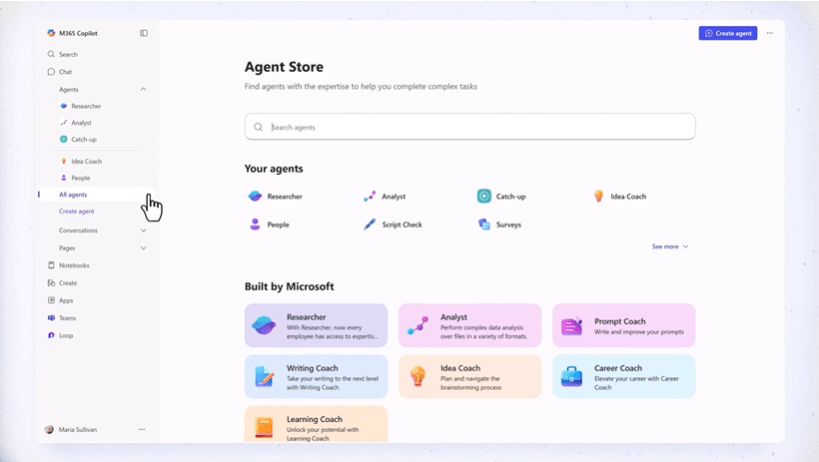
Use the following habits when requesting changes to a deck.
Review the affected slides together. Compare the revised deck with the original and the supplied source. Check omitted qualifications, duplicated points, changed dates, and statements that no longer agree across sections.
Give Copilot a specific brief. Name the source file, slide range, and changes you want. For example: “Update the financial figures on slides 4–6 using the attached Q3 report. Keep the section order and flag any figure you cannot match to the report.” Review the affected slides against that brief before accepting the result.
Check access before planning the workflow. Copilot features depend on the account, license, app version, and organization configuration. Confirm the editing tools you need in the account you will actually use.
Keep the source handoff explicit. If the task uses a spreadsheet, report, and deck, identify which file is authoritative and which output should change. Do not assume a PowerPoint edit also updates every related document.
Where a Document-First Tool Still Fits
Copilot also has presentation-creation workflows, including supported file-based drafting. Compare that option when your source material already lives in Microsoft 365. Editing an existing deck and creating a new one are different tasks, even if the same assistant supports both.
Presenti offers another route from a topic, outline, or supported document to a slide draft. Review the outline and design in its editor; eligible paid plans support editable PPTX/PDF export. Compare the source handling and final file with the Copilot workflow available to you.
Frequently Asked Questions
Is Agent Mode the same thing as Edit with Copilot? Microsoft now describes capabilities formerly called Agent Mode as integrated into its regular Copilot experience. In PowerPoint, use the current editing controls and documentation for the actions available to your account.
Can I ask for suggestions without changing the deck? Make the request explicit and check the editing controls in your current Copilot interface before running it. Review any applied changes before continuing.
Which account do I need? Access varies by license, app, and organization settings. Check the requirements for the specific PowerPoint feature instead of treating all Copilot access as the same entitlement.
Will a PowerPoint edit update other files too? Define the files and actions in the task and verify what the current workflow supports. Confirm each output separately rather than assuming changes propagate across apps.
Use a Specific Brief and Review the Result
Direct editing can reduce repeated slide work, but a useful result still depends on a clear brief and careful review. Specify the source and scope, inspect every affected slide, and test the final presentation in the format you will share.