AI presentation tools overlap in many features, but differ in the way you draft, revise, and deliver a deck. Compare the work you need to complete, including the final file, rather than choosing from a list of broad AI claims.
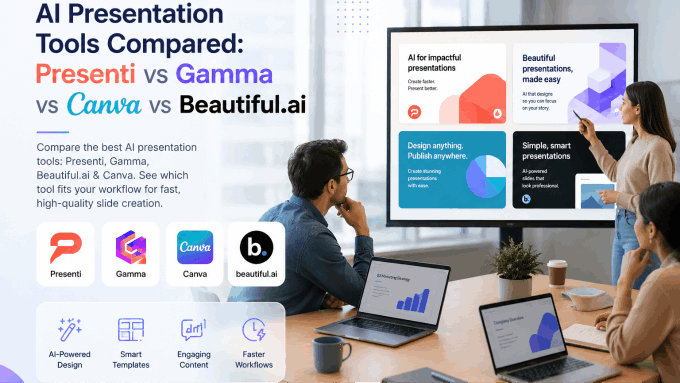
This guide compares presentation AI tools from Presenti, Gamma, Beautiful.ai, and Canva. All four offer ways to get beyond a blank slide; the useful differences include input options, editing controls, plan limits, and delivery format.
This is a comparison of documented workflows, not a timed or scored product benchmark. Presenti publishes the article and is one of the tools discussed.
What to Compare Before Choosing
Use the same brief to compare these dimensions:
Content input. Can the tool use the source material you have, and does the draft preserve the information you need?
Layout fit. Try the slide types you use most, including a dense table or unusual visual. Check what must be edited after generation.
Text to PPT workflow. Can you review the outline before design and change the resulting slides afterward?
Plan conditions. Separate ongoing free access from a trial, and check credits, premium assets, and the required export.
Export flexibility. Can you get a .pptx file on the free plan? For teams that live in Microsoft Office or Google Workspace, this is non-negotiable.
Editing experience. After the AI generates the deck, how much work is required to make it presentation-ready?
Presentation AI Tools Feature Comparison Table
| Feature | Presenti | Gamma | Beautiful.ai | Canva |
|---|---|---|---|---|
| Starting material | Topic, text, or supported source documents | Prompt, pasted text, and imported material | Prompt with supporting documents, PDFs, or links | Templates and prompt-based AI drafting |
| Drafting workflow | Outline followed by a designed draft | Generated cards with content editing | Editable outline followed by Smart Slides | Generated design options with editor customization |
| Layout approach | Template selection and slide-layout editing | Card-based layouts | Structured Smart Slide layouts | Visual editor and templates |
| PowerPoint delivery | Editable PPTX and PDF on paid plans | PPTX export included on Free | Editable PPTX documented in Pro and its trial | Check the selected content and export options |
| Free access | Limited free AI credits | Limited signup credits | 14-day trial; card required | Free assets and limited AI uses |
| Main comparison task | Source handling and editing effort | Browser sharing versus exported slides | Layout fit and team controls | Visual control and asset availability |
1. Presenti: An Outline-to-Design Workflow
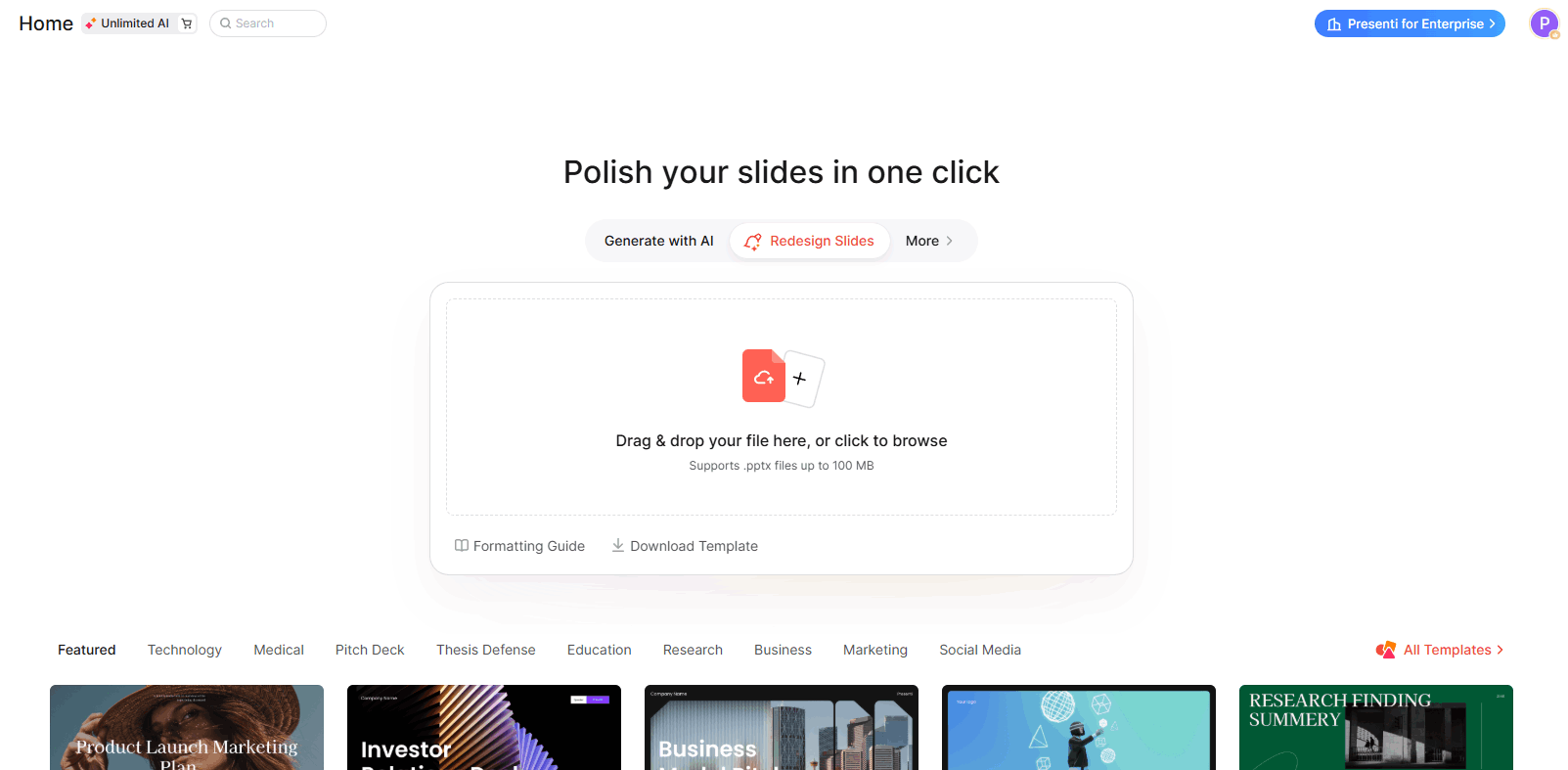
Presenti can create a slide draft from a topic, outline, or supported document. It is useful to try when your content already exists and you want to inspect the proposed structure before choosing a design.
How the input works: Choose a supported text or document input, then compare the generated outline with the original. Check headings, numbers, qualifications, and any material that should remain together on a slide.
Design workflow: Choose a template and review the assigned layouts. Adjust dense content, images, and charts as needed. Consistent styling is useful, but it does not establish that the first draft is ready to present.
Text to Presentation performance:
Use the text to PPT workflow when your source material is already written. Start with the document's headings and main points, then check whether the generated outline keeps the argument in the right order. Review dense tables and charts separately, since they may need a different layout on slides.
Free access: Free access includes limited AI credits and Markdown/XMind input. Word, PDF, and TXT imports, along with editable PPTX and PDF exports, are listed on paid plans.
What to test: Document-size limits, the edits required after generation, the treatment of charts and images, and the final file. Confirm team features in the plan you intend to use.
Consider it for: Reports, briefs, lessons, and other tasks where you want to turn existing material into a slide draft.
2. Gamma: Prompt, Document, and Card-Based Workflows
Gamma supports prompt generation, pasted text, and imported material. Its official Free plan includes PDF/PPTX imports and PPTX exports, so it can be considered for document-driven work as well as new topics.
How the input works: Start from a prompt or existing material, then review how Gamma organizes it into cards. Check factual details and content density before sharing or exporting.
Design workflow: Gamma uses a card-based format that supports browser delivery. Inspect the layout in the form your audience will actually receive, especially when exporting to fixed-size slides.
Text to PPT workflow: Use the same source text or document as in your other trials. Compare omissions, rewritten claims, and the edits needed to preserve the argument; do not assume Gamma only works from a short prompt.
Free access: Gamma lists a signup credit allowance and exports including PDF, PPTX, PNG, and Google Slides. Check current credit and branding conditions for the intended plan.
What to test: The starting credits are limited. For PowerPoint handoff, inspect the exported file and the objects you need to edit. The browser and exported versions may require different layout choices.
Consider it for: Drafts from a topic or existing material, especially when browser sharing is useful alongside file export.

3. Beautiful.ai: AI Drafting with Structured Layouts
Beautiful.ai combines content generation with Smart Slides, a system of layouts that adjusts as content changes. You can draft the content and then refine it within those layouts.
How the input works: Create with AI accepts a prompt and supporting files or links. Review the generated outline, change the sequence, and then generate the designed slides.
Design workflow: Smart Slides give common business slide types a consistent structure. Classic Slides offer more manual layout control. Test both approaches with the edits your deck needs.
Text to PPT workflow: Start from a brief or source material and review the generated content before export. Manual content entry is an option, not a requirement for every slide.
Free access: Beautiful.ai offers a 14-day trial instead of a permanent free plan. The pricing page says the trial includes the selected plan’s features and requires a card. Pro includes PowerPoint import/export.
What to test: The fit of the layouts, the controls included for your team, and the exported PPTX. Review the subscription commitment and cancellation terms before starting the trial.
Consider it for: Recurring business presentations where AI drafting, structured layouts, and shared brand controls are useful.

4. Canva: AI Drafting and Visual Editing
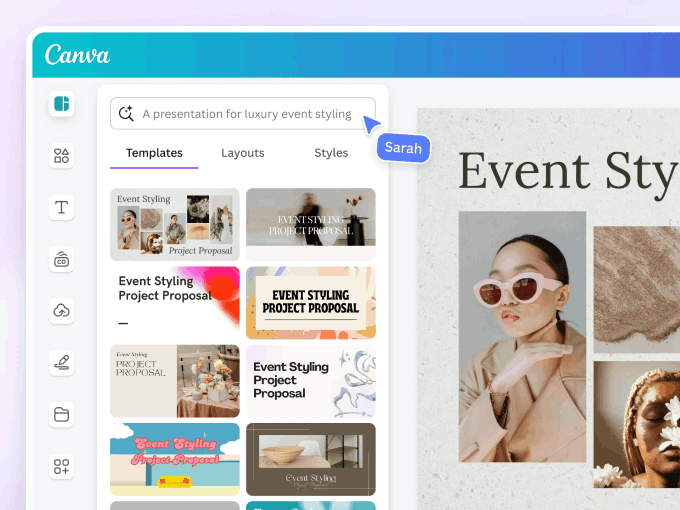
Canva combines a visual design editor with templates, media assets, and AI tools. It supports presentation drafting as well as manual editing, so the choice is not simply AI generation versus a blank template.
How the input works: You can choose a template or use Magic Design for presentations to start from a prompt, then customize the draft. Check the current input and AI-use limits for your account.
Design workflow: Use the editor to adjust imagery, typography, and layouts. Compare the assets you can access in your plan and the effort needed to apply your brand requirements.
Text to PPT workflow: Test the AI presentation route with your brief, then edit the generated draft. Compare the slide order, wording, and layouts with the information you need to communicate.
Free access: Canva Free includes free templates and assets plus limited AI uses. Premium content and some tools require payment; check the selected assets and export conditions.
What to test: AI allowances, brand controls, selected asset rights, and the PowerPoint export. Review the final deck for content and formatting changes.
Consider it for: Presentations that need substantial visual editing or make use of assets already maintained in Canva.
Which Presentation Tool Fits You the Best?
You have a report and need slides. Try the same source in Presenti, Gamma, and Beautiful.ai. Compare outline quality, factual preservation, and the edits required afterward.
You have a topic and need a first draft. Compare the generated outlines first. All four tools have drafting routes; the best fit depends on the structure and editing experience you prefer.
Your team repeats a slide format. Test reusable layouts and brand controls, including Smart Slides, with a realistic content update.
You need detailed visual editing. Try the required image, font, and layout changes in Canva and the other candidates instead of relying on a generic design-quality ranking.
You need an editable PowerPoint file. Export a sample before committing. Gamma Free includes PPTX; Beautiful.ai documents it in Pro and trial access. Confirm the current export conditions for the other accounts you test.
You are turning a research paper into slides. Prepare an outline of your own argument and check methods, results, and citations against the paper. An attractive generated deck does not validate the research.
How to Choose the Right Presentation AI Tool?
Four questions narrow the field quickly:
1. What material are you starting from? Use a document workflow for an existing report or a prompt workflow for early drafting. Several tools support both; compare how they handle your actual input.
2. What will the audience receive? Test the required file or browser link. Check text editability, charts, fonts, and any elements that matter for future revisions.
3. Which edits are essential? List the changes you expect to make after generation, from replacing images to applying a brand layout, and try them in the editor.
4. What is the total work for your deck? Include input preparation, fact-checking, editing, and export review. This article does not provide a measured speed ranking.
Frequently Asked Questions
Q: Which is the best AI presentation tool overall?
There is no universal winner. Compare the same brief against your needs for content, design, collaboration, cost, and final delivery.
Q: Can Presenti replace a presentation designer?
It can help draft and format slides. A designer may still be needed for a distinctive visual system, custom diagrams, or a complex communication task. Judge the work required for the specific deck.
Q: Is Gamma’s free plan enough for regular use?
That depends on volume and credit use. Free includes PowerPoint export, but its starting credits are limited. Check the current allowance against the work you expect to do.
Q: How does Presenti’s text-to-PPT workflow compare with Canva?
Both provide ways to create a presentation draft. Compare how they organize your input and the tools you use to edit it, including the changes your team needs most often.
Q: Can I switch tools for different projects?
Yes. Choose the editor that fits each task, and check the file handoff when a presentation will move between tools.
Q: Does Beautiful.ai have AI content generation?
Yes. Its Create with AI workflow can generate an outline and slides from a prompt and supporting documents or links.
The Bottom Line
The tools overlap in drafting and design, but differ in the editing experience and the plan conditions. Choose with a representative deck rather than a blanket feature claim.
Presenti offers an outline-to-design workflow, Gamma supports cards and file export, Beautiful.ai combines drafting with structured layouts, and Canva combines AI drafts with a visual editor. Each can be worth testing for a different set of requirements.
For an existing document, start by checking whether the outline preserves the information you need. The AI PPT maker is one option to compare with the document workflows in the other tools.
To try Presenti, use a short source brief and inspect the resulting deck. Start at presenti.ai.