In the world of project management, staying organized and informed is crucial. One of the most effective tools for achieving this is a well-structured progress report template. These templates not only streamline communication but also enhance collaboration among team members.

What is a Progress Report?
A progress report is a document that outlines the status of a project, detailing what has been accomplished, what remains to be done, and any challenges faced along the way. It serves as a snapshot of the project's progress, making it easier to track developments over time. These reports are crucial for keeping stakeholders informed and engaged, ensuring everyone is aligned on goals and expectations. Progress reports also provide an opportunity to identify potential issues early, allowing for timely adjustments and improved project outcomes.
Why is a Progress Report Important?
- Getting Everyone on the Same Page
Progress reports ensure that all stakeholders are aware of the project's current status. This alignment helps you prevent unnecessary misunderstandings and keeps everyone focused on common goals.
- Facilitating Collaboration
By documenting progress, team members can easily share information and updates, fostering an environment of collaboration. Sharing knowledge enhances teamwork and improves problem-solving abilities.
- Enhancing Transparency and Accountability
These reports create a documented history of the project's development, which enhances transparency. This paper trail holds team members accountable for their tasks and contributions.
- Improving Project Evaluation and Review
Regular progress reports allow for ongoing assessment of the project's trajectory. This kind of evaluation helps you identify areas that need attention and supports informed decision-making.
- Providing Insights for Future Planning
Analyzing these reports can reveal patterns and insights that inform your future projects. Understanding what works well and what doesn't enables better planning and execution down the line.
Choose a Progress Report Template for Your Work
Sales Progress Reports
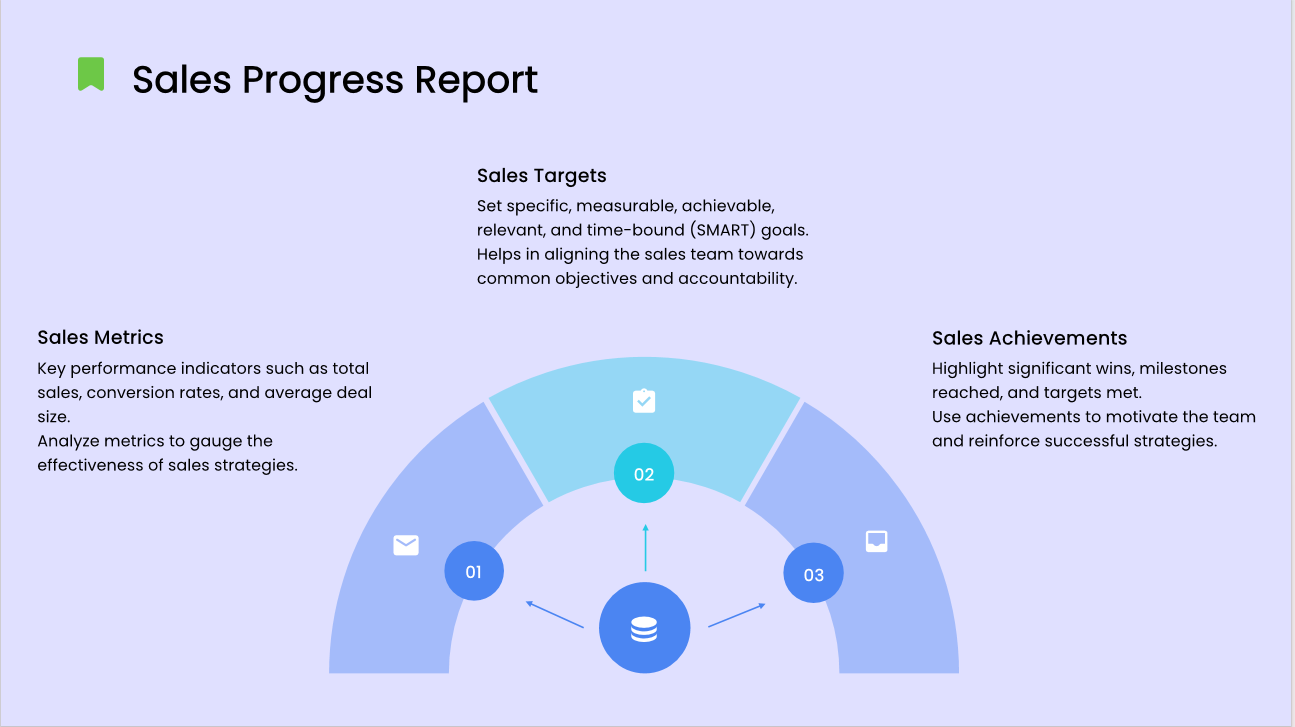
These reports focus on sales metrics, targets, and achievements. They help sales teams monitor their performance against goals, analyze trends, and adjust strategies accordingly. A well-structured sales report template can include sections for key performance indicators (KPIs), sales forecasts, and challenges faced.
Ideal for tracking the effectiveness of marketing campaigns, these reports cover metrics such as engagement rates, conversion rates, and return on investment (ROI). A marketing progress report template can help teams evaluate which strategies are working and which need refinement, allowing for data-driven decisions.
These brief reports summarize daily activities, accomplishments, and any obstacles encountered. They help maintain momentum by keeping team members informed and aligned. A daily report template can include sections for tasks completed, priorities for the next day, and any immediate concerns.
Weekly Progress Reports
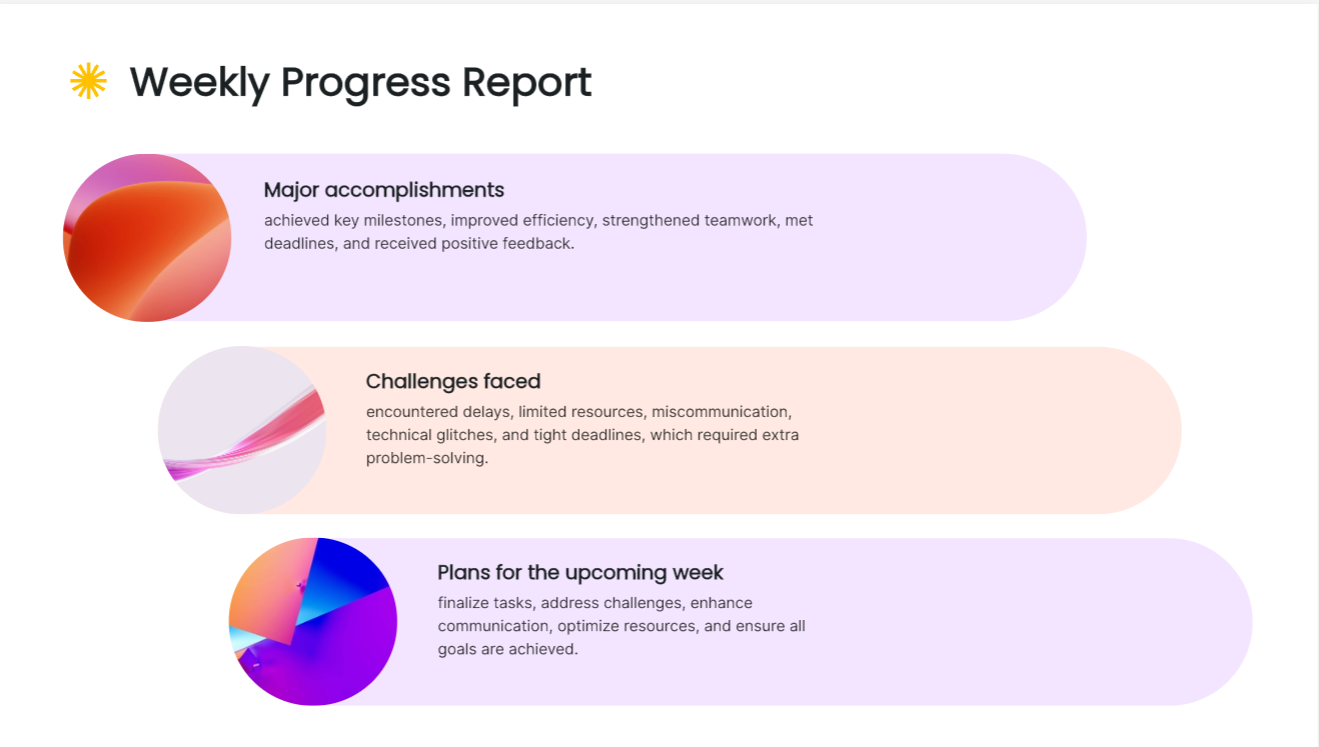
Weekly reports provide a comprehensive overview of progress made throughout the week. They facilitate team discussions and strategic adjustments. A weekly progress report template typically includes sections for major accomplishments, challenges faced, and plans for the upcoming week.
- Monthly Progress Reports
These reports offer a broader view of project advancements, making them ideal for assessing long-term goals. Monthly report templates can highlight trends over time, budget analyses, and milestones achieved, helping teams stay aligned with overall objectives.
- Group Progress Reports
Focused on the contributions of specific groups within a project, these reports track collective achievements and challenges. A group progress report template can help organize updates, facilitate communication among team members, and ensure accountability, making it easier to see how each group contributes to the project's success.
- Client Progress Reports
These reports keep clients informed about the status of their projects, showcasing progress made and any adjustments needed. A client report template can include sections for key milestones, deliverables completed, and upcoming tasks, enhancing transparency and building trust.
- Training Progress Reports
Monitoring training programs is crucial for ensuring that participants meet learning objectives. These reports can outline progress, skills acquired, and areas needing improvement. A training progress report template can help trainers identify trends and tailor future training efforts based on participant performance.
Product Development Progress Reports
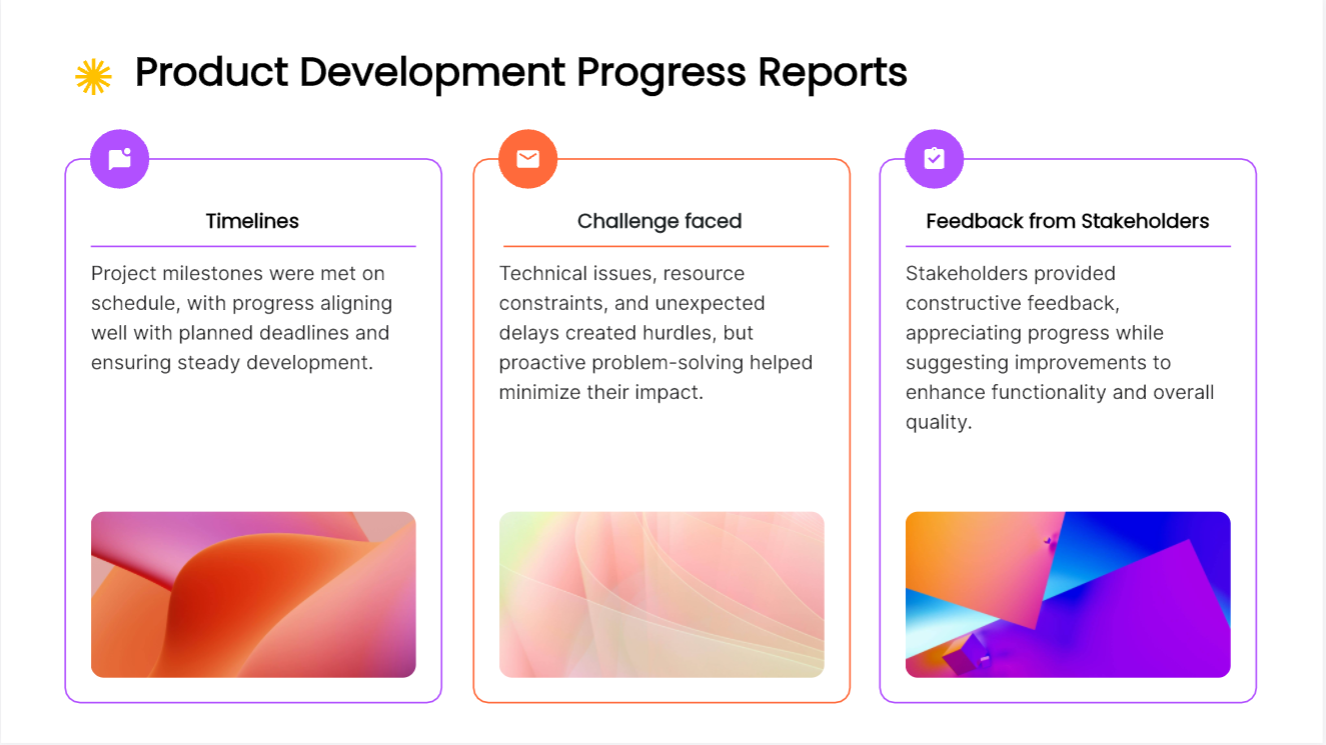
Tracking the lifecycle of product development is vital for timely launches. These reports provide insights into stages of development, testing outcomes, and market readiness. A product development report template can include timelines, challenges faced, and feedback from stakeholders.
- End-of-Day Progress Reports
These quick summaries provide an overview of daily achievements and set priorities for the next day. They help teams maintain focus and accountability. An end-of-day progress report template can include sections for tasks completed, challenges encountered, and goals for the following day.
A filled-in weekly report for a website migration
A useful weekly update distinguishes activity from accepted work. In this fictional project, “worked on page migration” tells a sponsor very little. “Eight pages migrated; six accepted by the content owner; two waiting for image approval” explains what is actually ready.
| Report field | Illustrative entry |
|---|---|
| Reporting window | Week ending 18 September; migration scope: 20 pages |
| Completed and accepted | Six pages passed content review and link checks |
| Work awaiting acceptance | Two migrated pages are waiting for approved images |
| Next milestone | Remaining product pages prepared for the next review |
| Decision needed | Approve existing licensed images or provide replacements by Tuesday |
Do not label the project “40% complete” simply because eight of twenty pages have been moved. Those pages may require different amounts of work, and two have not been accepted. Report the counts directly unless the team has agreed what its completion percentage measures. The difference matters when someone uses that percentage to predict a launch date.
Explain the dependency in one sentence: “Product-page review cannot finish until the image choice is resolved.” Then state the options. Reusing approved images may allow review to continue; waiting for a new shoot changes the proposed schedule. Name the person who can make that choice. “Images are a risk” is too vague to help anyone act.
For the next weekly report, carry forward only unresolved items and show what changed. Once the image decision is made, replace the request with its outcome and the affected milestone. Do not copy the same amber status indefinitely. A client-facing version may omit internal task detail, but it should keep the acceptance status and any decision that changes scope or timing.
Use the filled-in rows as source material for a Presenti draft. Keep the reporting date and scope visible, and check the generated wording against the source: “migrated,” “reviewed” and “accepted” are not interchangeable.
Create Your Next Progress Report with Presenti
Use the report fields above to prepare your next update in Presenti. Start with the period, agreed scope, accepted work and unresolved decisions, then choose a layout that leaves room for those details. A general presentation template may need adapting; the tool does not determine the project’s true status for you.
By leveraging the right progress report template, you can enhance communication, improve accountability, and ultimately drive project success.