A good quote slide lets the audience read someone's exact words, understand who said them and see why they matter to your talk. Give the quotation the most space, keep its attribution readable and put your own conclusion outside the quotation marks. If the passage needs several sentences of explanation before it makes sense, introduce the context first or choose a different excerpt.
The difficult part is usually choosing the words, not finding a large quotation-mark icon. A striking fragment can become misleading when it loses a qualification. This guide follows one fictional research comment from source notes to a finished slide, then shows how the layout changes for a short statement, a longer passage and a quotation beside a photograph.
Once the wording and source are settled, you can refine the quotation slide's layout with Presenti. Treat suggested formatting as a draft: it should make the selected words easier to read, not rewrite them or invent an attribution.
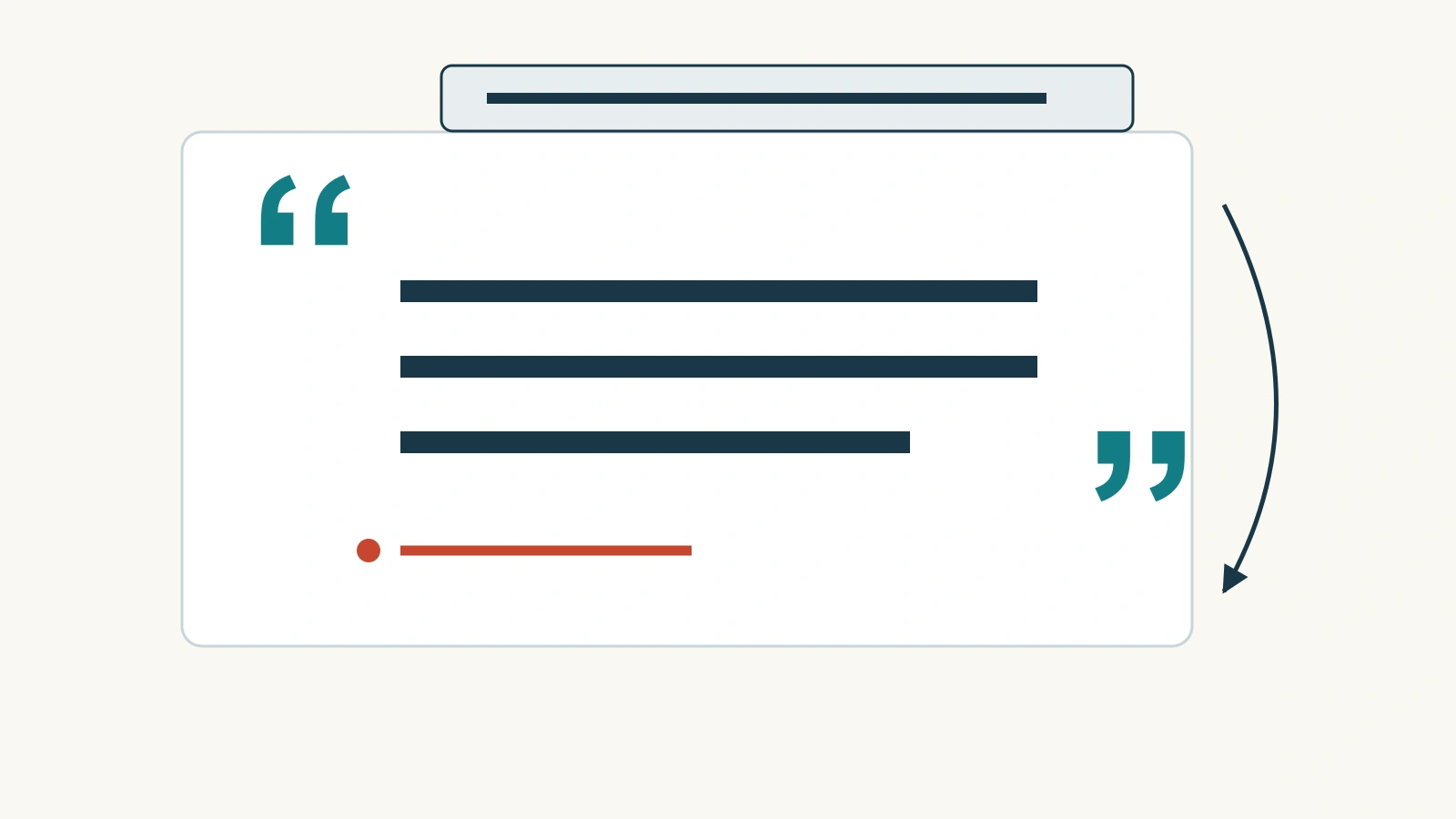
Choose a quotation that earns its own slide
Use a quote when the wording itself adds something: a participant describes a difficulty vividly, a primary source establishes a position or a speaker's phrasing deserves discussion. If you only need to report the underlying fact, a concise statement or chart may do the job better. An anonymous sentence in oversized type is not automatically evidence.
Consider this fictional comment from a room-booking prototype review:
“Booking is quicker now, but I still cannot tell which room has a screen.”
The comment expresses progress and an unresolved problem. A slide that keeps only “Booking is quicker now” tells a different story. It might suit a success narrative, but it leaves out the concern that makes the comment useful for deciding what to improve.
For a real review, find the comment in its original note, transcript or recording. Read the surrounding exchange and establish whether the participant was describing this version, recalling an earlier experience or responding to a leading question. Keep that context in your source notes even when it does not all belong on screen.
Separate the quote from your conclusion
A practical quote slide has three layers. The quotation records the speaker’s words. The attribution tells the audience where it came from. The headline or a short adjacent note explains your interpretation. Making these layers distinct allows someone to agree with the quoted words while questioning your conclusion.
| Layer | Example slide text | What it does |
|---|---|---|
| Headline | Screen availability is still unclear | States the presenter's interpretation without putting it in the participant's mouth. |
| Exact quotation | “Booking is quicker now, but I still cannot tell which room has a screen.” | Keeps both the improvement and the remaining obstacle. |
| Attribution | Participant P04 · room-booking prototype review · fictional example | Identifies this example without pretending it is a real customer testimonial. |
| Spoken explanation | “This comment suggests an equipment-visibility problem. We need to examine the other sessions before judging how widespread it is.” | Connects the evidence to a next question without turning one comment into a prevalence claim. |
Do not put the headline inside the same quotation marks as the comment. Likewise, a sentence such as “Users love the new booking flow” would go beyond what this participant said. One favorable remark does not show how all users feel, and a mixed comment is not an unqualified endorsement.

Match the layout to the length of the passage
A short quotation: make the words the focal point
Give a short statement a clear text block with generous margins. Left alignment is a dependable starting point, especially when the quote runs across several lines. Center alignment can work for a very short statement, but avoid creating a staircase of awkwardly broken lines just to keep the text centered.
Break lines at natural phrases. In the example, a line break before “but” can make the contrast visible while retaining the original sentence and punctuation. Use emphasis sparingly. Highlighting only “quicker” would steer attention away from the problem; highlighting the whole final clause better supports a discussion of missing equipment information.
A longer quotation: choose a complete thought
Do not shrink a full paragraph until it fits. First ask whether one complete sentence carries the point. If it does, quote that sentence and provide the wider passage in notes or the accompanying document. If two sentences are needed to preserve the meaning, give them space rather than adding a decorative portrait that competes with the text.
When you omit words within a passage, make the omission visible according to the citation style you are using. Do not remove a “not,” a condition or a time limit that changes the speaker's position. If a faithful excerpt is still too long for the screen, summarize it in your own words, remove the quotation marks and cite the source. A summary and an exact quotation are different forms of evidence.
A quotation beside a photograph: make the relationship honest
A two-column layout can pair words with a relevant image: text on one side, photograph on the other, with the source close to the quotation. The image should identify the subject, show the situation being discussed or add useful context. It should not imply that a stock-model photograph shows the person who spoke.
If identifying a real participant is not permitted, use an appropriate participant code and leave out the portrait. A neutral layout often communicates the evidence more accurately than a polished but invented testimonial card. Attribution and permission to publish are separate questions; having a name in your notes is not the same as having approval to display it.
Keep the source readable without turning it into the headline
Place the attribution directly below the quote or alongside its final line. Use less visual emphasis than the quotation, but not such faint or tiny text that the audience cannot identify the source. Keep the credit within the slide's safe margins so it is not lost when projected or displayed in a smaller window.
The details depend on the material. A published statement might need the person's name, the work or interview, the date and a page or time reference. A research comment might use an approved participant identifier, the study or task and a locator in the underlying record. Follow your assignment, publication or organization's rules rather than applying a testimonial format to every source.
For formal reference formats and where to place fuller source details, use the PowerPoint citation guide. On the quote slide itself, aim for enough information to identify the source; the accompanying references should let a reader locate it. Do not rely on a clickable name as the only attribution when the deck may be viewed offline or as a static image.
Present the quotation without competing with it
Introduce the setting in one sentence before asking the audience to read. For the room-booking example: “After trying the revised booking flow, one participant raised a different obstacle.” Then pause. Speaking through an unrelated paragraph while the audience reads forces people to choose which message to follow.
After the pause, explain the implication rather than merely repeating the quote. “We should make equipment visible before the booking is confirmed” is a proposed action. “Everyone finds the equipment list confusing” is a broader claim that this single comment cannot support. If several comments support the same issue, explain how they were selected and what other evidence accompanies them.
Use a quotation slide when the exact language advances the argument. When it has done that job, move on. A sequence of loosely related quotations can leave the audience doing the work of discovering your point.
Build a quote slide from your notes
Prepare the slide in this order: locate the original passage, select a faithful excerpt, write the attribution, then write your own headline. Keeping the design step last makes it less tempting to shorten words simply because an attractive layout has room for only one line.
For the example, the final slide would use a plain background, the full comment in a prominent text block and its attribution below. The headline would name the equipment-visibility issue. A photograph is unnecessary: the words already tell the audience what needs attention.
Before sharing, compare the visible wording with the source and read the headline separately. The audience should be able to tell which words belong to the speaker and which conclusion belongs to you. That distinction is what makes a quote slide useful, not the size of the quotation marks.