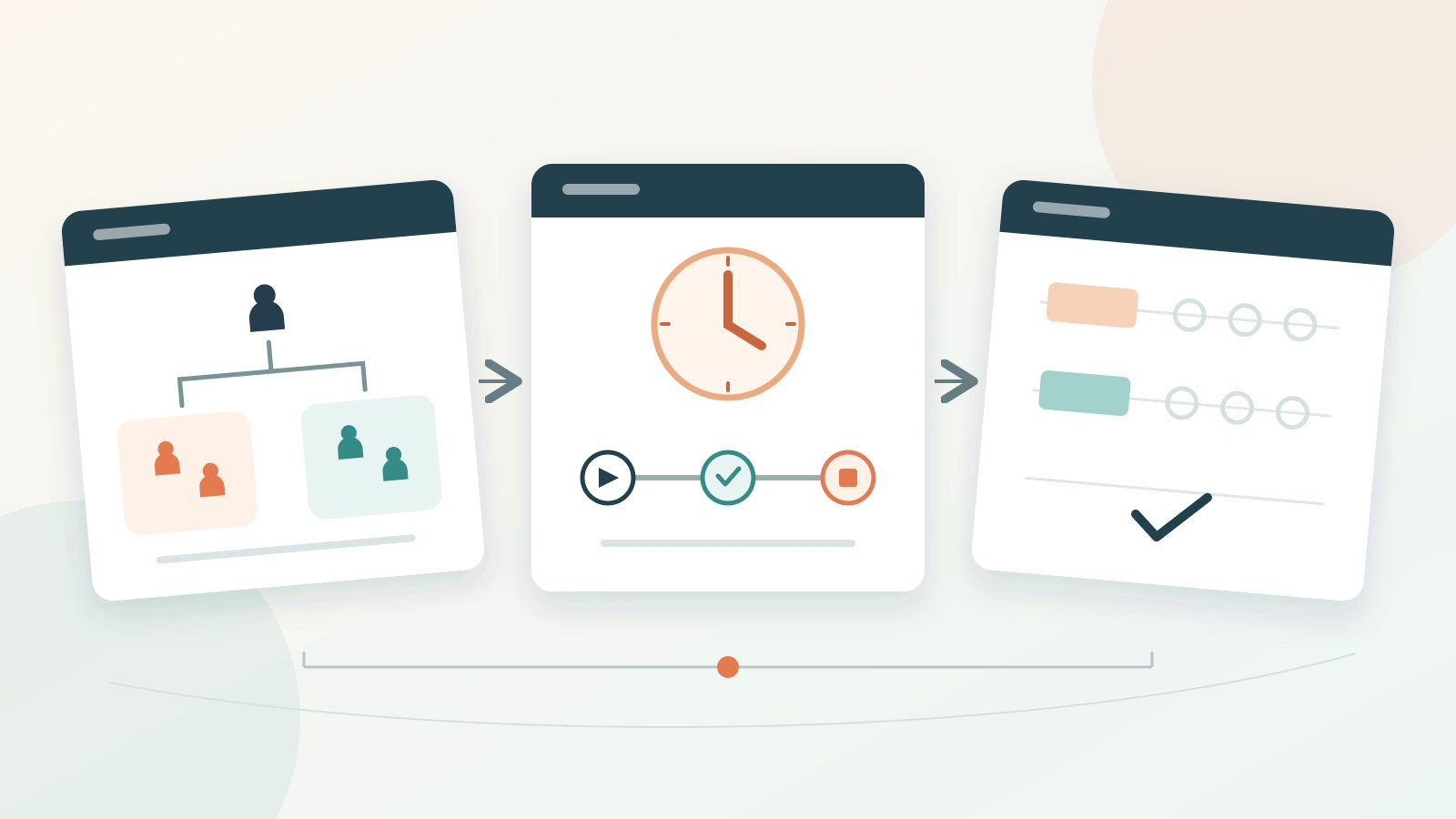
Research methodology slides should let an audience follow how your study answers its question. For a short research talk, build three slides: the design and sample, the procedure, and the measures and analysis. Keep the details that affect interpretation on those slides; put the full instruments, instructions and supporting records in backup slides.
Start with your protocol and study records, rather than shrinking the methods section of a paper. Once the outline is accurate, it can become the basis of an educational presentation in Presenti. The slide layout should make your decisions easier to understand, without making the study sound more complete or conclusive than it is.
Decide what the method must explain
A methods section can contain many correct details without revealing the logic of the study. Ask what the audience needs to know to connect the research question to the evidence. Usually, that means identifying the comparison, who or what was studied, what happened, and how observations became an answer.
For a proposal, explain what you intend to do and why. For a completed study, describe what actually happened, including departures from the plan. Do not mix “we will recruit” with “participants completed” unless you clearly identify which part of the project is still underway.
The distinction between methods and methodology can help you choose what to keep: describe the procedure, then give the reason for a choice when that reason matters. “Each person used only one version” is a method detail. “This avoided letting experience with the first version influence performance on the second” explains the choice.
Use one study to build the three slides
Consider a fictional student project about a university library booking tool. The research question is: Do clearer menu labels help first-year students complete a room-booking task without assistance? Two prototypes offer the same rooms, dates and booking steps; only the menu labels differ.
The team planned to recruit 30 volunteers from one first-year course. By the recruitment deadline, 24 enrolled. A computer-generated random sequence assigned 12 to the existing labels and 12 to the revised labels. Each participant used one version. All 24 completed a session; none were excluded after assignment.
Each person attempted the same fictional booking on the same type of laptop, with a six-minute limit. The facilitator read a fixed instruction and gave no hints. Success meant reaching the correct confirmation screen, with the specified room, date and time, before the limit and without help. These details supply the content of the slides below.
Slide 1: Show the design and sample
Give the slide a descriptive title, such as Two label sets, one booking task. A simple split diagram can show 24 participants dividing into two groups of 12. Label the branches “Existing labels” and “Revised labels,” rather than making the audience remember “Group A” and “Group B.”
The slide needs to distinguish recruitment from assignment. These were volunteers from one course, not a random sample of all students. Random assignment to a prototype does not turn a convenient volunteer sample into a representative university-wide sample.
Suggested slide text:
Question: Does changing menu labels improve unaided task completion?
Participants: 24 first-year volunteers from one course.
Design: Random assignment to existing labels (12) or revised labels (12). Each person used one version.
Held constant: Booking options, task, device type and time limit.
Explain why you chose this comparison in your spoken narration. The group needs enough information to judge the design, not a list of research terminology. Include prior experience if it was measured and affects interpretation; do not invent a matching or balancing step after the fact.
Slide 2: Make the procedure visible
Use a short timeline titled One task, six minutes, no facilitator hints. Show the sequence: receive instructions, open the assigned prototype, attempt the booking, then end at success or the time limit. Put the stopping rule beside the final step.
The sequence alone is not enough. Mark the conditions that could change the outcome: whether participants practiced first, whether the timer included reading instructions, and whether the facilitator intervened. In this example, there was no practice task. The timer started when the prototype appeared, after instructions had been read.
Suggested slide text:
1. Facilitator reads the same booking instruction.
2. Participant opens the assigned prototype; the timer starts.
3. Participant attempts the booking without hints.
4. Session ends at correct confirmation or six minutes.
Recording: Task outcome and navigation events for every participant.
There is no need for a screenshot of every click. A timeline explains the controlled sequence more clearly. Save the actual prototype screens and exact instruction for questions about wording or task difficulty.

Slide 3: Connect the measures to the analysis
Title the third slide Compare unaided completion, then examine wrong turns. Define the primary outcome before showing how it will be compared. “Usability” is too broad to serve as a measurement label here.
For this project, the main comparison is the number of successful bookings out of the 12 participants assigned to each version. The difference between the two percentages is expressed in percentage points. A participant who reaches the six-minute limit without the correct booking has an observed unsuccessful outcome, not a missing observation.
A secondary measure counts wrong turns: selecting a menu item that does not lead toward the requested booking. The coding rule must specify how repeated selections are counted. The fictional project counts each selection, including repeats. Because the prototype labels are visible in the recordings, the person coding them can see which version was used; the slides should not claim blinded coding.
Suggested slide text:
Primary outcome: Correct booking within six minutes, without help.
Comparison: Successful participants / assigned participants in each group; percentage-point difference.
Secondary outcome: Wrong-turn selections per participant, including repeats.
Sample flow: 24 assigned, 24 sessions completed, no post-assignment exclusions.
Do not add a statistical test because its name makes the slide look rigorous. If your study used one, name the comparison it addresses and retain its assumptions and uncertainty in the supporting material. This example specifies a descriptive comparison; it supplies no result, confidence interval or significance claim.
Separate the plan from the completed study
The proposed sample of 30 and the actual sample of 24 should not silently become the same number. In the completed presentation, use 24 on the design slide and add a brief explanation: “Recruitment closed with 24 volunteers; the original target was 30.” Keep the recruitment record available for questions about the shortfall.
A proposal version would instead say “We plan to recruit 30 volunteers and assign 15 to each version.” It must not include a completed participant-flow diagram or describe the absence of exclusions as an observed fact.
Handle other departures in the same way. If instructions changed during collection, identify when and which sessions were affected. If a recording failed, distinguish a missing secondary measure from a missing task outcome. Do not quietly remove the participant from every analysis when only one measurement is unavailable.
Put reproducible detail in backup slides
Backup slides let you answer a precise question without overloading the main explanation. Choose material that supports an actual decision in the study.
- Recruitment and allocation: Eligibility criteria, recruitment dates, participant flow and how the assignment sequence was produced.
- Task and materials: The exact booking instruction, both prototype versions and the rule for starting and stopping the timer.
- Measurement: A coded example of a wrong turn, the treatment of repeated selections, and any missing-data or exclusion rules.
- Analysis: The planned comparison, denominators and any changes made after data collection began.
Keep identifiable participant records out of a public deck. Describe the actual consent and review arrangements where relevant, and keep documents containing personal information in appropriately restricted storage.
Finally, match the conclusion to the method. This design can compare two label sets on one task among these recruited participants. It does not by itself establish long-term use, performance across all library tasks or results for the whole student population. A clear methods presentation makes that boundary visible before the results ask the audience to believe more.