Cluttered slides make it harder to follow an argument. Minimalist design helps you decide what belongs on the slide and what belongs in notes or supporting material. A simple slideshow maker such as Presenti provides a starting layout; the key is to give each element a clear purpose.
The Philosophy of "Less is More"
Before we dive into the buttons and menus, we need to shift our mindset. Minimalism in design is the intentional move to show only the essential. When you use a minimalist presentation tool, you aren't "losing" information; you are gaining the audience's attention. Every element on your slide should have a reason for existing. If an icon, a line of text, or a decorative shape doesn't support your core point, it’s clutter. If you already have a draft, AI slide design tools can help with the layout stage; the content still needs your review.
6 Pillars of Minimalist Presentation Design
1. The Rule of One: Single Focus per Slide
Dense text competes with the speaker for attention. Aim for one main point per slide, then include the evidence or visual needed to explain it. Treat the following rules as prompts for editing, not fixed limits.
- One Idea: Each slide should represent exactly one concept.
- One Image: Use a single high-quality visual rather than a gallery of thumbnails.
- One Action: What do you want the audience to feel or do after seeing this slide?
Split a complex explanation across slides when that improves the sequence. Keep the total length appropriate for the available time, and use notes or an appendix for supporting detail.
2. Typography as the Interface
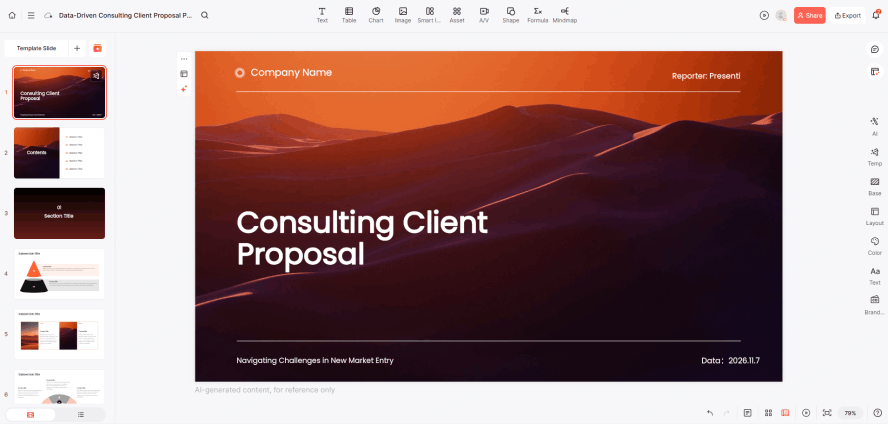
In minimalist design, your text is your graphic. You don't need clip art when you have beautiful, bold typography. A clean slides maker usually provides a curated selection of fonts because choice overload often leads to poor design.
- Stick to Two Fonts: One for headings, one for body text.
- Hierarchy Matters: Use size and weight to tell the audience what to read first. A massive headline paired with a small subheadline creates an immediate visual path.
- Choose Readable Type: Fonts like Helvetica, Inter, or Montserrat are staples of the minimalist presentation tool world because they are highly legible on screens.
3. The Power of Whitespace
Whitespace is the space around your content. Use it to separate groups and establish a reading order. A full-bleed photograph can also work; leave enough clear space for any text it needs to support. These layout patterns for arranging text and visuals offer top-and-bottom, side-by-side, and three-part alternatives when you need a clearer reading order.
4. A Controlled Color Palette

Color evokes emotion, but too much of it creates confusion. To keep your slides professional, limit your palette.
| Layer | Usage | Pro Tip |
|---|---|---|
| Primary | Backgrounds/Main Text | Stick to Neutrals (White, Light Gray, or Navy). |
| Secondary | Accents/Icons | Use your brand's main color. |
| Highlight | Call to Action | A single pop of color (like Orange or Teal) to draw the eye. |
Choose a Presenti theme close to your intended palette, then check colors after editing. Keep text readable against its background and use the highlight color consistently.
5. Visuals Over Bullet Points
Lists work well for short parallel points. When the content shows a process, comparison, or trend, a diagram or chart may be clearer. To show profit growth, use the actual values and reporting periods in a labeled chart rather than an upward arrow alone.
- High Resolution: Never use pixelated images.
- Consistency: If you use outlined icons, keep them all outlined. Don't mix 3D illustrations with flat line art.
6. Purposeful Motion and Transitions
Minimalism doesn't mean static, but it does mean subtle. If a transition takes three seconds and involves a "starburst" effect, it's distracting. A simple slideshow maker focuses on "Fade" or "Push" transitions that mimic the natural movement of an eye turning a page. In easy presentation design software, motion should be used to show a relationship between two objects—for example, a Keynote “Magic Move” transition that shrinks an object to show it becoming part of a larger group.
Four Minimalist Template Styles to Explore
Use the following style terms as browsing ideas for the template library. Availability and search results may vary; look for the design characteristics described below.
Search Keyword: "Minimal"
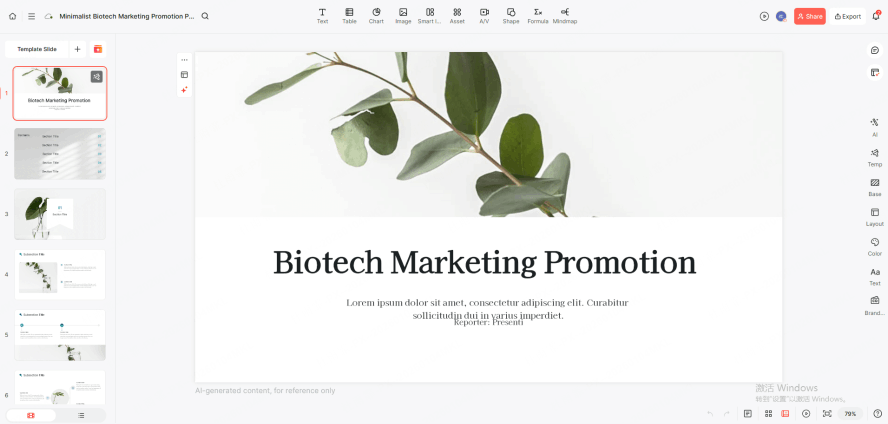
Style Profile: Look for generous spacing, a clear type hierarchy, and few decorative elements.
Best For: Creative proposals, personal introductions, or brand concepts. It makes every slide look as sophisticated as a placard in a high-end art gallery.
Search Keyword: "Business Clean"
Style Profile: Focused on the clear presentation of data and logic. It strips away the cluttered color blocks found in traditional business templates, replacing them with slender charts and a unified accent color (such as deep blue or graphite gray).
Best For: Annual reports, quarterly reviews, or pitch decks. Use it when readers need to compare figures and follow a sequence of findings.
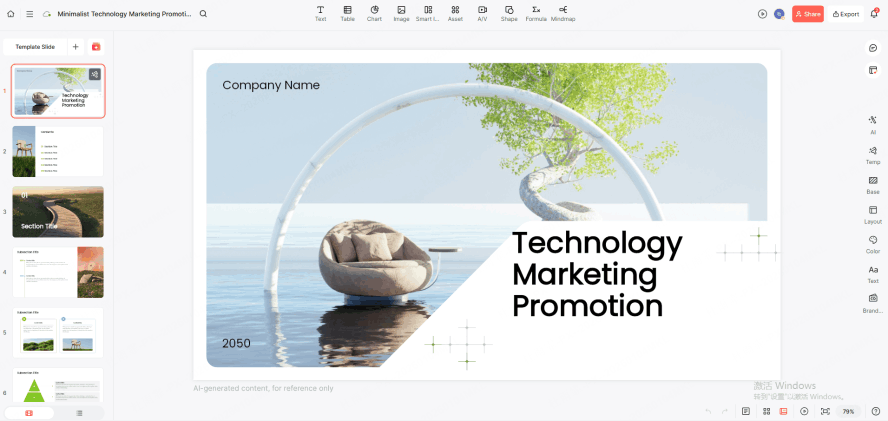
Search Keyword: "Modern Portfolio"
Style Profile: Specifically optimized for large-scale visuals. It uses an "image-first, text-second" layout paired with crisp sans-serif fonts to create a powerful visual focal point.
Best For: Design showcases, photography portfolios, or product launches. It uses large areas of solid background to make high-quality assets pop.
Search Keyword: "Focus"
Style Profile: The ultimate in reductionism. Each slide is designed to hold only one visual center. It forces you to subtract everything but the core message.
Best For: Keynotes or presentations intended to provoke deep thought, with room for the speaker to explain the main point.
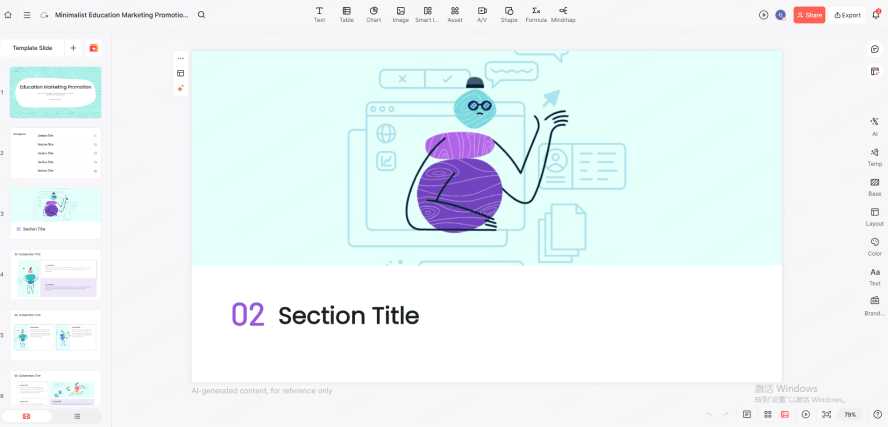
Search Tip:
When browsing Presenti, compare clean backgrounds, consistent typography, and room for your real content. After replacing placeholder text and images, check alignment and spacing again.
Conclusion
A clear minimalist deck gives the audience a visible main point, enough evidence to assess it, and a sensible next step. Keep useful detail, remove competing decoration, and rehearse with the finished slides.