Creating a polished presentation no longer requires hours of formatting, designing, or manually organizing slide content. With the rise of AI powered text to PPT tools, you can now paste your text and generate a visually appealing, logically structured presentation in minutes. Whether you’re preparing a business report, proposal, class lecture, or content pitch, these tools help you work faster and smarter.
Below are four tools to consider, plus a historical note about the discontinued Tome Slides service. Compare them using a short sample of the text you want to present. Once your notes are organized, the text-to-presentation workflow offers a way to turn that material into an editable slide draft.
1. Presenti AI
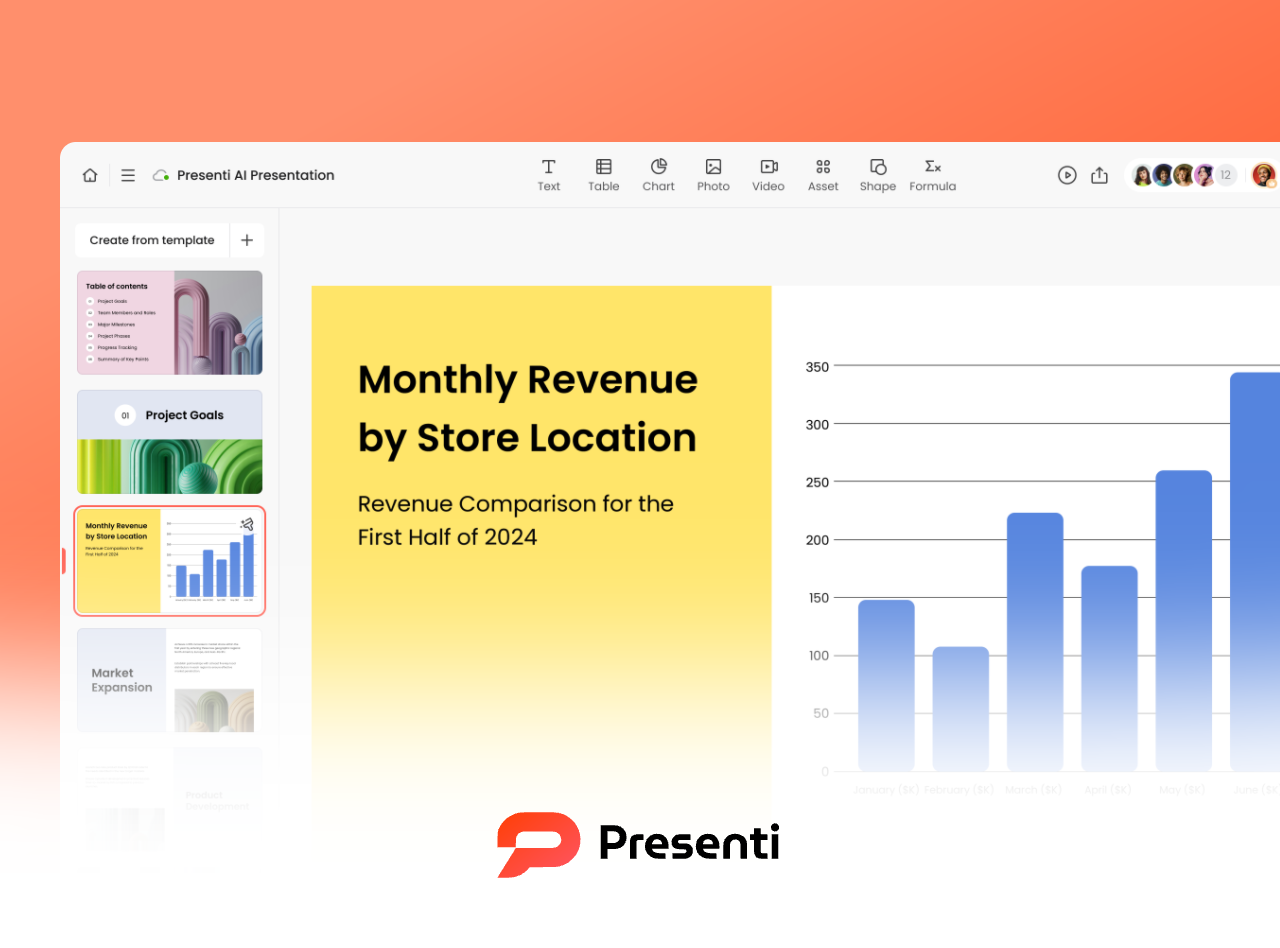
Presenti AI can turn text into a slide outline and draft. Review how it divides the material into sections, then edit the wording and layout for your audience.
How it Works
Simply paste your text (project summary, speech script, outline, etc.) into the input box and let Presenti AI automatically analyze the logic and divide it into well structured slides. Within seconds, you’ll get a clean, professional looking PPT draft.
Key Features
- Supports multilingual input; review terminology and names in the output
- Automatically identifies structure, key points, and slide hierarchy
- Smart layout engine with templates, color palettes, and font combinations
- Adaptable to business reports, proposals, pitches, lectures, and more
- Online editing with editable PPTX and PDF export on eligible paid plans
- Template-based editing for a first draft
2. Edcafe AI
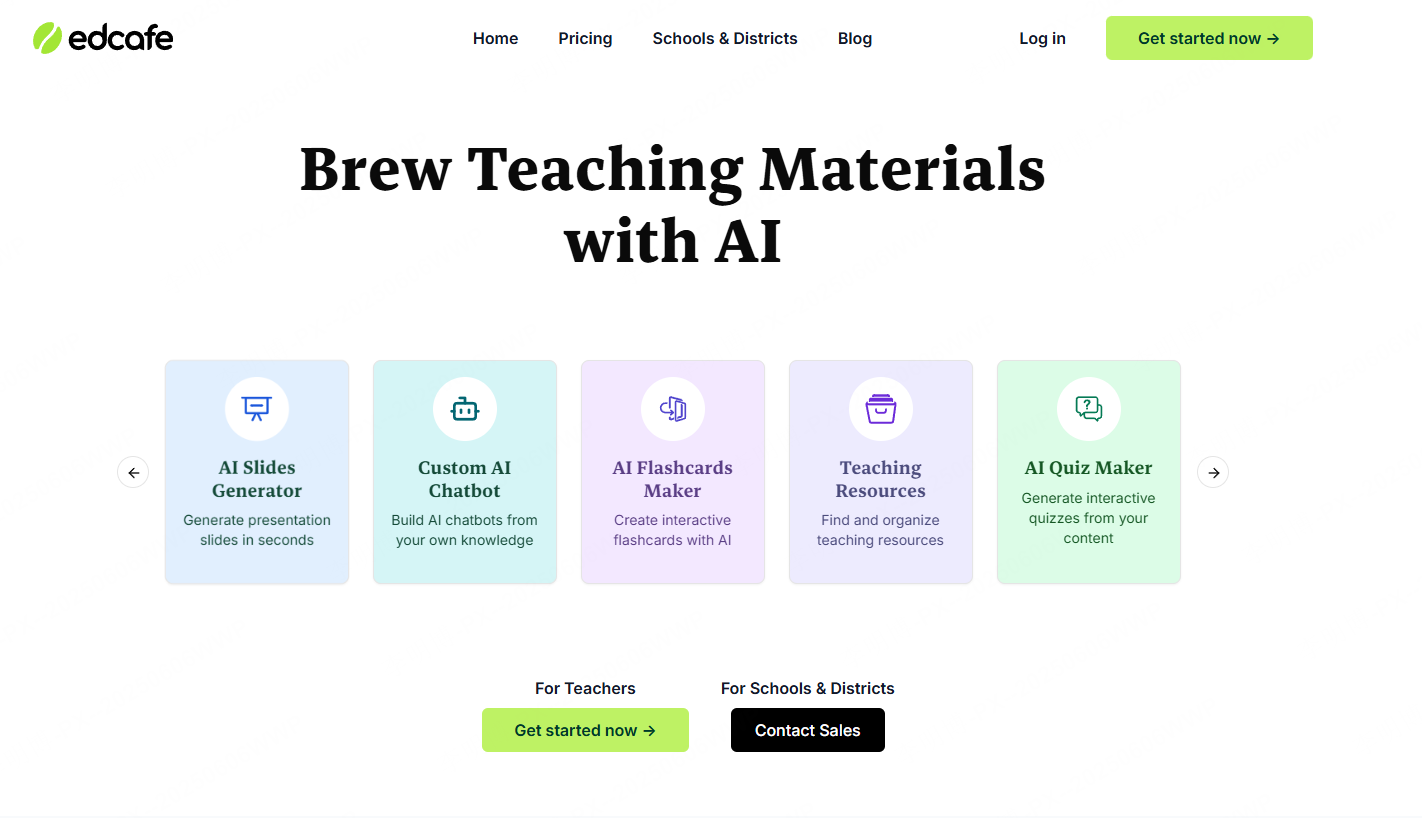
Edcafe AI is designed specifically for learning and teaching scenarios. Beyond text to PPT, it can generate lesson plans, lecture scripts, study notes, and more, making it a favorite among educators and training professionals.
How it Works
Paste your teaching outline (e.g., “Introduction to AI”) into the system and click generate. Edcafe will instantly transform it into slides with titles, learning objectives, explanation steps, and key concepts.
Key Features
- Converts teaching outlines and text into clear, instructional slides
- Ideal for courses, workshops, seminars, and training sessions
- Test the input language you need with representative teaching material
- Customizable templates and online editing tools
- Greatly reduces lesson preparation time
Tome Slides: discontinued presentation service
Tome Slides was discontinued on April 30, 2025 and is no longer available for new presentations. If you have saved PDFs, text, or images, use those materials to build a new deck in an available tool. This does not restore an inaccessible Tome project.

4. Presentations.AI
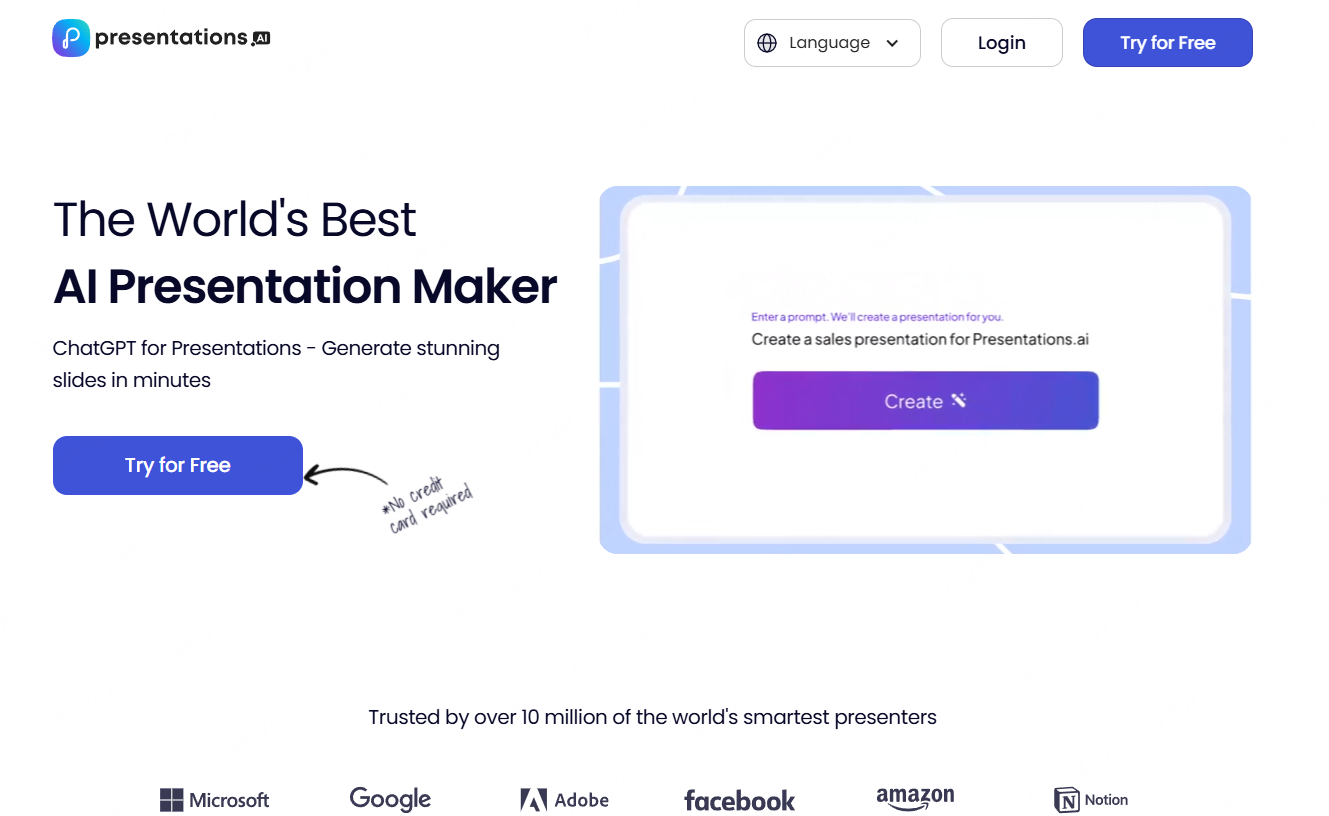
Presentations.AI is built for professional use, focusing on clarity, structure, and collaboration, ideal for corporate teams preparing proposals, product updates, or sales decks.
How it Works
Paste your business outline or text into the interface. The system will automatically generate structured sections, slide hierarchies, visuals, and charts.
Key Features
- Highly structured slide generation for business communication
- Automatically matches templates and chart styles
- Real time team collaboration and permission control
- Web based, no installation required
- Exports to PPT and PDF
- Review the generated wording in the language you will present
5. Simplified

Simplified is a comprehensive content creation platform offering writing, design, video editing, and social publishing tools. Its text to PPT feature is ideal for content creators who need quick drafts for scripts, pitches, brand decks, and social media presentations.
How it Works
Use Simplified’s AI writing tool to generate copy, then convert it directly into a PPT. The system automatically divides the content into slides and applies cohesive layouts.
Key Features
- Converts text or scripts into structured PPT slides
- Large selection of templates and layout styles
- Works seamlessly with AI writing and design tools
- Online editing and exporting to PPT/PDF
- Consider for content-development workflows that combine writing and design
Final Thoughts
Choose based on your task: teaching material, a business report, a creative brief, or another type of presentation. Test the input language, editing controls, and export format you need. Tome Slides is discontinued and is included only for readers working with saved material.
If you need a powerful all in one solution that supports text generation, visual mind maps, collaboration, and clean slide design, you may also consider exploring Presenti AI, a fully integrated platform that makes end to end presentation creation even easier.