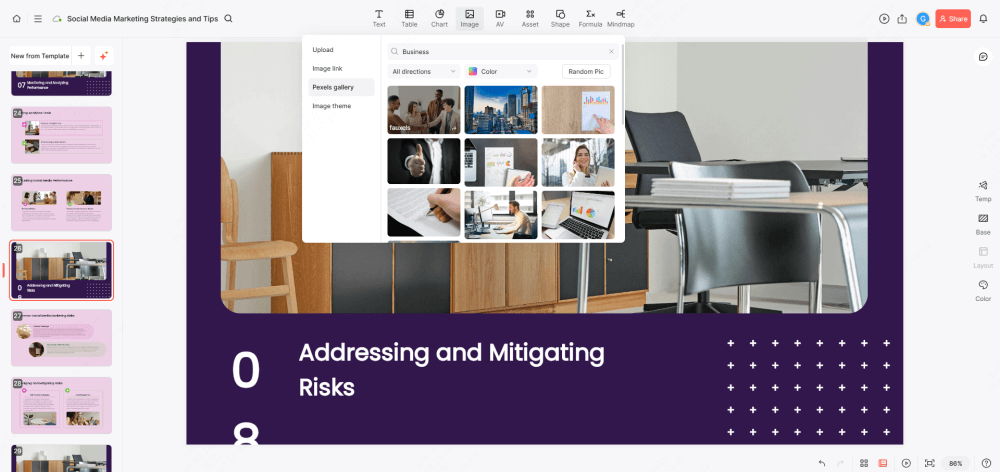
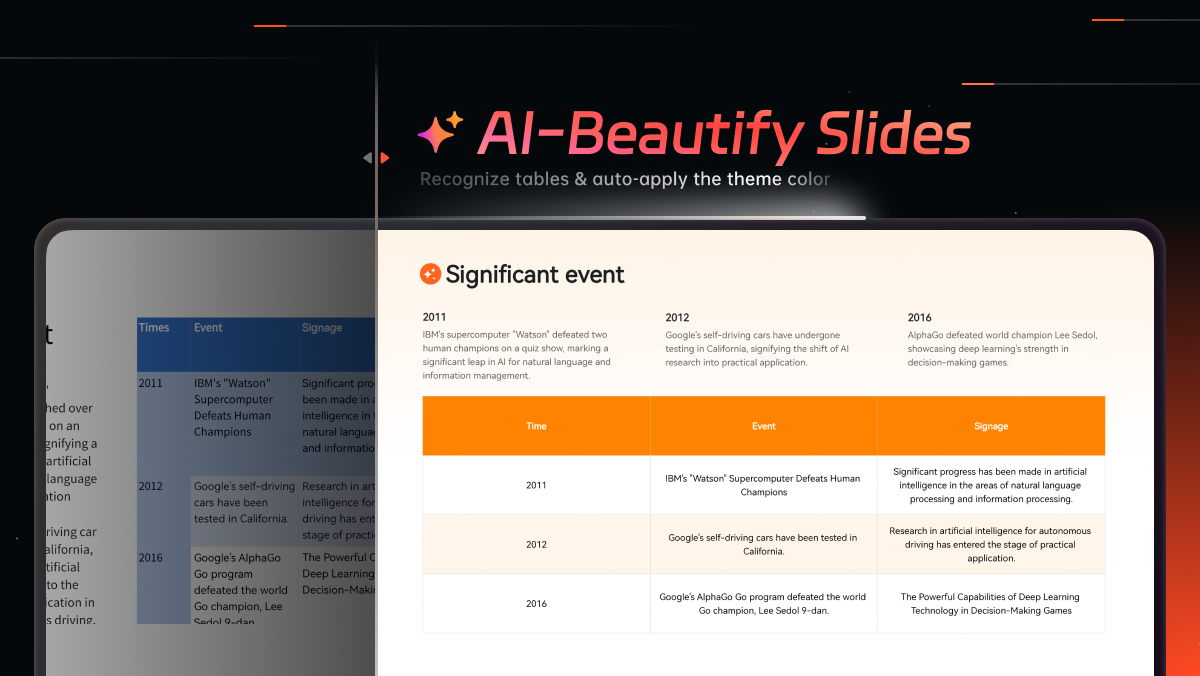
Presenti AI is now available as a standalone desktop application. If you have been building presentations in your browser, everything you know still works exactly the same way — the same AI generation, the same templates, the same one-click themes. The difference is that you can now run it outside the browser entirely, as a dedicated app on your computer. Keep the presentation workspace in its own window.
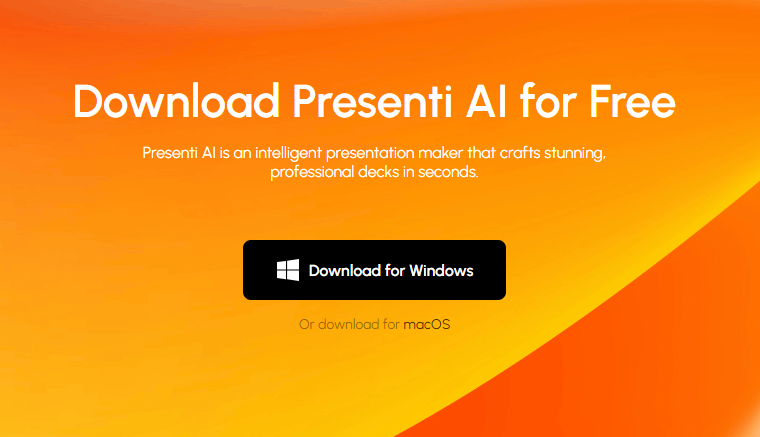
The app is available for Windows and macOS.
What the Desktop App Actually Is
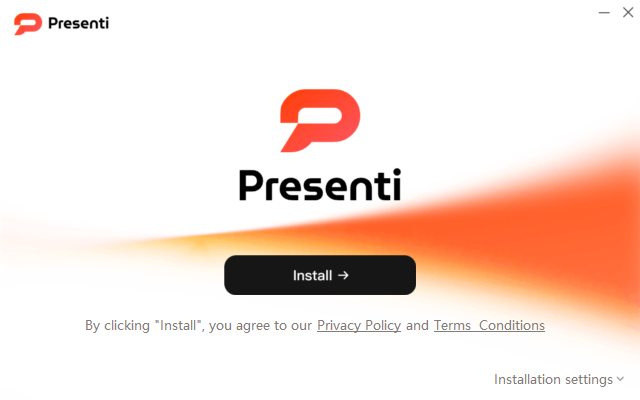
Presenti AI started as a browser-based presentation tool — and that is still fully available. Nothing changes for users who prefer working in Chrome, Safari, or Edge. The online version is going nowhere.
The Desktop App is a separate, downloadable client that installs directly on your Mac or Windows machine. It runs as its own application, independent of your browser. You can keep it in your taskbar or Dock and switch to it without finding a browser tab.
You get the full Presenti AI experience — AI generation, template library, theme customization, editing tools — available in a dedicated desktop window.
Why It Makes a Difference
There is a particular kind of friction that comes from doing serious creative work inside a browser. Notifications stack up. Extensions interfere. A stray keyboard shortcut closes your tab. You lose your place. The work slows down.
A dedicated window may suit your workflow in several ways:
- Direct access. Launch the app from your taskbar, Dock, or applications list.
- Separate workspace. Keep your presentation work in a dedicated desktop window.
- Dedicated workspace. Switch between the app and other tools cleanly, without hunting through browser windows.
- A dedicated window. Keep your presentation workspace separate from browser tabs. Save your changes before closing the app.
- Cleaner focus. A full-screen app environment with no browser UI overhead gives you more visual space to work with your slides.
Choose the app or browser according to how you prefer to organize your work.
Who Should Download It
The Desktop App is particularly well-suited for users who rely on Presenti AI as a regular part of their workflow rather than an occasional tool.
Professionals with recurring presentation needs — weekly reports, client updates, team briefings — benefit from having the app always accessible in their dock or taskbar. One click, and you are inside your presentation environment. No browser navigation required.
Students and researchers converting papers, notes, and study materials into presentation decks can keep their slide editor separate from browser research. When you are deep into building a conference presentation from a 40-page research document, the last thing you need is a browser crash or an accidental tab close.
Content creators and educators who produce slides regularly as part of their core output will find the Desktop App convenient to reach during recurring work.
Save changes before closing the app, just as you would when ending a browser session.
Both Options Stay Available
To be direct: using the Desktop App is a choice, not a requirement. Presenti AI online remains fully functional. If your current browser-based workflow suits you, nothing needs to change.
The goal here is simply to give you options that match how you actually work. Some users want the flexibility of accessing their presentations from any device through a browser. Others want a dedicated, stable environment on their primary machine. Both are valid workflows. Now both are supported.
Sign in with your Presenti account to open your workspace. Check the current app version and available features for the workflow you need.
Download It Today
The Presenti AI Desktop App is available now for Mac and Windows. Visit Download App to download the installer, sign in with your existing account, and open your workspace.
If you are new to Presenti AI, this is an excellent moment to start — with a full-featured presentation tool and a client experience built for the way serious work actually gets done.
More updates are on the way. Stay tuned.