To turn meeting notes into an AI-generated action recap, first separate what was decided, what was proposed and what remains unknown. Use text-to-presentation drafting after that classification, then compare the outline with the source before generating layouts. The goal here is a usable team follow-up deck, not a new management approval proposal.
The worked example below follows a fictional pilot-review meeting from raw notes to a four-slide outline. It includes a copyable brief you can adapt before using an AI presentation tool. It is an authored example, not a transcript from a customer or a test of automated meeting analysis.
If the audience instead needs to approve a project or choose between options, the six-slide meeting decision brief explains that separate task. This walkthrough keeps the confirmed scope, assigned actions and unresolved requests visible for the pilot team.
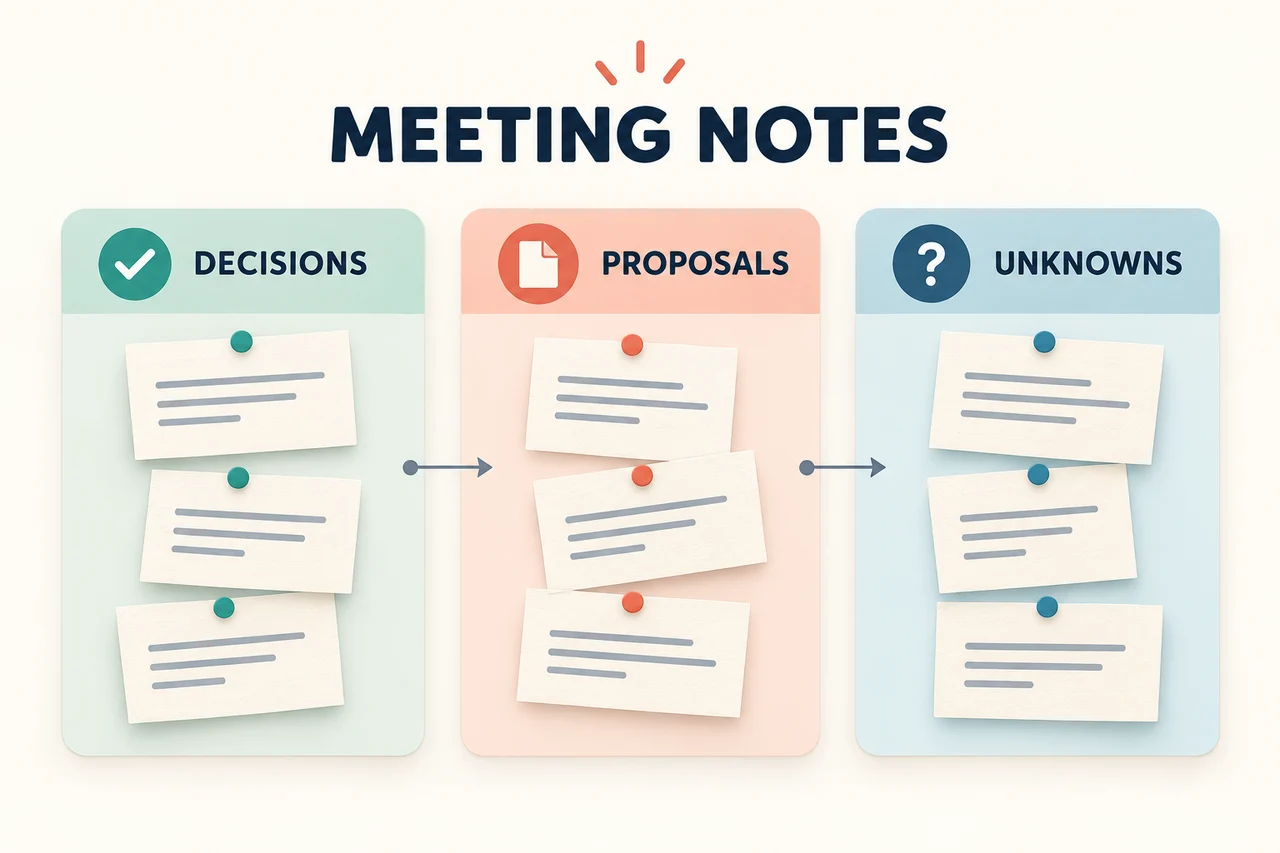
Classify the notes before asking for slides
Raw notes often mix shorthand, quotations, tentative plans and confirmed actions. Keep the meeting date and the original record beside you while resolving that ambiguity. Do not fill in a missing owner or deadline simply because a complete action table would look better.
A small set of source notes
Harbor onboarding pilot review — 6 October 2026
Attendees: Maya, Owen, Priya, Sam

DECISION confirmed by Maya: keep the pilot limited to the current
two teams while the support guide is revised.

Priya: I will send the revised guide by Friday, 9 October.
Sam: I will check the guide with the two team leads on 12 October.

Owen suggested adding a third team next month.
No approval or start date was agreed.

The customer asked whether rollout could happen sooner.
No revised rollout date was committed.

We still need someone to define what counts as a completed
onboarding session. Owner and deadline were not assigned.

Next review: 13 October 2026.
These notes contain two assigned actions and one unassigned task. They do not establish that a third team will join, that the rollout date has moved or that the pilot has improved performance.
| Record type | Safe summary | What must not be inferred |
|---|---|---|
| Decision | Keep the pilot with the current two teams while the guide is revised. | A wider rollout has been approved. |
| Assigned action | Priya sends the revised guide by 9 October; Sam checks it with team leads on 12 October. | Either task is already complete. |
| Proposal | Owen proposed adding a third team next month. | The proposal has an agreed date or owner. |
| Request | The customer asked about an earlier rollout. | The team promised a faster rollout. |
| Open task | The completion definition still needs an owner and deadline. | Sam or Priya owns it because they appear elsewhere in the notes. |
If the source says only “Friday,” confirm which Friday before drafting. If two people remember a decision differently, mark it for confirmation rather than choosing the version that makes the story flow.
Turn the cleaned record into four slides
For the pilot team, the useful story is the current scope, the work needed before the review and the unresolved questions. The presentation does not need to reproduce every speaker's contribution.
Slide 1: Keep the pilot with the current two teams
On the slide: “Confirmed on 6 October: the pilot stays with the current two teams while the support guide is revised.” Add the next review date underneath.
Why this works: the title states the decision without claiming the guide is finished. The date tells readers which meeting established the scope.
Slide 2: Two actions are due before the next review
| Action | Owner | Due | Status supported by the notes |
|---|---|---|---|
| Send the revised support guide | Priya | 9 October 2026 | Assigned |
| Check the guide with the two team leads | Sam | 12 October 2026 | Assigned |
Presenter cue: confirm whether the first action is a dependency for the second before marking that dependency on the slide. The sequence suggests a relationship, but the notes do not explicitly define it.
Slide 3: Expansion and rollout timing remain undecided
On the slide: “Proposal: add a third team next month. Customer request: consider an earlier rollout. Neither has an agreed start date.”
Why this works: it preserves both points without converting either into an approved plan. Avoid a timeline that places an unapproved event on a firm date.
Slide 4: Assign the completion definition at the next review
On the slide: “At the 13 October review, confirm the owner and deadline for defining a completed onboarding session, and revisit the open expansion and timing questions.”
This is a proposed agenda for the next review, not a record that those decisions have already been made. If the presentation is for an external customer instead, adapt the wording and level of detail using information approved for that audience.
Use a specific brief for the AI draft
Give the drafting tool the cleaned record and the intended slide sequence together. Asking for a “professional meeting summary” leaves important choices unstated: the audience, the difference between decisions and proposals, and what to do with missing information.
Create a four-slide draft for the Harbor pilot team.
Use only the meeting record supplied below.

Slide 1: confirmed scope and next review date.
Slide 2: assigned actions, owners and exact due dates.
Slide 3: proposals and requests that remain undecided.
Slide 4: questions to resolve at the next review.

Keep decisions, proposals, requests and open tasks distinct.
Use "not assigned" for missing owners or deadlines.
Do not invent completion status, performance results or approvals.
Do not turn a suggested dependency into a confirmed one.
Preserve names and calendar dates exactly.

[Paste the cleaned meeting record here.]
Download the worked notes and drafting brief to adapt them to your next meeting.
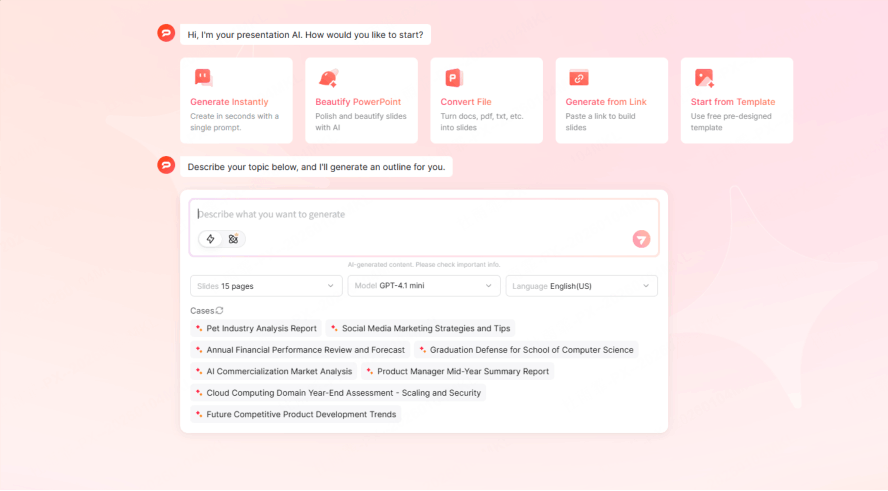
Provide the source in Presenti
Open Presenti and paste your prepared text, or use a supported document import. The current plan details distinguish free access from paid Word/PDF/TXT import and PPTX/PDF export. Remove information the intended audience should not receive before creating the draft.
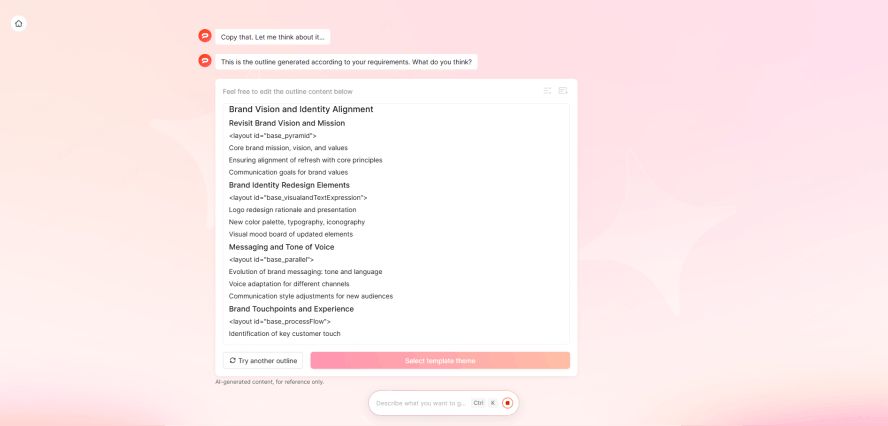
Review the outline before the design
Check whether the outline preserves all four slide purposes. In particular, look for accidental changes such as “launch the third team next month” or “Sam owns the completion definition.” Correct those before generating the slide layouts.
Use a statement-by-statement comparison when the draft looks plausible but the wording has changed:
| Draft statement | Source test | Correction |
|---|---|---|
| “The third team launches next month.” | The notes record only Owen’s suggestion. | “Proposed: add a third team next month; no start date agreed.” |
| “Sam will define completion by 12 October.” | Sam’s dated action is to check the guide, not define completion. | Keep the guide action with Sam; leave the completion-definition owner and date unassigned. |
| “The pilot is delivering better results.” | The notes contain no performance measure. | Remove the result claim; show the confirmed scope and assigned work instead. |
Choose layouts that keep status visible
Use a concise statement for the confirmed decision, a table for assigned actions, and a short list for open questions. Give proposals a visible label rather than relying on a color that readers may overlook. A polished layout should not blur the distinction between “planned,” “assigned” and “done.”
If the action table becomes too small, split the assigned actions from the open task rather than dropping the status column. Label an open item “Owner not assigned” in words; a color or an empty cell may be read as missing formatting rather than an unresolved decision.

When exporting, open the file in the application the team will use. Confirm that the action table, dates and status labels remain readable. Keep the original meeting record available for anyone checking a disputed point.
Use the presentation to close the right gaps
Ask the meeting owner to review the draft for factual corrections, not just design preferences. A useful review comment identifies the slide, the exact statement and the correction: “Slide 3: the customer asked about an earlier rollout; we have not agreed to one.”
After the next meeting, update the action-tracking system with confirmed owners and dates. Then update the presentation if it will be shared again. The slides explain the record; they should not silently become a new source of commitments.
Bring a short, classified set of notes to Presenti's drafting workspace, then review the decisions and open questions before sharing the deck.