How many slides should a presentation have? There is no universal number. Start with the minutes you can actually speak, reserve time for questions and interaction, then give each slide enough time to do one clear job. A ten-minute update may work with six focused slides, while a visual story may move through more. The right count is the one you can explain, support with evidence, and rehearse without rushing.
This guide gives you a practical planning method, starting ranges for common formats, and a worked 20-minute example. The ranges are editorial planning aids, not rules.
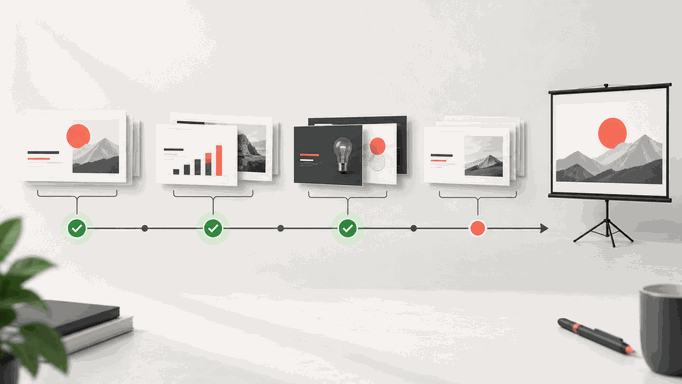
How Many Slides Do You Need? Quick Reference
A useful slide count is an output of the presentation plan, not an input. Begin with the audience, the decision or outcome, the delivery format, and the usable speaking time. Then build only the slides needed to move the audience from context to evidence to action.
The following ranges are reasonable starting points for a conventional business or educational presentation with a mix of explanation and evidence. They exclude backup slides and should be adjusted after rehearsal.
| Total session length | Starting range for the main deck | What changes the count |
|---|---|---|
| 5 minutes | 3-6 slides | A single update needs fewer slides; a rapid visual story may use more. |
| 10 minutes | 6-10 slides | Reserve time if the audience must ask questions or make a decision. |
| 15 minutes | 8-14 slides | A single argument can stay compact; examples, discussion, and evidence reduce the count. |
| 20 minutes | 10-18 slides | Charts, examples, and demonstrations slow the pace. |
| 30 minutes | 15-25 slides | Discussion and audience exercises reduce speaking time. |
| 45 minutes | 20-35 slides | Workshops may need fewer content slides and more activity prompts. |
| 60 minutes | 25-45 slides | A lecture with visual builds may use more; an executive review may use far fewer. |
Do not force your deck into a range when the meeting requires a different rhythm. A board review with six consequential decisions may spend most of an hour on twelve slides. A product keynote may use dozens of simple visuals. Purpose and delivery determine pace.
What Determines How Many Slides You Need?
Usable speaking time
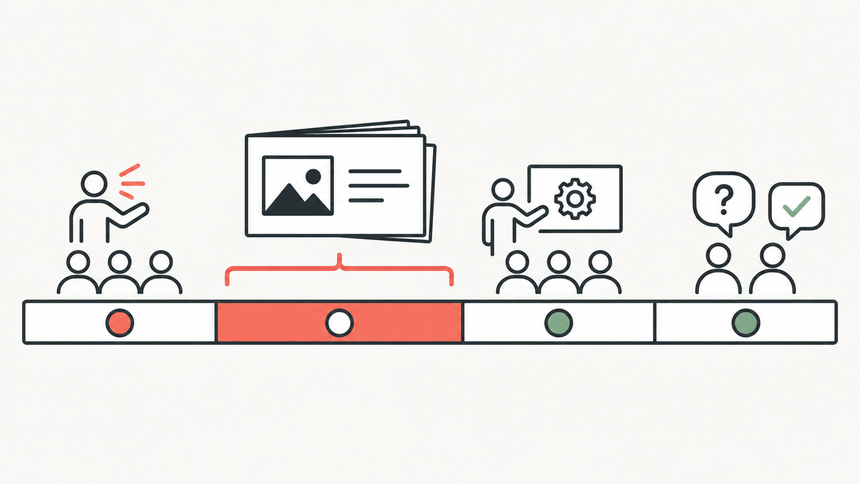
A calendar slot is not the same as content time. Subtract the opening, close, questions, demonstrations, audience exercises, speaker changes, and a small buffer. A 20-minute session with four minutes of questions and two minutes of interaction gives you about 14 minutes for the main story.
Slide density and evidence
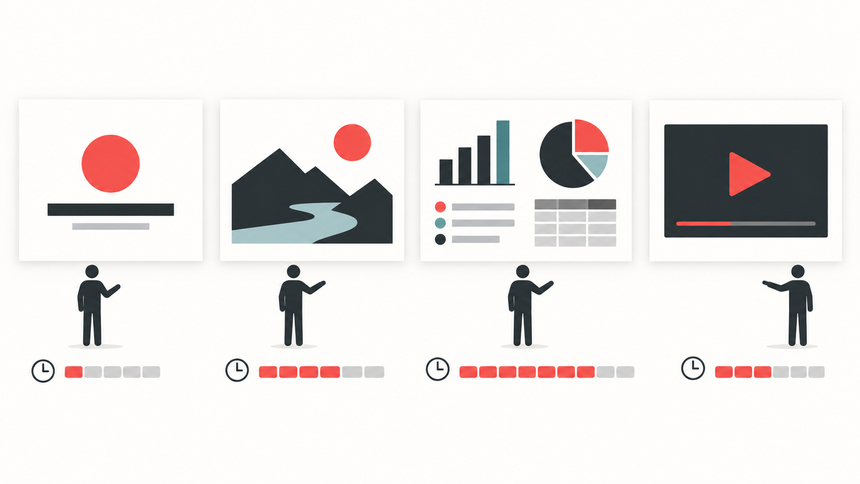
A title or single-image slide may take seconds, while a new chart, comparison, process, or recommendation can need several minutes. Splitting one crowded slide into three clearer frames does not automatically make the talk longer; adding another idea or evidence chain does.
Audience interaction and delivery format
Discussion, objections, live demonstrations, learning activities, and accessibility pauses all consume time that a slide count cannot show. A board review, lecture, sales conversation, and visual keynote may therefore use very different counts for the same session length.
How to Calculate Your Slide Count in Six Steps
Use this method after the quick-reference table gives you a starting range. Each step narrows the number until it fits the audience, content, and real delivery time.
Step 1: Calculate the minutes you can actually use
Gather the constraints. Note the scheduled session length, required question time, planned demonstration or exercise, and any handoff between speakers.
Find the usable time. Subtract those commitments before allocating content. Use this simple planning equation:
Usable content time = total session - opening and close - questions - interaction or demo - speaker transitions.
For a 20-minute session, you might reserve two minutes for the opening and close, four for questions, and two for interaction. The result is a 12-minute core-content budget.
Check the hard stop. Ask the organizer whether the advertised time includes questions. If the room, call, or next speaker requires a fixed finish, keep a small buffer instead of spending every minute.
Step 2: Write the audience outcome in one sentence
Define the audience and outcome. Write down what the audience currently understands and the action or decision expected after the presentation.
Complete this sentence: "After this presentation, [audience] should understand or decide [outcome] because [evidence]." If you need several unrelated outcomes, split the session or rank them.
For example: "After 20 minutes, the leadership team should choose one pilot market based on demand, cost, and delivery risk." That sentence becomes the filter for every proposed slide.
Remove anything that does not support the outcome. Keep useful secondary material in an appendix instead of forcing it into the main sequence.
Step 3: Give every slide one primary job
List the material the audience needs. Start from your outline, evidence, examples, recommendation, and requested next step.
Assign one primary job to every planned slide. Use a short set of functions:
- Orient: establish the question, context, or route through the talk.
- Explain: make a concept, process, or relationship understandable.
- Evidence: prove or qualify a claim with data, research, or an example.
- Compare: show the trade-offs between credible alternatives.
- Decide: state the recommendation and what approval is needed.
- Act: assign the owner, date, measure, and next checkpoint.
The storyboard should give each slide a distinct reason to exist. Two consecutive slides with the same job and the same evidence are candidates for consolidation.
Check each takeaway aloud. If a slide needs several sentences joined by "and" to explain its purpose, it may be doing too much.
Step 4: Budget time by slide function
Start from the storyboard and usable content time. The total must fit inside the speaking time calculated in Step 1, not the full calendar slot.
Estimate each slide at a realistic speaking pace. Use shorter blocks for orientation and transitions, and longer blocks for evidence, comparisons, demonstrations, and decisions. Include pauses when the audience must inspect a chart or respond.
The finished run sheet should show a time estimate beside every slide and a section total that stays inside the available minutes.
Slow down for dense content. If a slide asks the audience to read small labels, interpret a new chart, or switch context, give it more time or simplify it. Do not solve the problem by telling people to "read this quickly."
Step 5: Build a first-pass storyboard
Arrange the deck in a decision-led sequence. Bring together the audience outcome, slide jobs, and time estimates:
- Question or decision
- Essential context
- Evidence and explanation
- Alternatives or implications
- Recommendation
- Action and questions
The sequence should make sense from the slide titles alone. A useful title states a takeaway such as "Pilot A reaches the target segment at lower delivery risk," rather than a topic label such as "Market Analysis."
Check the title logic. Hide the body of every slide and read only the titles. If the reasoning jumps, add the missing idea or rewrite the order before investing in design detail.
Step 6: Rehearse at delivery speed
Rehearse the complete draft aloud. Use the actual presentation setup and a timer. Test the same screen-sharing, Presenter View, videos, speaker handoffs, and interaction you expect during delivery.
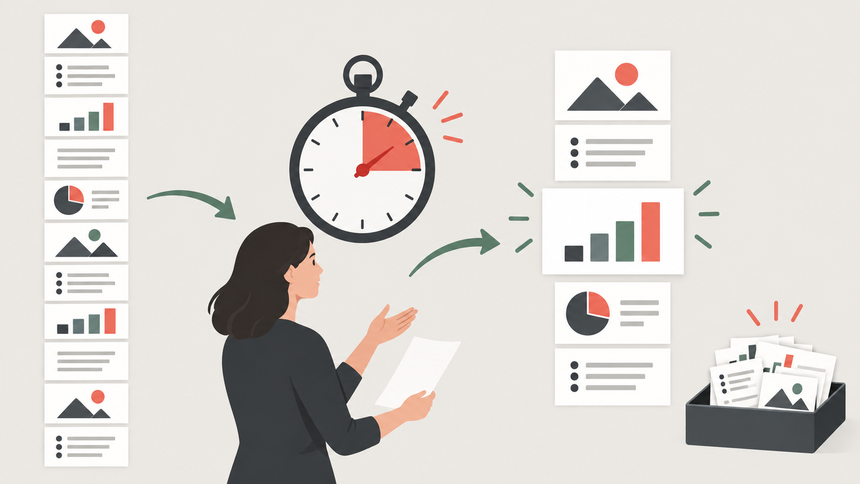
Record the time at every section boundary and mark the slides that felt rushed, repetitive, or underexplained.
If the deck runs long, cut scope before speeding up. Remove repeated context, secondary examples, and decorative transitions first. Protect the evidence and recommendation the audience needs for the decision.
Run the deck again and finish within the hard stop at a natural speaking pace.
Worked Example: 12 Main Slides for a 20-Minute Recommendation
Suppose a product team has 20 minutes to recommend one of two pilot markets. The organizer requires four minutes for questions, and the team wants a two-minute audience check before the recommendation.
| Section | Time budget | Planned slides |
|---|---|---|
| Opening and decision | 1 minute | 1 |
| Context and evaluation criteria | 2 minutes | 2 |
| Evidence for both markets | 5 minutes | 4 |
| Risks and trade-offs | 2 minutes | 2 |
| Audience check | 2 minutes | 1 prompt slide |
| Recommendation and action | 2 minutes | 2 |
| Questions | 4 minutes | 1 holding slide plus appendix |
| Close and buffer | 2 minutes | No additional slide required |
The main story uses 12 slides, plus a question screen and backup evidence. Twelve is not the "correct" count for every 20-minute presentation; it is the count produced by this audience, purpose, and timing plan.
How Slide Count Changes by Presentation Type
Executive or board review
Use fewer main slides and deeper evidence. Decision-makers may spend several minutes challenging one chart. Put supporting calculations and scenario details in clearly labeled backup slides.
Sales presentation
Leave time for discovery and objections. A responsive conversation often needs fewer fixed slides than a scripted demo. Keep optional proof points ready without forcing them into the main path.
Class lecture or training
Plan around learning cycles: explain, demonstrate, practice, check. More visual build steps may be appropriate, but the activity time reduces the minutes available for exposition.
Conference talk
A visual narrative may use many fast, simple frames. Test the venue, remote control, video, and speaker transitions because operational friction changes the real pace.
Product demonstration
Count the live demonstration as a timed section rather than a single "demo slide." Prepare a static fallback for critical steps and reserve time to recover from a failed login or network change.
When Slide-Count Rules Help, and When They Do Not
The one-slide-per-minute rule
The familiar advice of "one or two slides per minute" can be a rough sense check, but it fails when treated as a production quota. A title slide may take ten seconds. A chart that carries the recommendation may need two minutes. A live demonstration may use one visual while consuming five minutes.
Use the ratio as a warning light, not a quota. If the first draft is far outside the starting range, inspect the content and timing; the final decision still comes from an out-loud rehearsal.
The 10/20/30 rule
Guy Kawasaki's 10/20/30 rule is a focused heuristic for a pitch: ten slides, 20 minutes, and no type smaller than 30 points. It is useful as a constraint for that scenario, but it is not a universal answer for lessons, reports, workshops, or product demonstrations.
For its origin, intended use, and practical limitations, read Presenti's dedicated guide to the 10/20/30 presentation rule.
Common Slide-Count Mistakes
- Counting the entire calendar slot as speaking time.
- Using a slides-per-minute formula as a quota.
- Giving a dense chart the same time as a transition slide.
- Keeping repeated context while rushing the recommendation.
- Shrinking text to preserve an arbitrary number of slides.
- Putting all supporting evidence in the main flow instead of an appendix.
- Rehearsing silently rather than speaking and advancing the real deck.
- Ignoring demonstrations, handoffs, accessibility needs, or audience response time.
Draft and Rehearse the Storyboard with Presenti

Presenti is an AI presentation maker for turning an idea or source material into a structured, editable slide draft. In this workflow, use it after you have defined the audience outcome, usable speaking time, and the evidence the deck must include.
Start with a prompt that names the session length, reserved question time, audience, decision, and required evidence. You can also provide a URL or PDF when the source suits the task. The AI-assisted presentation workflow lets you review the outline before generating the full deck and refine the resulting slides in the editor.
Then apply the timing method from this article: give each slide one job, verify every claim against the source, and rehearse at real delivery speed. Presenti can accelerate the first draft, but it cannot decide how long your audience needs to inspect a chart or discuss a recommendation.
Frequently Asked Questions
How many slides should a 5-minute presentation have?
Start with roughly three to six focused slides, then adjust for the format. A single recommendation may need only three. A rapid visual story may use more. Reserve time for the opening and closing sentence.
How many slides should a 10-minute presentation have?
Six to ten main slides is a practical starting range for many talks. Use fewer when the audience must study evidence or ask questions, and more only when each visual is simple and advances quickly.
How many slides should a 15-minute presentation have?
Eight to fourteen main slides is a practical starting range when the session includes explanation and evidence. Use fewer for discussion-heavy or technical material, and more only when the visuals are simple and move quickly.
How many slides should a 20-minute presentation have?
Ten to eighteen main slides is a useful starting range, not a rule. The worked example above produces twelve main slides because eight minutes are reserved for interaction, questions, close, and buffer.
How many slides should a 30-minute presentation have?
Start with roughly fifteen to twenty-five main slides, then subtract time for questions, discussion, demonstrations, and breaks in pace. A board review may use far fewer, while a visual conference talk may use more.
Do title and question slides count?
Count every slide you plan to advance through, but separate main-story, holding, and backup slides in your plan. The audience experiences all of them even if they are not content-heavy.
Is one slide per minute a good rule?
It is only a rough initial estimate. Slide function matters more: a simple visual may take seconds, while a consequential chart or demonstration may require several minutes.
The Bottom Line: Let Rehearsal Set the Final Count
The best slide count is the smallest complete sequence that helps a specific audience reach the intended outcome within the time you can actually use. Calculate that time, assign one job to each slide, budget by function, and rehearse. When the deck runs long, protect the evidence and decision while removing repetition.