SlidesGPT, ChatGPT, and Presenti offer different ways to create a presentation. This guide compares their source inputs, editing workflows, and delivery requirements, including the distinction between free drafting and a downloadable file.

Why AI Slides Generators Matter in 2026
Preparing a deck involves both content decisions and layout work. An AI draft can help organize the material, but the useful comparison is how much editing the final presentation needs.
Slides AI tools eliminate that friction. You provide the content or the topic, and the AI handles structure, layout, and design automatically. The result arrives in minutes rather than hours, and the quality floor has risen dramatically in 2026.
Start with your source material and final format. The three options below illustrate different routes; they are not a ranking based on search volume, usage, or output quality.
1. ChatGPT: Content and Available File Tools
ChatGPT is the starting point most people reach for first when they think about AI GPT for slides creation. The instinct makes sense. ChatGPT is free, widely accessible, and genuinely excellent at generating structured content.
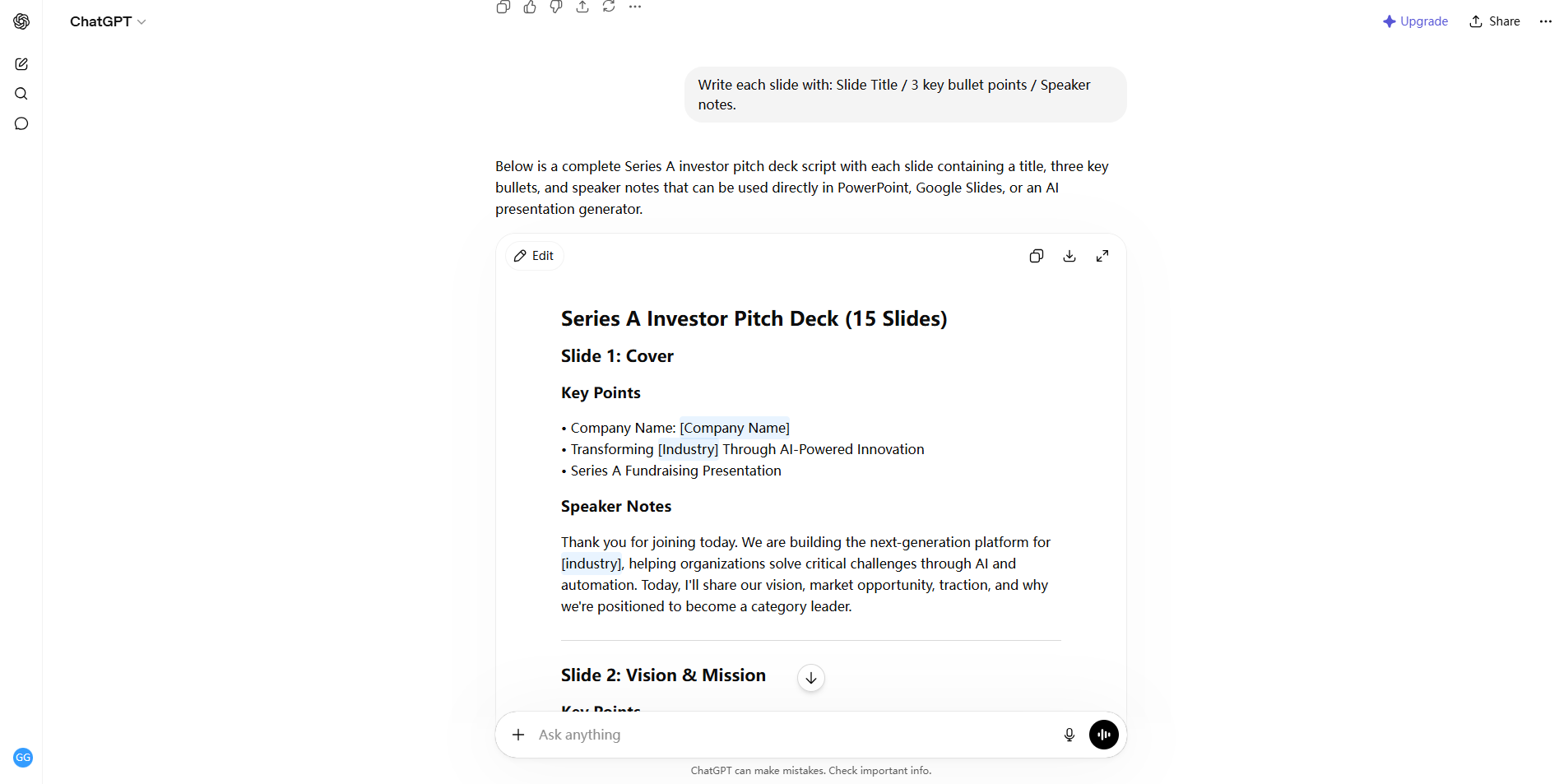
What ChatGPT does well:
- Generates slide-by-slide outlines from a detailed prompt
- Writes body content, speaker notes, and slide titles
- Adapts tone and structure for different audiences
- Refines output through follow-up prompts
File creation and review:
ChatGPT can help create or revise a PowerPoint file when presentation or file-generation tools are available. It can also draft outlines, slide text, and speaker notes. Account, workspace, and enabled tools affect the available workflow.
Best ChatGPT prompt for slides:
You are a senior presentation consultant.
Create a 12-slide business presentation outline:
- Topic: [Your topic]
- Audience: [Your audience]
- Required sections: [List your sections]
- Format: Title + key message + 3 bullet points per slide
- Include speaker notes for each slide
Use ChatGPT to develop the content or create a presentation file with the tools available in your account. Review the finished slides for factual accuracy, layout, and editability.
2. SlidesGPT: Free Preview and Paid Consumer Exports
SlidesGPT is a presentation-generation service with browser, ChatGPT, and developer-oriented products. Select the relevant product before comparing its inputs, editing controls, and download terms.
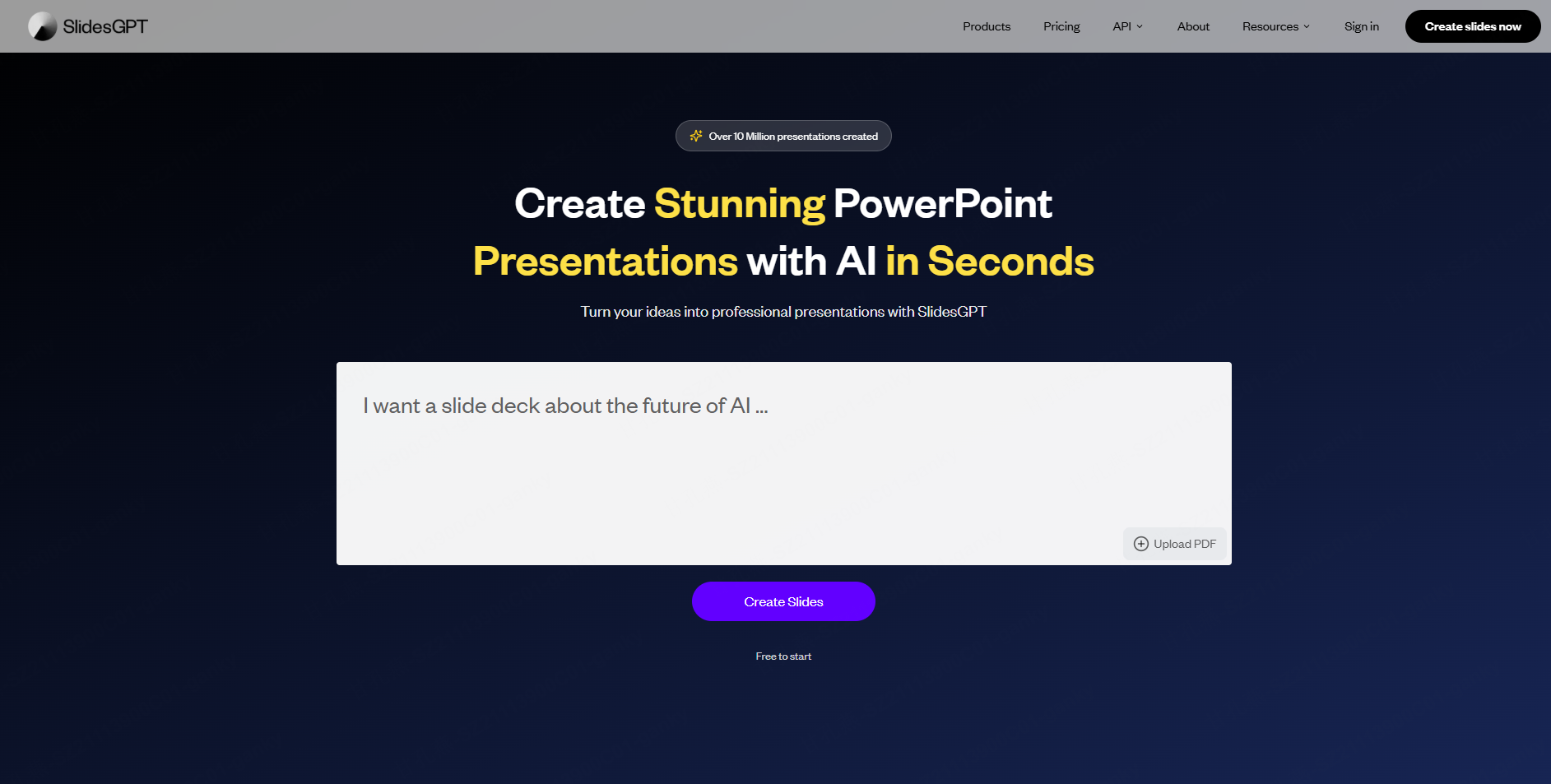
How Slides GPT works:
You enter a topic or paste text, choose from the available slides GPT template options, and the tool generates a complete deck. The output can be downloaded directly as a PowerPoint file. For users who need a fast, no-frills presentation from a simple input, SlidesGPT delivers quickly.
Slides GPT free download options:
SlidesGPT’s consumer Free Starter plan allows users to create, view, and share presentations. PowerPoint, PDF, and Google Slides exports are listed under paid plans. Its API has a separate access model; API allowances are not free downloads in the consumer app.
Key features:
- Text-to-slides generation from prompts or pasted content
- PowerPoint download on paid consumer plans
- Template library covering common presentation styles
- Simple, fast interface with minimal configuration
What to evaluate:
Test SlidesGPT with the brief and source material you expect to use. Its product family includes document-based workflows, so a blanket claim that it cannot accept files would be misleading. Check the selected product’s inputs and inspect an export before committing.
3. Presenti AI: Outline and Slide Editing
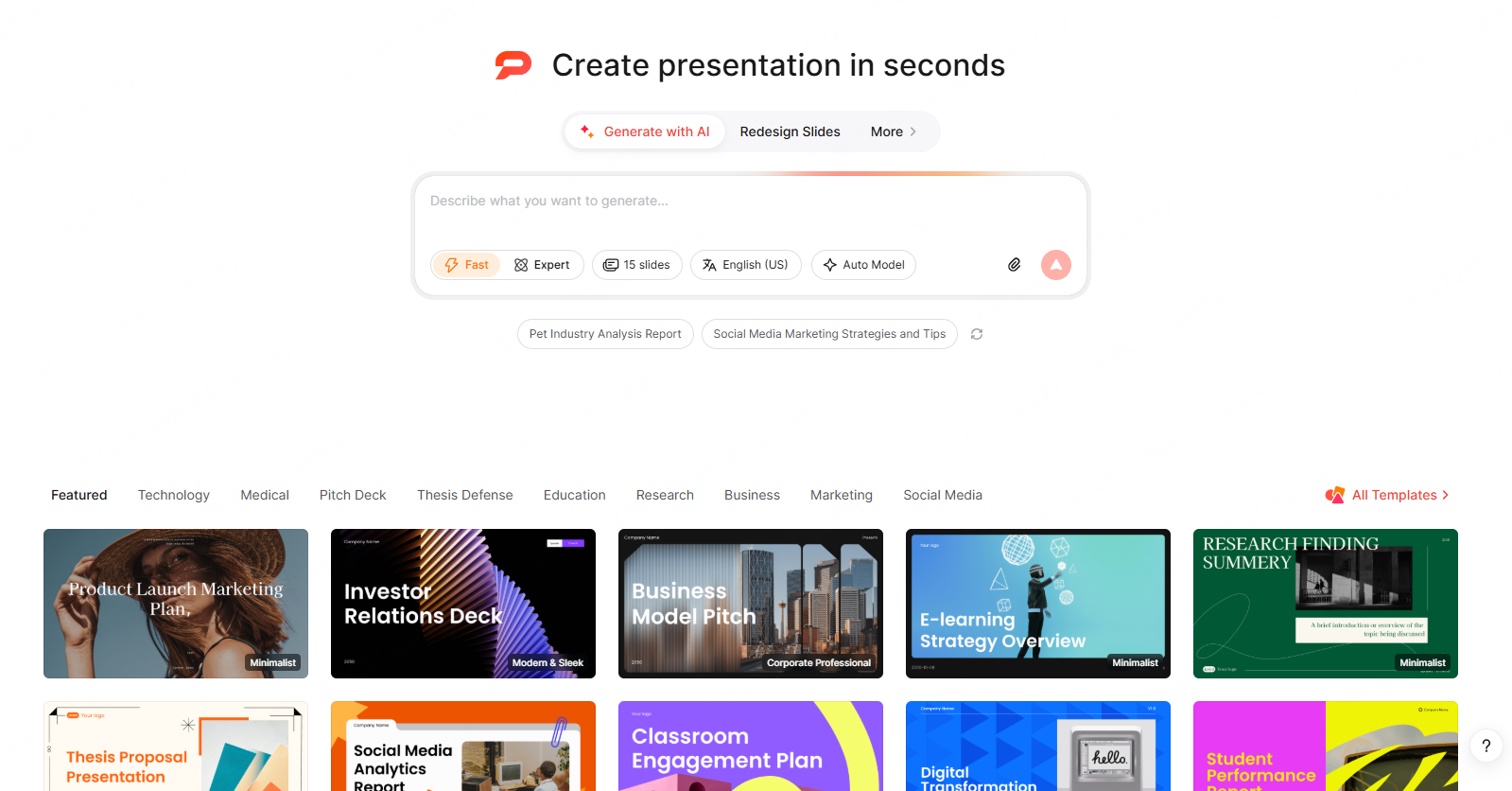
Presenti AI provides a presentation-focused workflow: generate an outline from supported input, choose a design, edit the slides, and export using the options included in your plan.
What makes Presenti AI different:
Presenti offers several input routes. Upload a Word document, a PDF report, a Markdown file, an audio file, or a mind map. Paste a URL. Type a detailed prompt. Presenti accepts all of these and converts them into complete, designed slide decks in minutes.
The AI does not just reformat your content into bullet points on slides. It reads the structure of your input, identifies the narrative arc, assigns appropriate layout types to each individual slide — comparison layouts, data callouts, process flows, timelines, section dividers — and maintains visual consistency across the full deck.
Key features:
- Text prompts, Word, PDF, Markdown, audio, mind map, and URL input
- Hundreds of professional templates across business, education, pitch deck, and marketing contexts
- Standard layouts: Pyramid, Timeline, Data and Chart, Comparative, Process and Flow, and more
- Professional layouts: SWOT, PEST, PDCA, Golden Circle, Fishbone Diagram, Funnel Progressive, and more
- Slide Polisher: upload a supported .pptx file up to 100 MB and review the resulting text, images, tables, and basic charts
- In-browser editor for post-generation refinement
- Export to PPTX and PDF
Presenti access: The free plan has limited AI credits and Markdown/XMind input. Paid plans list Word/PDF/TXT input and editable PPTX/PDF exports. Audio and other generation features have their own plan allowances.
Slides GPT Comparison: Feature-by-Feature
| Feature | ChatGPT | Slides GPT | Presenti AI |
|---|---|---|---|
| Text prompt input | Yes | Yes | Yes |
| Document upload (Word, PDF) | Supported files and account limits | Depends on SlidesGPT product | Word/PDF listed on paid plans |
| URL to presentation | Available browsing or connected tools | Check selected product | Supported link workflow; check access |
| Audio / mind map input | Depends on input tools and file type | Check selected product | Audio allowances; XMind input |
| Free PPT download | Depends on account and file tools | Paid consumer plans | Paid plans |
| Free PDF export | Depends on account and file tools | Paid consumer plans | Paid plans |
| Template variety | Reference decks or available templates | Available themes | Template library |
| Professional frameworks (SWOT, PDCA) | Can draft framework content | Evaluate with your brief | Framework layouts |
| Design quality | Inspect the generated file | Inspect the generated file | Inspect the generated file |
| Existing PPT beautification | Available presentation-editing tools | Check editing workflow | PPTX beautifier up to 100 MB |
| In-browser editor | Chat and available file tools | Check selected product | Slide editor |
| Best for | Content generation | Quick basic decks | Complete presentations |
Which AI Slides Generator Should You Choose?
The right tool depends entirely on what you are trying to accomplish.
Choose ChatGPT when:
You want to develop an argument conversationally or create a deck using available presentation tools. Provide the source material, intended audience, and any template or editing requirements.
Choose SlidesGPT when:
You want to evaluate a dedicated presentation generator. Preview a deck with the free consumer workflow, then compare paid export terms with your delivery needs.
Choose Presenti AI when:
You need a complete, professionally designed presentation from content you already have — a PDF report, a Word document, a URL, or a detailed prompt. You want layout intelligence that goes beyond bullet lists. You need templates that cover real professional contexts including strategic frameworks like SWOT and PDCA. Or you have an existing .pptx file that needs a design upgrade without a full rebuild.
You do not need all three tools. Try one route with the same short brief and evaluate the outline, corrections, visual design, and final file before adding another service.
Frequently Asked Questions
Is SlidesGPT free to download?
The consumer free plan supports creating, viewing, and sharing decks. PowerPoint, PDF, and Google Slides exports are listed on paid consumer plans. The separate developer API has different allowances.
Can ChatGPT generate slides directly?
Yes, where presentation or file-generation tools are available. It can create or revise a PowerPoint file as well as draft content. Check the tools enabled for your account and review the output.
What should I compare in free access?
Check generation limits, supported sources, editing tools, and whether a downloadable file is included. Free drafting and free editable export are different offers.
How do I use a Slides GPT template?
Visit slidesgpt.com, enter your topic or paste your content, browse the available template styles, and select the one that fits your presentation context. The tool generates a complete deck based on your input and chosen template, which you can then download and customize in PowerPoint.
Which tool produces the best design?
Use the same brief and inspect each deck for readable text, accurate charts, consistent styling, and editing effort. No comparative output test was performed for this guide.
Choose by Input and Delivery
Choose a workflow around the material you have and the file you need. ChatGPT can support conversation and file creation, SlidesGPT offers dedicated generation products, and Presenti provides outline and slide-editing tools.
For either SlidesGPT or Presenti, distinguish the free draft from paid consumer export. Check the selected plan before building a deck that must be delivered as a PowerPoint file.
Start a draft in Presenti AI with a topic or supported outline, then review the slides and the export options available in your account.