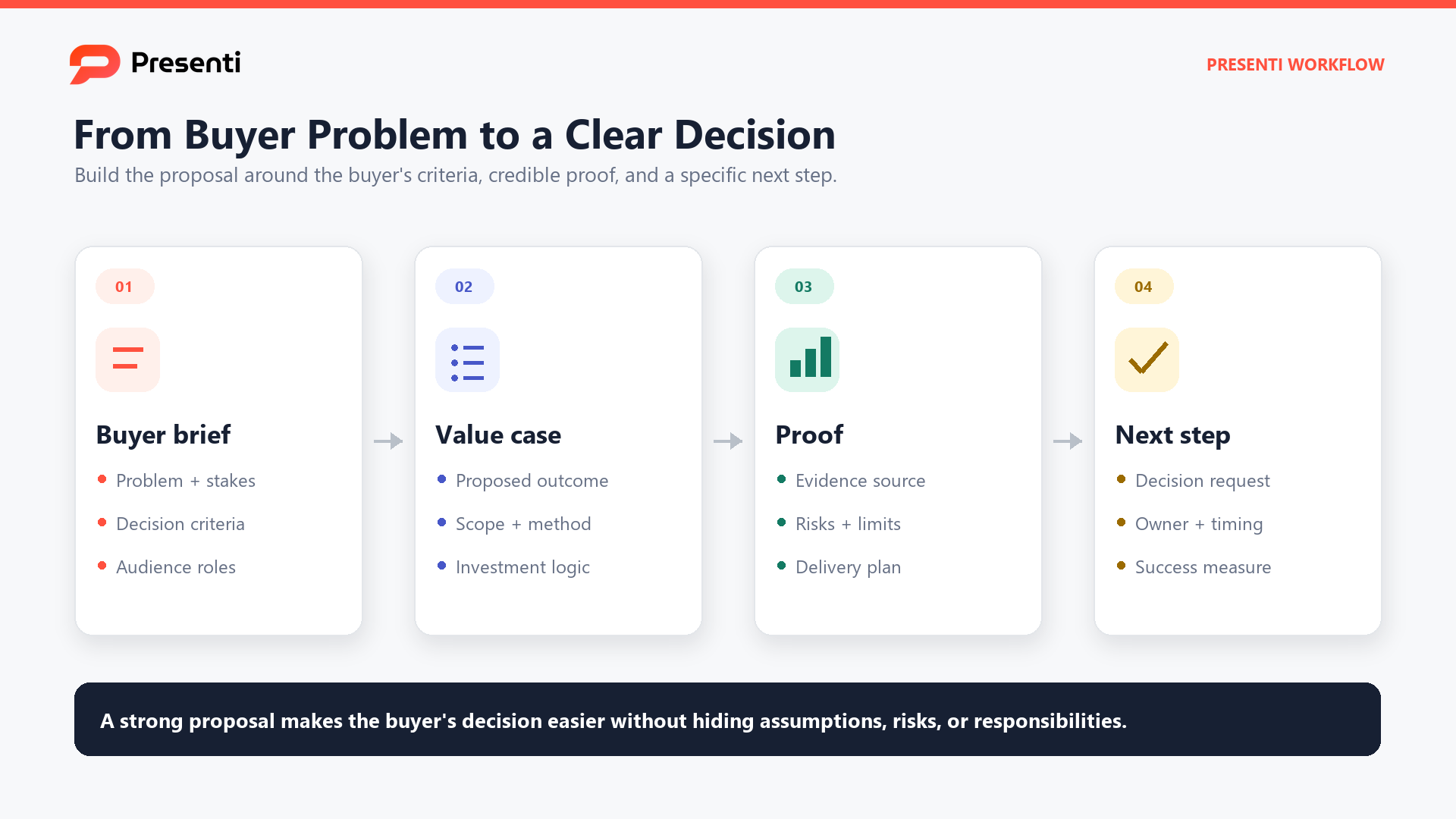
A business proposal presentation is a short decision document for a prospective client, partner, or internal sponsor. It should make the request, problem, proposed solution, evidence, scope, investment, and next step easy to evaluate without forcing the audience to reconstruct the argument from a long written proposal.
Use this template when the audience must decide whether to approve a project, continue a buying conversation, or fund a defined piece of work. It is different from a generic company overview and from a sales pitch deck: the proposal is anchored to a specific buyer problem, deliverable, commercial boundary, and decision path. For an agency or campaign engagement, use the marketing proposal structure to separate deliverables, media spend, client dependencies and measurement responsibilities. For a grant review instead of a buying decision, use the grant proposal presentation example to connect need, method, budget and intended outcomes.
What Decision Should the Proposal Presentation Support?
Write the decision in one sentence before opening a slide editor. A useful version names who is deciding, what they are approving, the outcome sought, and when the decision is needed. For example: "Approve a six-week onboarding redesign for Northstar's support team, including research, prototype, and implementation plan, by October 3."
The sentence becomes a filter for the deck. Keep a slide in the main path when it helps the buyer answer one of these questions:
- Do you understand our problem and constraints?
- Is the proposed approach credible and specific?
- What will we receive, when, and from whom?
- What will it require from our team?
- What will it cost, and what assumptions could change that cost?
- What decision or input is required next?
Personalize the opening with the prospect's language, not a generic industry paragraph. Use discovery notes, an approved brief, or a problem statement that the buyer has confirmed. Do not invent pain points, outcomes, testimonials, or customer names to make the deck sound more persuasive.
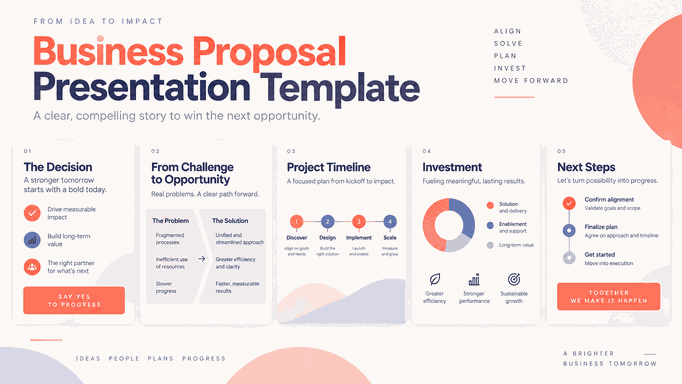
A good proposal presentation is a compressed route from problem to decision. A decision-ready executive summary slide can serve as the first substantive page, provided it states the buyer-specific ask rather than repeating a company overview.
What Slide Structure Follows the Buyer's Evaluation?
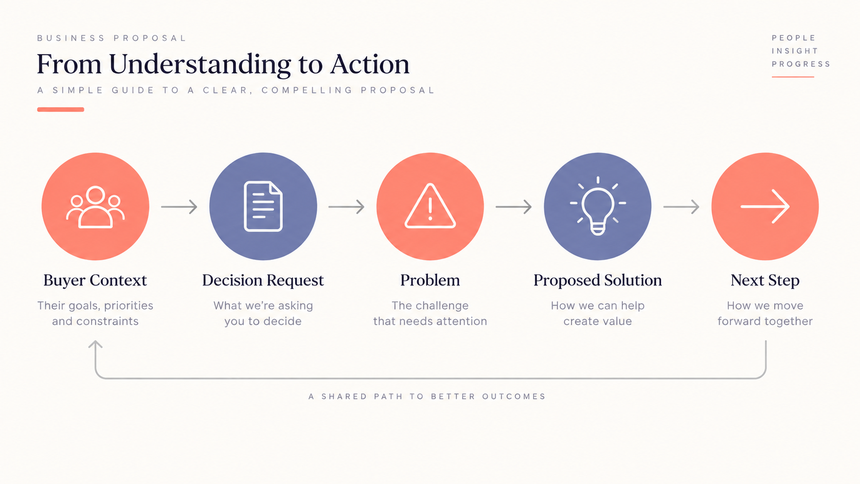
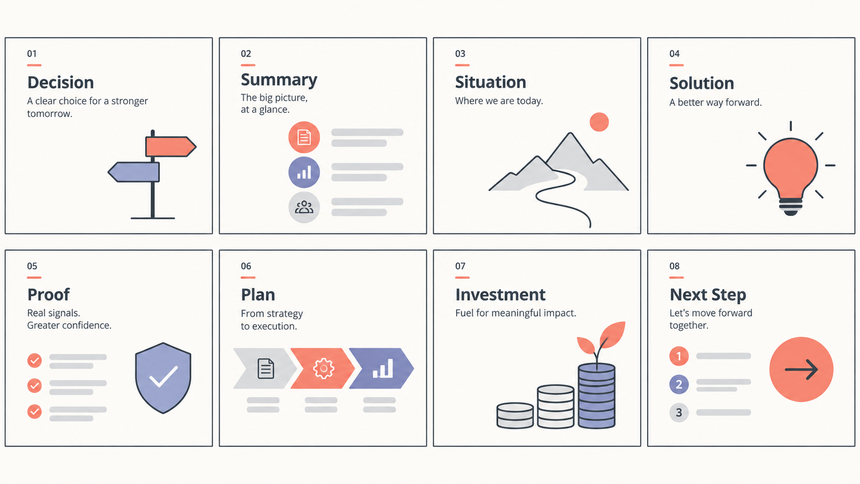
The exact count should follow the decision, but most proposals need a compact main path and a detailed appendix. A practical structure is:
| Slide or section | Question it answers | What to include |
|---|---|---|
| Title and decision | What is this and why now? | Prospect, proposal name, date, and one-sentence ask |
| Executive summary | What are you recommending? | Problem, approach, expected value, scope, and decision required |
| Current situation | What have you understood? | Buyer context, evidence, constraints, and cost of inaction where verified |
| Proposed solution | What will you do? | Workstreams, deliverables, exclusions, and how the approach addresses the problem |
| Proof and fit | Why should we trust this approach? | Relevant experience, method, case evidence, or demonstration with source notes |
| Plan and responsibilities | How will the work run? | Milestones, inputs, roles, dependencies, and review points |
| Investment and assumptions | What commitment is required? | Pricing structure, payment timing, assumptions, options, and change conditions |
| Decision and next step | What happens after this meeting? | Decision owner, target date, immediate input, and contact path |
Do not force every section into a separate slide. Combine closely related ideas when the slide can still be scanned, and move evidence that supports questions rather than the main decision to an appendix. Conversely, split a slide when the buyer would need to compare two different questions, such as scope and pricing.
Use the structure as a starting point, then check every page against the buyer’s decision. Each page should answer a specific question or establish an input needed for approval.
How Do You Explain Problem, Solution, and Value?
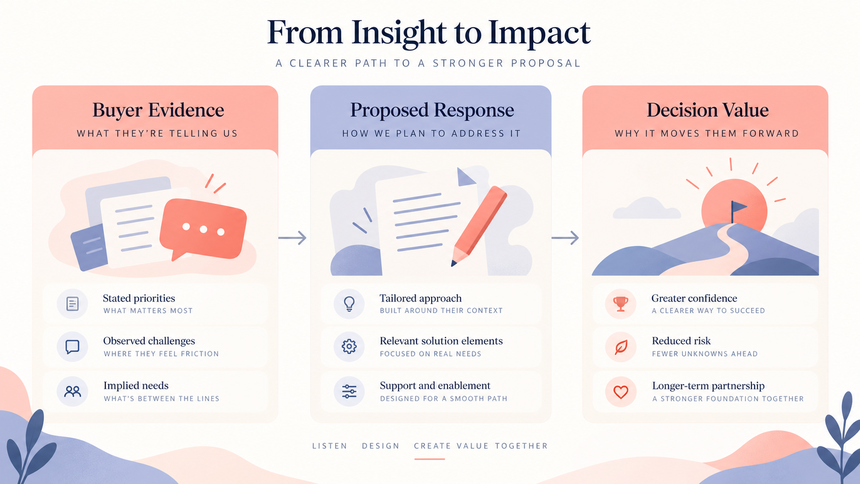
The proposal earns trust when the solution is visibly connected to the buyer's situation. Use a simple three-column logic:
| Buyer evidence | Proposed response | Expected decision value |
|---|---|---|
| Support requests are routed manually and ownership is unclear | Map the intake flow, prototype triage states, and define an implementation backlog | Give the team a reviewed process and a buildable handoff |
| Campaign reporting takes several days to reconcile | Standardize KPI definitions and create a monthly reporting workflow | Reduce debate about numbers and focus the review on action |
| Sales teams reuse a generic deck across segments | Build a modular narrative with segment-specific proof and a review checklist | Make the next customer conversation more relevant |
Use evidence the buyer can recognize: an approved requirement, a process sample, a baseline, a meeting note, or a source-backed observation. Label assumptions separately. If the expected result is a forecast, scenario, or hypothesis, say so. Avoid "guaranteed," "best," "seamless," and similar language unless a contract or verified evidence supports it.
Put the value in the buyer's terms. "Twelve redesigned slides" is an output. "A reusable executive reporting deck that shows the result, driver, risk, and decision" explains why the output matters. Keep the value statement scoped to the proposal's deliverables and decision horizon.
Include a short "not included" line where scope confusion is likely. Explicit exclusions protect the buyer and the delivery team. They also make the price easier to interpret because the proposal is not pretending that every adjacent task is covered.
How Should You Show Scope, Timeline, Pricing, and Roles?
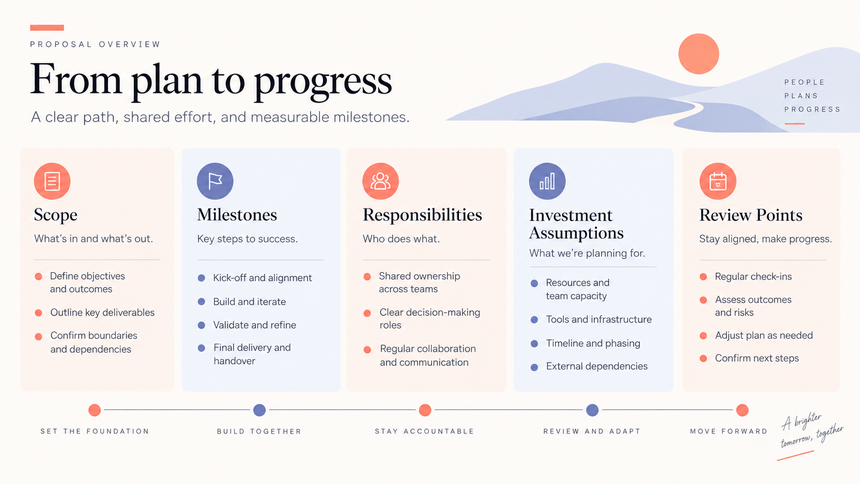
Buyers do not evaluate a solution in isolation. They evaluate the commitment required to start and complete it. Make the operating model visible without burying the audience in project-management detail.
- Scope: Name the workstreams, deliverables, review rounds, and exclusions. Use the same nouns in the proposal, statement of work, and follow-up email.
- Timeline: Show milestones and decision points, not a decorative calendar. Explain what can move the date, such as approvals, source access, or stakeholder availability.
- Responsibilities: Identify the buyer inputs, your owner, decision makers, and review windows. A timeline without responsibilities is only an aspiration.
- Pricing: Present the amount, unit, payment timing, tax or expense assumptions when relevant, and what triggers a change. Do not hide commercial terms in a tiny footnote.
- Options: If you offer packages, make the trade-off explicit. Do not create three nearly identical options that force the buyer to decode the difference.
Use a milestone table when dates and handoffs are the decision. Use a workstream map when scope and ownership are the decision. Use a comparison table when options differ materially. A matrix-style comparison can help, but do not turn a proposal into a competitive analysis unless that is actually the buyer's question.
When a commercial figure is still under review, label it as an estimate or range and state the dependency. Never create a fake precise number to make a slide look complete.
How Do You Add Proof, Risks, and a Clear Next Step?
Proof should answer the buyer's actual risk, not fill a template slot. Choose the smallest evidence unit that establishes fit:
- A relevant case study with the original context and source.
- A work sample or walkthrough that shows the method and output.
- A baseline and diagnostic that make the recommendation specific.
- A qualified reference or credential that the buyer has permission to verify.
- A pilot plan that limits the first commitment and defines the review.
Do not present a generic logo wall, invented metric, anonymous testimonial, or borrowed competitor example as proof. If evidence is confidential, describe the method and limitation without exposing the source.
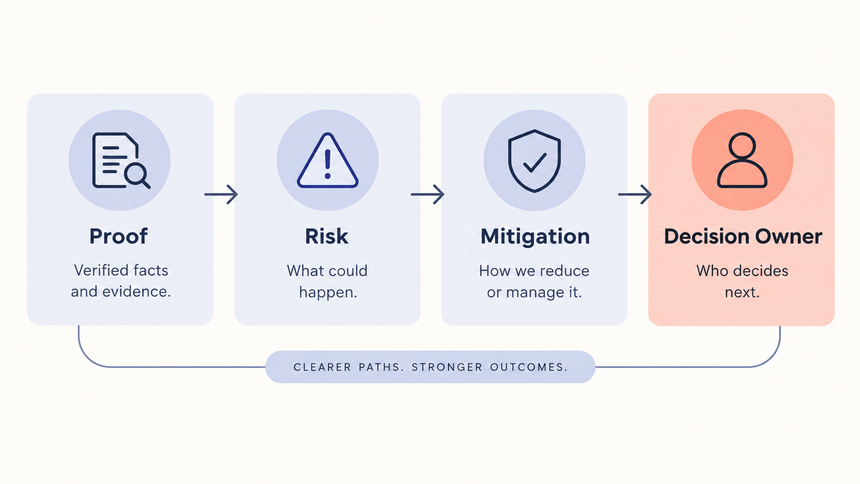
Make risk visible in the proposal. List the main dependency, what could change, the mitigation, and the decision owner. A risk section builds credibility when it is specific. "There may be delays" is not useful. "The timeline assumes the client supplies the approved data dictionary by October 7; otherwise the KPI workshop moves to the next review slot" is actionable.
Close with one decision path. Tell the audience what to approve, who owns the decision, what information is needed, and what happens after approval. The close should not introduce a new promise or a second product pitch.
How Can Presenti Help You Draft and Review the Proposal?
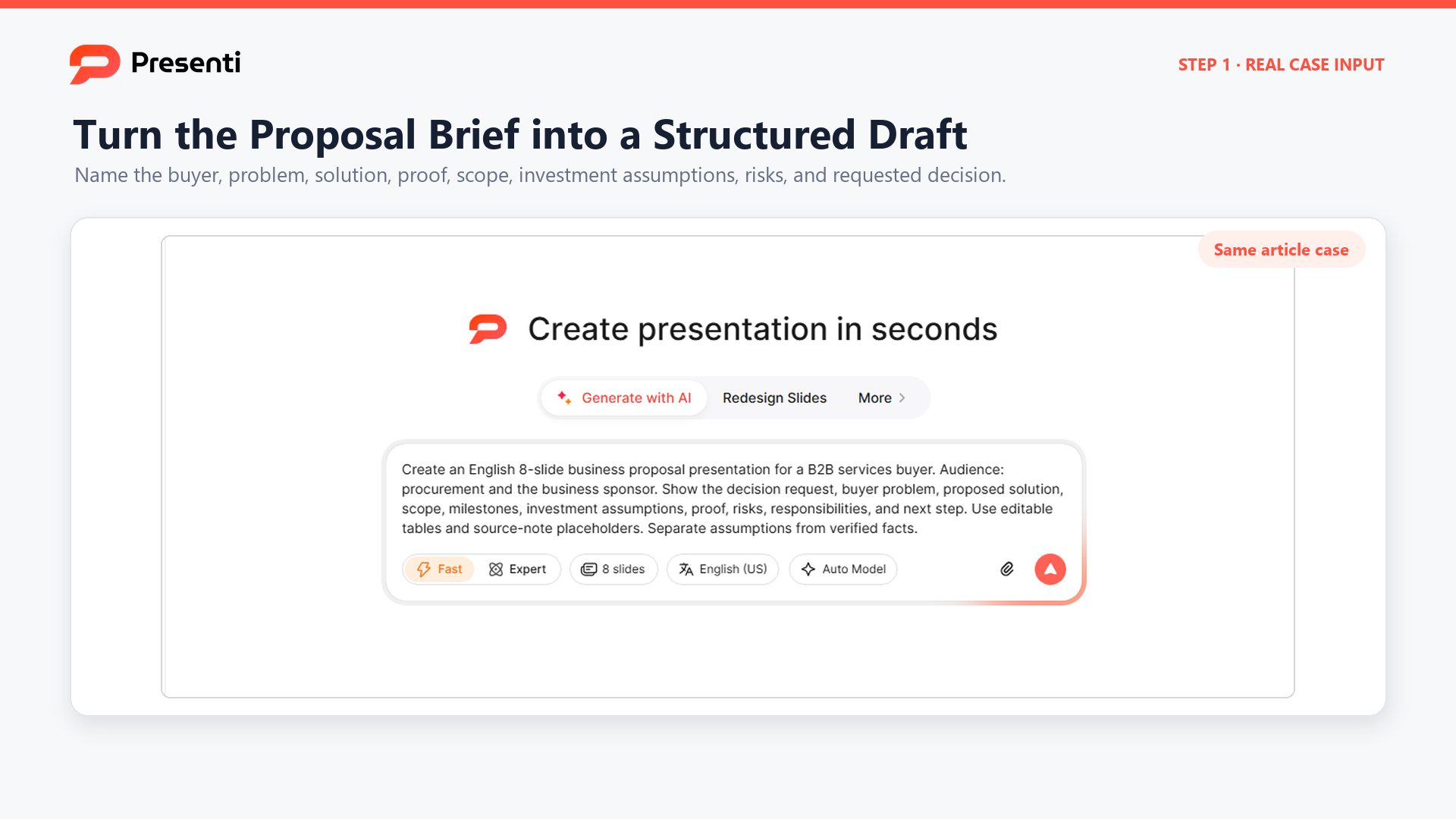
Start with the approved brief, discovery notes, scope, pricing assumptions, proof assets, and required decision. Ask Presenti for an editable first draft that follows the approved structure. The useful input is not "make a convincing proposal." It is the buyer context, the decision sentence, the deliverables, evidence, constraints, and review path.
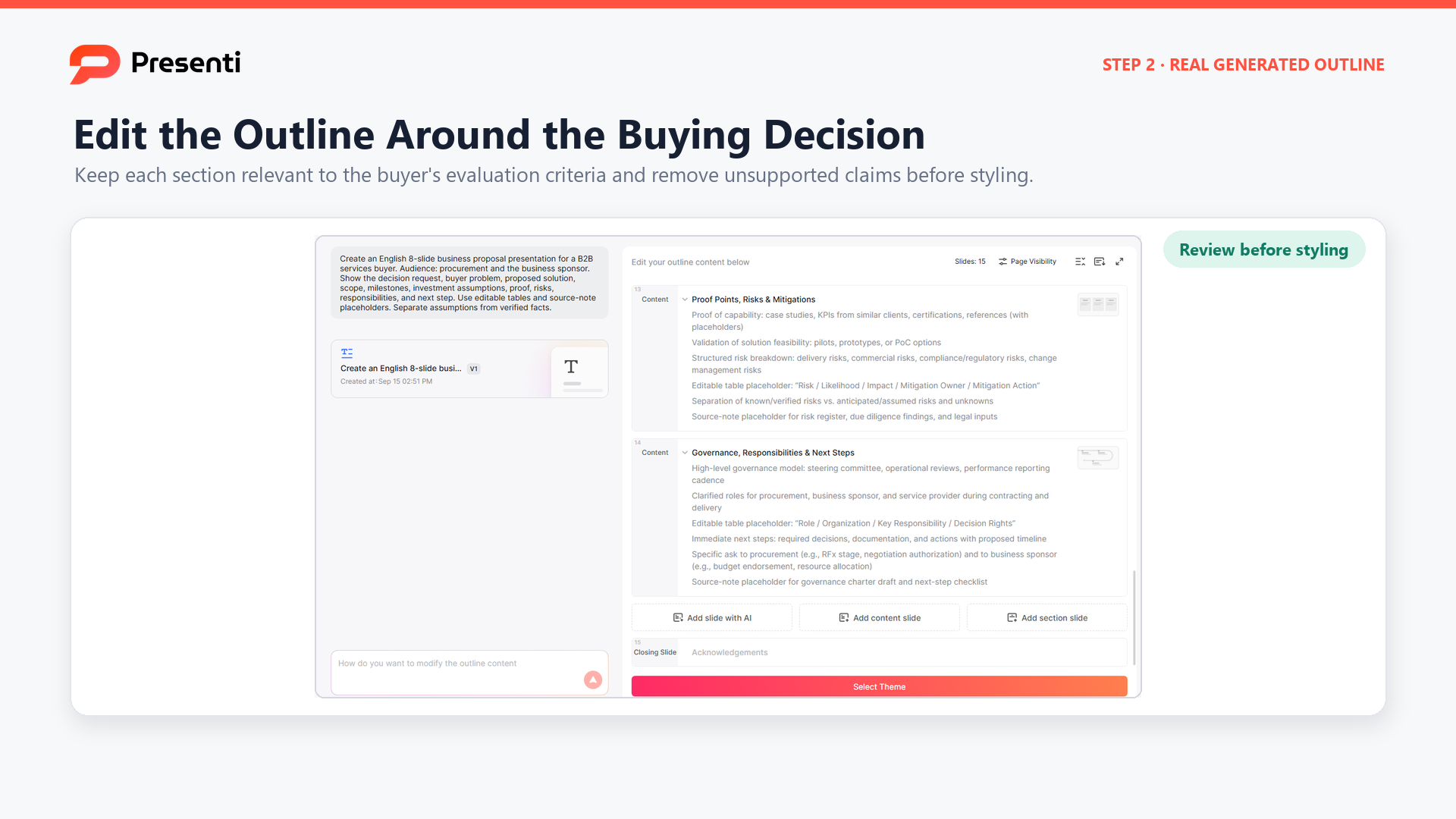
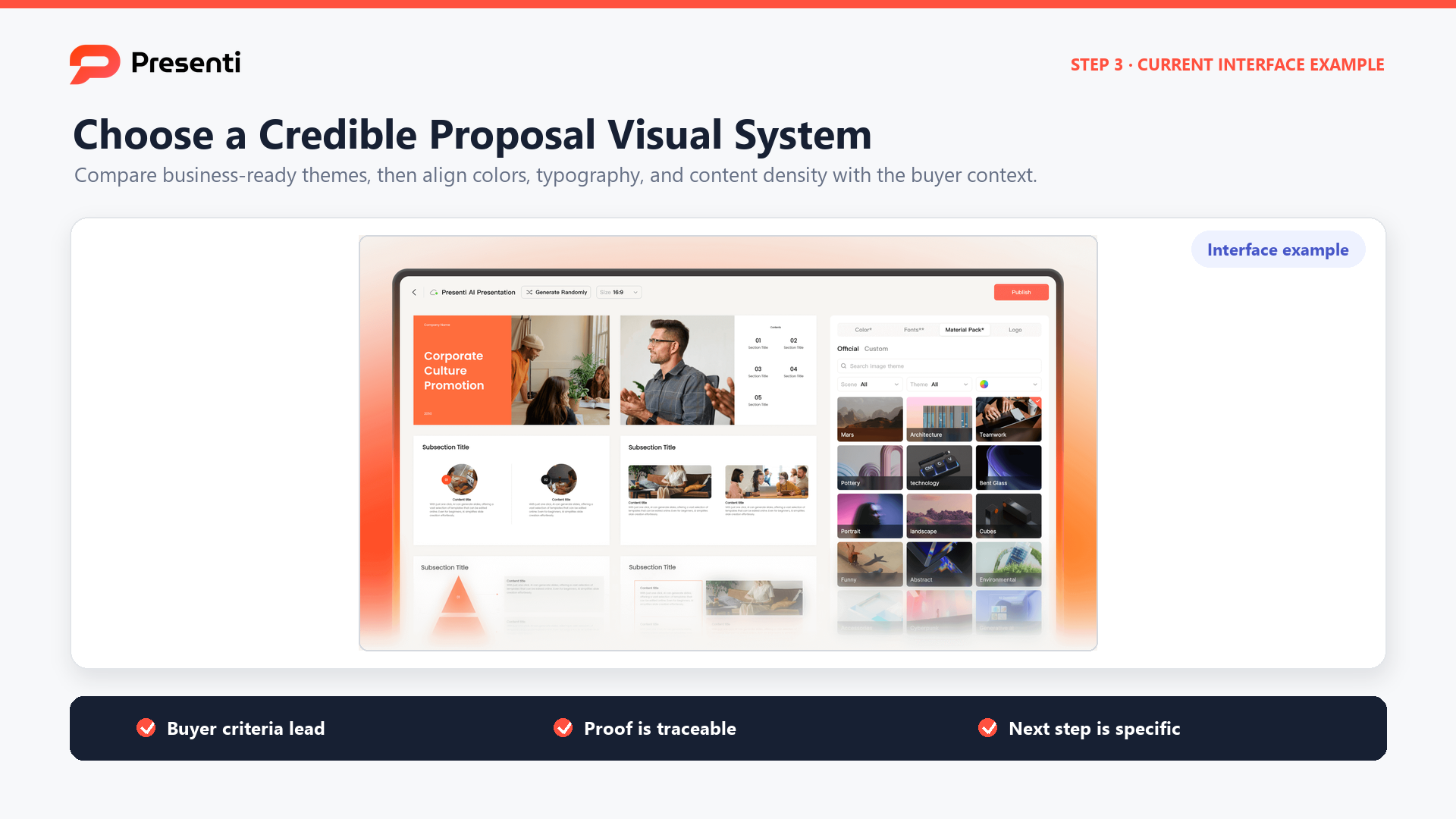
After generation, inspect the deck against the source. Check that the prospect name, problem, scope, dates, prices, case evidence, and next step are accurate. Rewrite generic headlines so each one describes the proposal's conclusion. Confirm that the slides remain editable and that no generated claim is treated as verified merely because it sounds plausible.
Use a final buyer test: can someone who did not attend discovery explain the problem, proposed solution, commitment, risk, and next action from the deck alone? If not, improve the narrative before improving decoration.
Frequently Asked Questions
How many slides should a business proposal presentation have?
Use the fewest slides that let the buyer evaluate the decision. A compact proposal may need seven to twelve main slides, with detailed evidence in an appendix. The correct count depends on scope, risk, and the number of decisions.
What is the difference between a proposal and a pitch deck?
A proposal responds to a defined buyer need with scope, deliverables, investment, assumptions, and a next step. A pitch deck may create interest in a company, product, or opportunity before a specific scope is agreed.
Should pricing appear in the proposal presentation?
Yes when the audience is expected to evaluate or approve the commercial commitment. Show the amount or range, assumptions, payment timing, and what would change it. If pricing is intentionally deferred, explain why and name the next step.
How can I make a proposal feel personalized?
Use the buyer's confirmed problem, language, constraints, decision criteria, and relevant proof. Personalization is more than adding a logo or company name to a generic template.
What should the final slide say?
State the decision, owner, timing, required input, and immediate next action. Include contact details or a meeting path when appropriate. Do not end with a vague "questions?" slide if the proposal requires approval.
Bottom Line
A business proposal presentation should help a named audience make a specific decision. Start with the buyer context and ask, move through problem, solution, proof, scope, timeline, investment, and risk, then close with an owned next step. Keep assumptions visible, separate verified evidence from expectations, and review the editable draft against the source before it reaches the buyer.