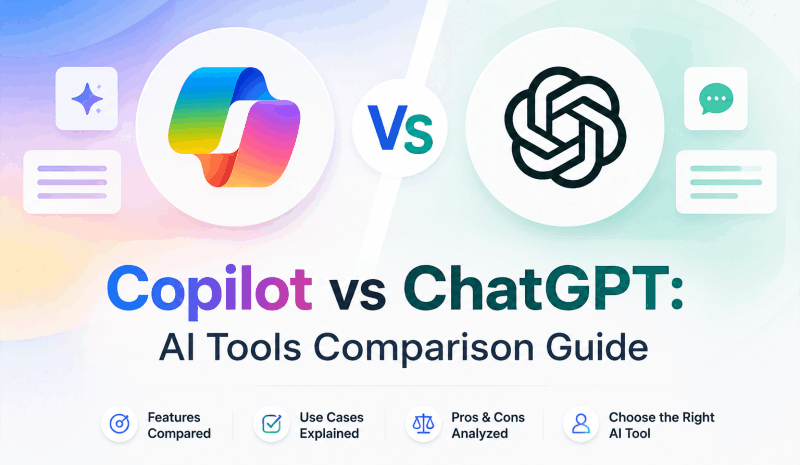
Everyone seems to have an opinion. Your colleague swears by Copilot vs ChatGPT as if it’s a sports rivalry, while your IT department just quietly rolled out Microsoft 365 Copilot across the company. If you’ve searched for a clear answer and landed on feature lists that tell you nothing useful — you’re not alone.
This guide cuts through the noise. Rather than listing specs in a vacuum, we look at how each tool performs in real work scenarios: writing, research, and especially presentation creation, where both tools have surprising blind spots.
What Is ChatGPT?
ChatGPT is a conversational AI assistant developed by OpenAI, built on the GPT-4o model. It handles an impressively wide range of tasks — drafting documents, writing and debugging code, translating text, summarizing lengthy reports, and generating images via DALL·E 3. You access it through a standalone web app at chat.openai.com or a mobile app, and you can extend its capabilities through thousands of custom GPTs in the GPT Store.
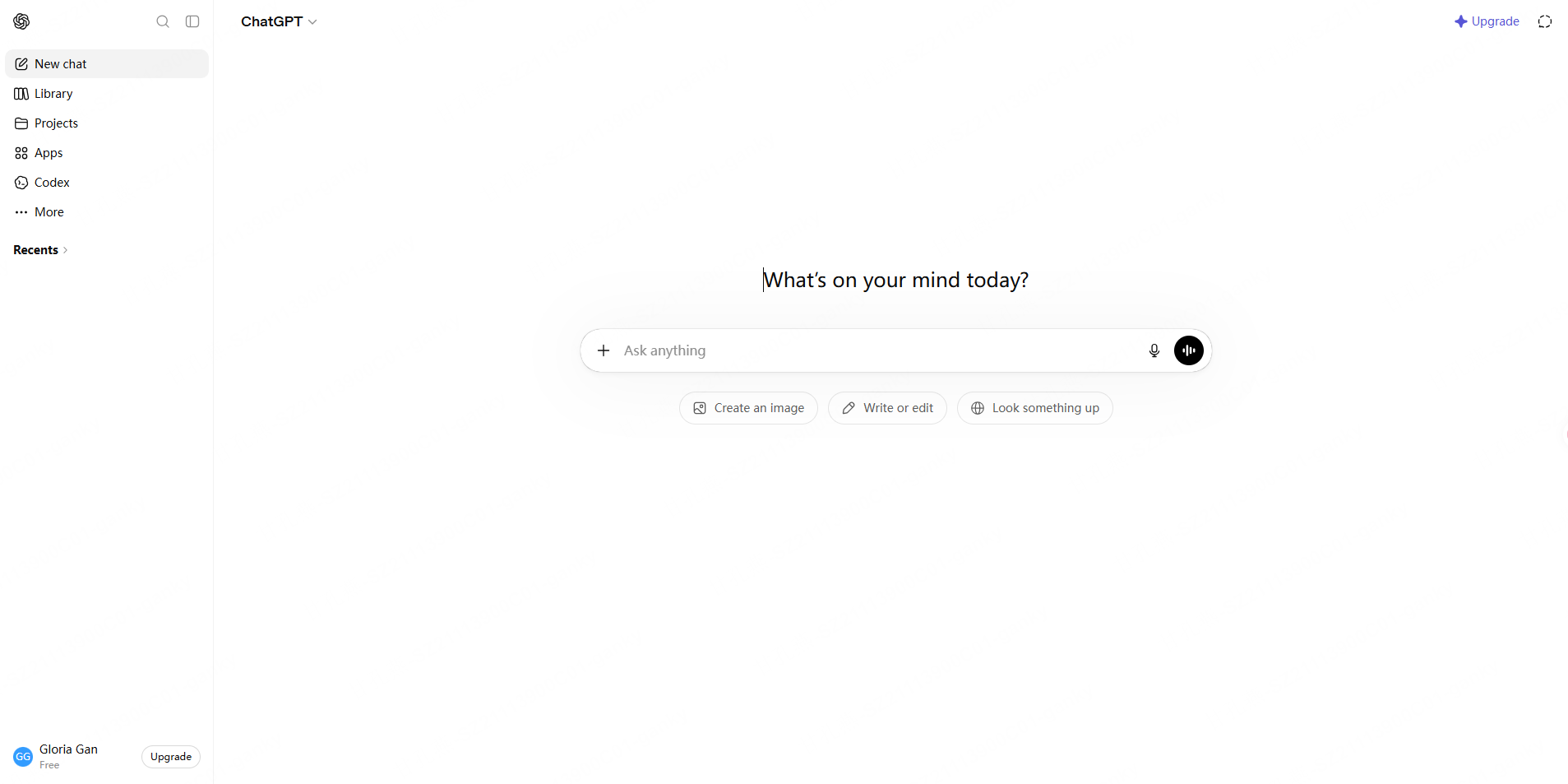
Core ChatGPT features:
- Natural language conversation across complex, multi-layered topics
- Code generation and debugging across major programming languages
- Document summarization — upload PDFs and text files for instant analysis
- Image generation powered by DALL·E 3
- Custom GPT creation for specialized, repeatable workflows
ChatGPT pricing:
| Plan | Monthly Cost | Key Features |
|---|---|---|
| Free | $0 | GPT-4o mini, basic features |
| Plus | ~$20/month | GPT-4o, DALL·E, advanced analysis |
| Team | ~$25/user/month | Team collaboration, higher usage limits |
| Enterprise | Custom pricing | Enhanced security, unlimited usage |
What Is Microsoft Copilot?
Microsoft Copilot is an AI assistant built through Microsoft’s partnership with OpenAI. It started life as Bing Chat, but it has since grown into something far more embedded — woven directly into Windows, Microsoft 365 (Word, Excel, PowerPoint, Teams, Outlook), and the Edge browser. If you live inside the Microsoft ecosystem, Copilot meets you where you already work.
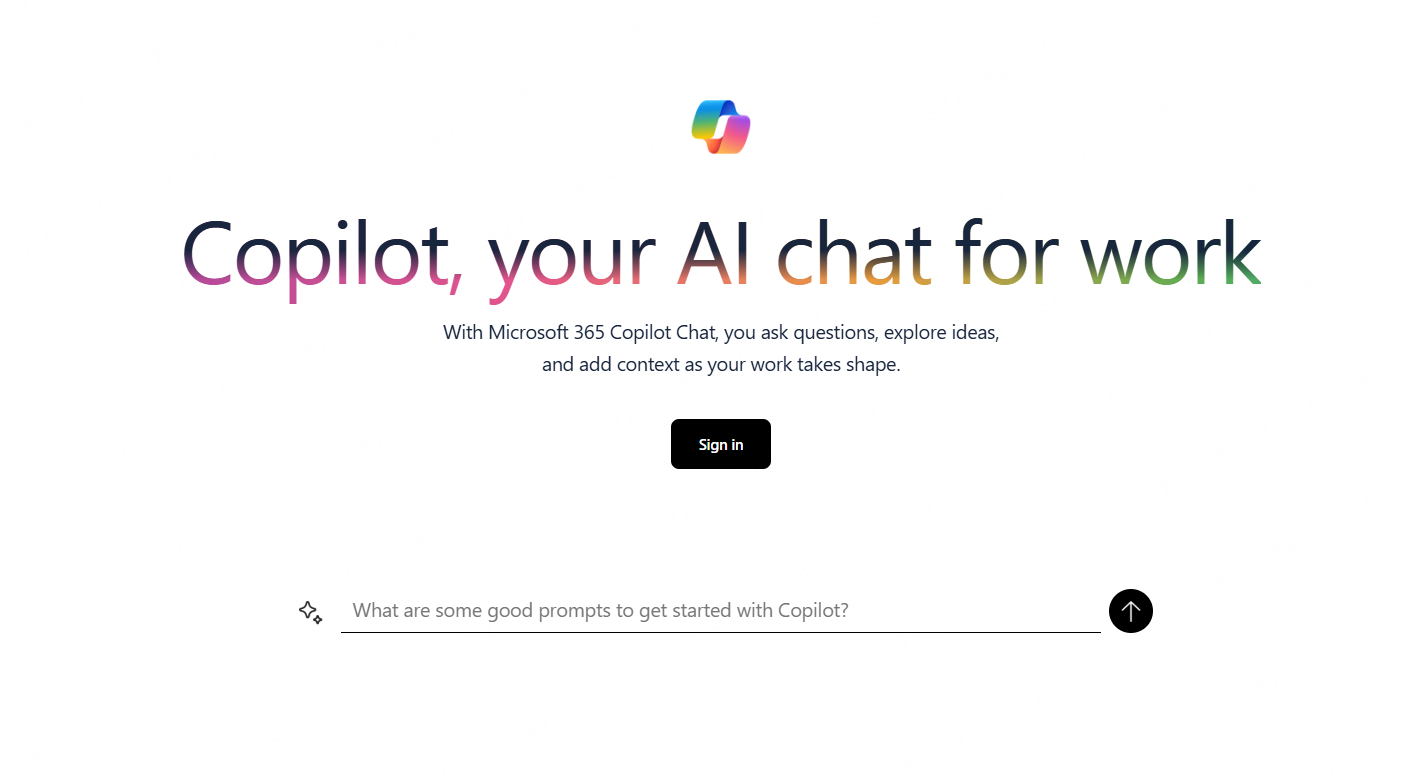
Core Copilot features:
- Microsoft 365 integration: draft in Word, auto-generate formulas in Excel, build slides in PowerPoint
- Real-time web search via Bing — always pulling current information
- Image generation through Microsoft Designer (DALL·E-based)
- Windows-level integration with files, apps, and system settings
- Teams integration for meeting summaries, chat analysis, and task automation
Copilot pricing:
| Plan | Monthly Cost | Key Features |
|---|---|---|
| Free | $0 | Web-based chat, basic features, Bing search |
| Copilot Pro | ~$20/user/month | Microsoft 365 personal app integration |
| Microsoft 365 Copilot | ~$30/user/month | Full enterprise M365 integration |
Copilot vs ChatGPT: 6 Key Differences
1. Ecosystem and Integrations
This is the single biggest dividing line. ChatGPT is platform-agnostic — it connects with third-party apps via API and works independently of any particular software stack. Copilot is purpose-built for the Microsoft ecosystem. If Word, Excel, and Teams are your daily tools, Copilot’s embedded experience feels seamless. If your team runs on Google Workspace, that advantage disappears entirely.
2. Real-Time Information Access
Copilot comes with Bing web search switched on by default. Breaking news, live stock prices, freshly published announcements — it pulls them in without you asking. ChatGPT offers web search on paid plans, but free-tier users work within a training data cutoff. For time-sensitive research, Copilot has the edge out of the box.
3. Reasoning Depth and Conversation Quality
Complex analysis, long-form reasoning, and creative writing — this is where ChatGPT consistently leads. The GPT-4o model, combined with OpenAI’s advanced reasoning models (o1, o3), delivers more nuanced, consistent outputs. Coding challenges, mathematical problem-solving, and deep research tasks all benefit from this depth.
4. Image Generation Value
Both platforms use DALL·E under the hood. The difference is access: ChatGPT Plus users face generation limits, while Copilot’s free tier includes a daily allowance of image generations. For casual image needs, Copilot offers better free-tier value.
5. Privacy and Enterprise Security
For organizations with strict data policies, both tools offer enterprise-grade security — but the right choice depends on where your existing IT infrastructure lives. Microsoft 365 Copilot stores and processes data within your existing M365 tenant, which many IT teams find easier to manage. ChatGPT Enterprise offers comparable protections but operates outside the Microsoft stack.
6. Copilot vs ChatGPT Overall Value Comparison
| Feature | ChatGPT | Microsoft Copilot |
|---|---|---|
| Free tier depth | Broad | Moderate |
| Best-value paid plan | Plus (~$20/mo) | M365 Copilot (~$30/mo) |
| Enterprise app integration | API-based | Built-in M365 |
| Real-time web search | Paid plans | Free tier included |
| Free image generation | Limited | Daily free allowance |
| Native PPT creation | Not available | Requires M365 Copilot license |
Copilot vs ChatGPT for PPT: Where Both Fall Short
Here’s something the marketing pages don’t highlight. When you put Copilot vs ChatGPT for PPT head to head, neither tool is as capable as it first appears.
1. How to Use ChatGPT for PPT
ChatGPT can write a slide outline or generate structured content — but it cannot produce an actual .pptx file. You get text. You still have to open PowerPoint, paste everything in, and format it yourself. The AI part ends well before the finished slide deck begins. Read more in this article: How to Use ChatGPT to Make a PPT Presentation
2. How to use Copilot for PPT
Learning how to use Copilot for PPT is surprisingly low-friction for existing Microsoft users. Open PowerPoint, click the Copilot button in the ribbon, and type what you need in plain language. No new accounts. No new apps. It’s already there.
ChatGPT requires navigating to chat.openai.com or opening the mobile app, then constructing a prompt. Slightly more setup — but it works in any browser without requiring specific software.
Step 1: Ensure you have an active Microsoft 365 Copilot license (an add-on costing ~$30/user/month).
Step 2: Your source document must be saved in OneDrive or SharePoint — local files won’t work.
Step 3: Open PowerPoint and launch Copilot from the ribbon.
Step 4: Reference your document and prompt Copilot to generate slides.
The output is functional, but the constraints are significant:
- PDF files cannot be used as direct input
- Design template variety is limited
- The workflow locks you entirely inside the Microsoft ecosystem
- The licensing cost adds up quickly for small teams or freelancers
Presenti: The Better AI Presentation Tool
This is the gap that Presenti fills — and it fills it well.
Presenti is an AI presentation maker built specifically for generating polished, professional slide decks from a variety of source formats. Where both ChatGPT and Copilot stumble on presentations, Presenti delivers.
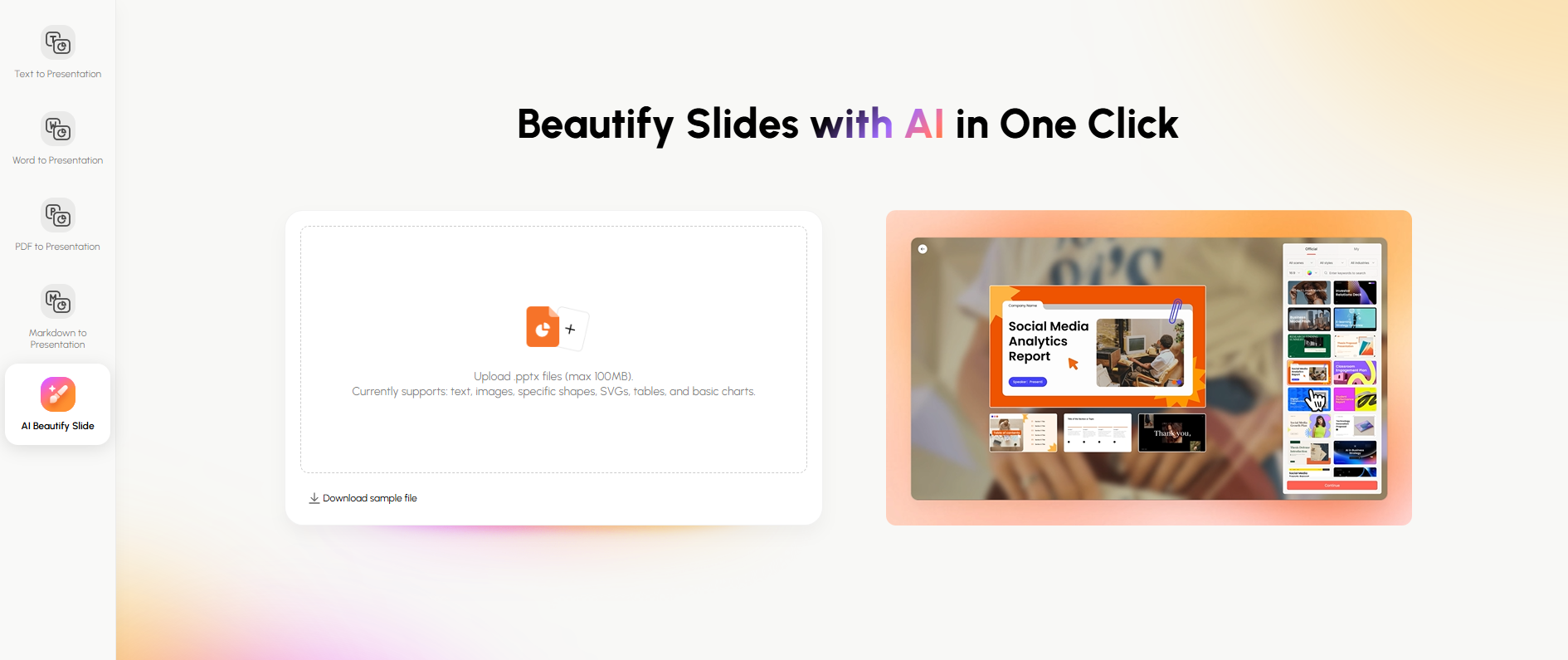
What makes Presenti different:
- Multi-format input: Upload a PDF, Word document, Markdown file, or simply type a prompt. No OneDrive dependency. No SharePoint prerequisite. Your local files work directly.
- Free .pptx export with no watermark: Presenti’s free plan lets you export a fully editable PowerPoint file — no credit card required, no watermark attached. You can test the actual output quality before committing to a subscription.
- Rich template library: Business reviews, pitch decks, educational materials, marketing campaigns, technical presentations — Presenti covers them with professionally designed templates that go well beyond Copilot’s PowerPoint defaults.
- Works outside the Microsoft ecosystem: Generated .pptx files are fully compatible with PowerPoint, including animations, slide masters, and transitions — no Microsoft subscription needed to create or export.
Feature comparison: Copilot vs ChatGPT vs Presenti for presentations
| Feature | ChatGPT | Microsoft Copilot | Presenti |
|---|---|---|---|
| Slides from text prompt | Outline only | Yes | Yes |
| Word document input | No | OneDrive only | Any Word file |
| PDF input | No | No | Yes |
| Markdown input | No | No | Yes |
| Free .pptx export (no watermark) | No | Requires M365 license | Yes |
| Template variety | N/A | Limited | Extensive |
| Microsoft subscription required | No | Yes (for PPT) | No |
AI Tools in 2026: Which Should You Choose?
Choose ChatGPT when:
- Your work centers on deep research, complex reasoning, or creative writing
- You need platform-agnostic AI that works across any software stack
- You’re a developer integrating AI into your own products via API
- You want access to the broadest library of custom GPTs
Choose Copilot when:
- Microsoft 365 is the core of your daily workflow
- Your organization already provides an M365 Copilot license
- You need real-time web search on a free or low-cost plan
- You work primarily within OneDrive and SharePoint
Choose Presenti when:
- You need professional presentations fast — from PDFs, Word docs, or just a prompt
- You want AI slide generation without a $30/month add-on license
- You need a watermark-free .pptx file on a free plan
- You work outside the Microsoft ecosystem as a freelancer, startup, or small team
FAQ
Do Copilot and ChatGPT use the same AI model?
Both are built on OpenAI’s GPT technology, but Microsoft applies additional tuning to Copilot for M365 integration and enterprise use cases. The underlying architecture is similar; the implementation differs.
What is the difference between Copilot free and paid?
The free tier offers web-based chat, Bing search, and limited image generation. Copilot Pro (~$20/month) unlocks Copilot features inside Microsoft 365 personal apps. The full enterprise Microsoft 365 Copilot tier adds company-wide M365 integration at a higher per-user cost.
Can ChatGPT make a PowerPoint presentation?
ChatGPT can write slide content and structure, but it cannot generate an actual .pptx file. You’d need to manually transfer the output into PowerPoint or Google Slides. For a complete AI-generated presentation file, a dedicated AI slides generator like Presenti is a more direct solution.
Is learning how to use Copilot for PPT difficult?
Not for existing Microsoft users. Open PowerPoint, click the Copilot button in the ribbon, and enter your request in plain language. The catch is that source documents need to be stored in OneDrive or SharePoint, and you need the M365 Copilot license active.
Which tool is better in 2026?
It depends entirely on your use case. For general AI assistance and deep analytical work, ChatGPT leads. For Microsoft-integrated workflows, Copilot is the natural choice. For AI presentation creation specifically, Presenti outperforms both — faster, cheaper, and with broader input support.
Conclusion
The Copilot vs ChatGPT question doesn’t have a single right answer — and anyone who tells you otherwise is oversimplifying. ChatGPT excels at nuanced reasoning, creative tasks, and developer integrations. Copilot wins inside the Microsoft ecosystem, particularly for users who already live in Teams, Word, and Excel.
But when it comes to Copilot vs ChatGPT for PPT, both tools reveal limitations that many users only discover after buying in. ChatGPT can’t export a slide file. Copilot can, but only under specific licensing and storage conditions that make it expensive and restrictive.
If AI presentation creation is part of your workflow — even occasionally — Presenti is worth trying before you default to either tool. Upload a document, enter a prompt, and have a fully designed, editable .pptx file in minutes. No Microsoft subscription required. No watermarks. Start free at Presenti and see the difference for yourself.