A multi-presenter presentation works best when the audience hears one argument, not three shorter talks joined together. Agree on the decision you want, divide responsibility for explaining it, and write the handovers before polishing individual sections. The handover needs to transfer both the idea and control of the screen.
This guide focuses on a team sharing one presentation. It uses a worked example with three speakers, exact transition lines, and a recovery plan for a missing speaker. If you are running a webinar with one main teacher and a host, the webinar run-of-show guide covers that different arrangement.
Use Presenti to draft one shared presentation from an agreed brief, rather than generating three unrelated decks and joining them later.
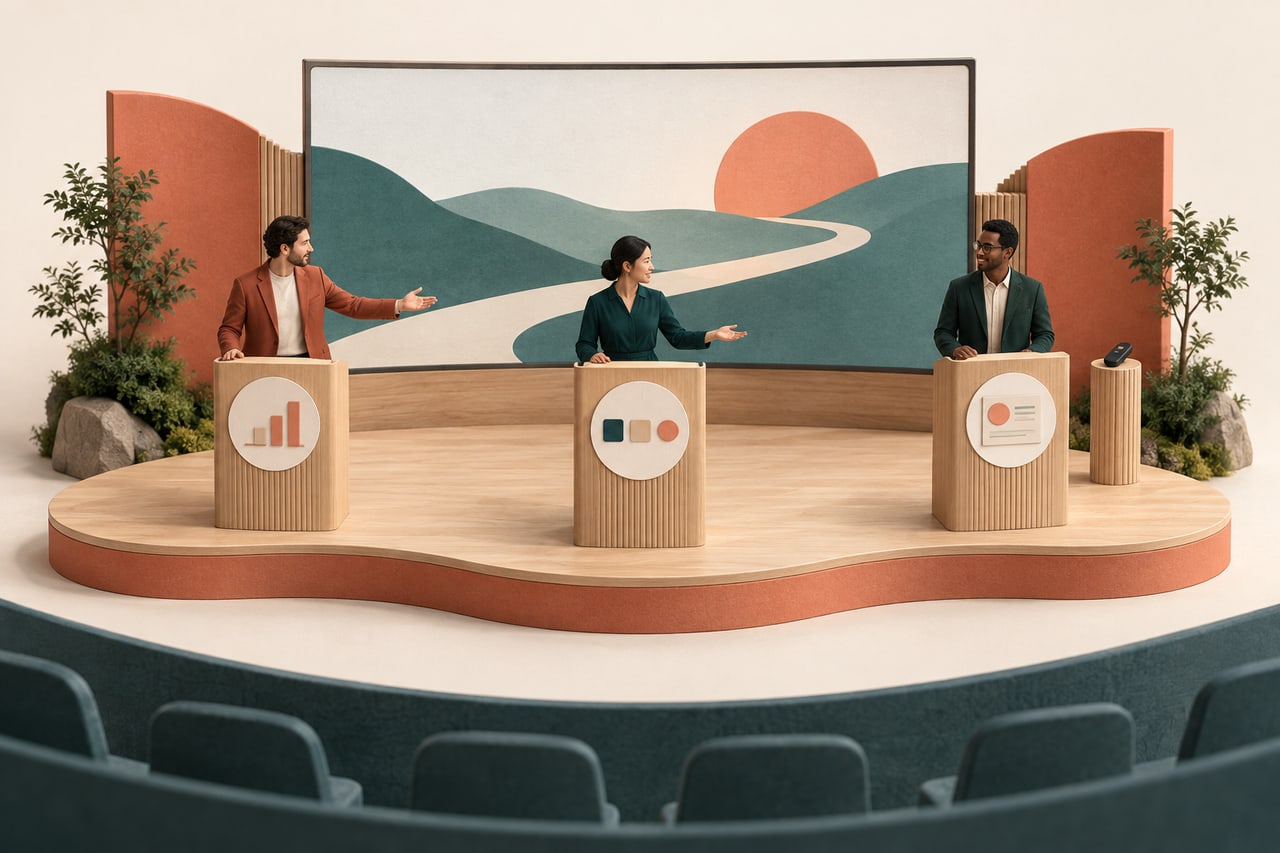
Start with one decision, then give each speaker a job
“We will each talk about our department” is an easy division of work, but it often produces repeated context and incompatible conclusions. Instead, finish this sentence together: “After hearing us, the audience should be able to decide…” Then identify the questions they must answer to make that decision.
In this fictional example, a team wants approval to test a new internal request form with one department. Maya explains the observed problem, Leo demonstrates the proposed form, and Noor explains the test's limits and the decision required. They are not announcing a company-wide rollout.
Give each speaker ownership of a question, not merely a block of slide numbers. Maya owns “What is going wrong?” Leo owns “What would people do differently?” Noor owns “What are we asking to try?” One person edits the complete deck so that definitions, typography and the requested decision remain consistent. Before colleagues edit in parallel, agree on the team review and version workflow so the group knows which deck is current, where corrections belong and who approves the final version.
If colleagues have already supplied separate files, combine the PowerPoint presentations around one shared argument before rehearsing the handovers; do not simply place every contributor’s slides in sequence.
Divide the example without repeating its background
Suppose the source notes contain 30 requests reviewed over a stated week, with 12 missing a delivery location. That is 40% of those requests, not 40% of employees and not evidence that a new form will eliminate the problem. These invented figures are for practicing the presentation structure.
| Speaker | Contribution | Leave for the next speaker |
|---|---|---|
| Maya: the problem | Show the 12-of-30 count, collection period and missing-location example. | Do not give a second tour of the form. |
| Leo: the proposed change | Demonstrate where a requester supplies the location and how a reviewer sees it. | Do not announce test dates or acceptance criteria that are still proposed. |
| Noor: the bounded test | Explain who would participate, what needs agreement and who decides whether to continue. | Do not repeat the entire problem statement. |
The source for each claim travels with its section. If Leo needs to mention the 40%, he uses Maya's definition rather than recalculating it from another spreadsheet. Noor cannot change “one department” to “all teams” simply because the closing slide looks stronger with a larger ambition.
Write both sides of each handover
A useful transition names the connection between two sections. “Now over to Leo” transfers the microphone, but leaves the audience to work out why Leo's section matters. Pair the outgoing sentence with the incoming sentence and read them consecutively.
From the problem to the demonstration
Maya: “The gap in these requests is the delivery location. Leo will show where the proposed form asks for it.”
Leo: “Here is that field in a practice request. I'll show the requester view, then the reviewer's view.”
Leo does not begin with a new introduction or repeat Maya's sample. The audience already knows why this field matters. The screen changes to the practice request only after Maya finishes her sentence.
From the demonstration to the decision
Leo: “That shows the proposed route, but not whether people will complete it correctly. Noor will explain the test we want to run.”
Noor: “We are asking to try it with one department and agree how we will judge the results before expanding it.”
This transition preserves a necessary limit: a working demonstration is not evidence of changed behavior. Avoid “Now Noor will explain our successful rollout” when neither success nor rollout has happened.
Choose who drives the slides
For a small team, one designated driver can keep the screen steady while speakers change. In the example, Leo advances the shared deck throughout. Maya and Noor use agreed verbal cues; they do not independently press a remote or try to change the shared window.
The driver needs a cue sheet with the outgoing speaker's final words, the next slide label and the incoming speaker's first words. “After Maya says ‘asks for it,’ show the requester-view slide” is more precise than “change slides at about four minutes.” Keep the cue out of the audience-facing text.
If each person must operate a separate demonstration, name that exception. Agree who stops sharing, who starts, and what the audience sees during the change. Meeting permissions and control-transfer commands depend on the platform; rehearse with the actual accounts rather than assuming any participant can take over.
Use speaker notes for short cues, not a second script projected beside the slide. Check the audience view during rehearsal. Having notes visible on your laptop does not establish that the meeting is sharing only the slide window.
Resume a handover after an audience interruption
A planned transition can break even when every speaker is present. Suppose Maya has said, “Leo will show where the proposed form asks for it,” when a listener asks whether the 12 incomplete requests all came from one team. Leo is about to open the demonstration, but the question belongs to Maya’s evidence.
Keep the current slide visible while Maya answers. If the supplied notes do not contain a team breakdown, she can say, “We have not split these 30 requests by team. I will record that question separately; the count we have is 12 missing delivery locations.” Leo does not open the form to fill the silence or improvise the missing analysis.
Then restart the connection explicitly. Maya says, “Returning to the proposed change, Leo will show the location field.” Leo waits for that renewed cue, changes the screen, and begins, “This is the practice request we were about to examine.” Neither speaker has to repeat the whole problem section.
Write a second branch for an interruption after the screen has already changed. Leo can hold the practice request on screen while Maya gives a short answer. If the answer needs the sample slide, Leo returns to it, then comes back to the same practice request—not to the next step of the demo. He briefly names the state before continuing so viewers can reorient.
Rehearse one interruption at each point: before the click and after it. The useful agreement is who answers, who keeps control of the screen, and which sentence restarts the handover. This is more dependable than treating the original transition line as an automatic command that must run regardless of the conversation.
Rehearse the joins before another full run
Start with the last two sentences of Maya's section and the first two of Leo's. Then rehearse Leo to Noor. This small exercise exposes repeated explanations, unfamiliar terms and uncertain slide changes faster than another uninterrupted reading of three separate sections.
Next, run the whole presentation with someone acting as the audience. Ask them to describe the proposed decision in one sentence. If they heard a general launch instead of a one-department test, find the exact wording that changed the scope. Do not solve that mismatch by adding a small qualification to the last slide.
Also ask the listener when the screen felt ahead of, or behind, the explanation. If Maya is still describing the missing field while Leo has opened a different screen, move the cue. When a demonstration is difficult to follow, reduce the number of changes on screen instead of asking the driver to click faster.
Agree what happens when a speaker is absent or over time
Choose a substitute for each section who has read the relevant source material. A substitute does not have to reproduce the original delivery; they must preserve the essential claim, its limits and the link to the next section.
If Leo is unavailable, Maya can show two approved still images of the requester and reviewer views. Her replacement line is: “Leo cannot join us. These two views show the proposed location field; Noor will now explain what we need to test.” She does not pretend the stills are a live operation or speculate about features she cannot demonstrate.
If Maya runs long, cut a second example before cutting the sample definition. If Leo's demo fails, use the stills rather than consuming Noor's entire decision section troubleshooting. Agree these cuts during rehearsal. The person managing time should be able to point to a named optional section, not merely signal that everyone must speak faster.
For questions, assign the first answer to the speaker closest to the evidence. Maya answers the sample-definition question; Leo answers how the practice form works; Noor answers what is being requested. Another speaker adds information only when needed. If an answer requires a new analysis, record the question and agree a follow-up instead of letting three people speculate in turn.
Build the shared narrative in Presenti
Prepare one brief with the decision, three speaker roles, approved source notes and both handover pairs. Review the outline for repeated context before choosing a style.

In the editable draft, keep section labels consistent and place evidence next to the claim it supports. Put the substitute's two still views where they can be found without searching through unrelated slides. These are choices you make in the deck; Presenti is not being asked to transfer microphone permissions or manage the meeting.
Download the three-speaker brief and handover cue sheet. Replace the worked example with your team's evidence, then rehearse the two transitions with the delivery file and screen-sharing setup you will actually use. A shared deck becomes a shared presentation when each speaker knows what has just been established, what they add, and what the next person needs.