A product retirement presentation should show what will stop, who depends on it, and how each affected group can continue its work. A retirement date alone is not a transition plan. The most useful slides connect a specific user task to a replacement, an owner, and any decision still needed before you can announce the change.
This guide uses a fictional booking portal to demonstrate that structure. Its browser users, integration owners, and records users need different instructions. You can first capture those paths in a short briefing document, then use Presenti to turn the Word brief into a presentation draft. The deck explains the transition; it does not migrate accounts, bookings, or historical records.
Say exactly what will stop
“We are sunsetting the legacy portal” sounds clear to the product team. To a customer, it leaves several questions unanswered: Can I still sign in? Will an existing booking remain valid? Will my integration fail? Can I retrieve last year’s records?
Describe the affected behaviors before using a lifecycle label. Microsoft’s lifecycle glossary, for example, gives different meanings to deprecation, removal, and retirement within its own policies. Those terms should not substitute for explaining your service’s actual changes.
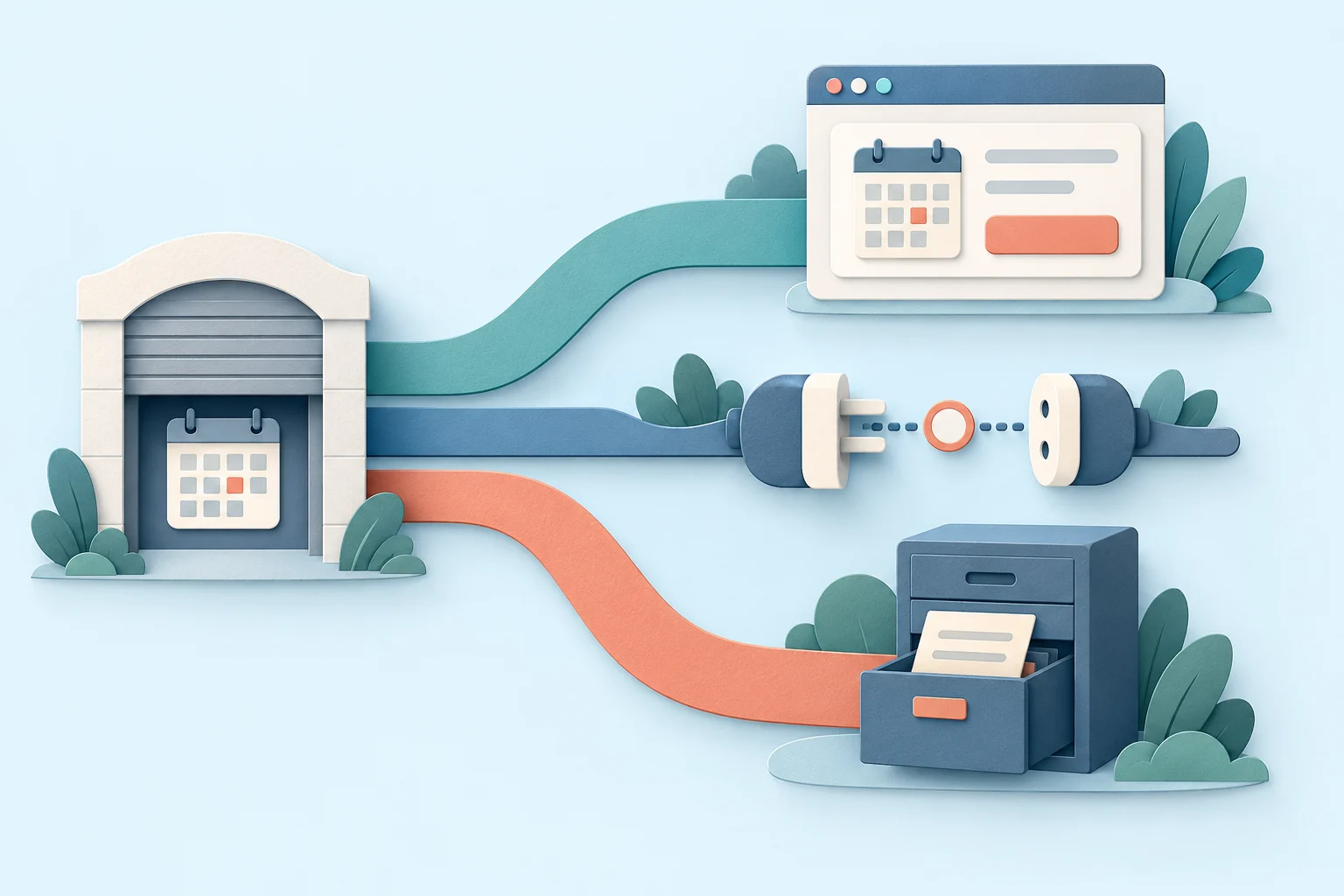
For the fictional portal, the proposed first change is to stop accepting new bookings in the old browser interface. That does not, by itself, decide the future of existing bookings, API requests, record access, or support. Put those items on separate rows:
| User task | Proposed change in this example | What the team must settle |
|---|---|---|
| Create a booking in the browser | New bookings move to the replacement portal. | Who can access it, when the change takes effect, and where users get help. |
| Manage a booking made before the change | Not resolved by stopping new bookings. | Where it can be viewed, changed, or cancelled. |
| Create bookings through an API | Requires a separate integration transition. | Endpoint, authentication, field mapping, error handling, and cutover arrangements. |
| Retrieve historical records | Requires a defined records-access path. | Available records, retrieval method, authorized access, and the applicable retention policy. |
This table prevents a seemingly small announcement from making a much larger promise. It also gives support staff a practical way to explain the change without improvising policy.
Map the transition by user task, not account tier
A customer may use the browser, maintain an integration, and retrieve historical records. Treat these as overlapping usage paths, not mutually exclusive customer segments. If you count affected organizations, deduplicate that count separately; adding the three path totals could count the same organization more than once.
The GOV.UK guide to retiring a service starts with what users will need after it ends and distinguishes direct users from API users. That is a useful planning question for this deck: what must each person still be able to do?
| Current path | Next path | Evidence needed before telling users to switch |
|---|---|---|
| A receptionist creates bookings in the old portal. | Create new bookings in the replacement browser portal. | The affected account can sign in, create a booking, and find help; existing-booking handling is explained separately. |
| An operations system submits bookings through an API. | Use the supported replacement integration. | The integration owner has mapped required fields and behavior, exercised representative requests, and agreed the changeover. |
| A records user looks up past bookings. | Use an approved archive or retrieval process. | The required record can be found and read by an authorized user; retention and access questions have an accountable owner. |
Do not draw an arrow to “New platform” and call the work complete. Show the destination task. A replacement might create new bookings well while offering no answer for cancellation of an old booking. That gap belongs on the slide even if the replacement has a longer feature list.
For integrations, make the mapping concrete. A field called booking reference in the old service might become a different identifier in the replacement. Document whether a caller keeps its original reference, stores a new one, or needs a lookup. The names in this example are illustrative; the actual contract comes from your API documentation, not the slide author.
If the replacement still needs funding approval, a software migration business case compares the costs of staying, transitioning, and running both systems before the customer transition schedule is committed.
Keep the proposed schedule separate from the customer promise
The internal deck can show a proposed date while a dependency is unresolved. A customer notice should make commitments only about the approved scope. Label the internal schedule accordingly, rather than allowing a tentative date to become an apparent promise when a slide is forwarded.
In the booking example, browser access could be ready before the integration mapping. Records access may have a third dependency. Show these as three lanes with their own milestones: destination available, affected users informed, user action completed, and old path stopped. Do not force every lane to end on one date simply to make the chart tidy.
The decision at the meeting might therefore be narrow: approve communication about the browser change while leaving the API retirement date unannounced. That is different from approving retirement of the entire service. Put the actual scope of the decision beside the schedule.
If contracts, refunds, accessibility, or records obligations affect the transition, bring the relevant approved policy and responsible owner into the briefing. A generic notice template cannot determine those terms. Keep the unresolved question specific—for example, “Which team approves continued record access?”—rather than filling the slide with broad warnings.
Count completed tasks separately from delivered notices
Consider another status snapshot of the same fictional portal. Of 100 organizations using the browser, 90 have received the notice and 68 have completed the agreed new-booking task in the replacement. The slide should say 90 of 100 notices delivered; 68 of 100 organizations have verified new-booking access. Calling this “90% migrated” would turn a communication result into a claim about users' ability to work.
The other 32 organizations are not automatically failures: some may not have tried the new route or reported their result. Keep “not yet confirmed” separate from a demonstrated access problem. Also keep the API task separate. An organization with working browser access may still send bookings through the old API, so adding the path totals does not give a count of fully transitioned customers.
Now take one exception. A receptionist at a fictional customer can create a new booking but cannot yet cancel a booking made in the old portal. Record the open task as “cancel an existing booking,” rather than “customer migration incomplete.” The receiving support lead needs to identify the permitted interim route, name the person who will test it with the customer, and set the next decision date. If no working route is confirmed, show that gap; do not invent a manual cancellation service or imply that the existing booking disappears.
Bring that exception into the decision slide: “New-booking access is confirmed for 68 organizations; existing-booking handling remains open for this account.” The team can then decide the scope and timing of the change using the approved service and contract requirements. Neither a high notification rate nor one unresolved account, by itself, determines the retirement date for every path.
Write three notices for three different jobs
The following templates belong to the fictional portal example. Replace the bracketed fields with approved details before using them. Each notice leads with the affected task, then gives the action and a useful route to help.
For people who create bookings in the browser
From [date, time, and time zone], use [replacement portal link] to create new bookings. The current portal will stop accepting new bookings at that time. Bookings made before the change can be viewed, changed, or cancelled through [confirmed existing-booking route]. Before your next booking, sign in to the replacement portal using [approved access instructions]. If you cannot access it, contact [support channel] and include your organization name and the task you are trying to complete.
The existing-booking sentence matters. Without it, someone with a booking next month cannot tell whether this announcement concerns them. If the team has not settled that route, resolve it before sending a notice that appears to cover all browser users.
For integration owners
Your integration uses [affected API or version] to submit bookings. That interface is scheduled to stop accepting requests on [approved date, time, and time zone]. The replacement documentation is at [documentation link]. Review the authentication, required fields, response identifiers, and error behavior for your integration, then arrange a changeover with [technical contact]. Send your integration name and proposed changeover window through [support channel]. Moving browser users does not update this integration.
Send this to the people who maintain the integration, not only the account’s commercial contact. A general announcement can miss the person who needs to change software and schedule work.
For people who need historical records
If you need records from the current booking portal, use [approved retrieval route]. It provides [confirmed record scope and format] to [authorized users or roles]. Access through the current portal changes on [approved date, time, and time zone]. For questions about records outside the available scope, or about access requirements, contact [records support channel]. The applicable retention information is available at [approved policy link].
Do not add “All your data will transfer automatically” unless that exact scope and behavior have been established. A downloadable report, a searchable archive, and an editable booking history are different outcomes; name the one users will actually receive.
Build a short deck around the paths and messages
Open with a precise statement of the proposed change: “Move new browser bookings to the replacement portal; settle API and records paths separately.” Follow it with the scope table and the three user paths. The audience can then discuss consequences before it sees the schedule.
Use the middle of the deck to show the proposed milestones and one representative notice. Put the other two notices in an appendix or accompanying brief so the main meeting stays readable. The final slide should name the decision requested, the person authorized to make it, and the unresolved items that remain outside that decision.
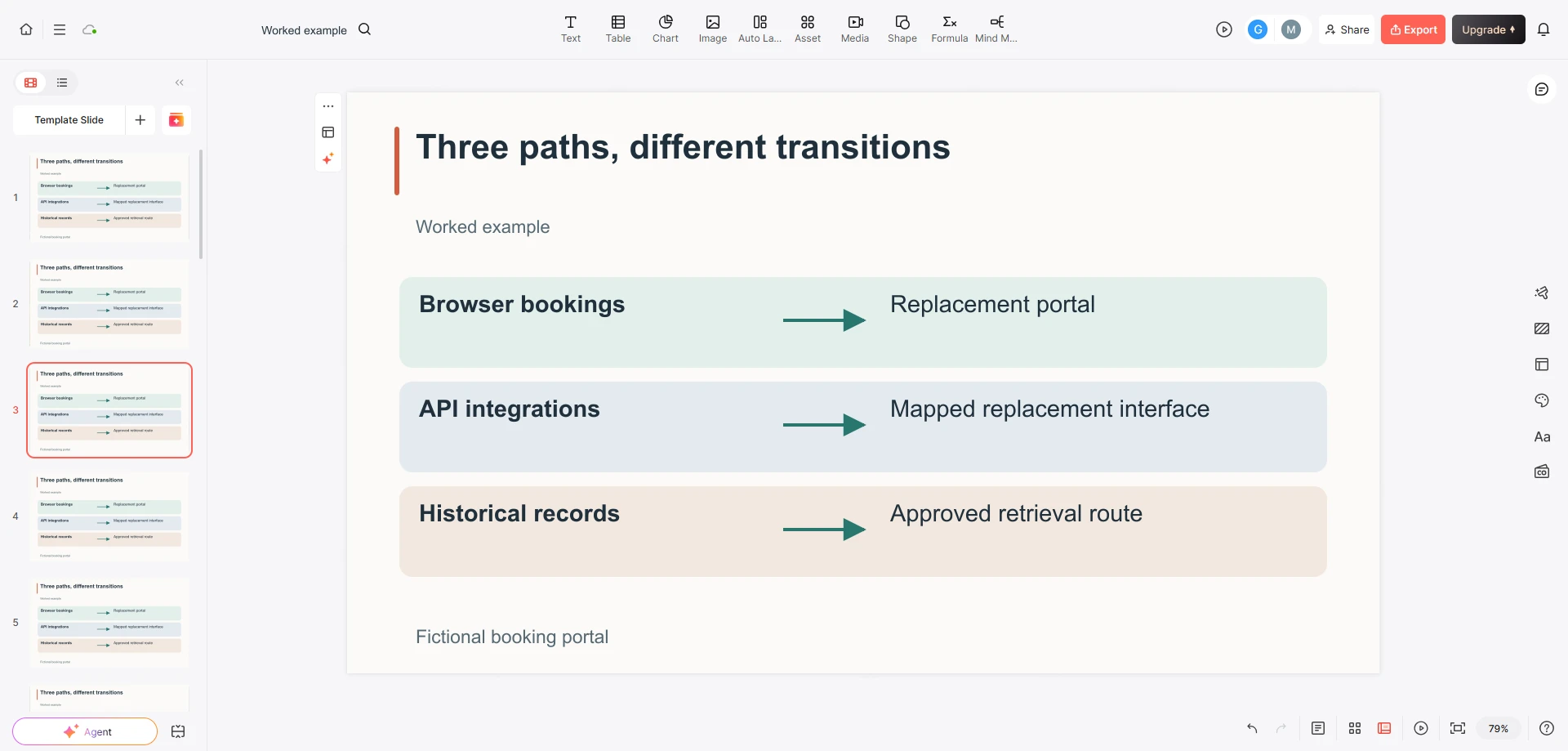
In the Word brief, keep each user path under its own heading. Include the scope table, the approved notice wording, and the status of each milestone. When drafting slides, ask for the three paths to remain separate and for unresolved dates to remain unresolved. Avoid asking the tool to invent a migration timeline from a product name alone.
For a broader communication program, a stakeholder communication plan can organize the audience, channel, and message owner around these notices. The retirement deck supplies the concrete change each message must explain.
Show who helps after the old route stops
The last day of the old portal is not necessarily the last day of transition work. Someone may arrive through a saved bookmark, ask about an old booking, or discover an integration that was absent from the inventory. Give the receiving support team a clear route for those cases. Before support changes hands, a project handover presentation can make the acceptance evidence, open issues and receiving team’s responsibilities explicit.
In the example, the browser help route handles access to the replacement, the technical contact handles integration questions, and the records contact handles retrieval requests. Tell staff which route owns each request and what information to pass along. An unexplained shared inbox leaves users repeating their story.
Finish the meeting with the approved scope and the remaining decisions recorded separately. A successful presentation makes the next user action understandable and leaves the team able to answer, “What happens to my work?” without inventing an answer.