A professional PowerPoint template should make your argument easy to follow. Start with the type of presentation you need, then choose layouts that can accommodate your evidence, visuals, and next steps without crowding the slides.
Presenti offers templates and AI-assisted drafting. Use the design as a starting point, then check the content, spacing, and readability in the version you will present or share.
Design Choices That Support Clear Business Slides
Minimal layouts, translucent panels, and prominent typography offer different ways to organize a deck. None is a requirement for a professional presentation. Choose the style that gives your content enough space and makes the hierarchy clear.
Look for readable type, consistent alignment, and room for source notes. Test dark backgrounds and accent colors on the actual display: a design that looks clear on your laptop may be harder to read on a projector or phone.
8 Essential Presenti Templates for Common Business Needs
The eight categories below show common business uses for the illustrated templates. Judge each design by the slides your audience needs.
1. The Investor Pitch Deck (High-Stakes Persuasion)
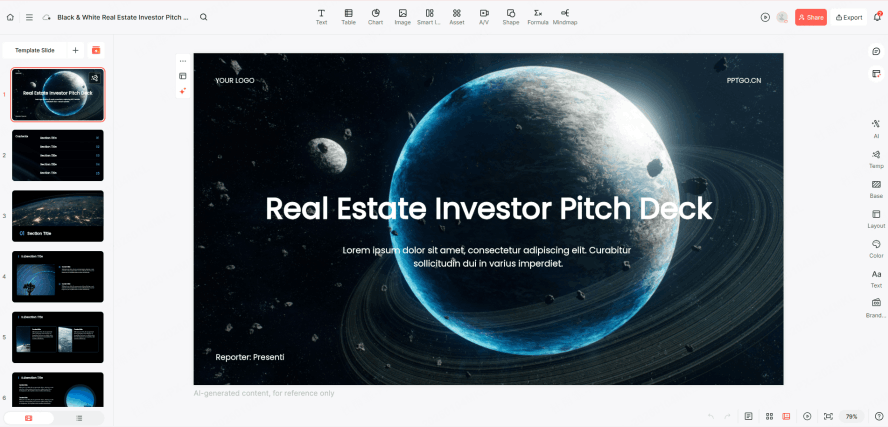
An investor pitch needs a clear problem, solution, market, traction, business model, and funding request. A restrained dark palette with a distinct accent can help organize these sections.
Keep the company’s evidence and assumptions visible. After changing a valuation, traction figure, or go-to-market plan, check that the slide still reads clearly and the figures agree throughout the deck.
2. Quarterly Business Report (The Data Storyteller)
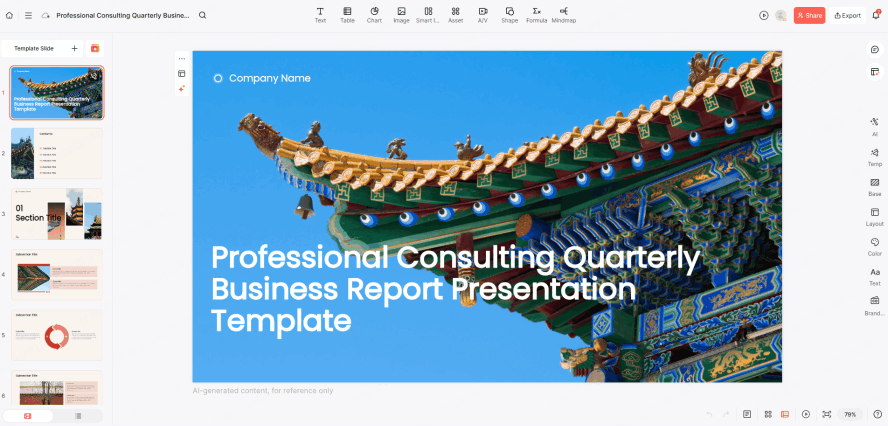
A quarterly business review should connect results to their causes and the decisions ahead. Present the reporting period, target, actual result, and explanation together.
Use charts with clear units, scales, and labels. Avoid decorative depth or gradients that make a small change appear larger; the reader should be able to compare results accurately.
3. Annual Strategy Planning (The Long-Term Roadmap)
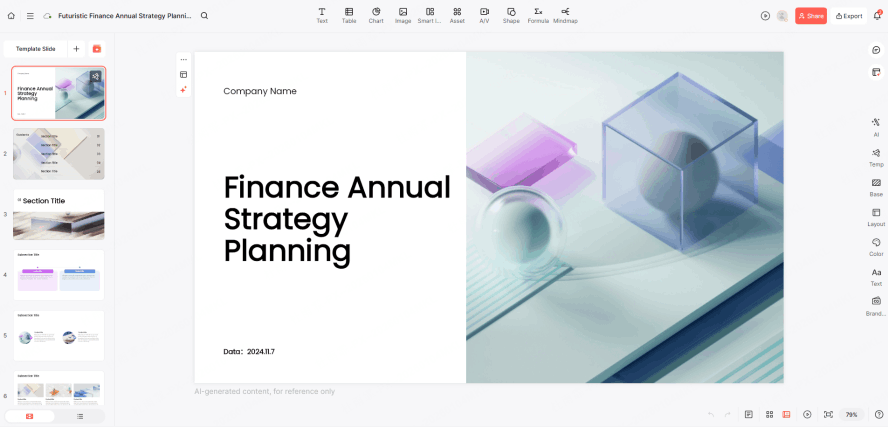
Planning for the future requires a template that feels expansive and organized. Use this category for alignment meetings. They feature modular "Timeline" and "Milestone" components that allow you to map out complex 12-month goals without overwhelming the viewer.
These modern business presentation templates emphasize horizontal space and hierarchical layout, making it easy for teams to see how individual KPIs contribute to the broader corporate vision.
4. Client Proposal (Scope and Next Steps)
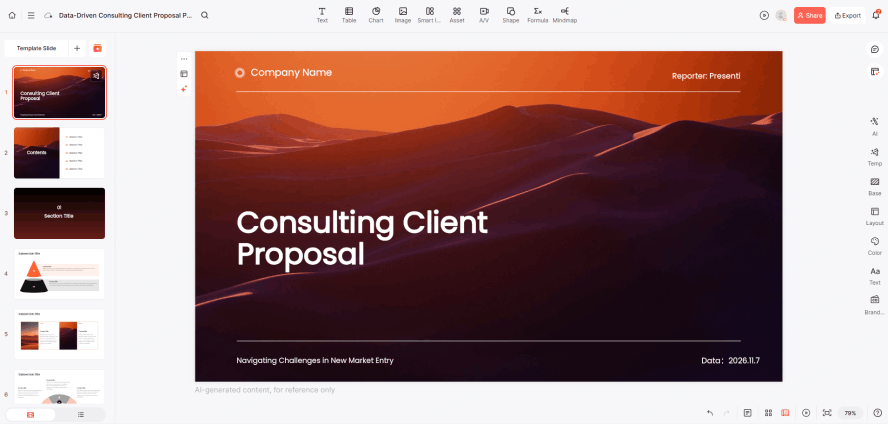
A client proposal should connect the client’s problem to your scope, approach, schedule, and fees. Customize the examples and brand elements for the client.
Use relevant imagery to support the proposed work, then state deliverables, exclusions, and the decision you need. A polished template supports the proposal; it does not guarantee a sale. The client proposal and quotation examples show how to make scope, exclusions, and pricing choices explicit in a client discussion.
5. Financial Analysis (Precision & Authority)
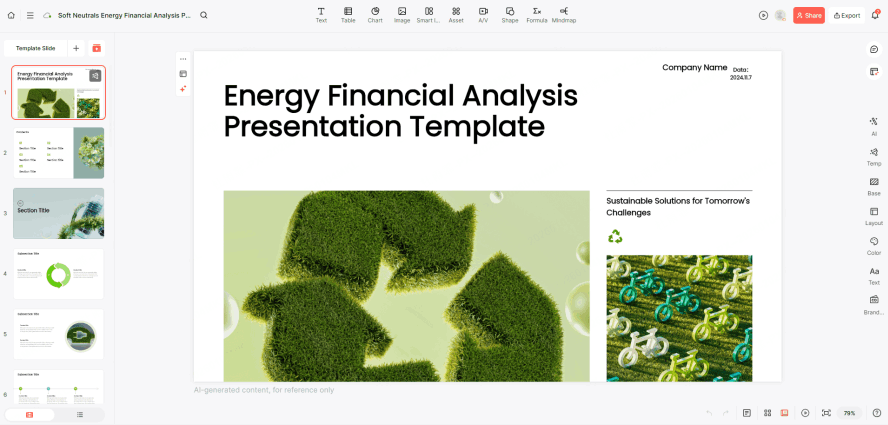
Financial slides need room for balance sheets, profit-and-loss statements, and cash-flow projections. Choose a grid that keeps figures aligned and allows you to show units, periods, assumptions, and sources.
Use tabular numerals where available and keep decimal precision consistent. Label positive, negative, and warning states explicitly; red, green, or amber alone will not make the information accessible.
6. Education Session (Engagement & Retention)
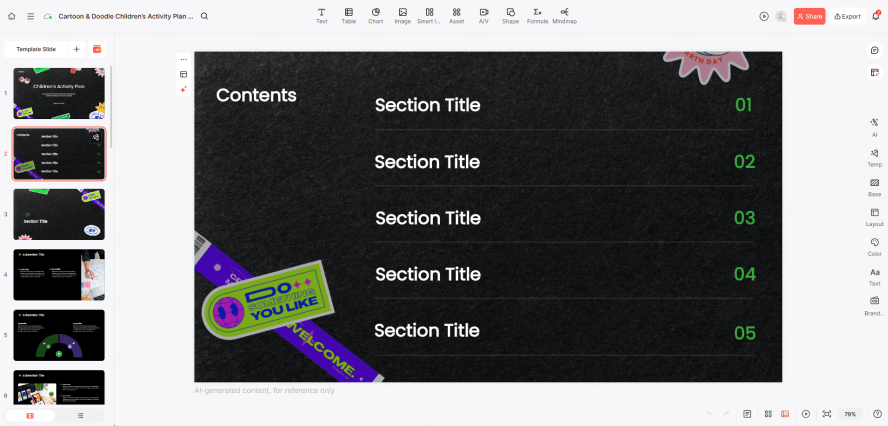
Whether it’s internal team training or a public workshop, engagement is the metric of success.
Card layouts can separate a concept, worked example, and practice question. Use readable text and strong contrast, and include time for participants to apply what they have learned.
7. Marketing & Promotion (Data Visualization)
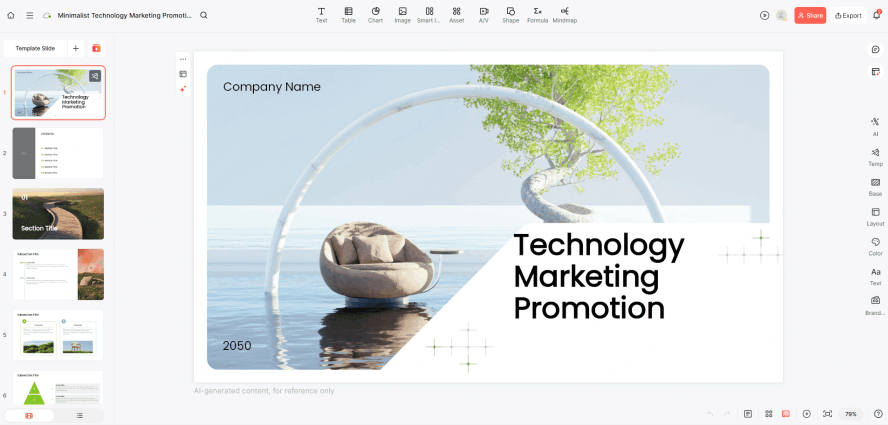
The Marketing & Promotion template is specifically engineered for brand outreach and tactical campaign execution. Its logical flow centers on market analysis, audience profiling, multi-channel distribution strategies, and the visual tracking of Key Performance Indicators (KPIs).
With a high-energy design and a heavy emphasis on data visualization, this template is the ideal choice for marketing managers and agencies who need to present seasonal promotions or comprehensive annual marketing plans to stakeholders with clarity and impact. Before filling the template, compare marketing presentation examples for different audiences to distinguish a product launch, a campaign approval, and an enrollment presentation.
8. Product Launch (Sleek and Modern Aesthetic)
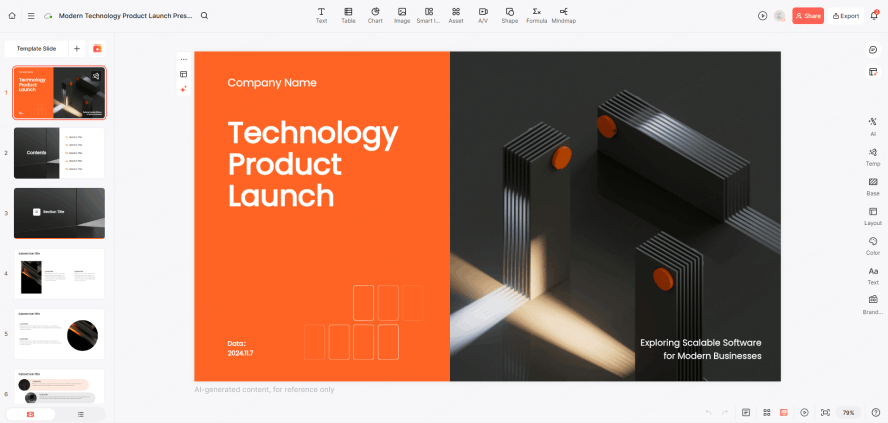
The Product Launch template is built around the momentum of the "big reveal" and a narrative-driven approach. It focuses heavily on identifying industry pain points and showing how the product addresses those needs. The layout includes specialized sections for high-fidelity product showcases, deep dives into core features, and Go-to-Market (GTM) roadmaps.
Its sleek and modern aesthetic is designed to create a sense of premium quality and market confidence, making it the go-to option for entrepreneurs and product owners looking to generate excitement for a new release.
Choosing the Right Template for the Occasion
Choose a template with the viewing environment in mind. Before you start, ask yourself:
- What is the "vibe" of the room? For a formal board meeting, consider neutral tones and sharp lines. For a creative pitch, consider designs with bold typography.
- What is the primary device? If your audience is viewing on mobile, prioritize layouts with larger fonts and vertical-friendly layouts.
- What is the desired action? Every great deck should end with a clear next step. Ensure your template includes a strong "Call to Action" slide that stands out from the rest of the presentation.
Conclusion
Choose a template that fits the presentation’s job: explaining results, securing a decision, teaching a skill, or introducing a product. Test the most demanding slide—often a chart, table, or timeline—before committing to the design. The five practical template evaluation priorities extend that test to realistic text, accessibility, data context, brand consistency, and the final delivery format.
Start with a relevant Presenti template, replace the sample material, and check the complete deck in its final viewing format.